Your first studio is a big step. A place of your own, your own rules, and probably your own budget spreadsheet. But betweenthe keys, the paperwork and the flat-pack furniture, one question comes up very quickly: how do I watch my series,follow my online classes and get a decent internet connection, without spendinga fortune?
Student flats come with their own challenges. Rooms are small, leases are short, the building Wi-Fi is often overloaded and drilling into the walls is usually not an option. The good newsi s that you do not need a technician to get a great setup.
Here is our guide to equipping a student studio with simple, affordable devices that you can install in minutes and take with you when you move.
Big Screen, Small Space: TV or Projector?
In a studio, every square metre counts. Thefirst decision is simple: do you want a screen that stays in place, or a big picture that disappears when you need the space back?
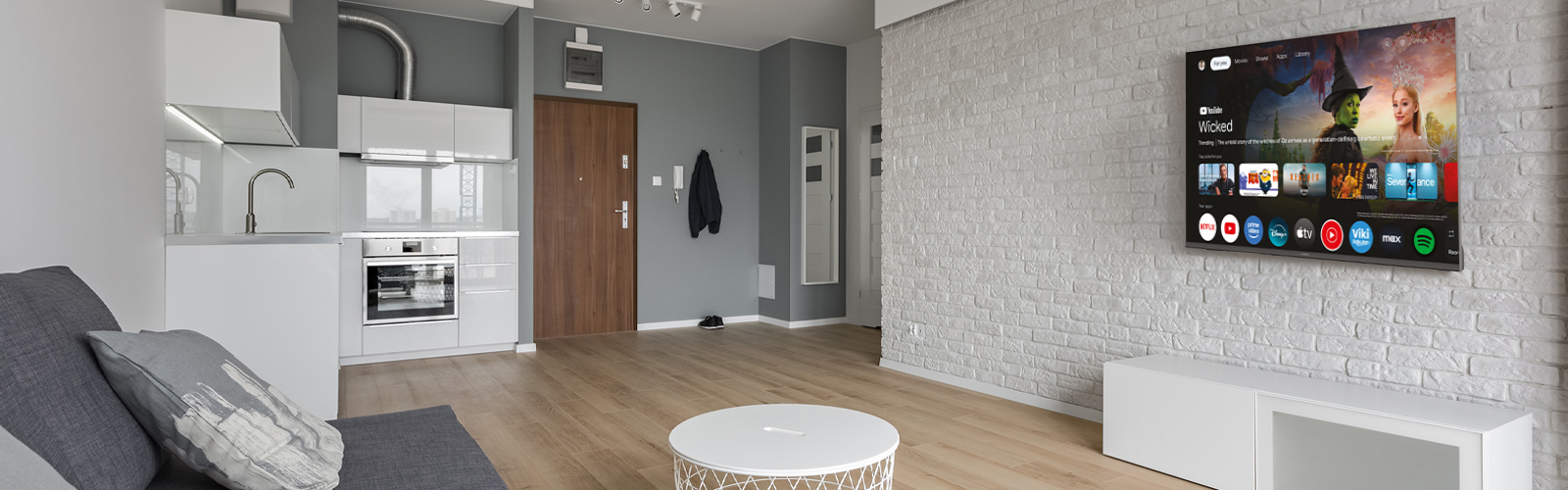
A compact Smart TV: the H555 32"
The STRONG H55532" (SRT32HH5553) is designed for exactly this kind of room. Its 32-inch size fits on a desk, a shelf or a small TV stand, and it brings everything you need in one device:
- Android TV built in, with Netflix, PrimeVideo, YouTube and many more apps
- HDR10 and Dolby Audio for a richer picture and sound than you would expect at this size
- Built-in DVB-T2/C/S2 triple tuner, so you can watch free digital TV channels without an extra box
- Smartphone mirroring with Google Cast, ideal for sharing a video with friends
- 2-in-1 remote with voice assistant, plus parental control, EPG and subtitles
It is the simplest option: plug it in, connect to Wi-Fi, and you are ready.
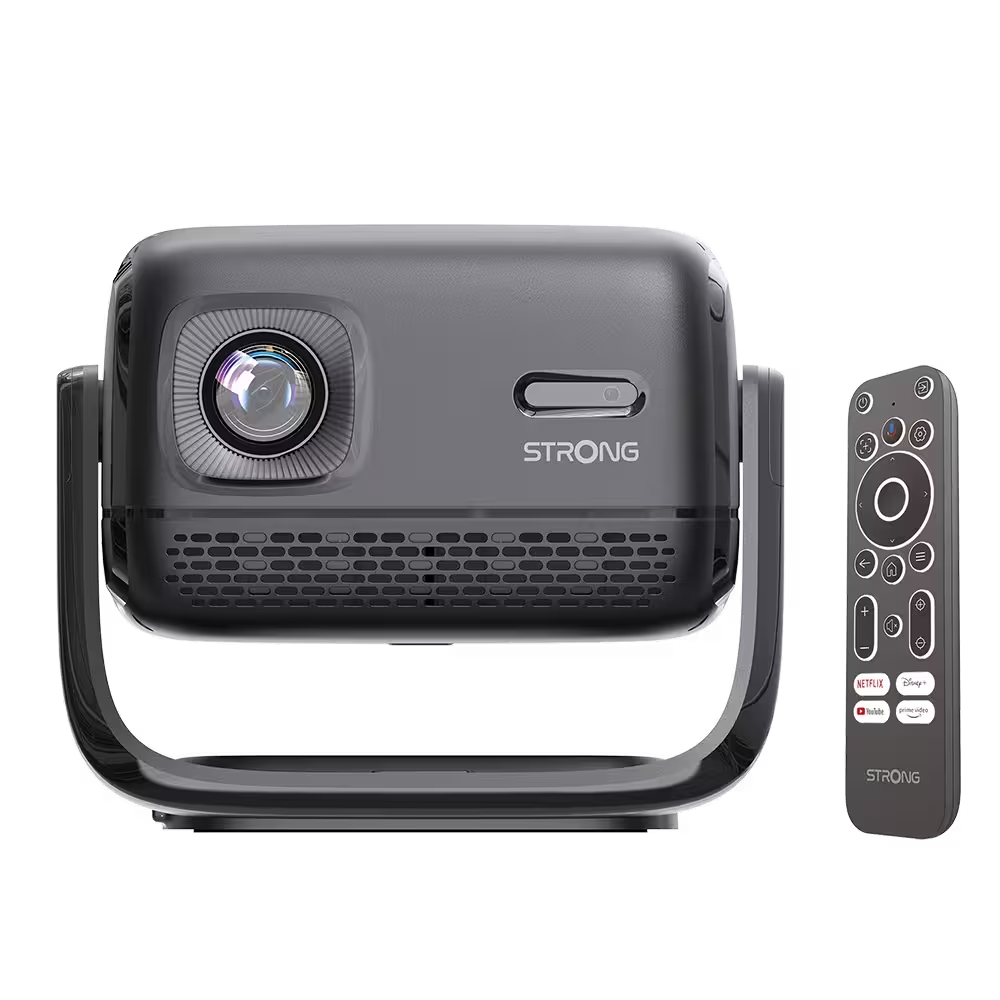
A big screen that packs away: the MIRA LITE projector
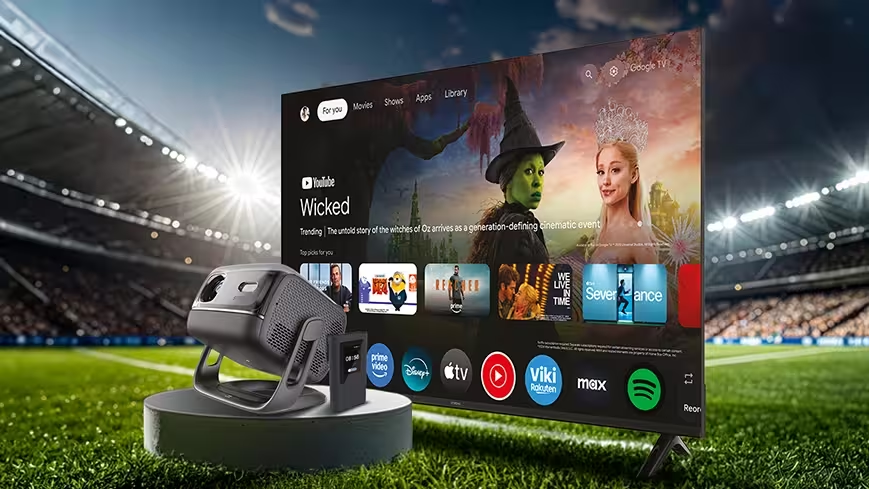
If you would rather keep your walls free and your floor clear, the STRONG MIRA LITE turns any white wall into a cinema screen. It is our most accessible streaming projector, and it is surprisingly complete:
- Native Full HD 1080p resolution
- Projection from 40" to 120", at a distance of 1 to 4 metres, perfect for a small room
- Google TV built in (Android 14), with access to more than 10,000 apps and Google Cast
- Auto-focus and auto-keystone correction: place it, switch it on, and the picture adjusts itself
- Built-in adjustable stand for front, rear or ceiling projection
- Backlit remote control, handy during movie nights
- Long-lasting LED light source (more than 20,000 hours) and quiet operation under 32 dB
When the film is over, it goes back on ashelf or into a drawer. Your studio becomes a bedroom again.
Which one is right for you?
Tip:not sure how projector technologies compare? Read our guide What's the difference between LED & Laser videoprojectors?
Already Have a TV? Make It Smart, and Sharper
Many furnished studios come with a TV that has seen better days: no apps, an outdated system, or a smart interface that freezes every time you open Netflix. There is no need to replace it.
Turn any TV into a Smart TV in minutes
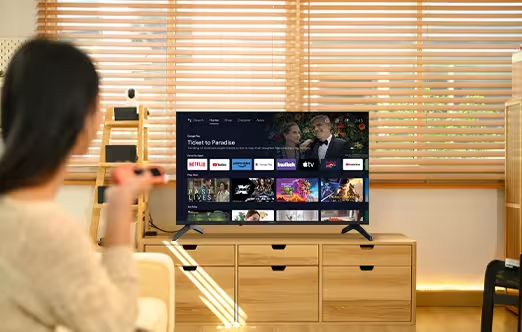
The STRONG LEAP NOVA is a compact streaming stick that plugs straight into your TV's HDMI port. Connect it, follow the on-screen steps, join your Wi-Fi, and you are done.
Once installed, you get the full Google TVexperience:
• Google TV certified (Android 14), with more than 10,000 apps on Google Play
• Google Cast, to send videos and music from your phone to the big screen
• Voice control with "Hey Google" directly from the remote
• Personal profiles and watchlists, ideal if you share the studio or the TV with a flatmate
• Wi-Fi 6 for smooth streaming and Bluetooth 5.2 to pair headphones, a speaker or a gamepad
• 32 GB of storage, enough room for all your apps
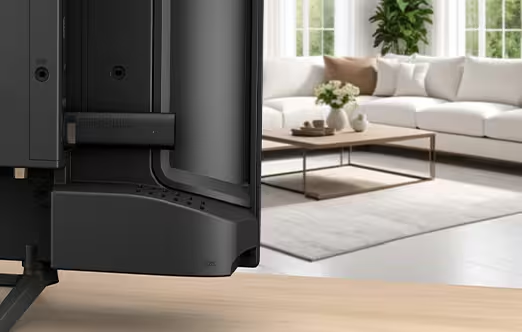
The student budget trick: better picture without thepremium subscription
Let's be honest: on a student budget, most of us choose the cheapest streaming plans. And those plans are often limited to Full HD. On a modern TV, the difference shows.
This is where the LEAP NOVA stands out. It includes a dedicated AI processor (NPU) that enhances the picture in real time. Its AI Super Resolution upgrades Full HD content to an experience close to 4K, by reconstructing details frame by frame instead of simply stretching pixels.
The result: a sharper, more detailed image from the same subscription. You keep the cheaper plan, and your TV still looks great. The LEAP NOVA also supports 4K Ultra HD, Dolby Vision, HDR10+ and HDR10, as well as Dolby Audio, for the content that is already available in high quality.
Want to know how the AI upscaling works? Read How Can AI Upgrade Your Streaming Experienceto Near 4K Quality?
Save money, legally
A few extra tips to keep your streaming costs under control:
- Check whether your favourite platforms offer student discounts or bundles with your phone plan.
- Use family or shared plans where the platform allows it, within its terms of use.
- Take advantage of the free apps available on Google TV, such as YouTube and the replay services of your national TV channels.
No Internet Box? No Problem
This is the classic student headache. Your lease lasts nine or ten months, the landlord has no fixed line installed, and you have no intention of signing a 12 or 24-month broadband contract. Meanwhile, you need internet from day one.
The solution is mobile broadband: a router that uses a SIM card instead of a fixed line. No technician, no installation fee, no long commitment, and when you move out, your internet moves with you.
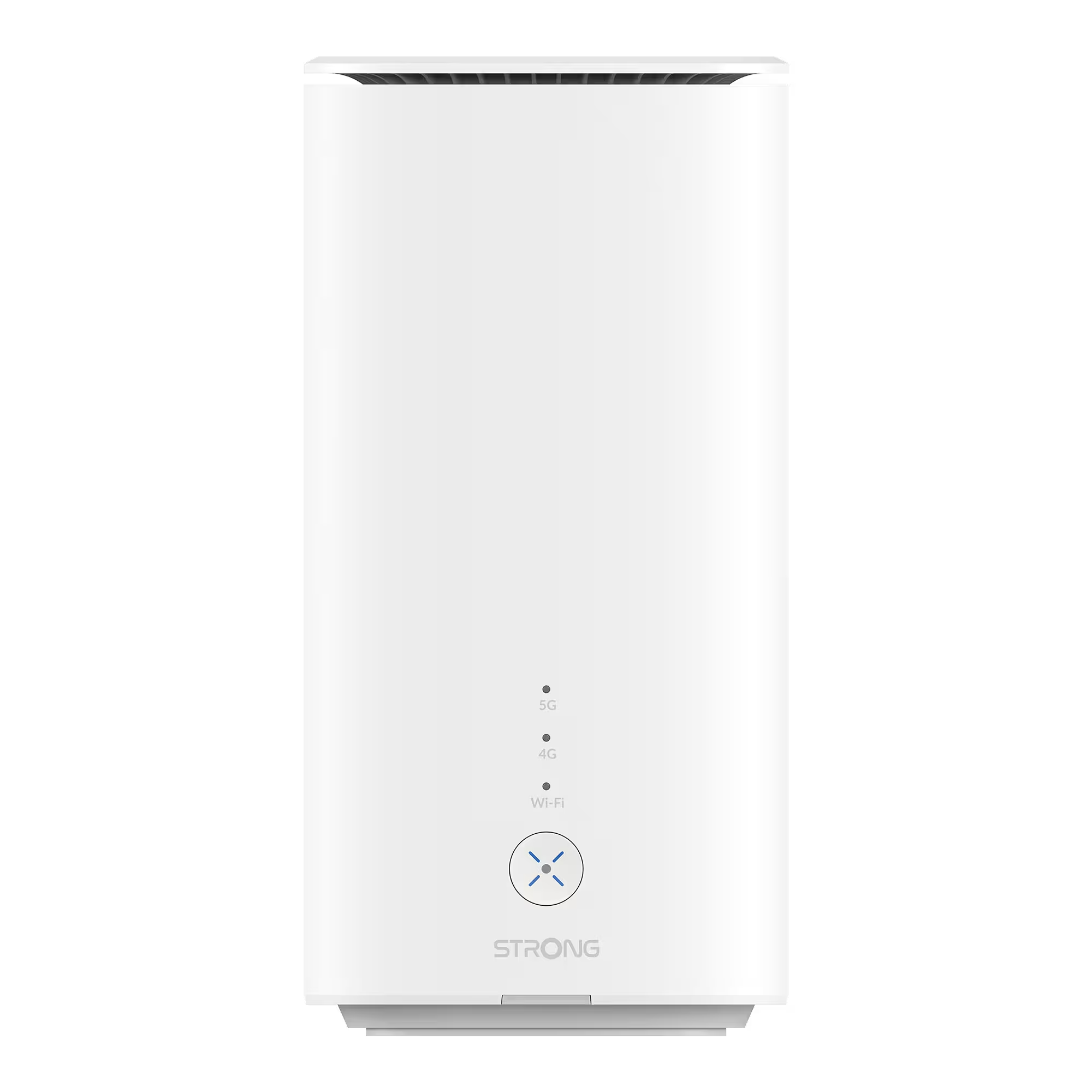
At home: the 5G+ AIRHOME 1551 router
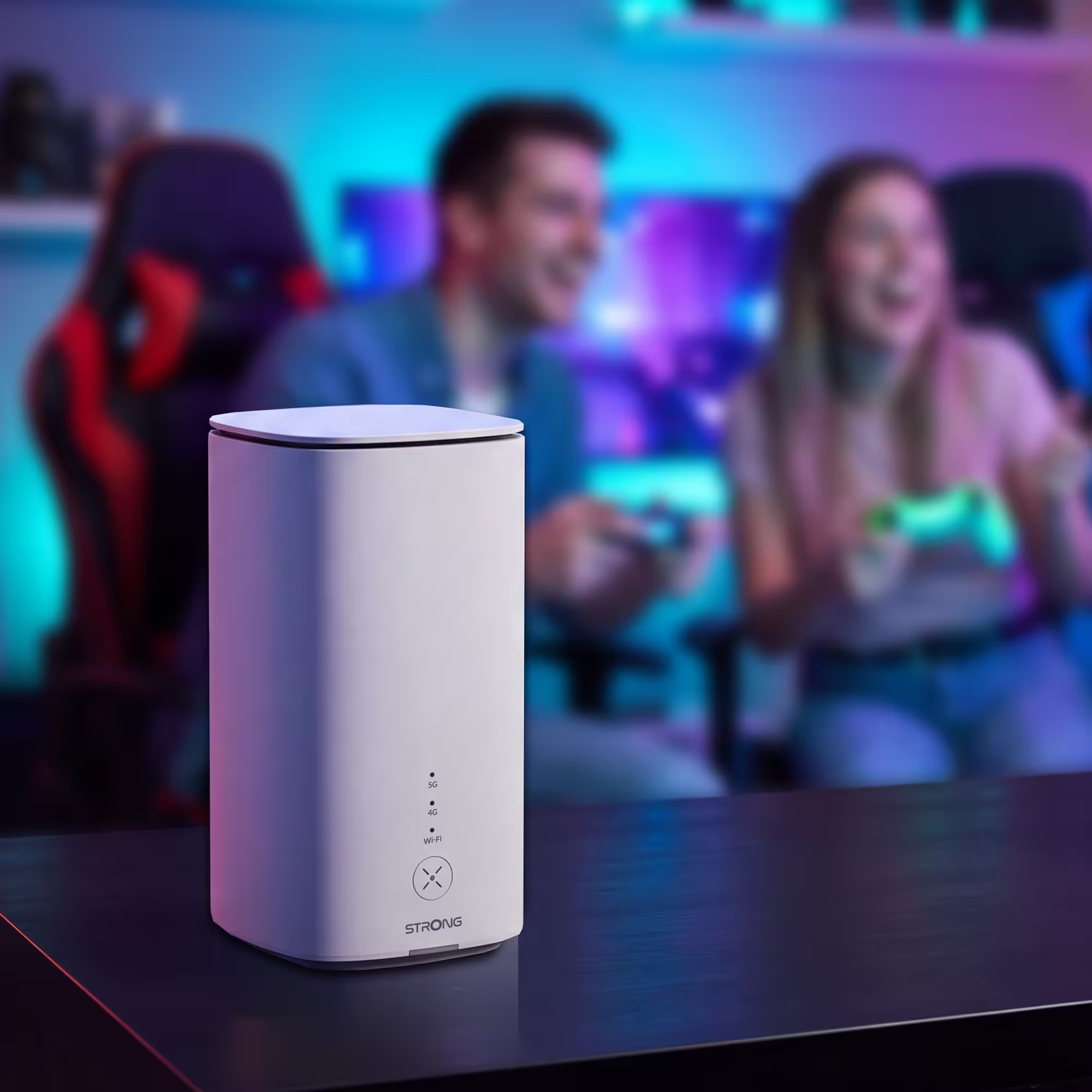
The STRONG 5G+ AIRHOME 1551 works like a classic internet box, except that it runs on a SIM card from the operator of your choice:
- 5G+ speeds up to 3.2 Gbit/s, compatible with 5G, 4G+, 4G and 3G networks
- Wi-Fi 7 up to 3.6 Gbit/s with MLO, which uses two Wi-Fi bands at the same time for a faster, more stable connection
- 5 GB of free mobile data included, usable in more than 32 European countries with RedteaMobile
- Tap'n'connect: connect an NFC-enabled Android phone with a single tap, no password to type
- Guest Wi-Fi and Wi-Fi scheduling, perfect when friends come over
- 2 Ethernet ports for a stable wired connection to your TV or computer
- Unlocked nano SIM slot: just insert your SIM, no configuration and no mandatory subscription
Like all STRONG home networking products, it is covered by a 4-year warranty, long enough to see you through your entire degree.
The 2-in-1 option: the 5G+ AIRSPOT 1210
If you would rather have one device forhome and on the go, the STRONG 5G+ AIRSPOT 1210 is a pocket-sized hotspot that does both. At home, itgives you your own Wi-Fi network. On campus or on the train, it comes with you.
- 5G+ speeds up to 3.2 Gbit/s, compatible with 5G, 4G+, 4G and 3G
- Wi-Fi 6 up to 900 Mbit/s, dual band 2.4and 5 GHz
- 4,800 mAh battery for up to 10 hours of use
Wi-Fi Dead Zones in Shared Flats and Student Halls
You may already have internet included in your rent. That sounds great, until you realise that the signal barely reaches your room at the end of the corridor, or that 40 other students are sharing the same network every evening.
Extend the signal with a Wi-Fi repeater
If the connection is fine near the router but weak in your room, a repeater is the simplest fix. The STRONG Dual Band Repeater 1200 plugs into a wall socket halfway between the router and your room:
- Dual-band Wi-Fi up to 1200 Mbit/s on 2.4GHz and 5 GHz
- One-touch WPS setup: press the button on the router, then on the repeater
- Repeater or access point mode, depending on your situation
- 1 Ethernet port to connect a TV, a console or a computer by cable
- Built-in night light, a small bonus in a studio
It is also covered by the STRONG 4-year warranty on home networking products.
Placement matters more than you think: follow our guide How to Install a Wi-Fi Repeater for the BestWi-Fi Coverage?
Thick walls? Try powerline
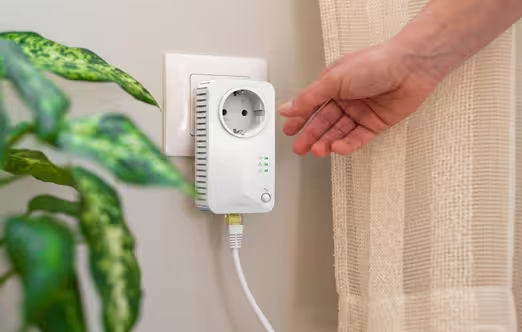
In older buildings, concrete walls and long corridors can block Wi-Fi completely. In that case, powerline adapters use the building's electrical wiring to carry the internet signal from one socket to another, without a single cable across the floor.
Shared network? Protect yourself
A shared network in a student residence is convenient, but it is not private. A few simple habits help:
- Avoid logging into banking orsensitive services on an open or shared network.
- If you set up your own routeror hotspot, change the default Wi-Fi password and use WPA2 or WPA3 encryption.
- Keep your devices and apps upto date.
Learn more in WPA, WPA2, WPA3: What Are the DifferencesBetween Wi-Fi Security Standards?
Equipping your first studio does not haveto be complicated or expensive. With a few well-chosen devices, you get great entertainment, a reliable connection for your studies and a setup that moves with you, from one flat to the next.
To make it even easier, here are threeready-made packs:
Whichever pack you choose, every STRONG device is designed to work on the first try and keep working, year after year. Good luck with your studies, and enjoy your new home!
.avif)
.avif)
.webp)