
ATRIA Wi-Fi 5 Mesh 2100 UK 2-пакет)
Всички въпроси
ATRIA Wi-Fi 5 Mesh 2100 UK 2-пакет)
Как мога да вляза в уеб интерфейса?
За да получите достъп до уеб интерфейса, трябва да сте свързани към Wi-Fi мрежата на вашето устройство, след като сте свързали устройството „ Mesh “ с RJ45 кабел.
1. Свързванес Wi-Fi
За да направите това, въведете SSID (името на Wi-Fi мрежата) и паролата за Wi-Fi на рутера във вашето устройство:

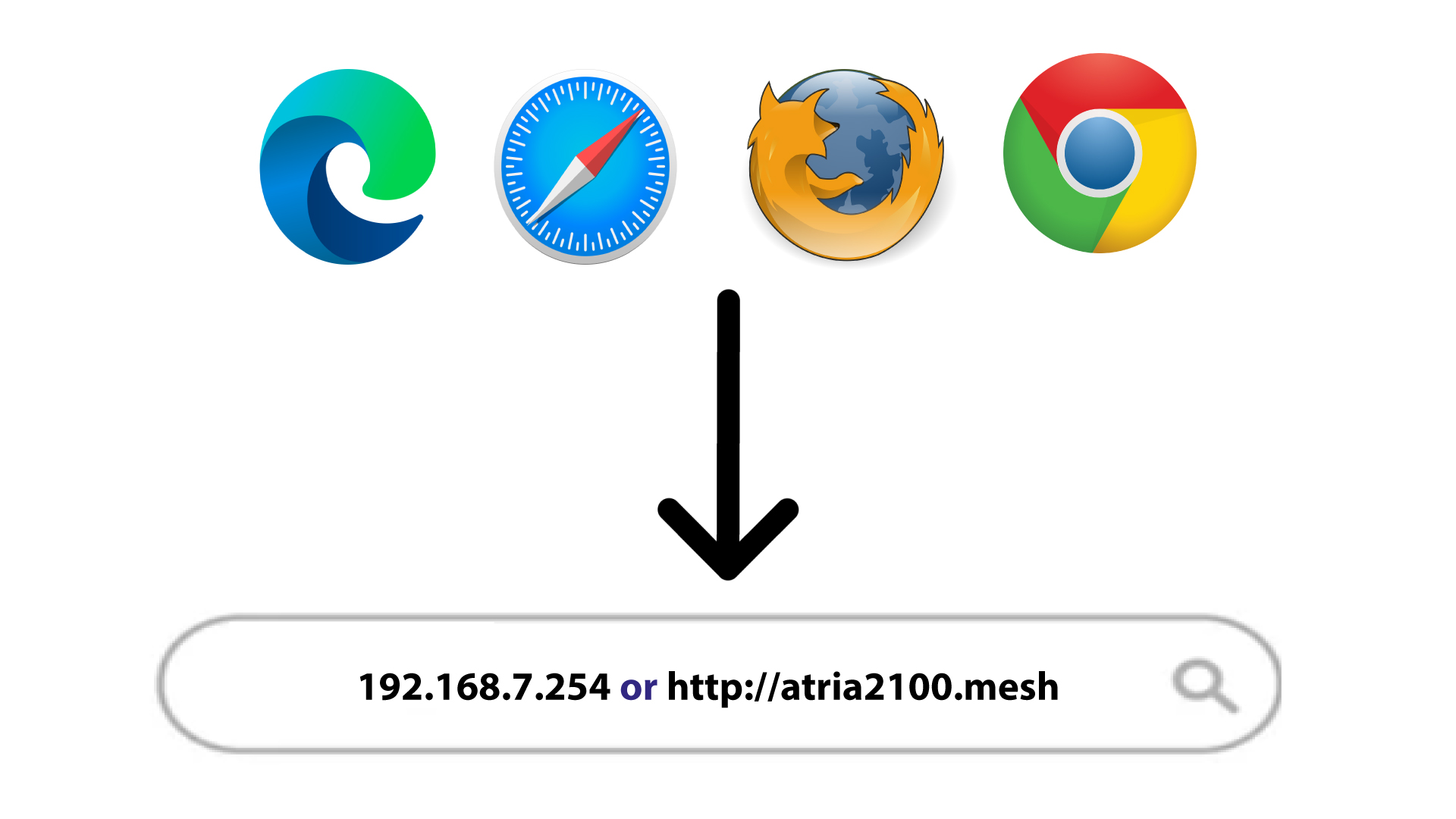
2IPадресът на уеб интерфейса в браузъра
След това въведете следния IP адрес в браузъра си: 192.168.7.254 или въведете следния адрес: http://atria2100.mesh
3. Удостоверения
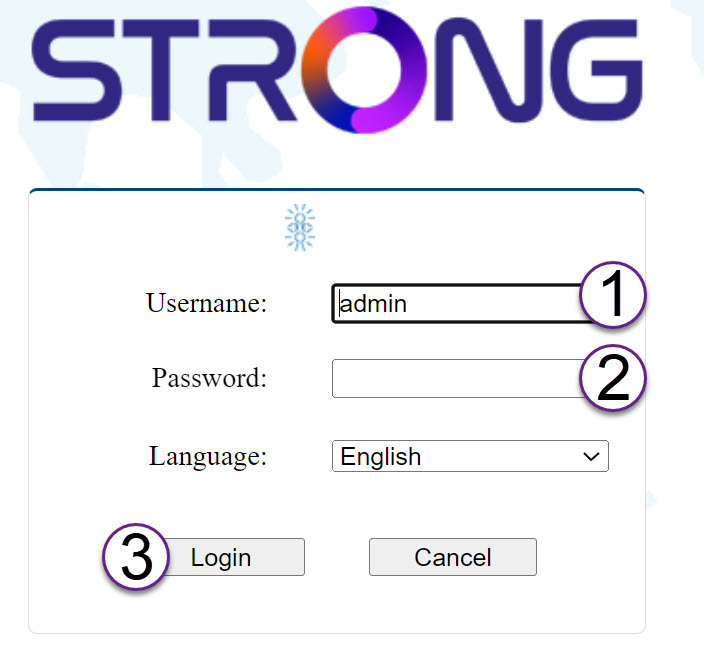
Трябва да въведете потребителското име (admin) и паролата (admin) (моля, имайте предвид, че след първото влизане ще създадете своя лична администраторска парола, което означава, че паролата, посочена на етикета на продукта, вече няма да работи).
След това кликнете върху „Вход“.
4 Изскачащпрозорец
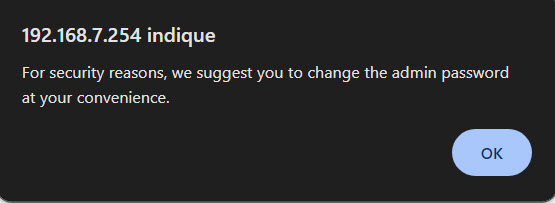
Кликнете върху „OK“ във появилия се изскачащ прозорец.
5Началнастраница
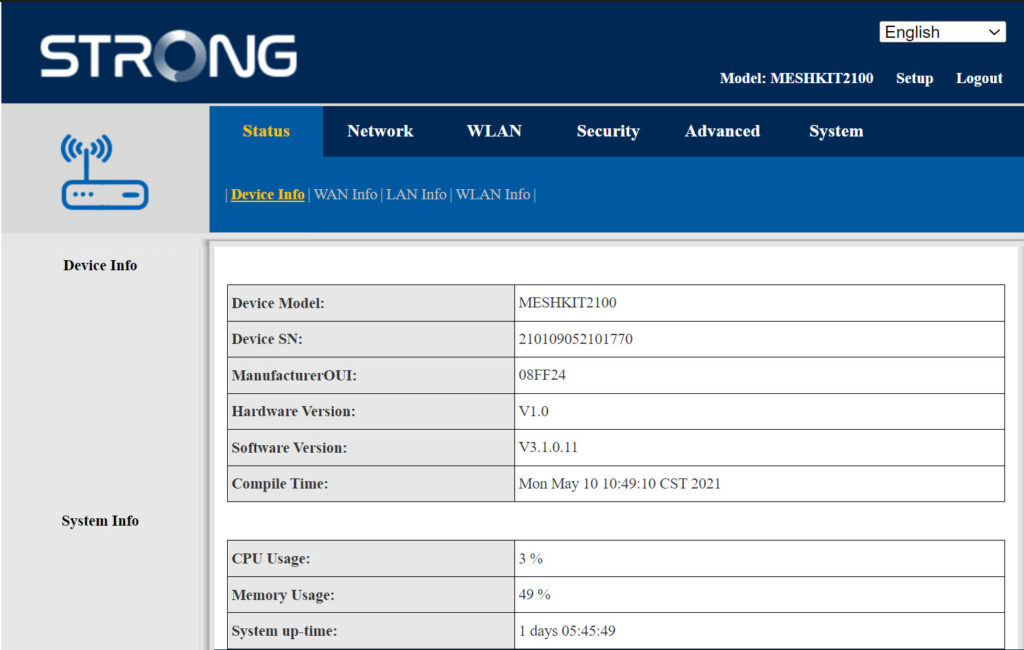
В момента се намирате на главната страница на уеб интерфейса.
Възможно е да се наложи да промените администраторската парола на уеб интерфейса след първото ви влизане; за целта, моля, следвайте инструкциите по-долу.
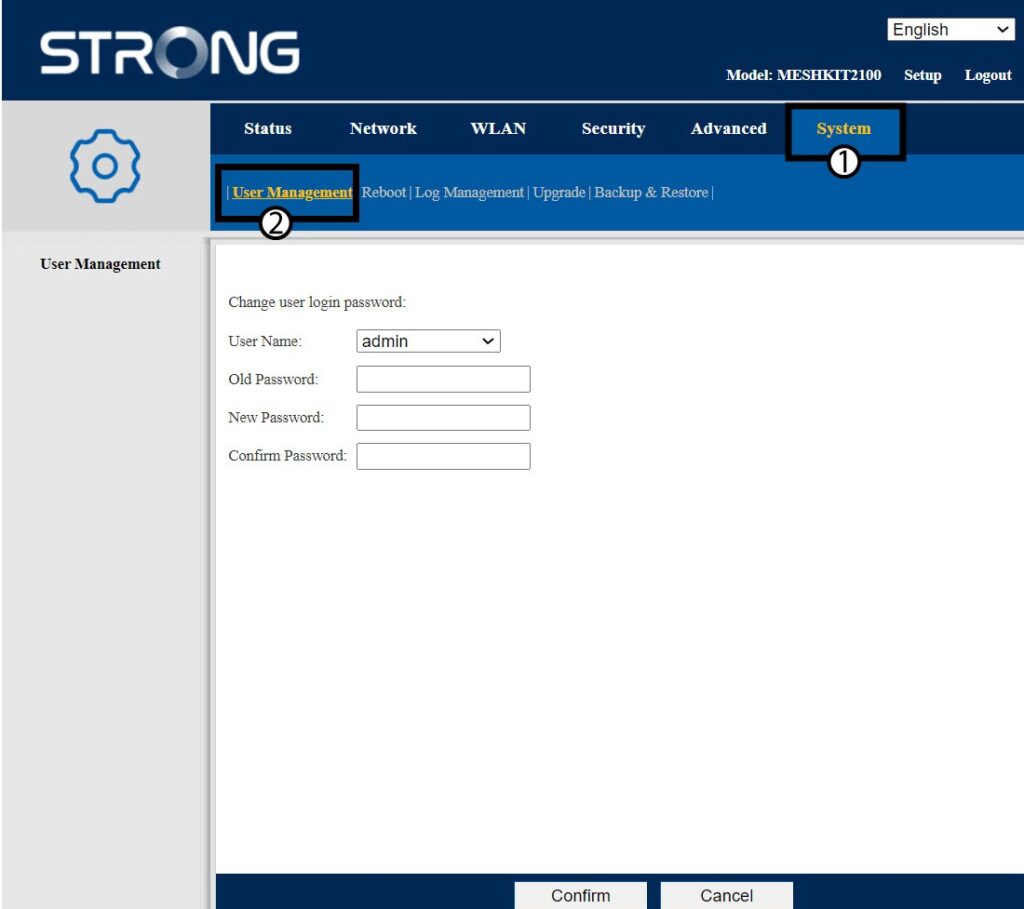
6. Управление на потребителите
Кликнете върху „Управление на системата и потребителите“.
7Промянана паролата
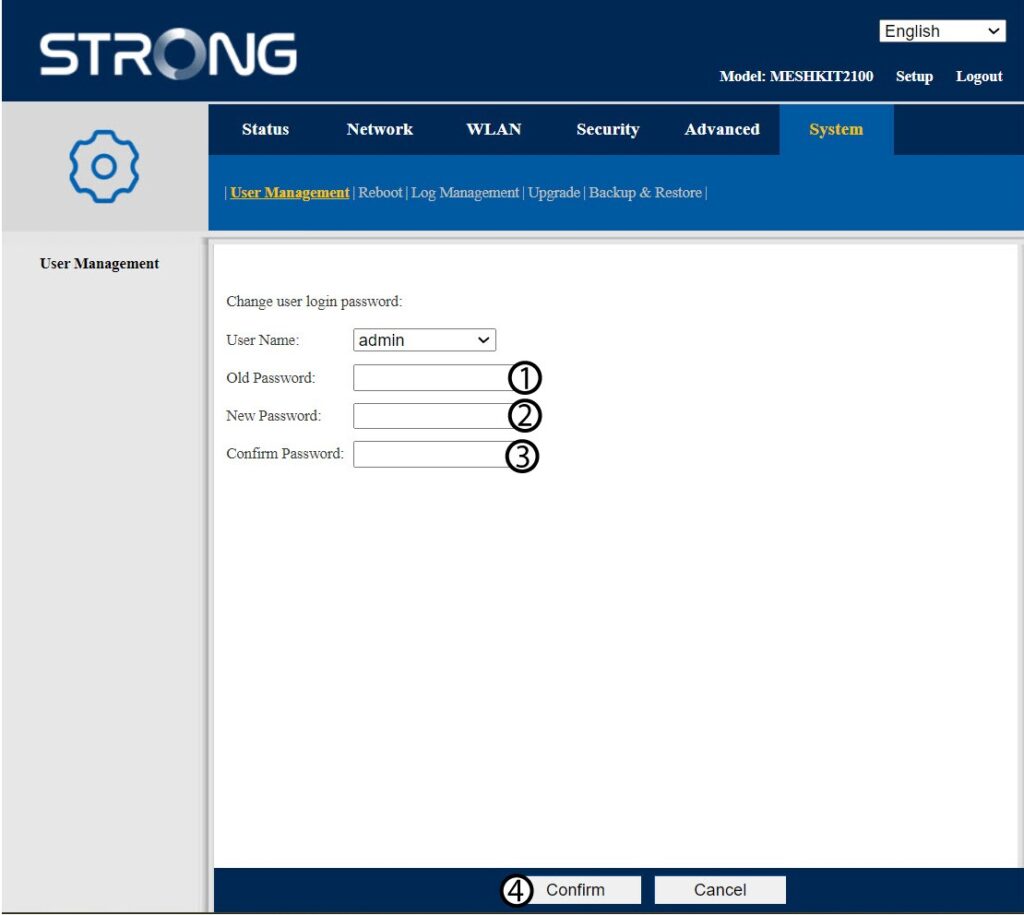
Въведете следната информация, преди да кликнете върху „Потвърди“:
- Стара парола: Въведете старата администраторска парола
- Нова парола: Въведете нова парола.
- Потвърдете паролата: Въведете същата парола, както в предишната стъпка.
8. Запишетеновата информация
Запишете новата парола на лист хартия и я залепете под рутера си.


Предупреждение: Моля, имайте предвид, че трябва да въведете парола с дължина между 8 и 32 символа, съдържаща главни и малки букви, цифри и поне един специален символ (@, $, !, %, *, ?, &)