Повторител AX1800
Всички въпроси
Повторител AX1800
Как да настроя ретранслатора си?
Преди да настроите ретранслатора си, моля, запознайте се със следната процедура, за да определите най-подходящото място за него: Какво е най-подходящото място за моя ретранслатор?
1Свържете сес уеб интерфейса
Изпълнете една от процедурите по-долу, за да се свържете с уеб интерфейса:
- Как да се свържа с уеб интерфейса на ретранслатора? (Кабел RJ45)
- Как да се свържа с уеб интерфейса на ретранслатора? (Wi-Fi)
2Изберетережим за вашия ретранслатор
Ще се отвори помощникът за настройка на ретранслатора. Изберете „Безжичен удължител “ и кликнете върху „Напред“.

3Изберетечасова зона
Изберете часовата зона от списъка, ако автоматично откритата е неправилна, и кликнете върху „Напред“.

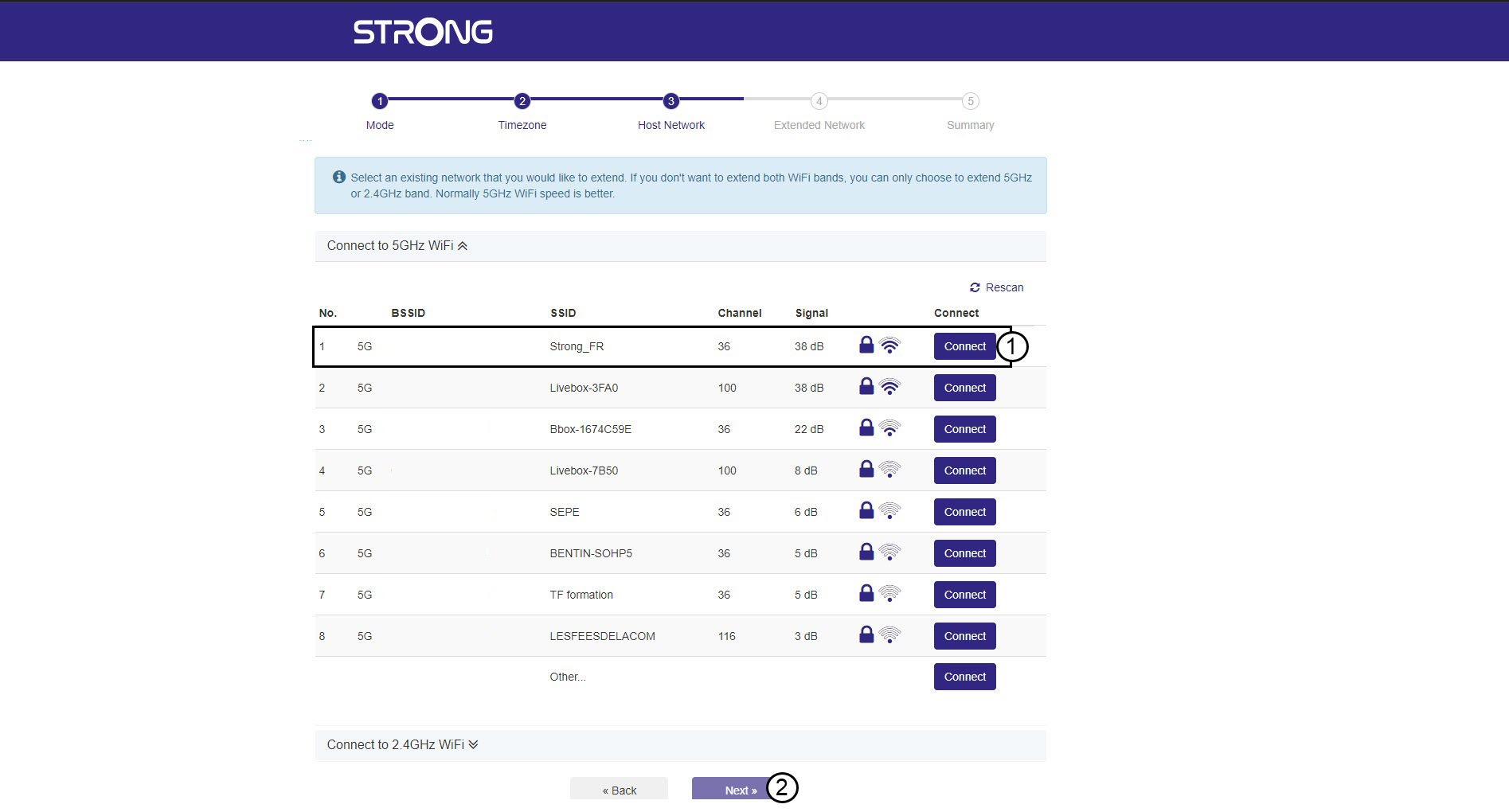
4. Сканиранена наличните мрежи
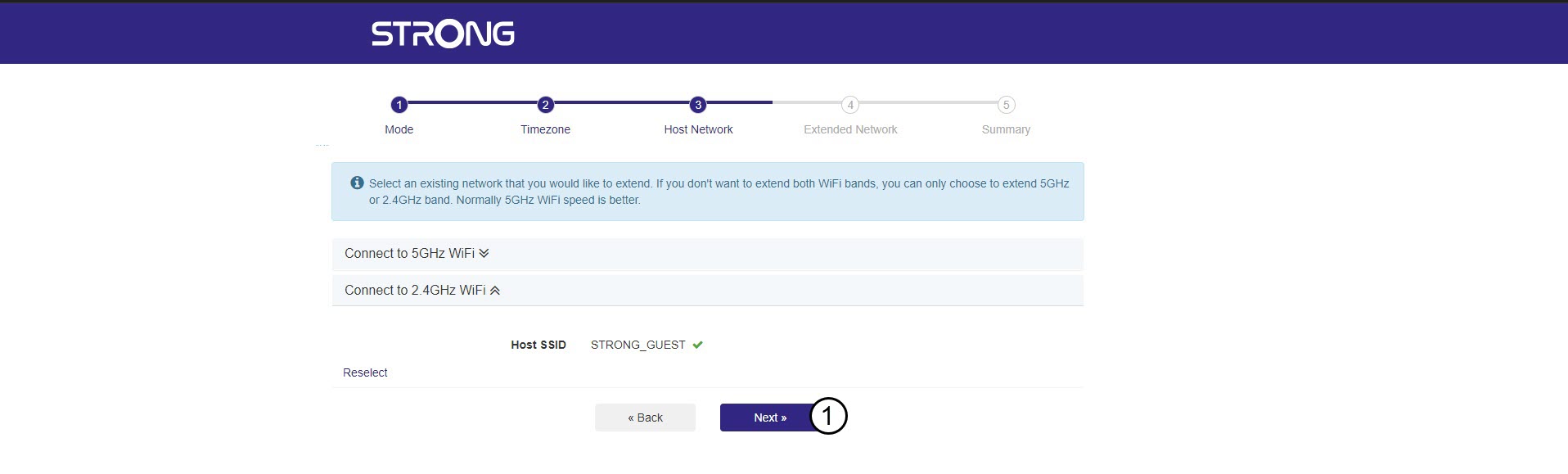
Вашият ретранслатор ще сканира всички налични Wi-Fi мрежи в честотните обхвати 2,4 GHz и 5 GHz, за да определи основната мрежа. Изберете името на Wi-Fi мрежата на вашия рутер. След това кликнете върху „Свържи“ и „Напред“.
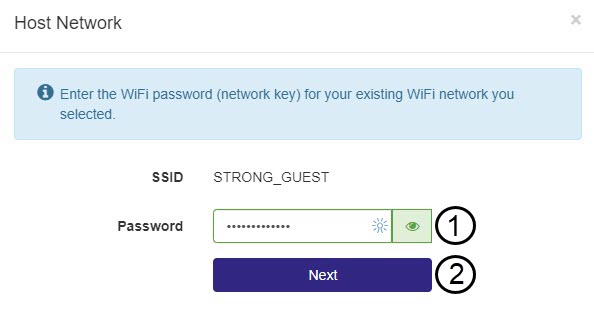
5Въведетепаролата за хост-мрежата Wi-Fi
Въведете паролата за Wi-Fi на рутера си и кликнете върху „Напред“.
Можете да кликнете върху иконата с око, за да се покаже паролата, която въвеждате.
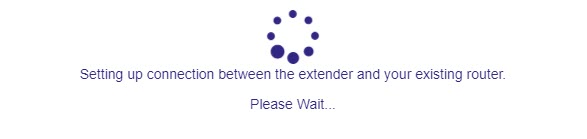
6Изчакайтепо време на конфигурирането
Моля, изчакайте, докато ретранслаторът се конфигурира.
7. Потвърдетеконфигурацията
Кликнете върху „Напред“, за да потвърдите конфигурацията.
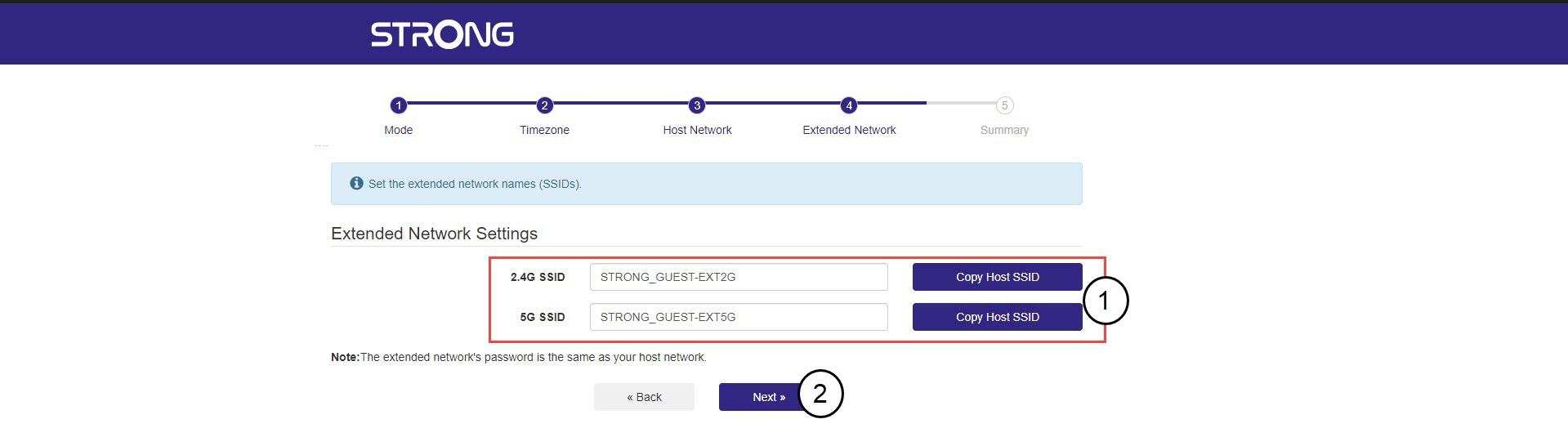
8Запишетеинформацията за мрежата
Запишете данните за новите Wi-Fi мрежи и кликнете върху „Напред“.