Универсален повторител 300S
Всички въпроси
Универсален повторител 300S
Как да актуализирам фърмуера на моя ретранслатор?
1. Отворетераздела за изтегляне на сайта https://www.strong-eu.com/
Преди актуализацията трябва да посетите раздела за изтегляне на нашия уебсайт, за да проверите дали има налична нова версия на софтуера.
2Изтегляне
За да получите достъп до файловете за изтегляне, кликнете върху „Помощ“ и „Изтегляне“ в горната лента и съответното подменю.

3Изберетеномера на продукта
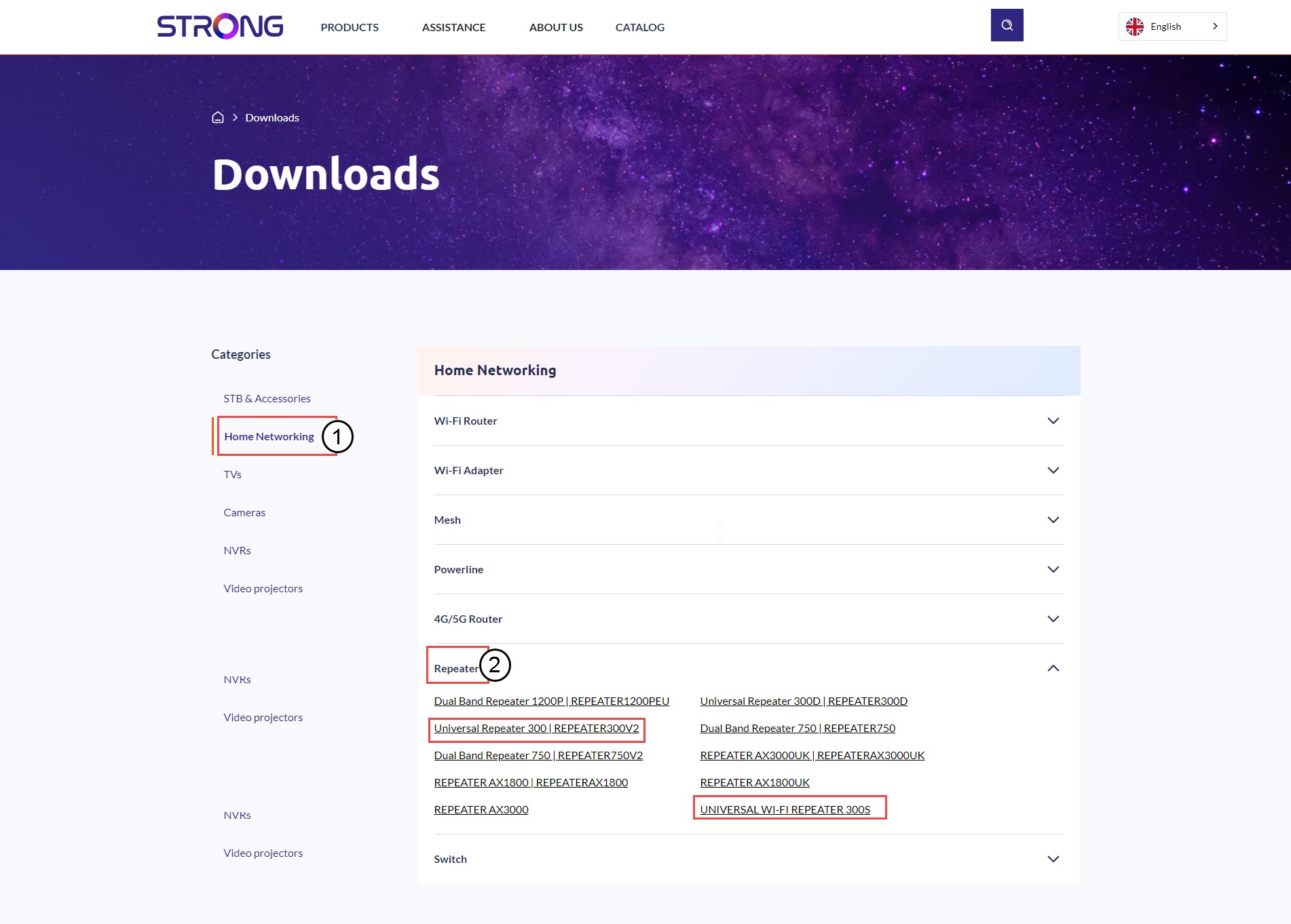
След като отворите страницата „Изтегляния“, кликнете върху „Домашни мрежи и повторители“ и кликнете върху номера на продукта.
4. Раздел „Фърмуер“
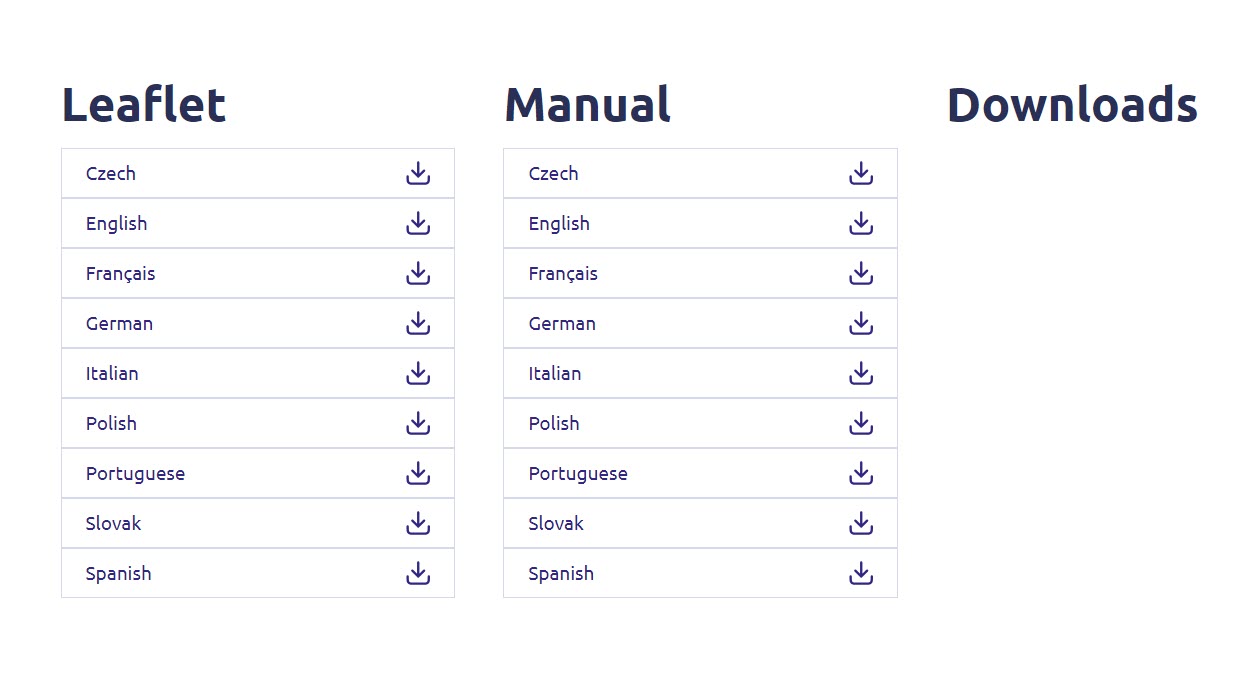
На страницата по-долу ще намерите новата версия на софтуера в раздела за фърмуера.
Ако на страницата за изтегляне не виждате раздел „Фърмуер“, това означава, че няма налична нова версия на софтуера.
5. Свържете сес уеб интерфейса
Следвайте тази процедура, за да се свържете с уеб интерфейса.
6Настройки
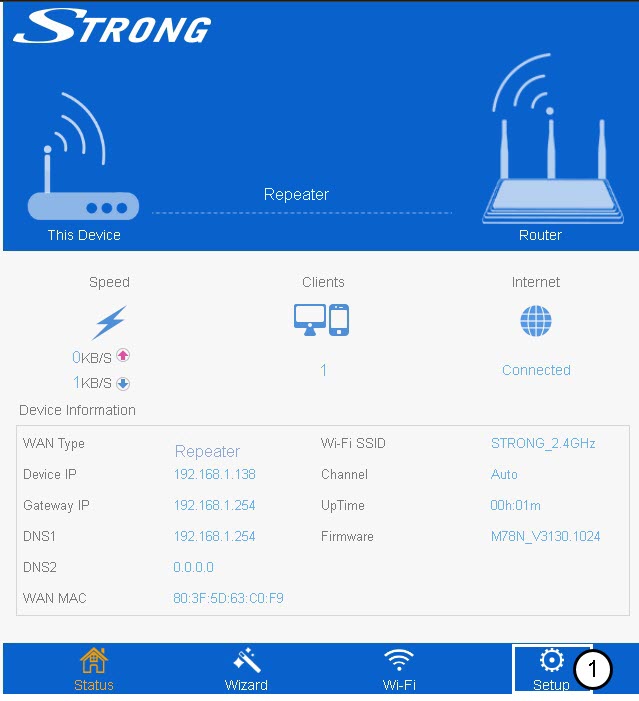
Кликнете върху „Настройки“.
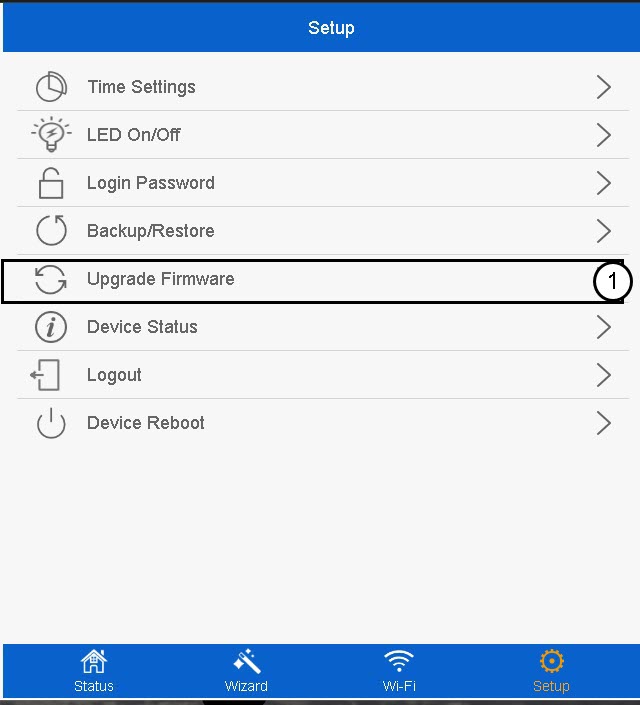
7. Актуализиранена фърмуера
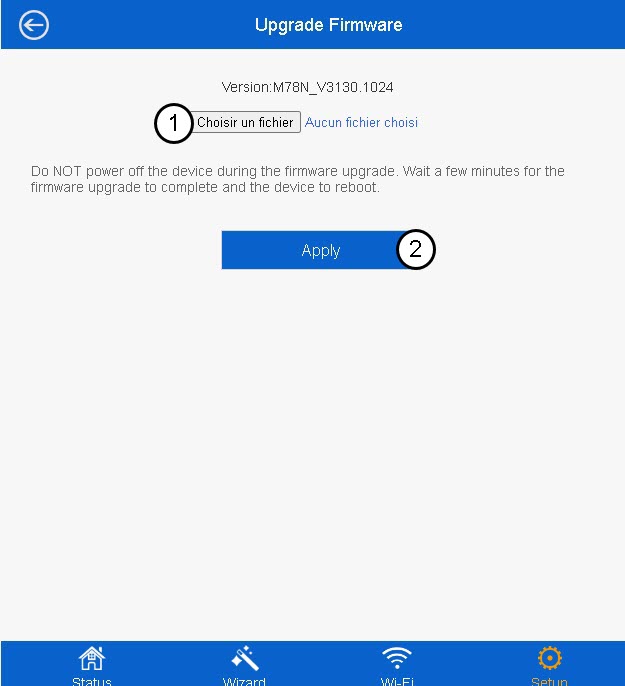
Кликнете върху „Актуализиране на фърмуера“.
8Изберетефайла с фърмуера
Изберете файла с фърмуера на вашето устройство и натиснете „Приложи“.