
ATRIA kit Mesh kit | MESHKIT1200
Всички въпроси
ATRIA kit Mesh kit | MESHKIT1200
Как да кръстя моите модули „ Mesh “?
Можете да следвате описаната по-долу процедура, за да зададете имена на вашите устройства „ mesh “, с цел да ги разпознавате лесно.
1Изтеглетеприложението
Изтеглете приложението „ Mesh “ на Atria.
2Свържете сес Wi-Fi мрежата на mesh
Свържете се с Wi-Fi мрежата на вашето устройство „ mesh “.

3Свържете сес приложението
Въведете потребителското име и паролата, преди да кликнете върху „Вход“.

4Моятамрежа
Кликнете върху „Моята мрежа“

5 Състояние на мрежата наMesh
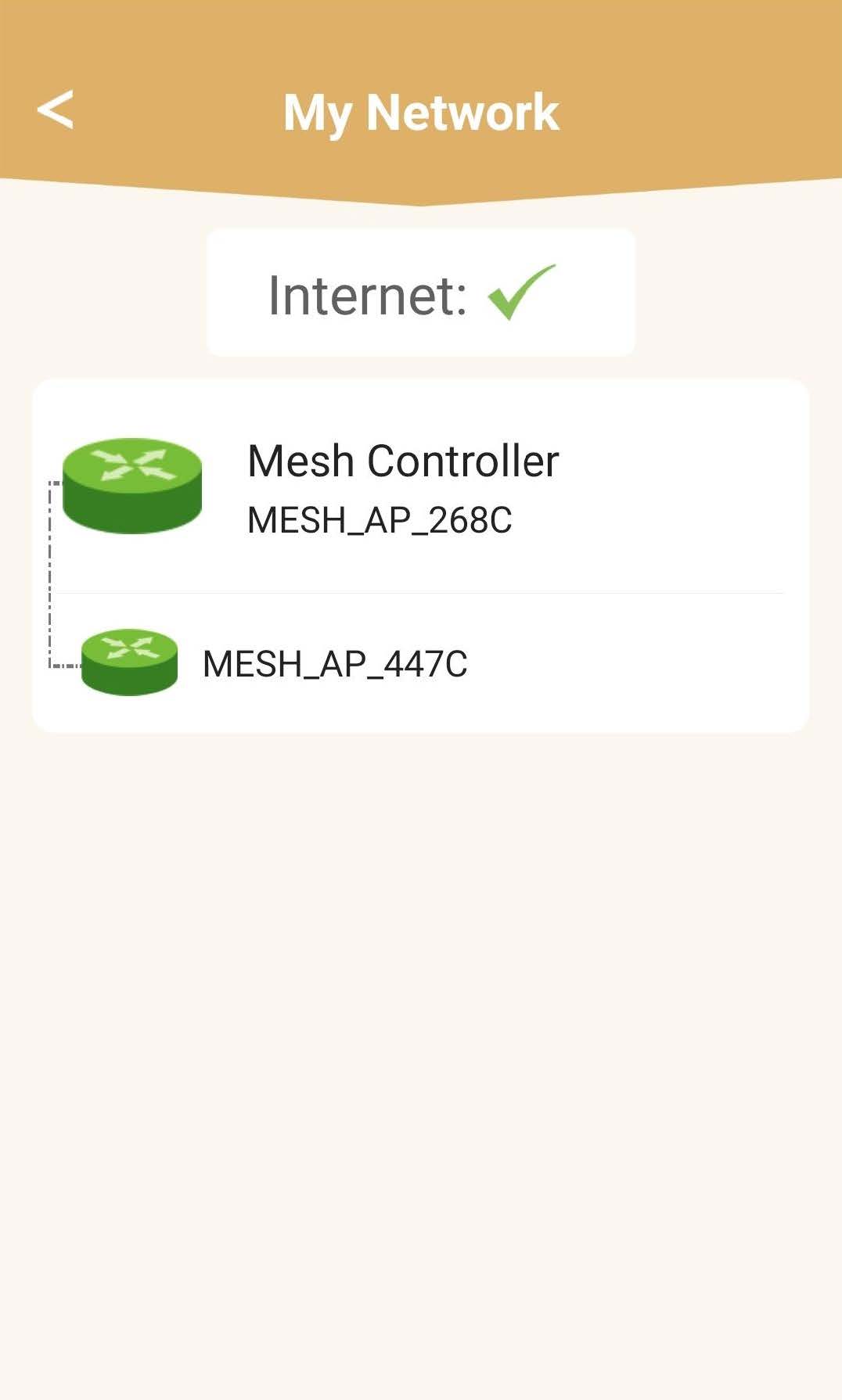
Ще видите състоянието на покритието, осигурявано от вашите устройства „ mesh “.
Моля, имайте предвид, че когато устройствата „ mesh “ се показват в сиво, обхватът, осигуряван от устройството, не е достатъчен. В този случай трябва да промените местоположението на устройството „ mesh “.
Ако устройствата „ mesh “ се показват в зелено, това означава, че работят правилно и осигуряват достатъчно покритие.
6Основенмодул „ mesh “
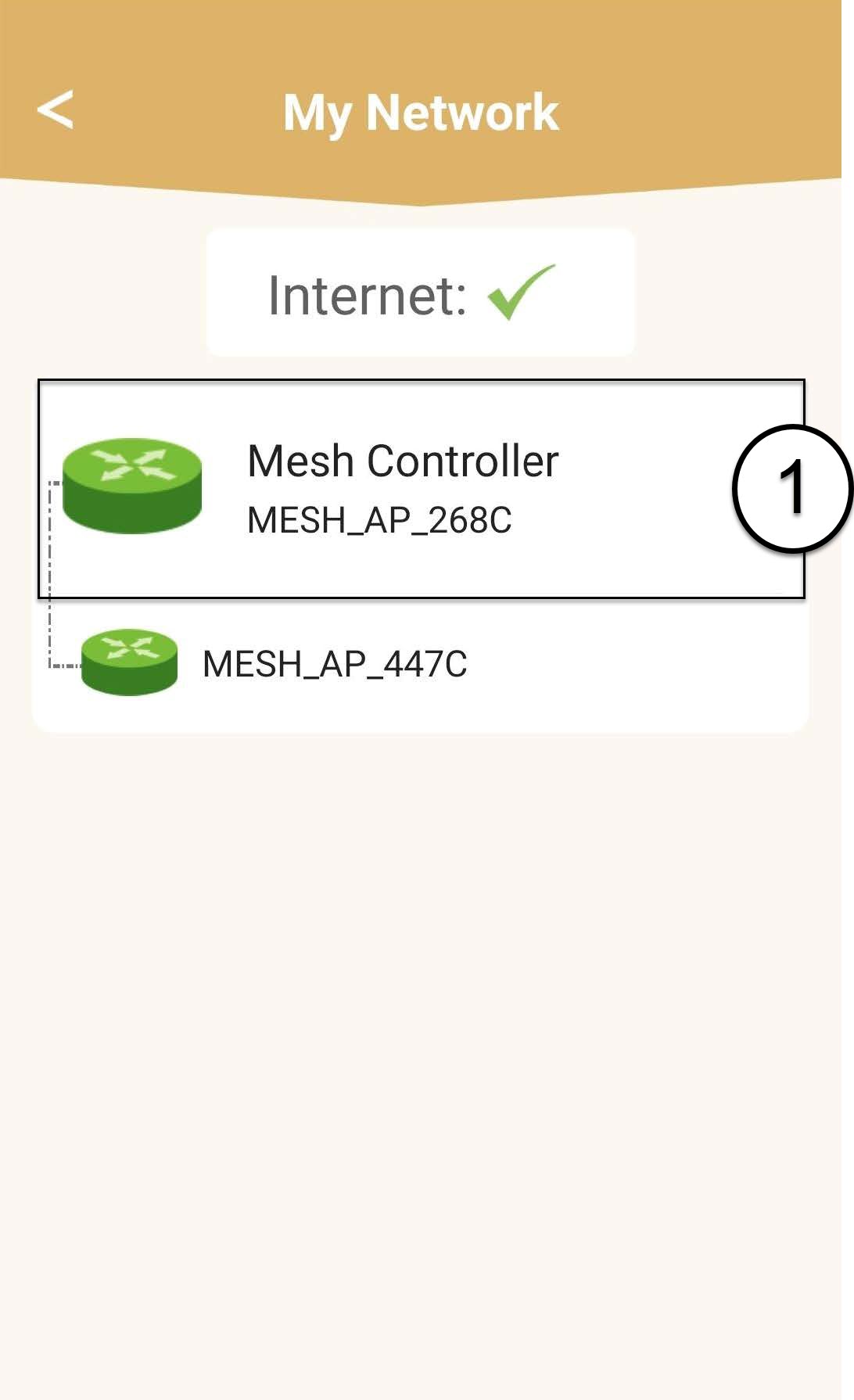
Кликнете върху името на модула „ mesh “, за да видите информацията за него.
7. Редактирайтеимето на основния модул „ mesh “
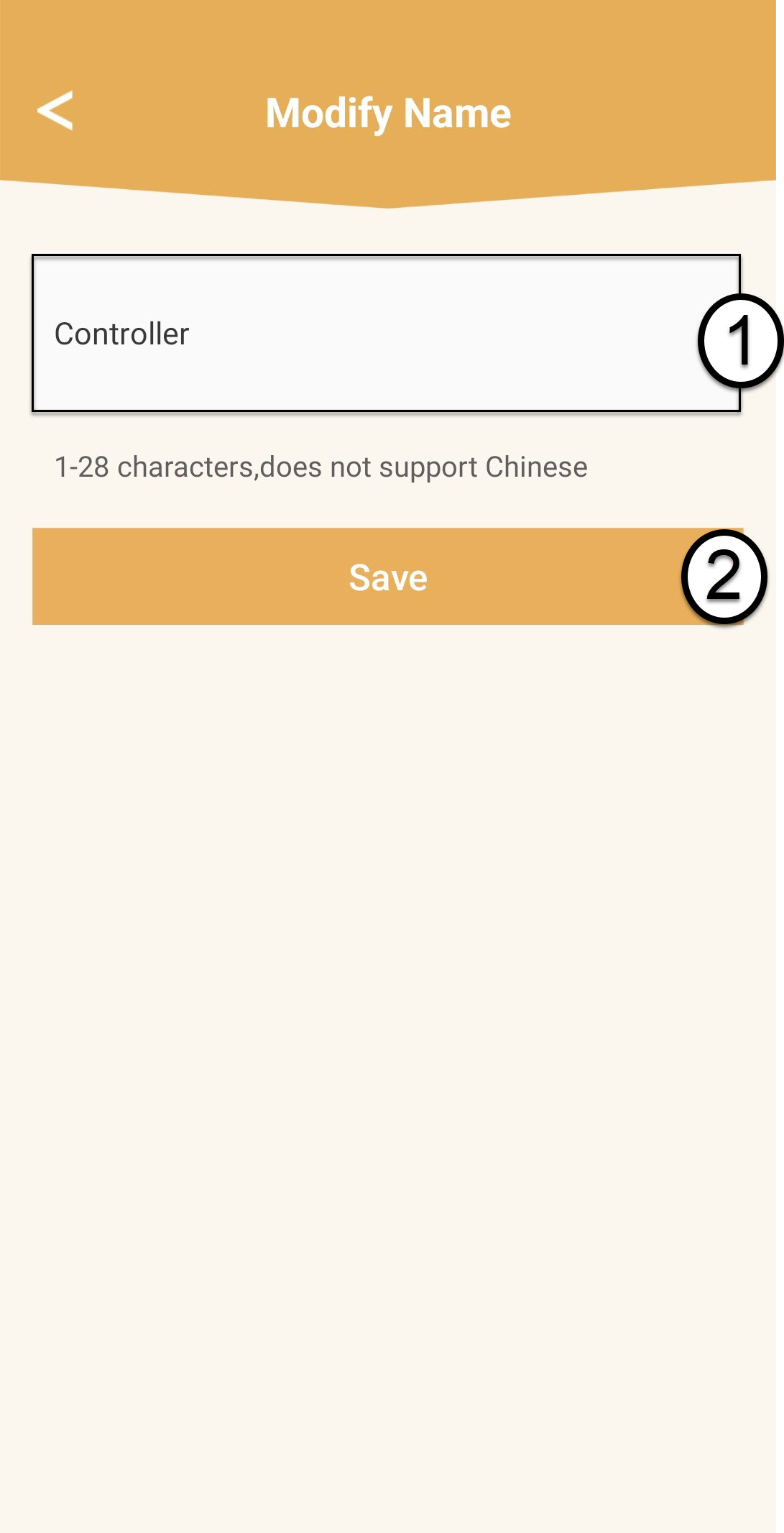
Въведете ново име и кликнете върху „Запази“.
Контролерът „ mesh “ трябва да бъде наименуван по следния начин: Mesh1200-Main-
ИменастаятаИмената на агентите от типа „ mesh “ трябва да бъдат зададени по следния начин: Mesh1200-Иметонастая
8. Допълнителенмодул „ mesh “
За останалите устройства от серията „ mesh “ кликнете върху името им, за да видите информацията. След това въведете ново име и кликнете върху „Запази“.