POWERLINE 1000 V2 DUO EU
Всички въпроси
POWERLINE 1000 V2 DUO EU
Нямам достъп до интернет и/или светодиодът на иконата „Начало“ не свети.
Трябва да възстановите фабричните настройки на адаптерите. За да възстановите фабричните настройки на адаптерите, моля, следвайте стъпките по-долу.
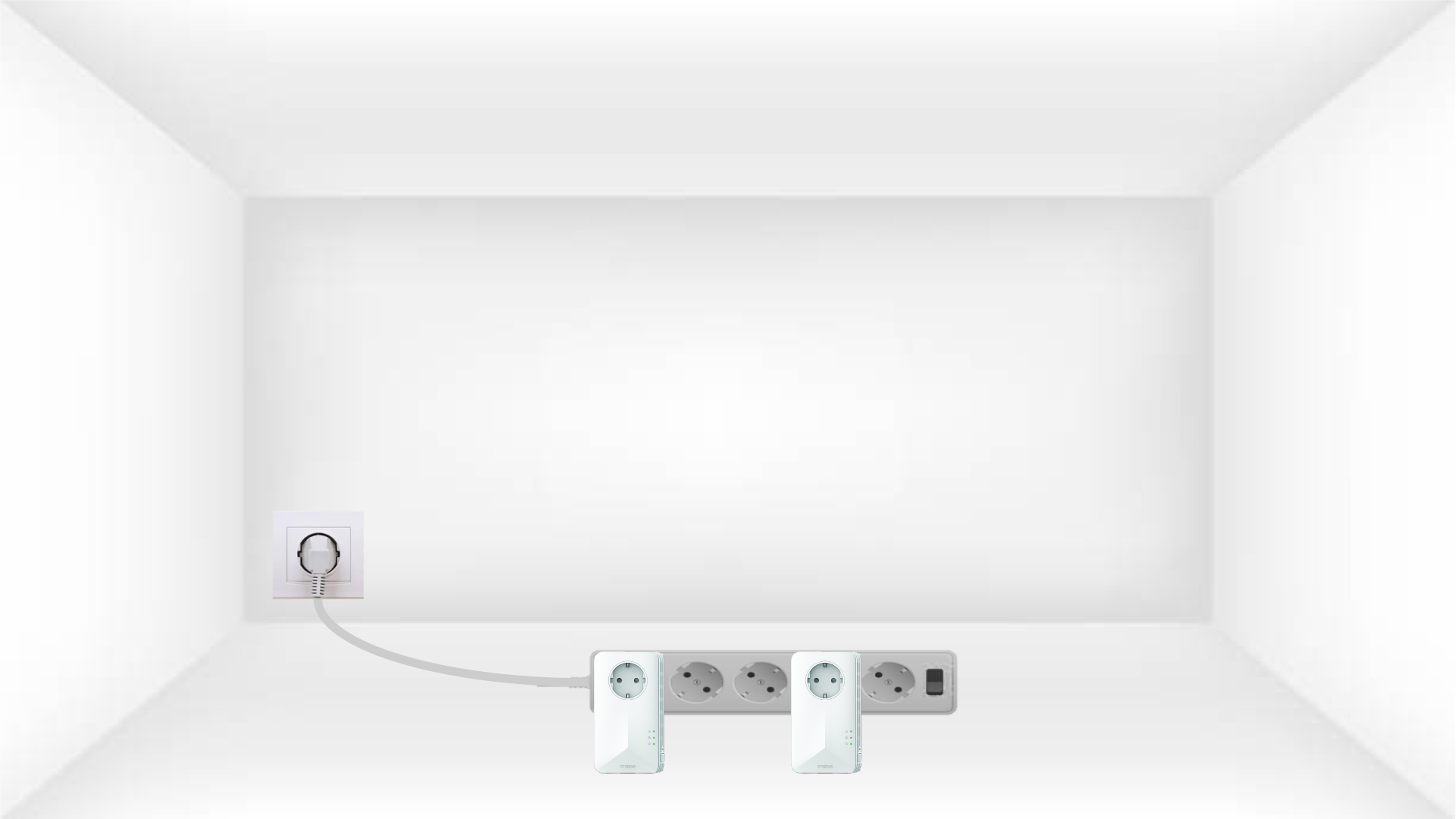
1. Поставетеадаптерите в удължител
Свържете адаптерите един след друг към разклонителя.
2. Свържетеадаптерите с интернет
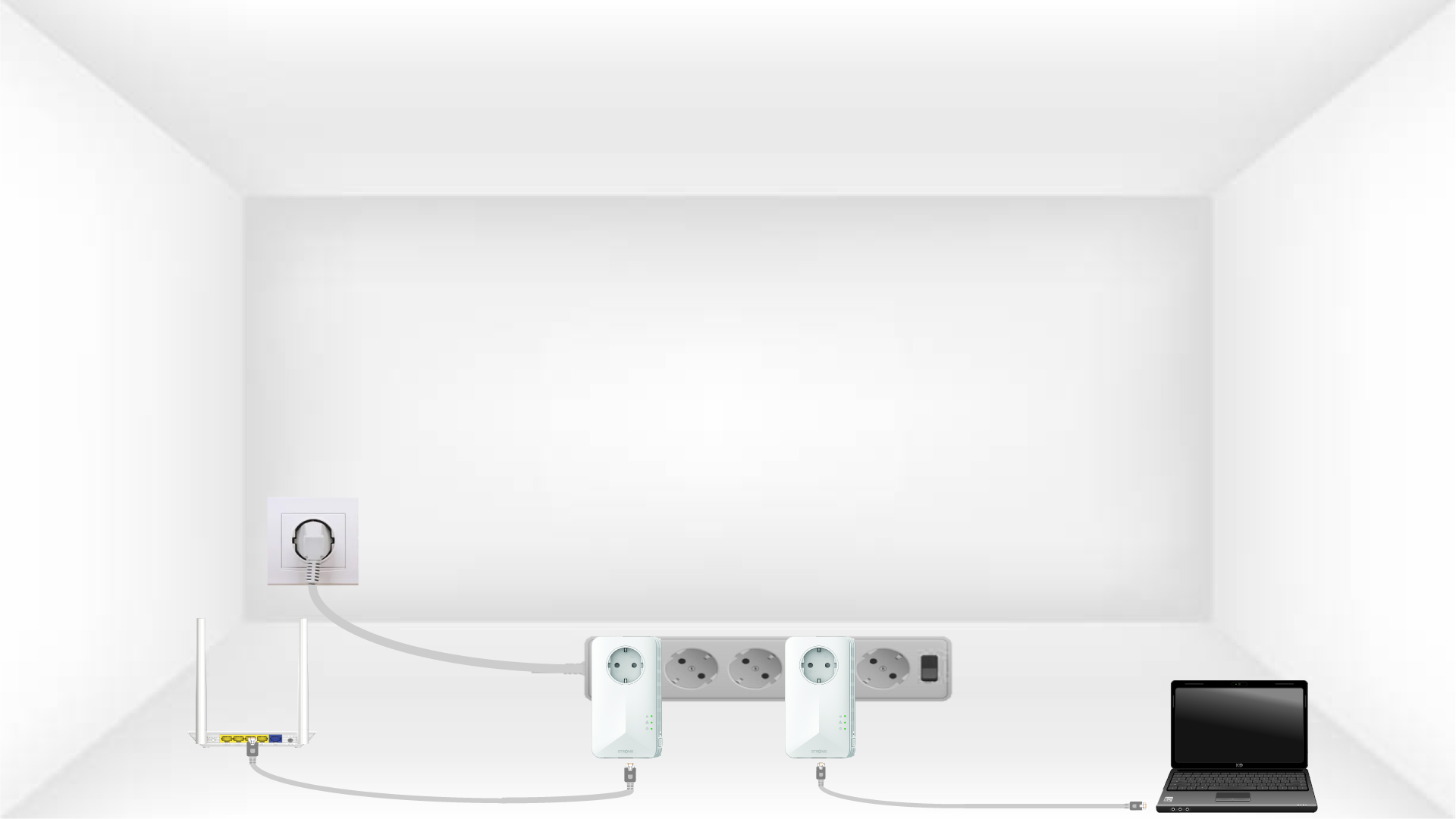
Свържете всеки адаптер към работещо устройство (интернет рутер/гейтвей, Android TV, Smart TV, компютър и др.) с Ethernet кабел. Между устройствата трябва да има връзка, в противен случай адаптерът автоматично ще премине в режим на готовност.
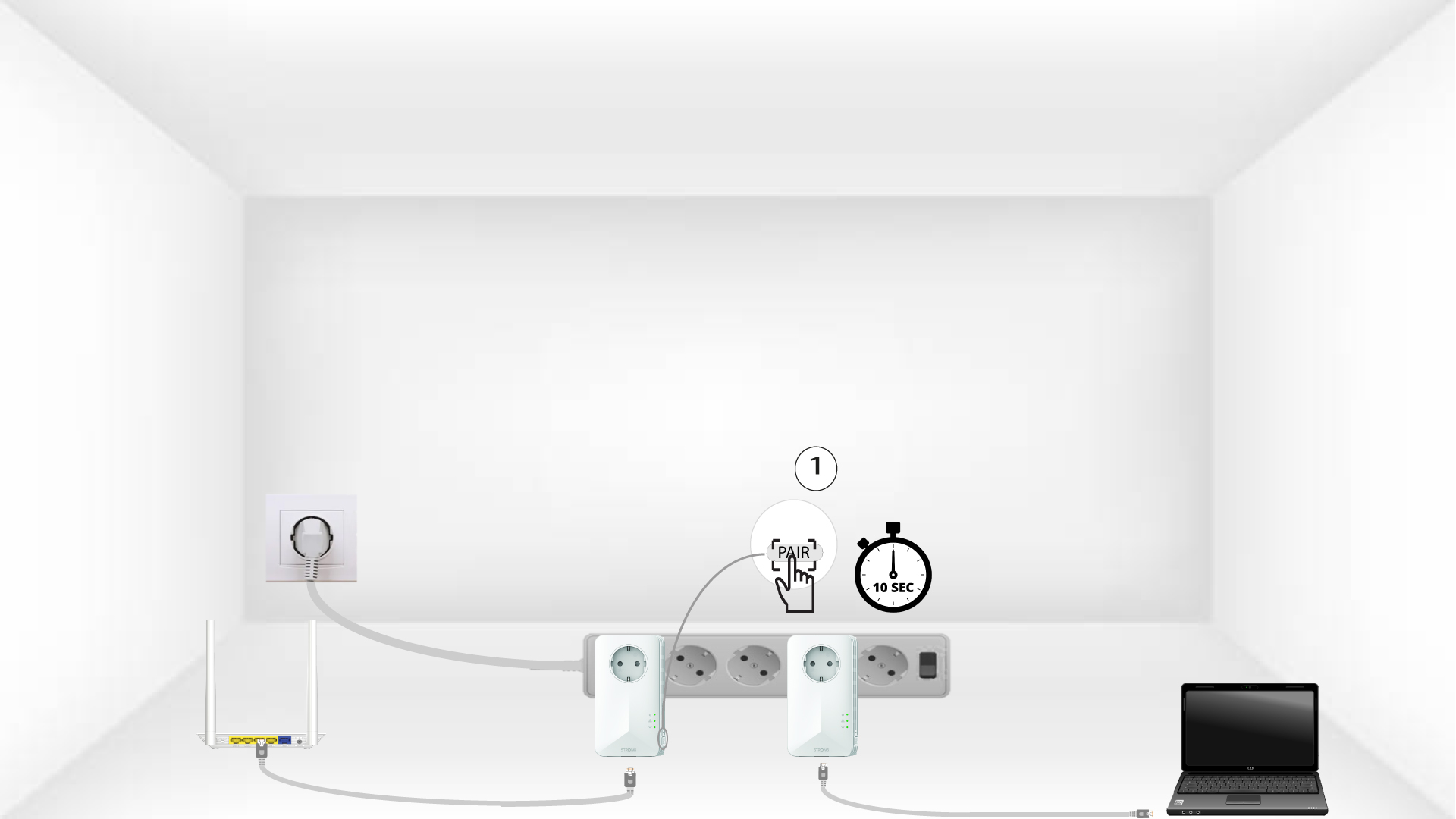
3Натиснетебутона PAIR (първият адаптер)
След като адаптерът е включен в контакта и е свързан с интернет, просто натиснете бутона „PAIR“на предния панел и го задръжте натиснат в продължение на 10 секунди.
4Натиснетебутона PAIR (вторият адаптер)
Натиснете бутона „PAIR“ на предния панел на второто устройство и го задръжте натиснат в продължение на 10 секунди. Имате до две минути, за да го направите.
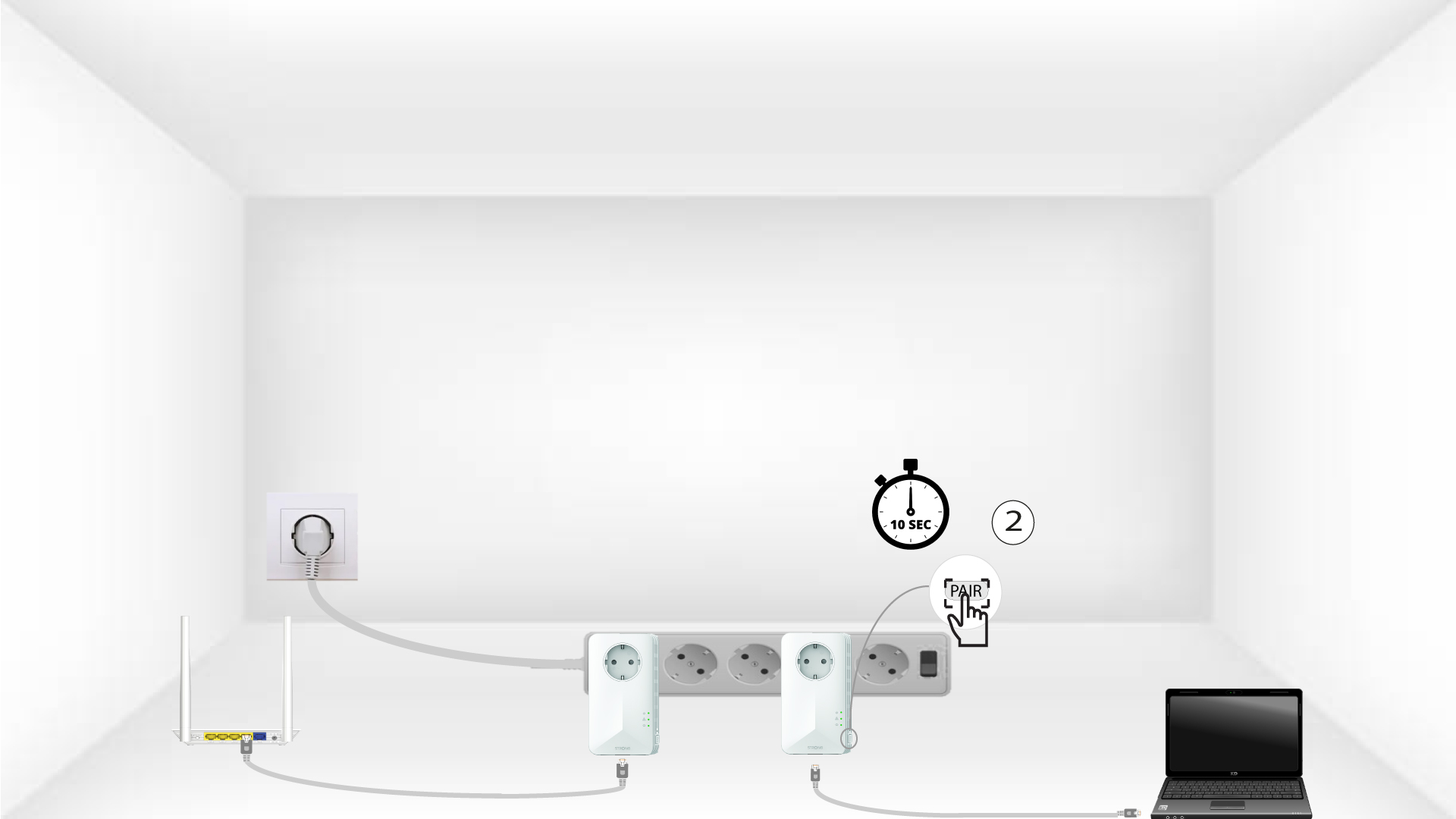
5HomeLED мига
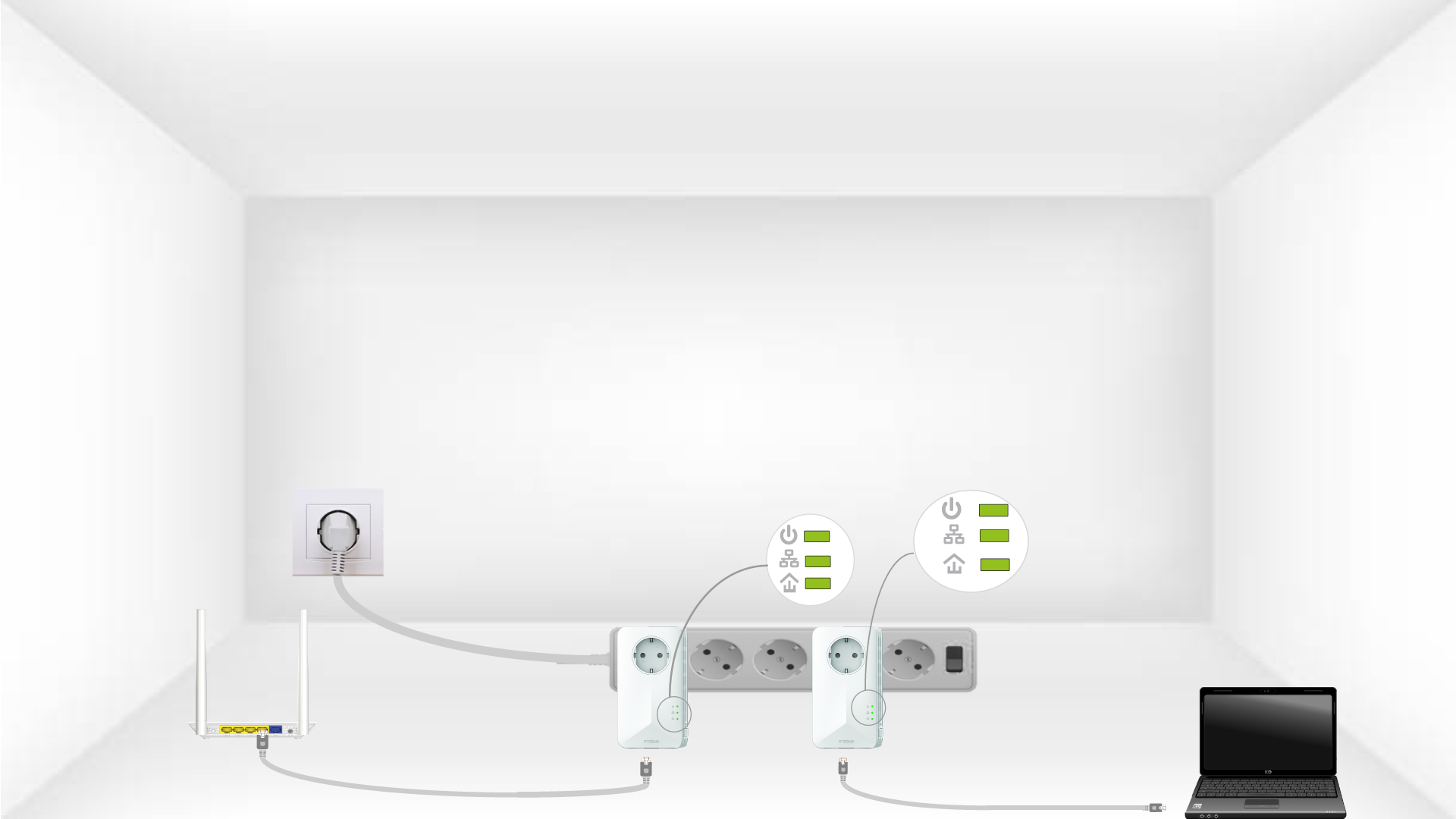
Светодиодите на иконата „Начало“ трябва да започнат да мигат.
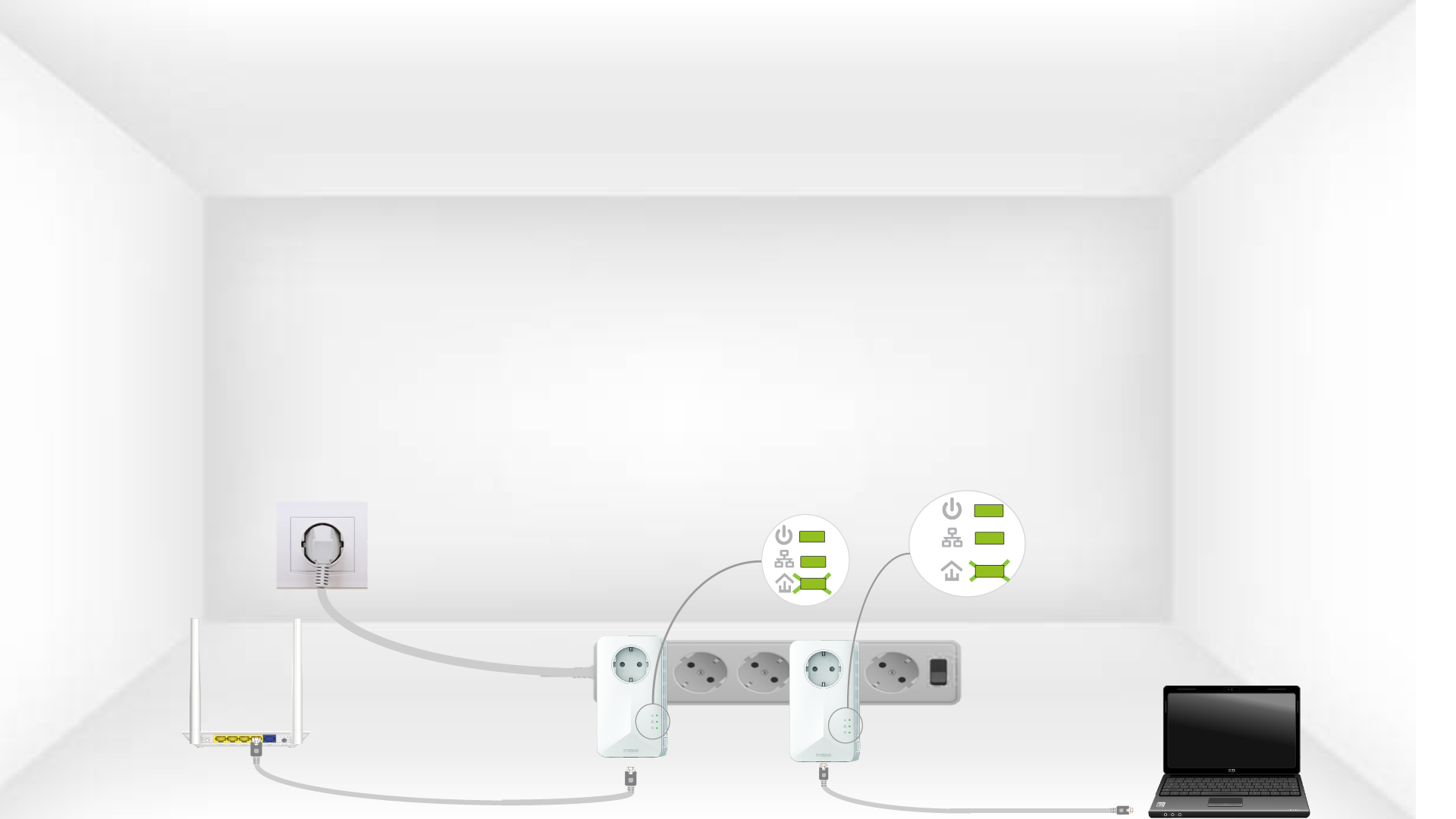
6. Адаптеритесе нулират
В края на операциите всички светодиоди трябва да светят в зелено.