
Universal Repeater 300 V2
Ingen varer fundet.
Ingen varer fundet.
Alle spørgsmål
Universal Repeater 300 V2
Ingen varer fundet.
Ingen varer fundet.
Hvordan får jeg adgang til webgrænsefladen?
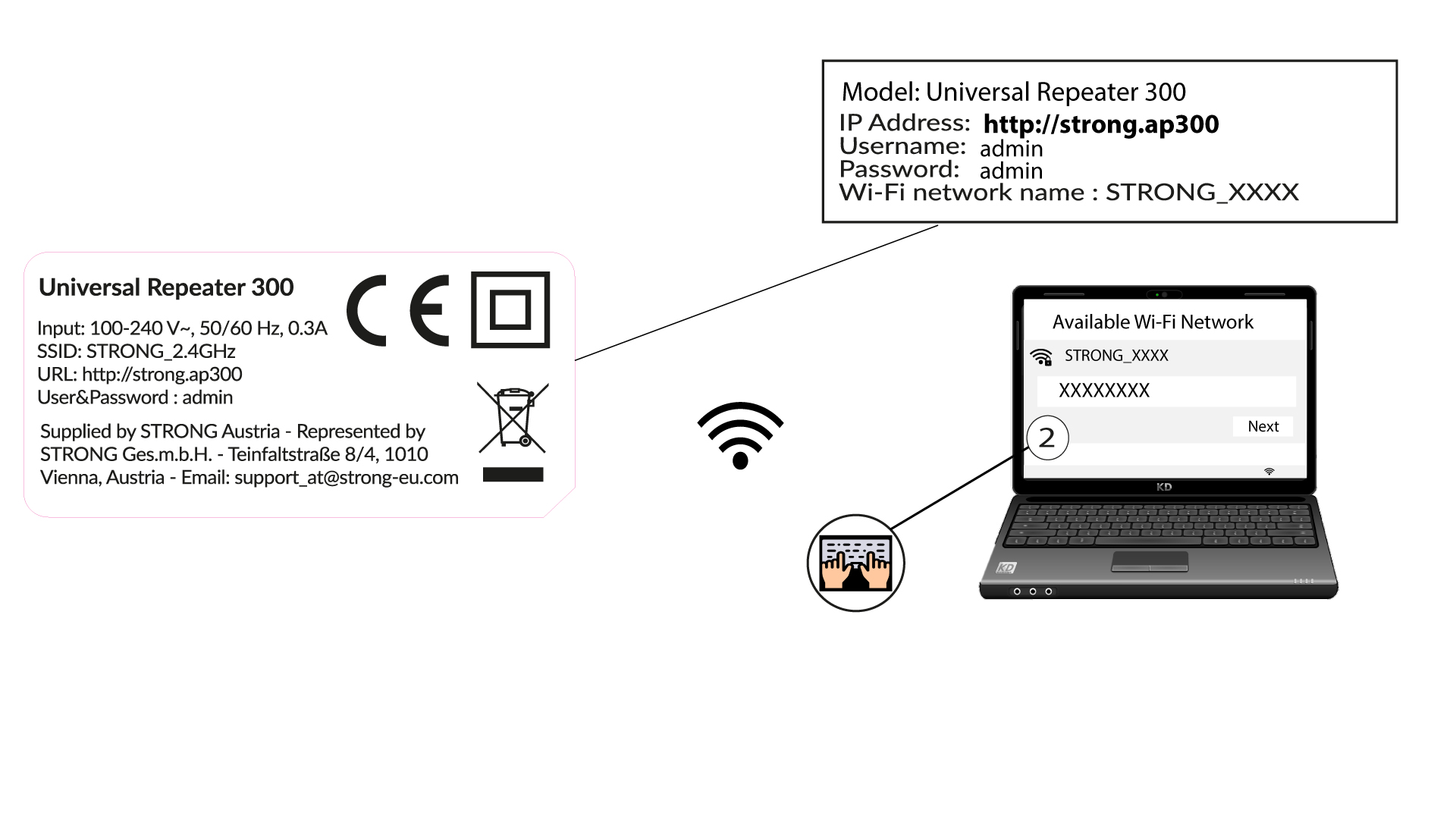
1. Opret forbindelsetil repeaterens Wi-Fi-netværk
Opret forbindelse til repeaterens Wi-Fi ved at følge anvisningerne på produktetiketten.
Der er ingen adgangskode til din repeaterens Wi-Fi-netværk. Oplysningerne om det nye Wi-Fi-netværk indstilles under konfigurationen, efter at du har oprettet forbindelse til brugergrænsefladen for første gang.
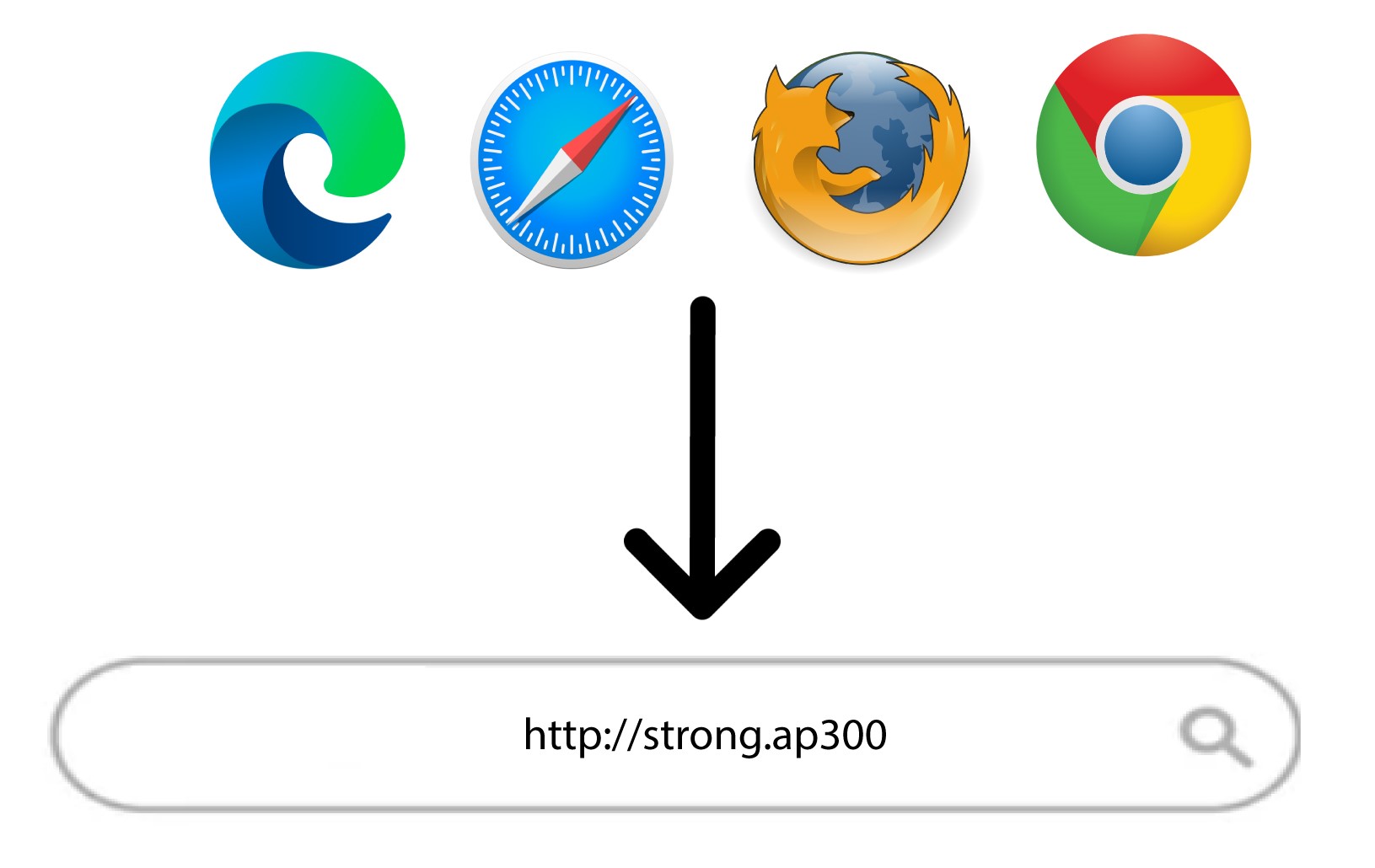
2Gåtil webgrænsefladen
Gå til følgende URL: http://strong.ap300/
3Login
Indtast adgangskoden, og klik på »Log ind«.
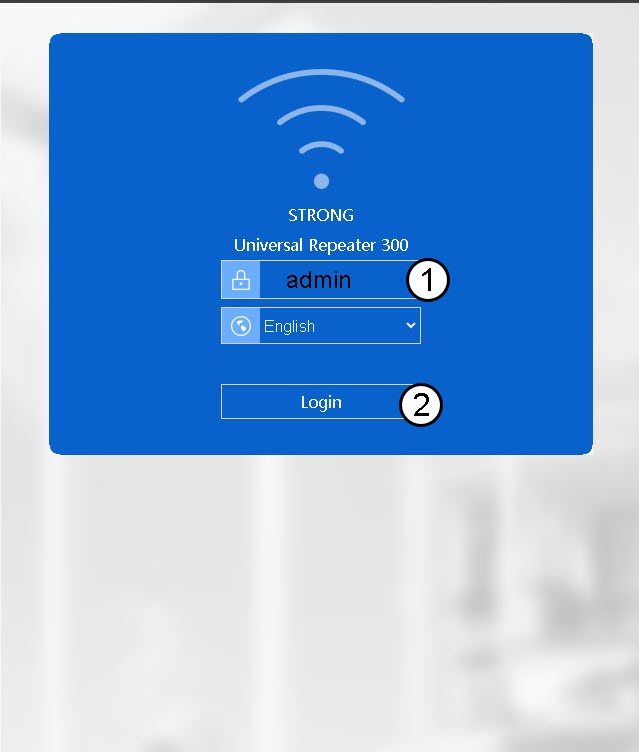

Advarsel: Vi anbefaler på det kraftigste, at du ændrer administratoradgangskoden for at forhindre hacking.