
5MP POE BULLET MED DOBBELT LYS
Alle spørgsmål
5MP POE BULLET MED DOBBELT LYS
Hvordan tilføjer jeg mit kamera i appen?

ADVARSEL: Hvis det ikke lykkes dig at tilføje dit kamera i appen, skal du logge ind på din internetrouters administrationsside for at finde kameraets IP-adresse. For yderligere oplysninger om fabriksindstillingerne, se venligst Nulstil til fabriksindstillinger.
Du kan konfigurere dit kamera ved hjælp af appen »Vision by Strong «. Følg nedenstående trin for at tilslutte dit kamera og begynde at overvåge.
1Hentappen
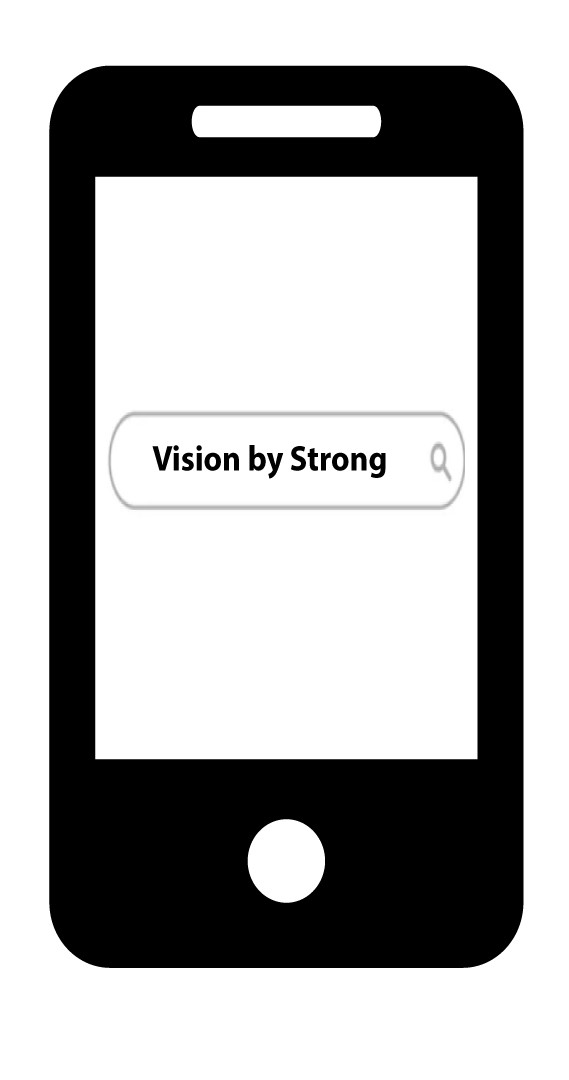
Søg efter appen i Google Play Store og Apple App Store. Du kan også finde .apk-filen på vores hjemmeside og installere den på din telefon, hvis den ikke findes i din app-butik.
2. Installationog opstart
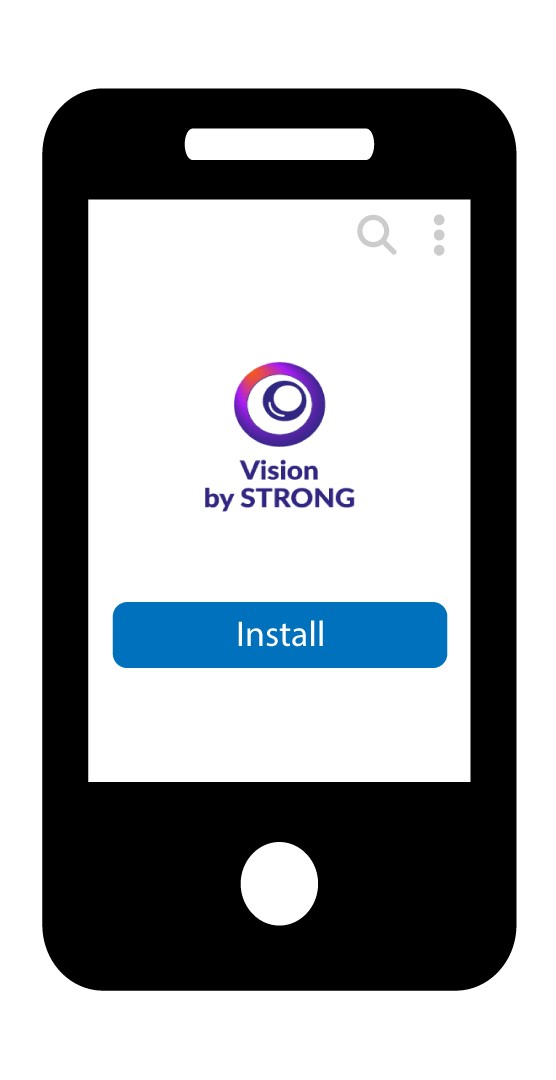
Installer appen.
3Indstildit kamera
Du kan enten tilslutte dit kamera til en POE-port eller til en 12 V-strømforsyning (medfølger ikke).
4. Tilslutet nyt kamera
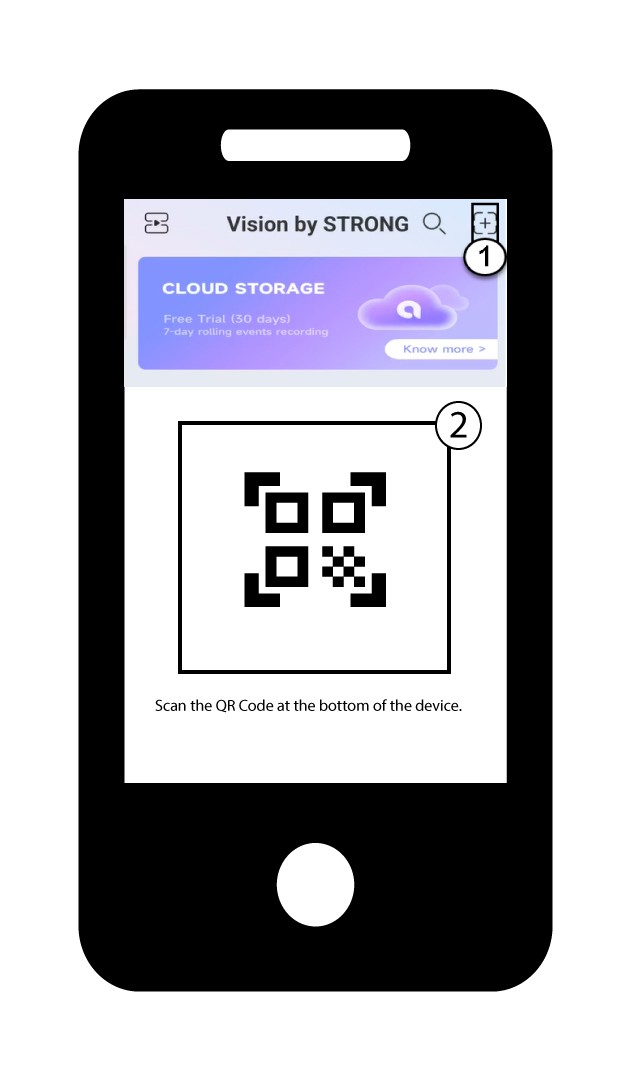
Klik derefter på +-knappen i appen for at tilføje dit kamera ved at scanne QR-koden på produktet.
5Vent venligst, mens kameraet opretter forbindelse
Vent, indtil appen har oprettet forbindelse til enheden.