
4G AIRHOME 210 UK faste 4G-antenner
Ingen varer fundet.
Ingen varer fundet.
Alle spørgsmål
4G AIRHOME 210 UK faste 4G-antenner
Ingen varer fundet.
Ingen varer fundet.
Hvordan slår jeg Wi-Fi fra?
Du kan vælge, at du ikke har brug for at bruge din routers Wi-Fi. Hvis det er tilfældet, skal du deaktivere den i webgrænsefladen.
1. Opret forbindelsetil din routers Wi-Fi-netværk
For at deaktivere routerens Wi-Fi-netværk skal du oprette forbindelse til din enheds Wi-Fi.

2Gåtil IP-adressen for webgrænsefladen
Indtast derefter følgende IP-adresse: 192.168.188.1 i din browser.

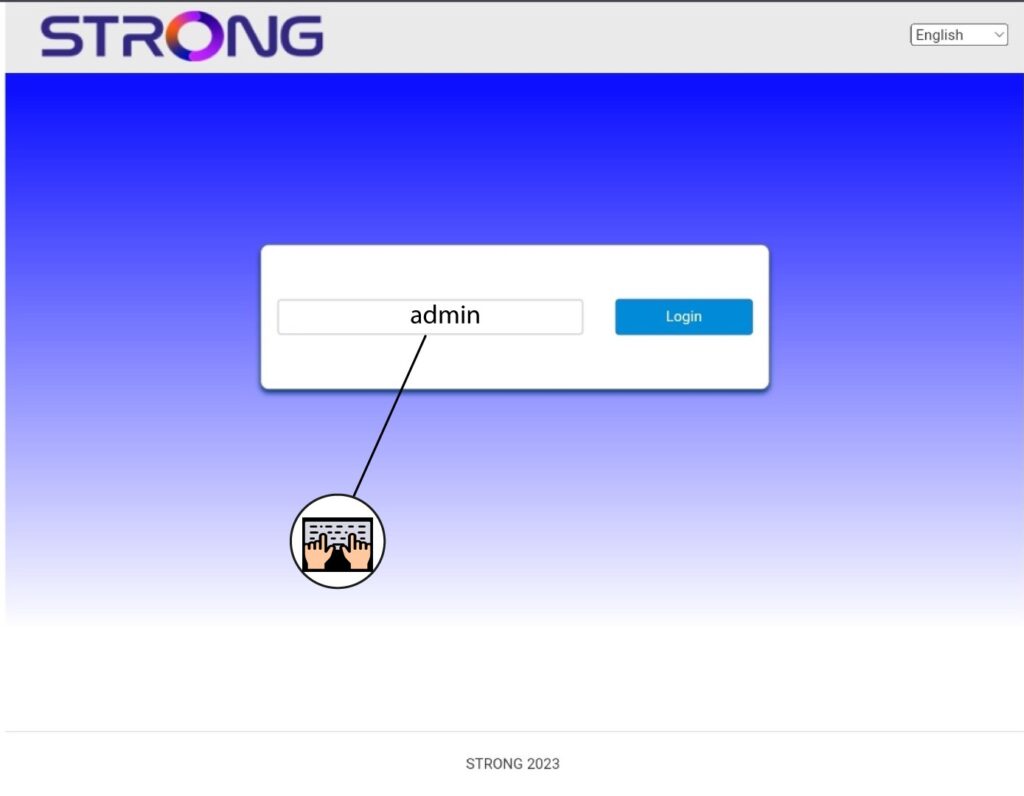
3Indtastdine loginoplysninger
Du skal indtaste adgangskoden.
4. Wi-Fi-indstillinger
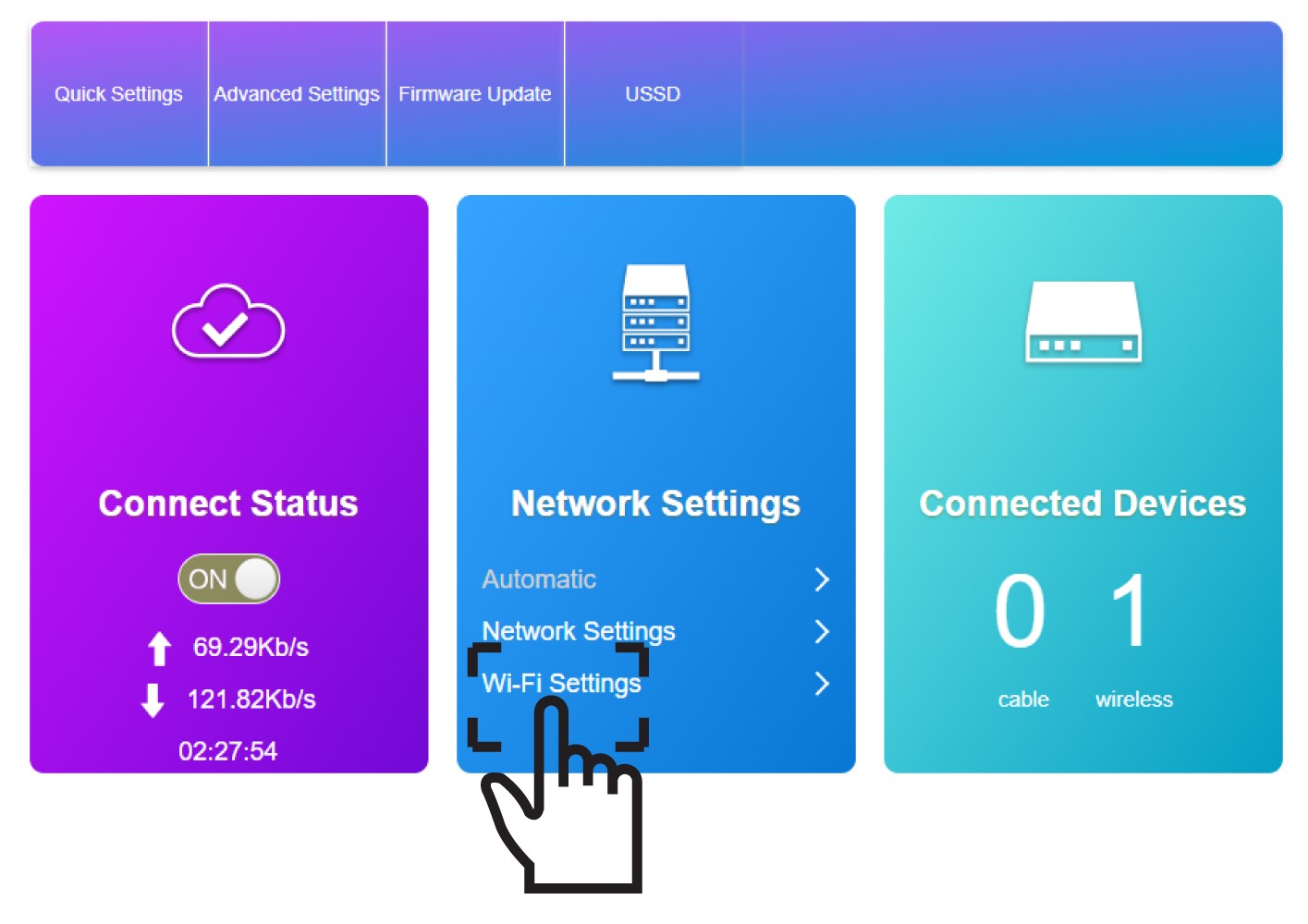
Klik på »Wi-Fi-indstillinger« i afsnittet »Netværksindstillinger«.
5. DeaktiverWi-Fi
Klik derefter på »Deaktiver « og »Anvend«.
