Ingen varer fundet.
LEAP AIR | 4K Google TV med HDR10+
Ingen varer fundet.
Alle spørgsmål
Ingen varer fundet.
LEAP AIR | 4K Google TV med HDR10+
Ingen varer fundet.
Hvordan genstarter jeg min LEAP AIR?
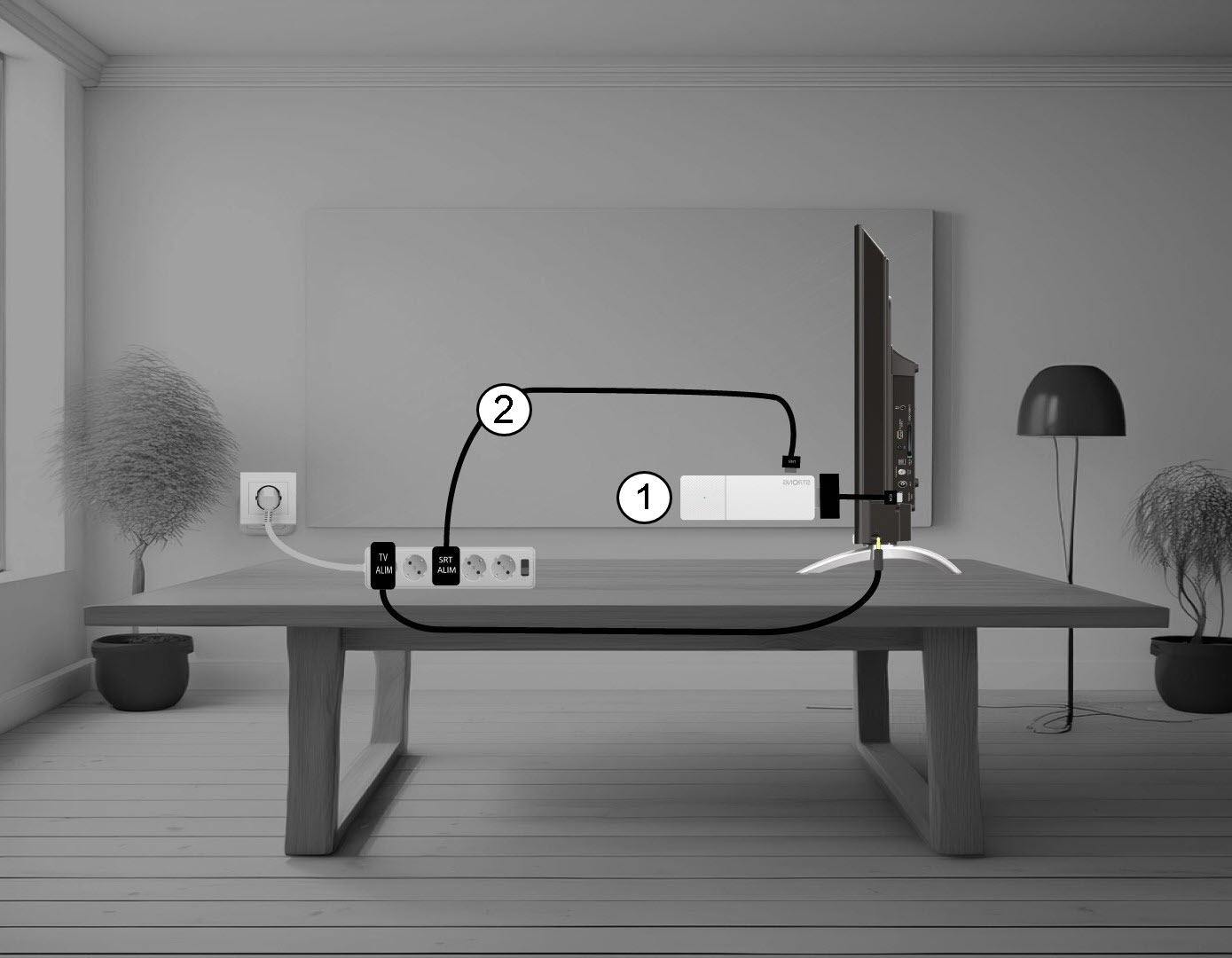
1. FrakoblLEAP AIR fra dit tv
Frakobl HDMI- Stick en fra tv’et (1) og USB-kablet fra LEAP AIR (2).
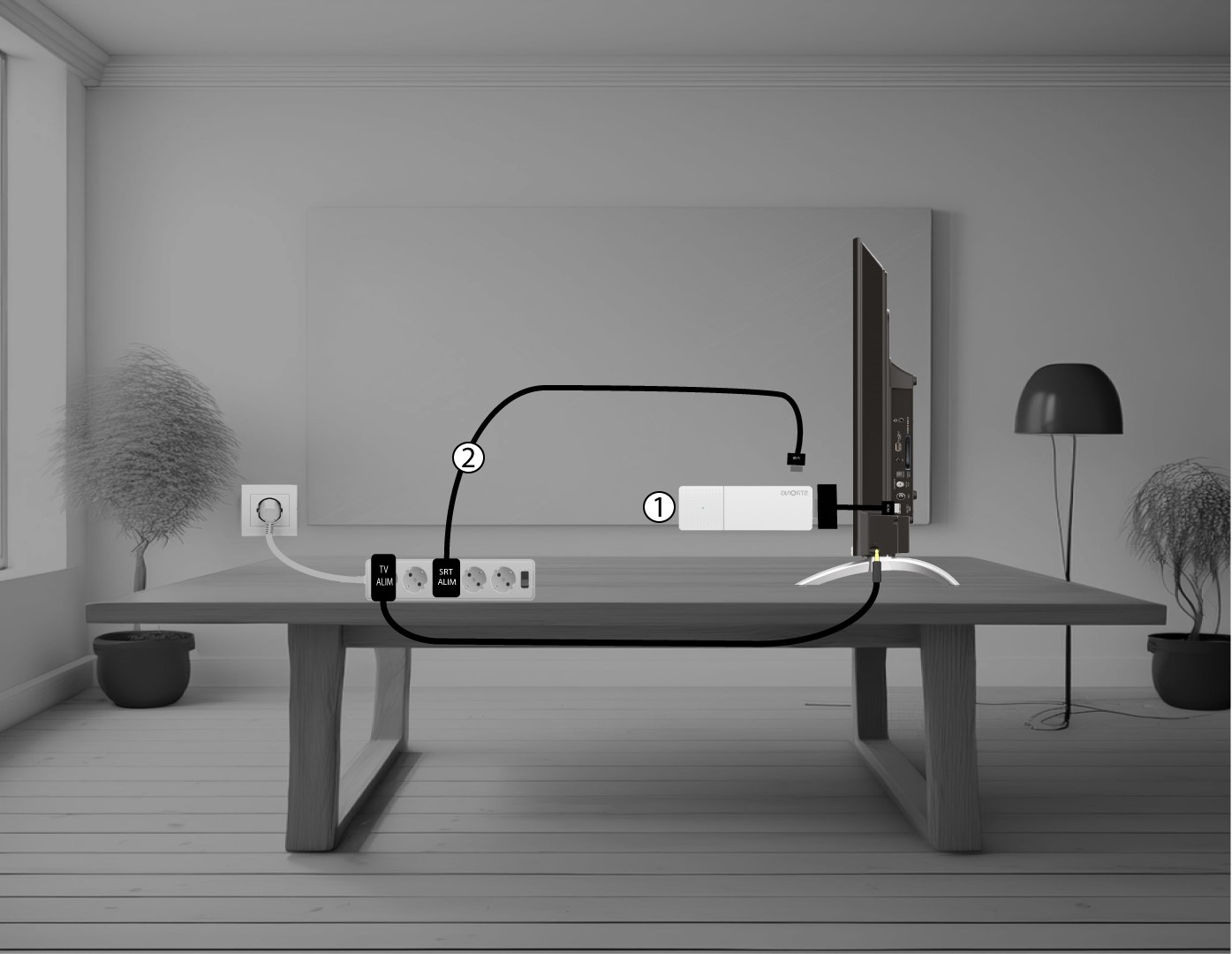
2. TilslutLEAP AIR til dit tv
Tilslut HDMI- stick en til tv’et (1) og USB-kablet (2) igen. Tænd derefter for tv’et.