Ingen varer fundet.
Ingen varer fundet.
2K+ SMART HOME
Alle spørgsmål
Ingen varer fundet.
Ingen varer fundet.
2K+ SMART HOME
Hvordan konfigurerer jeg »Human Detection«?
1Åbnkameraindstillingerne
Klik på »Indstillinger«.

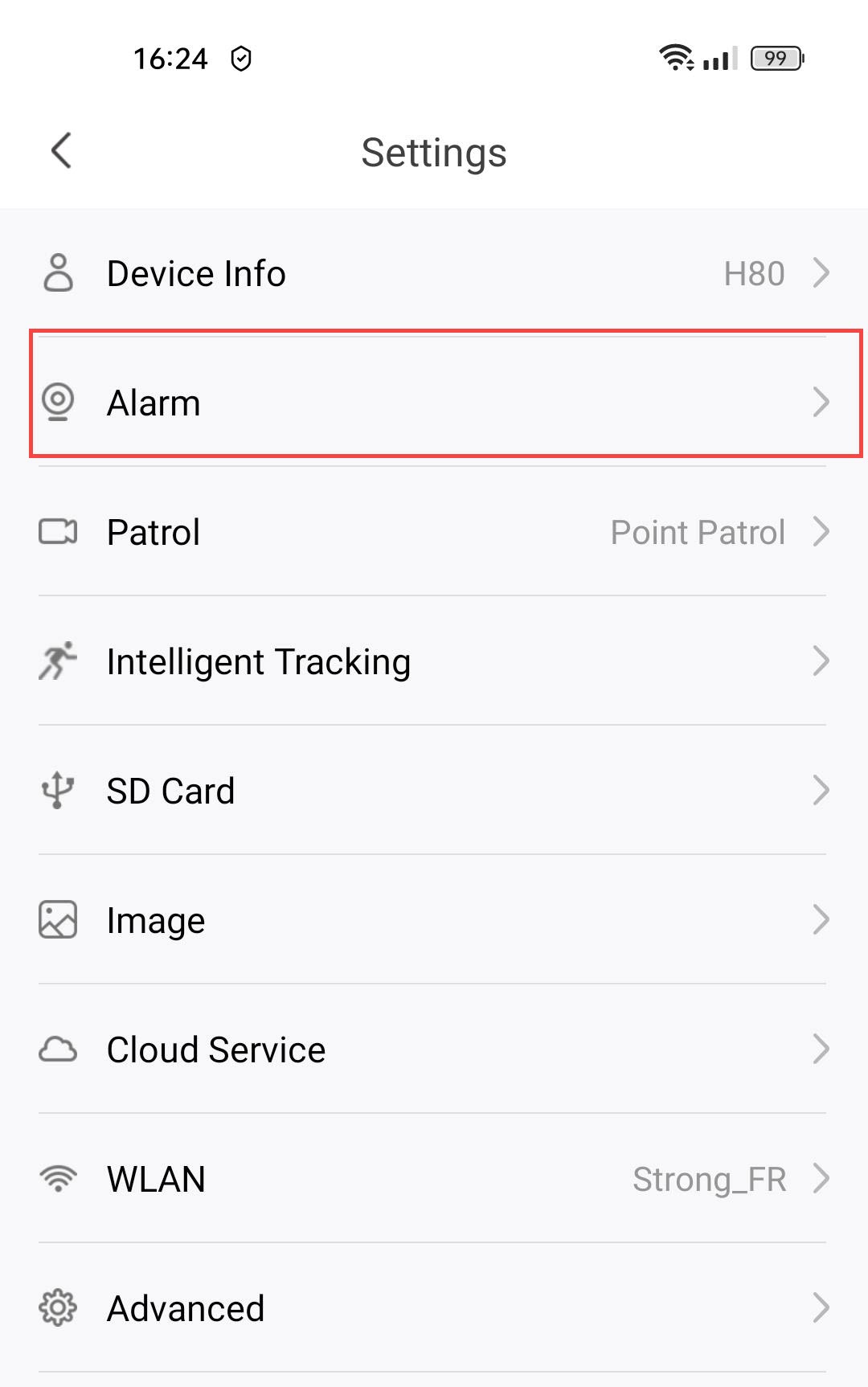
2. Åbnalarmindstillinger
Vælg »Alarm«.
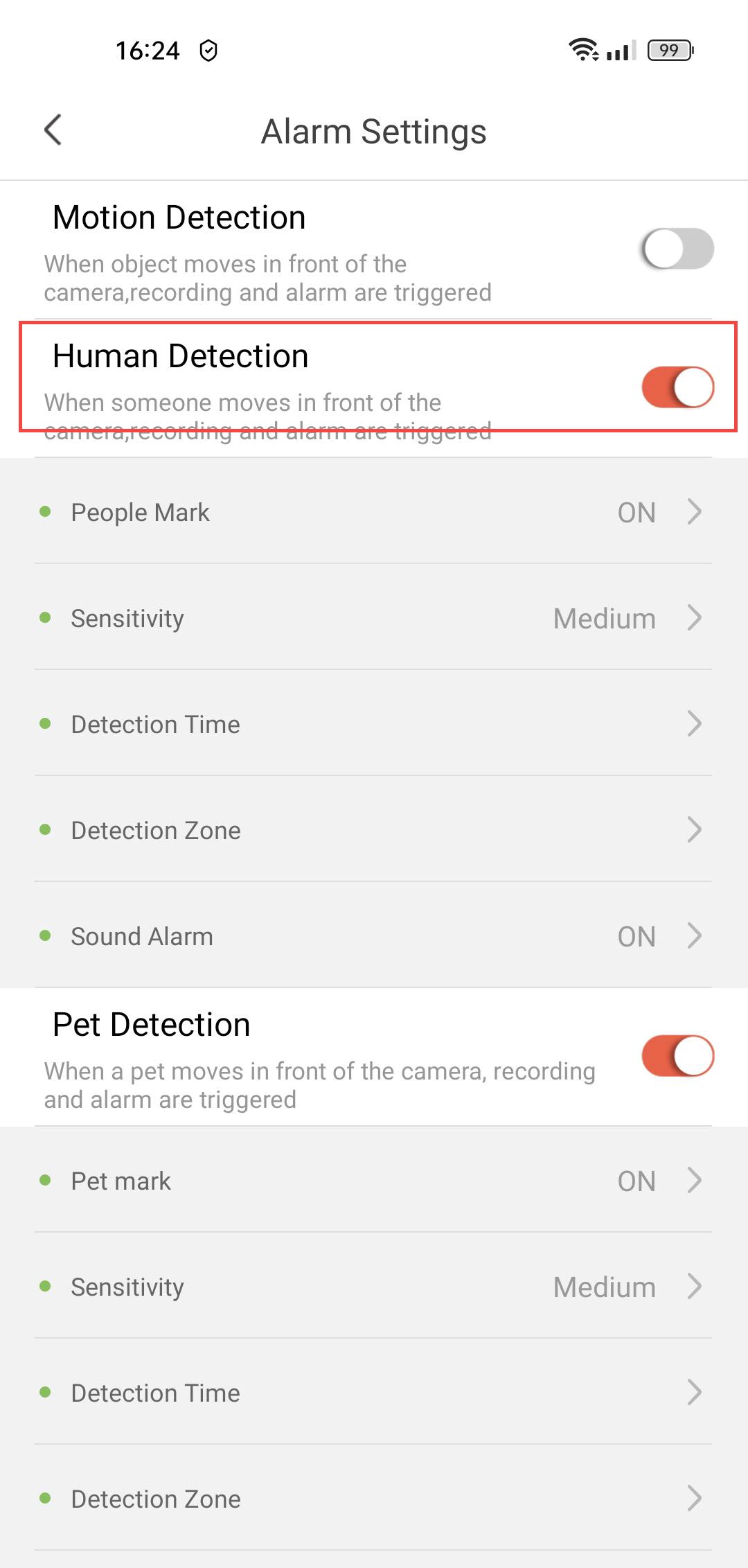
3Aktivérregistrering af mennesker
Tryk på kontakten til detektering af mennesker .
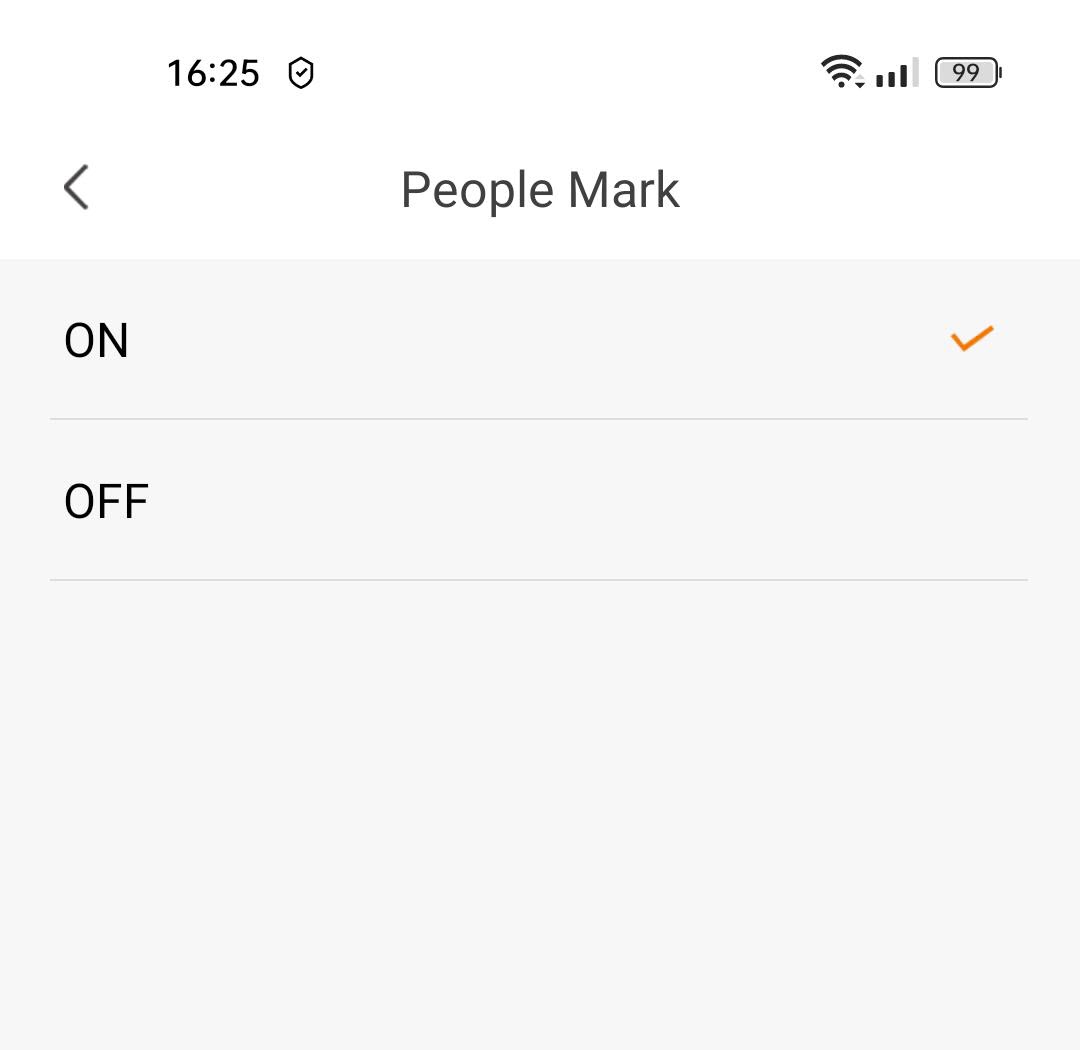
4Aktivérmærkning af personer
Vælg »Personmærke«: (aktiver mærkning af personer).
5Indstillingaf detekteringsfølsomhed
Vælg følsomhed (vælg mellem lav, middel og høj for at forbedre detekteringsnøjagtigheden).

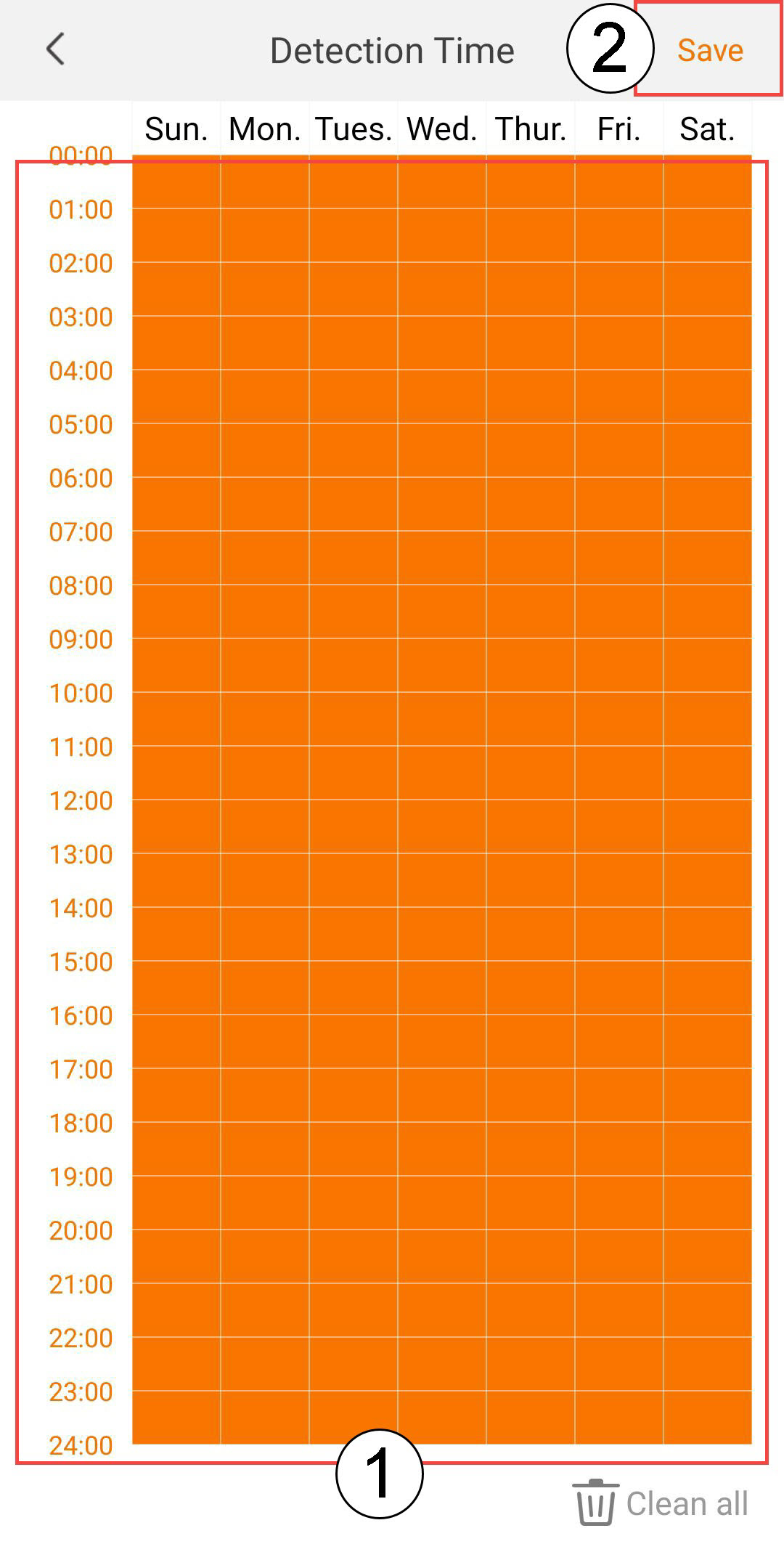
6. Indstildetektionstid
Vælg detekteringstidspunkt (vælg de dage og tidspunkter, hvor alarmen skal udløses, hvis der registreres en person, og klik derefter på »Gem«).
7 Definerdetekteringszonen
Vælg detekteringszone: (Opret en detekteringszone på gitteret, og klik på »Gem«. Alarmen udløses, hvis der registreres et menneske i denne zone).

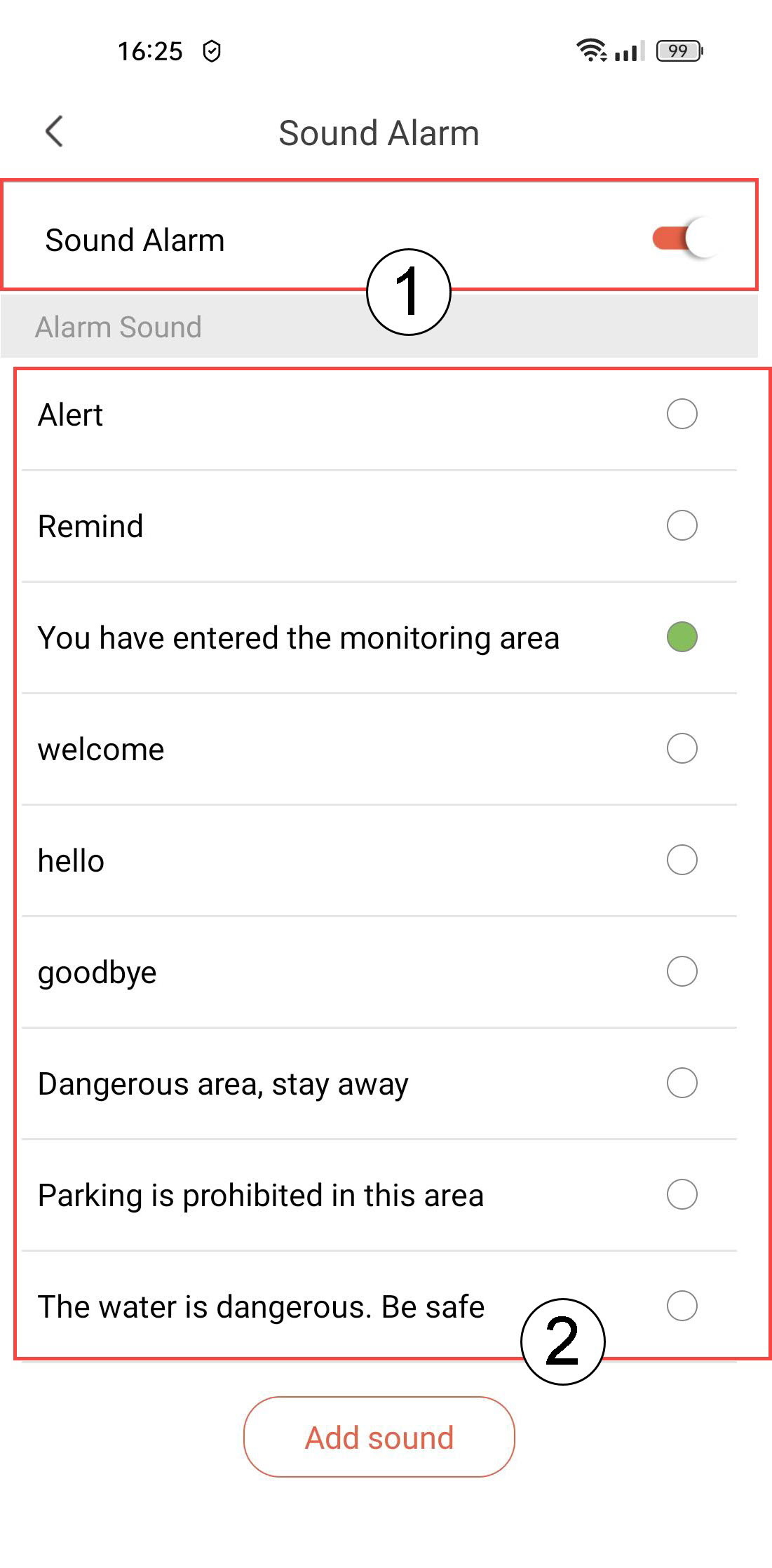
8Aktiverlydalarm
Vælg »Lydalarm« (tryk på kontakten for at aktivere alarmen og vælg en lyd fra listen).
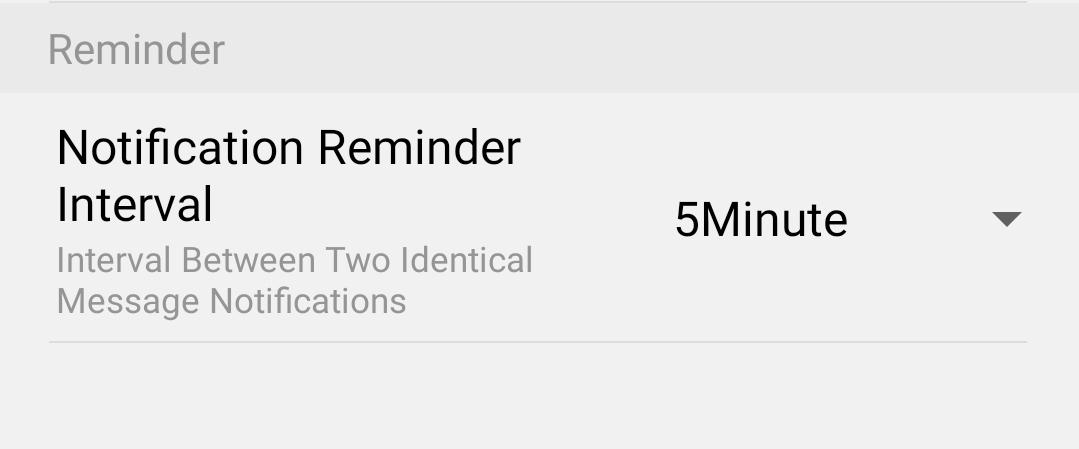
9Indstilpåmindelsesinterval
Vælg »Påmindelse« (indstil intervallet mellem to identiske begivenheder. Du skal vælge en værdi mellem 30 sekunder og 30 minutter).