
ATRIA kit 1200 UK
Alle spørgsmål
ATRIA kit 1200 UK
Hvordan skal jeg navngive mine enheder i » Mesh «?
Du kan følge vejledningen nedenfor for at angive navne på dine mesh -enheder, så du nemt kan genkende dem.
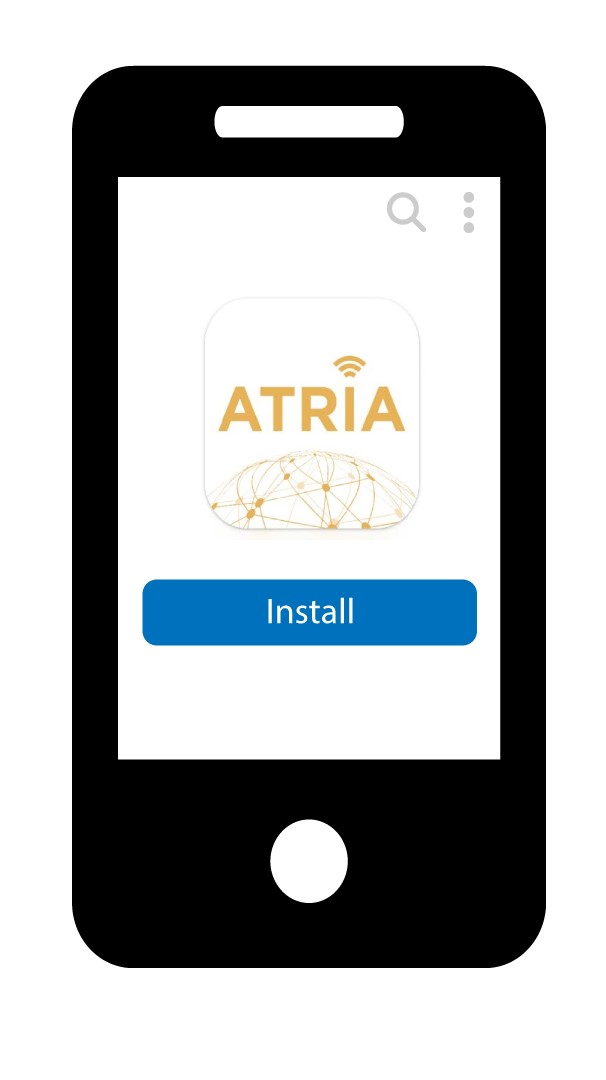
1. Downloadappen
Download Atria-appen » Mesh «.
2 Opret forbindelsetil Wi-Fi-netværket på mesh
Opret forbindelse til Wi-Fi-netværket på din » mesh «-enhed.

3 Opret forbindelsetil appen
Indtast brugernavn og adgangskode, inden du klikker på »Log ind«.

4Mitnetværk
Klik på »Mit netværk«

5Mesh Netværksstatus
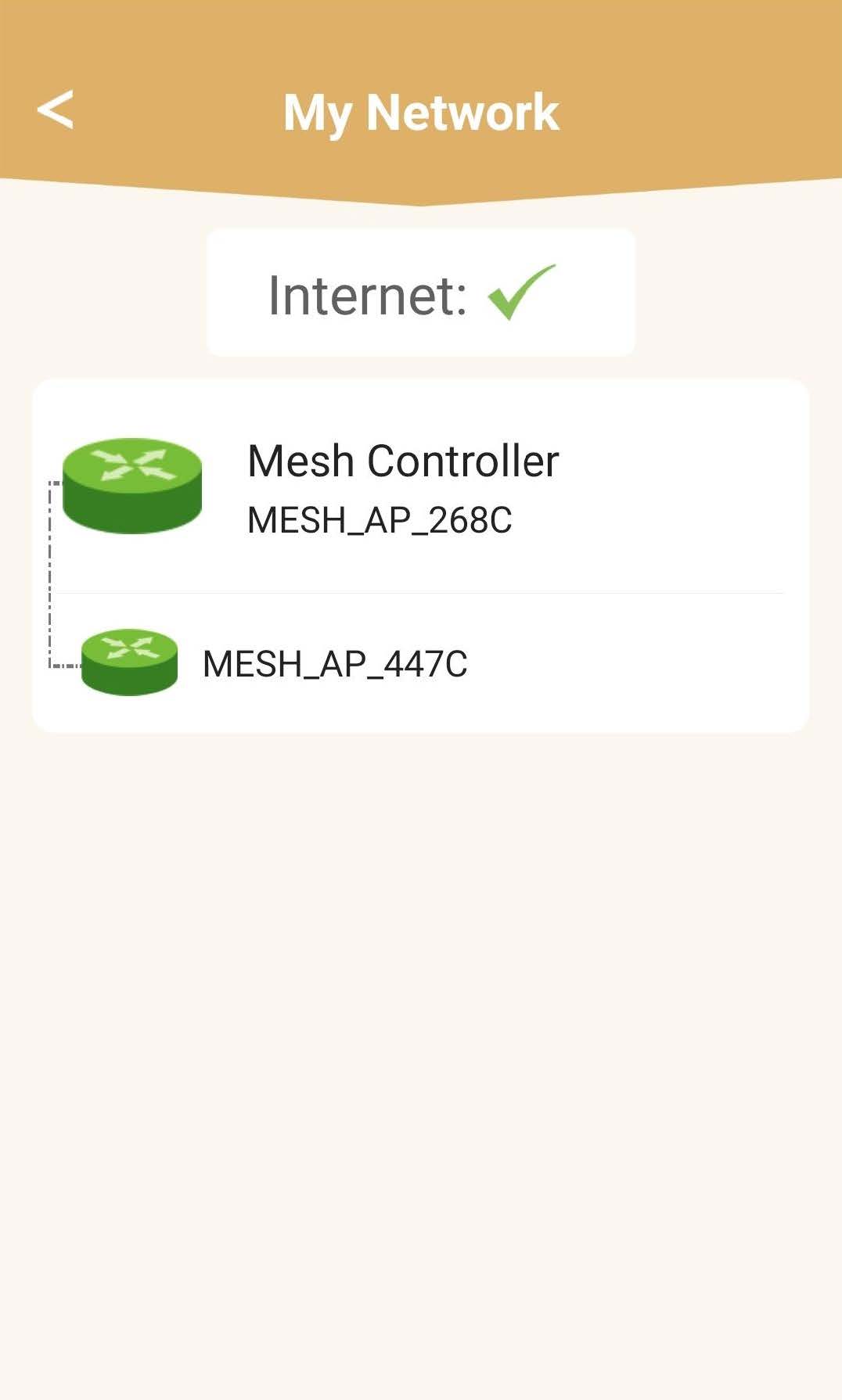
Du kan se status for dækningen fra dine enheder fra mesh .
Bemærk venligst, at når enhederne på mesh vises i gråt, er enhedens dækningsområde ikke tilstrækkeligt. I dette tilfælde skal du flytte din mesh -enhed.
Hvis enhederne fra mesh vises i grønt, betyder det, at de fungerer korrekt og giver tilstrækkelig dækning.
6Hoved mesh -enhed
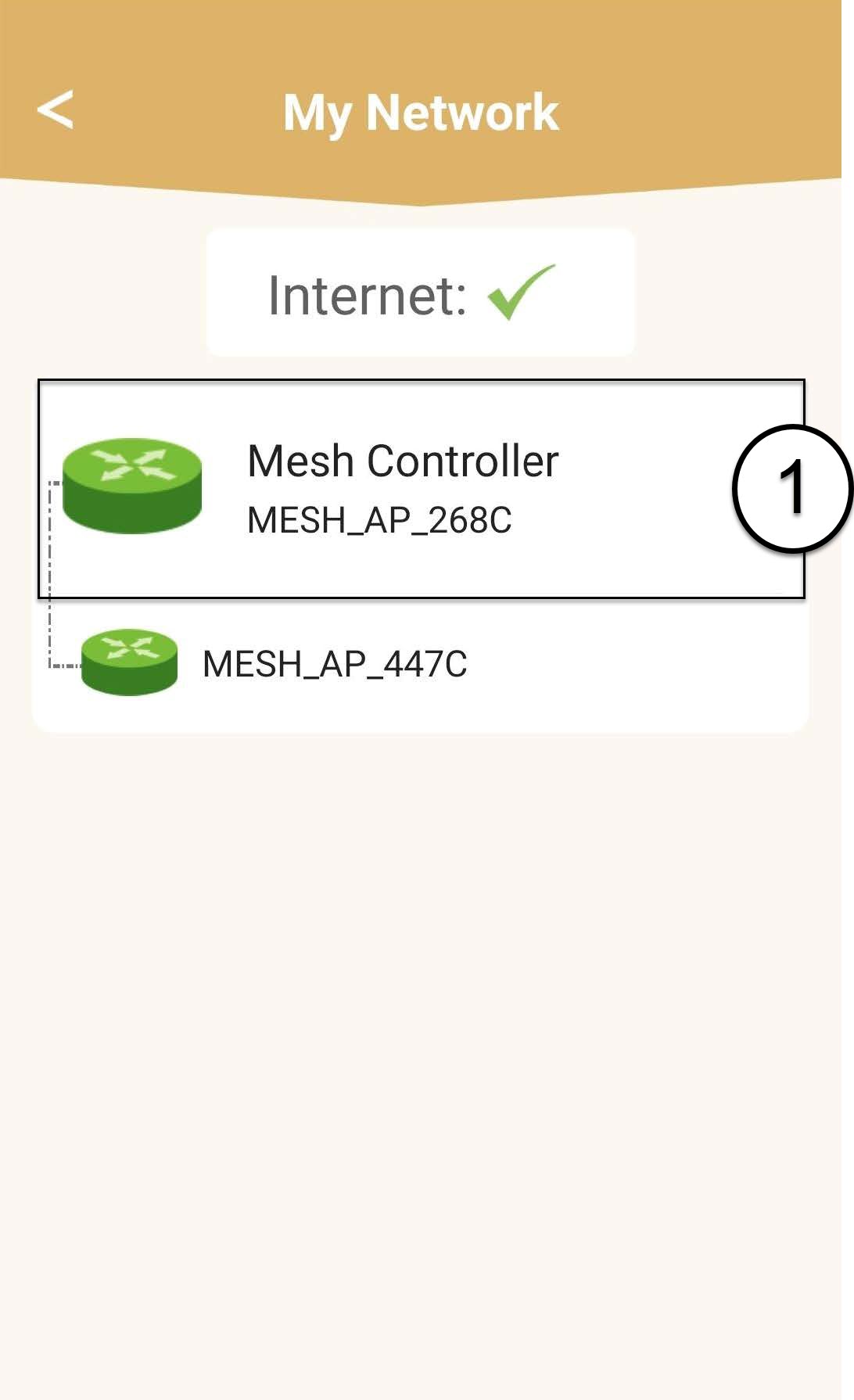
Klik på navnet på enheden » mesh « for at få adgang til oplysninger om den.
7Redigernavnet på hoved mesh senheden
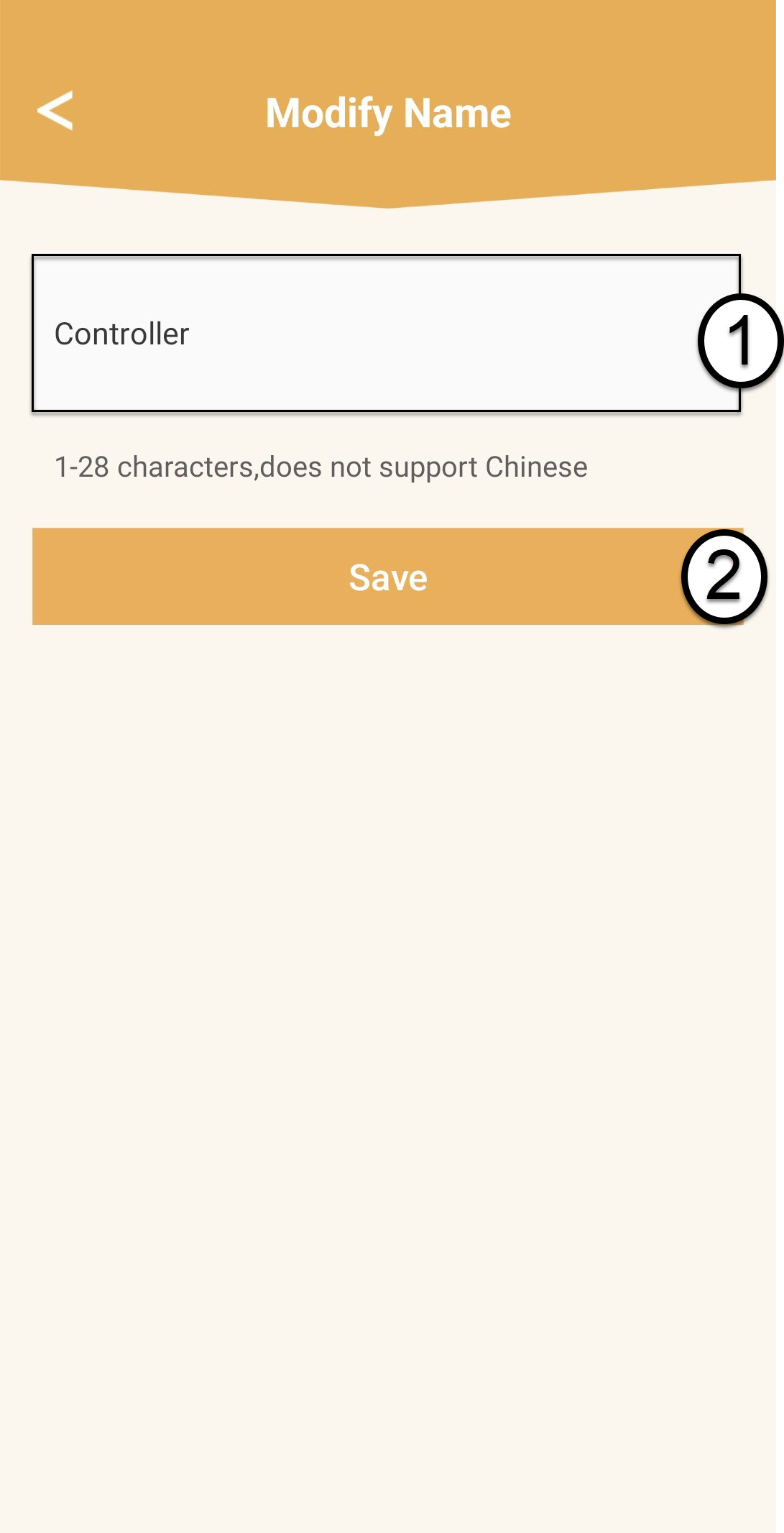
Indtast et nyt navn, og klik på »Gem«.
mesh -controlleren skal navngives således: Mesh1200-Main-
Navnetpårummetmesh -enhederne bør navngives på følgende måde: Mesh1200-Navnetpårummet
8Sekundær mesh -enhed
For de øvrige enheder under » mesh « skal du klikke på deres navn for at få adgang til oplysningerne. Indtast derefter et nyt navn, og klik på »Gem«.