
Powerline 600 Duo Wi-Fi Mini
Alle spørgsmål
Powerline 600 Duo Wi-Fi Mini
Jeg har ikke adgang til internettet, og/eller LED-lampen på »hjem«-ikonet lyser ikke.
Du skal nulstille adapterne til fabriksindstillingerne. Følg nedenstående trin for at nulstille adapterne.
1. Sætadapterne i en stikdåse
Tilslut adapterne én efter én til en stikdåse.
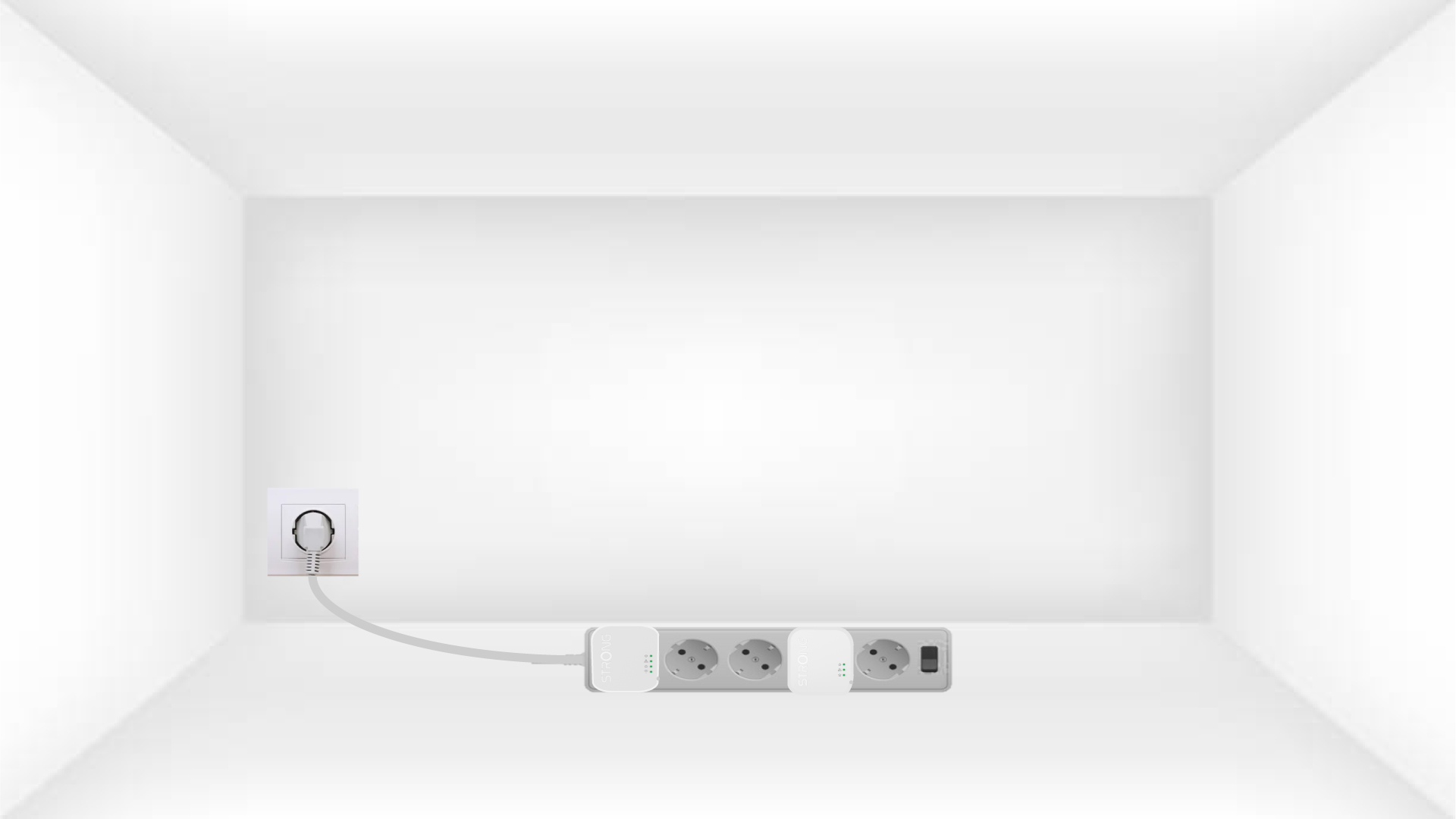
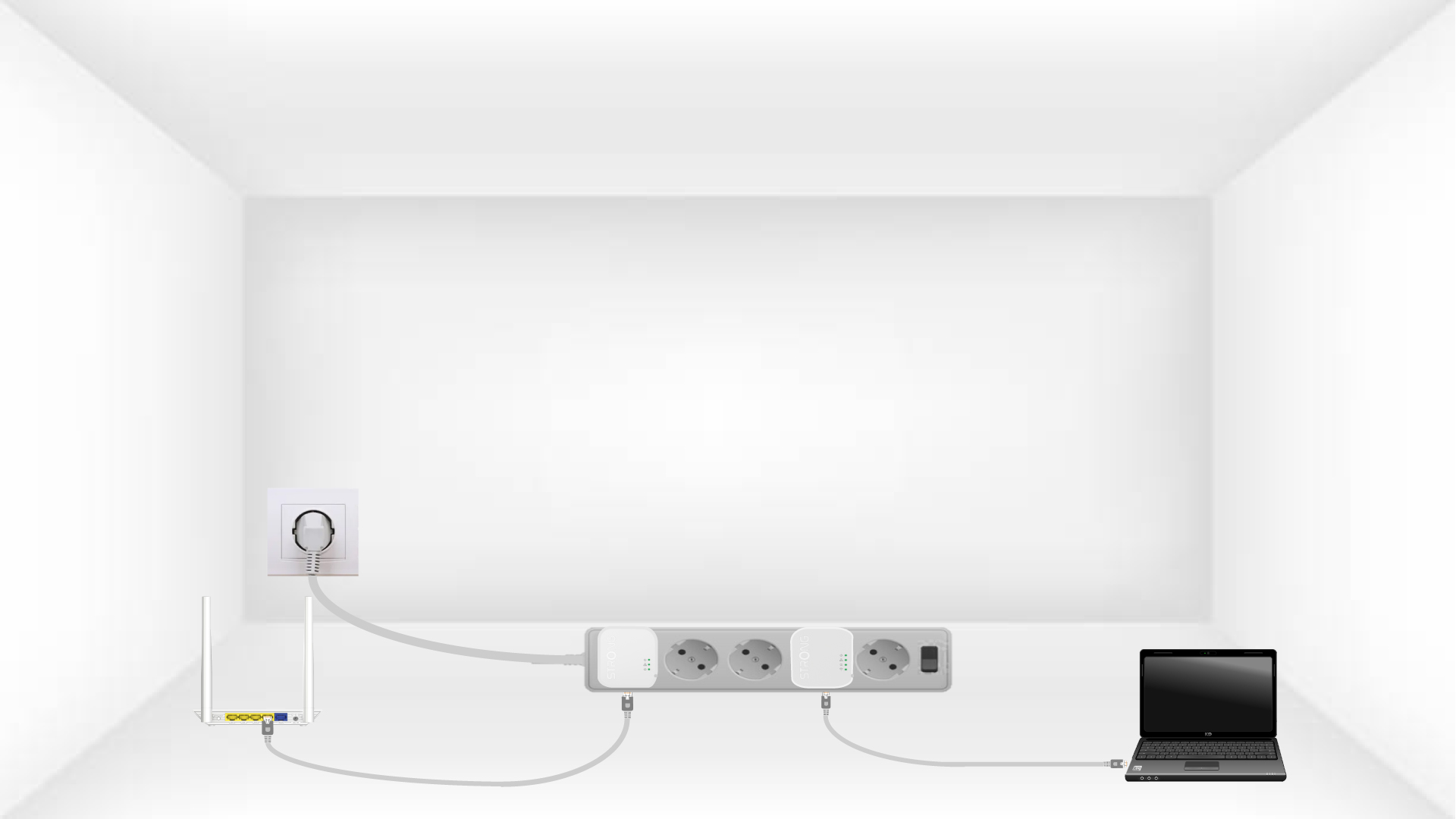
2. Tilslutadapterne til internettet
Tilslut hver adapter til en fungerende enhed (internetrouter/gateway, Android- boks, Smart TV, computer osv.) med et Ethernet-kabel. Der skal være kommunikation mellem enhederne, ellers går adapteren automatisk i standbytilstand.
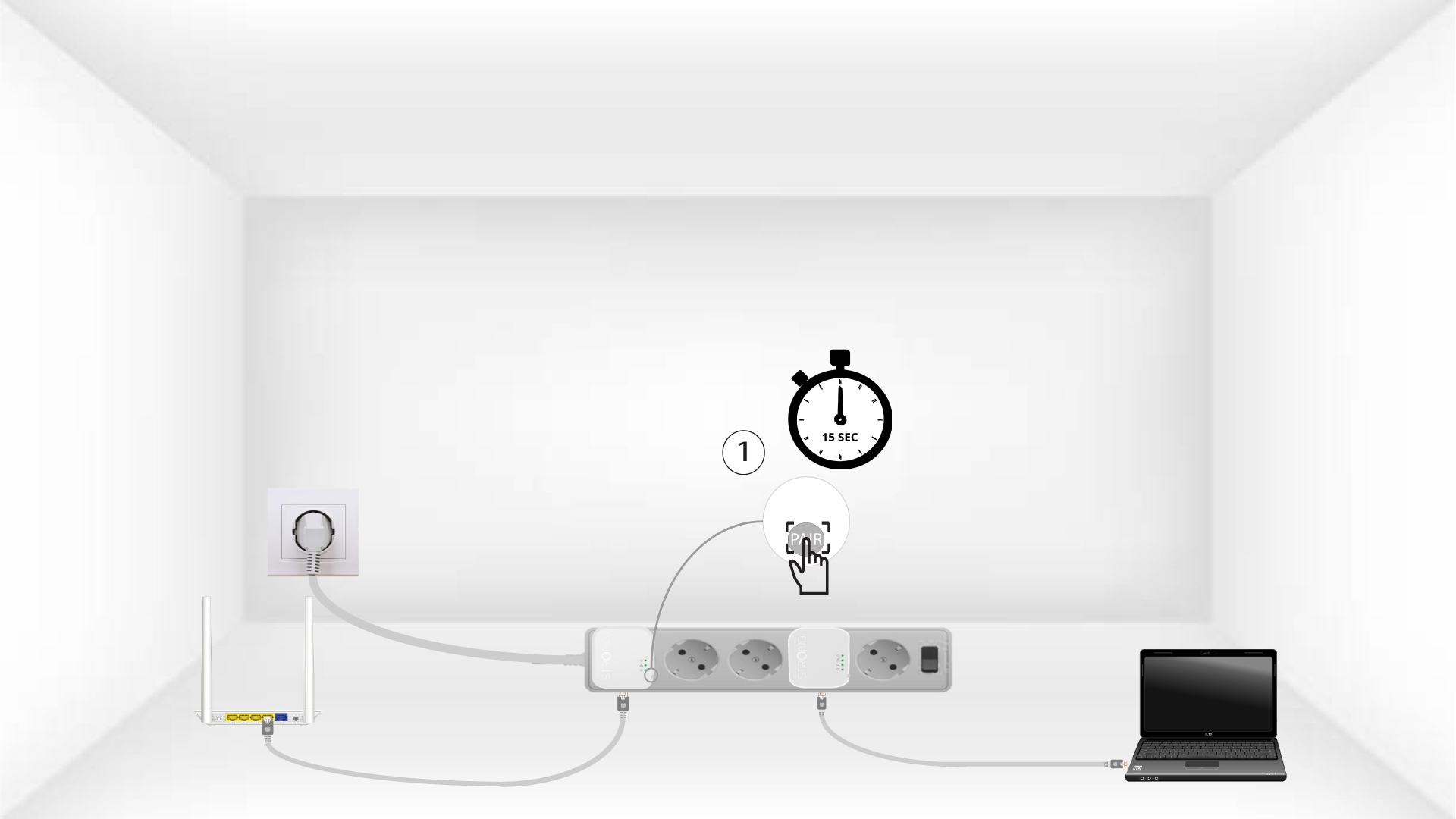
3Tryk påknappen »Connect & Secure« (første adapter)
Når adapteren er sat i stikkontakten og tilsluttet Ethernet, skal du blot trykke på knappen »Connect & Secure« på enhedens højre side i 15 sekunder.
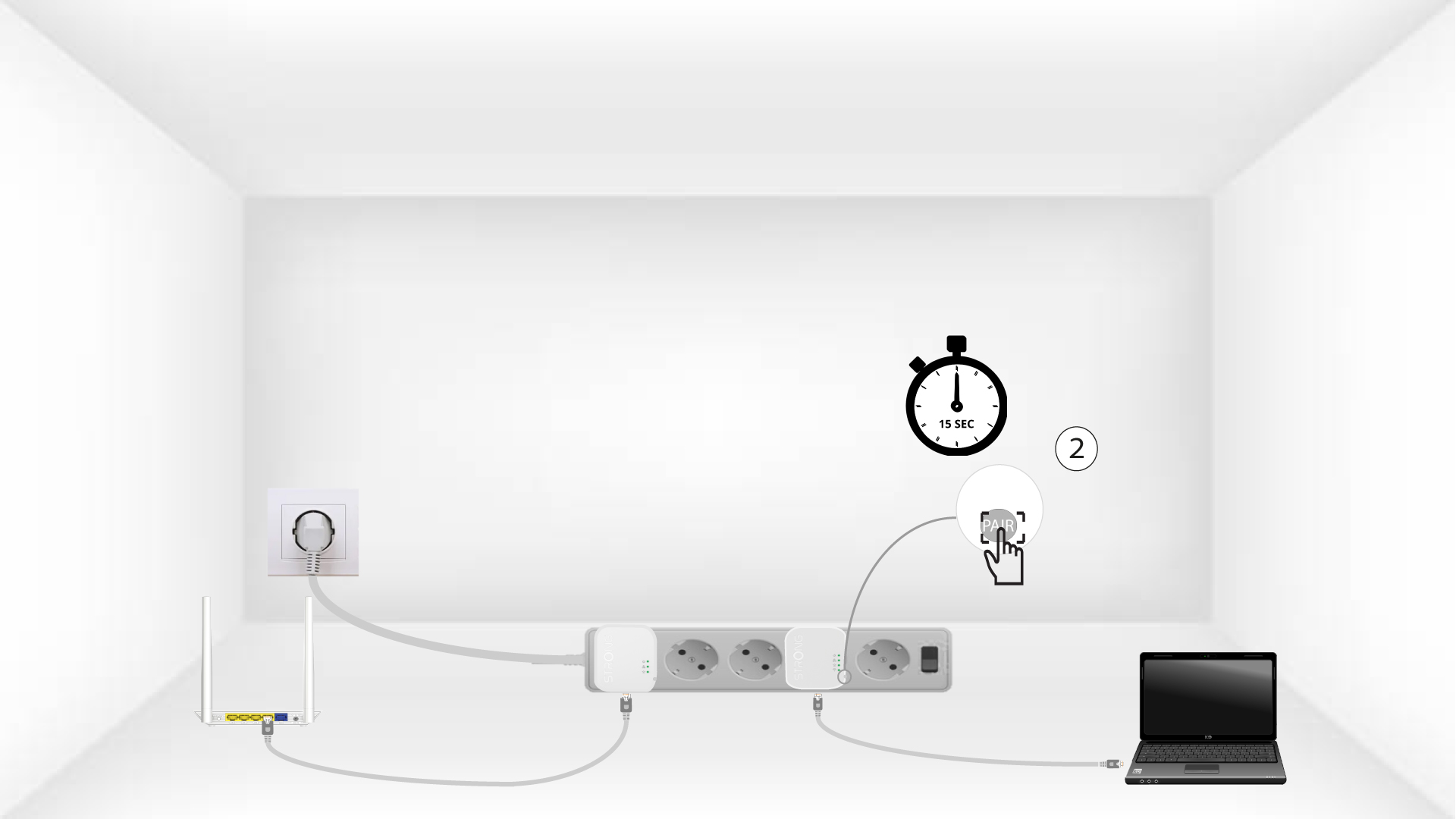
4Tryk påknappen »Connect & Secure« (den anden adapter)
Tryk på knappen »Connect & Secure«, der sidder på højre side af den anden enhed, i 15 sekunder.
5Home-LED’en blinker
LED-lamperne i hjemmet bør begynde at blinke.
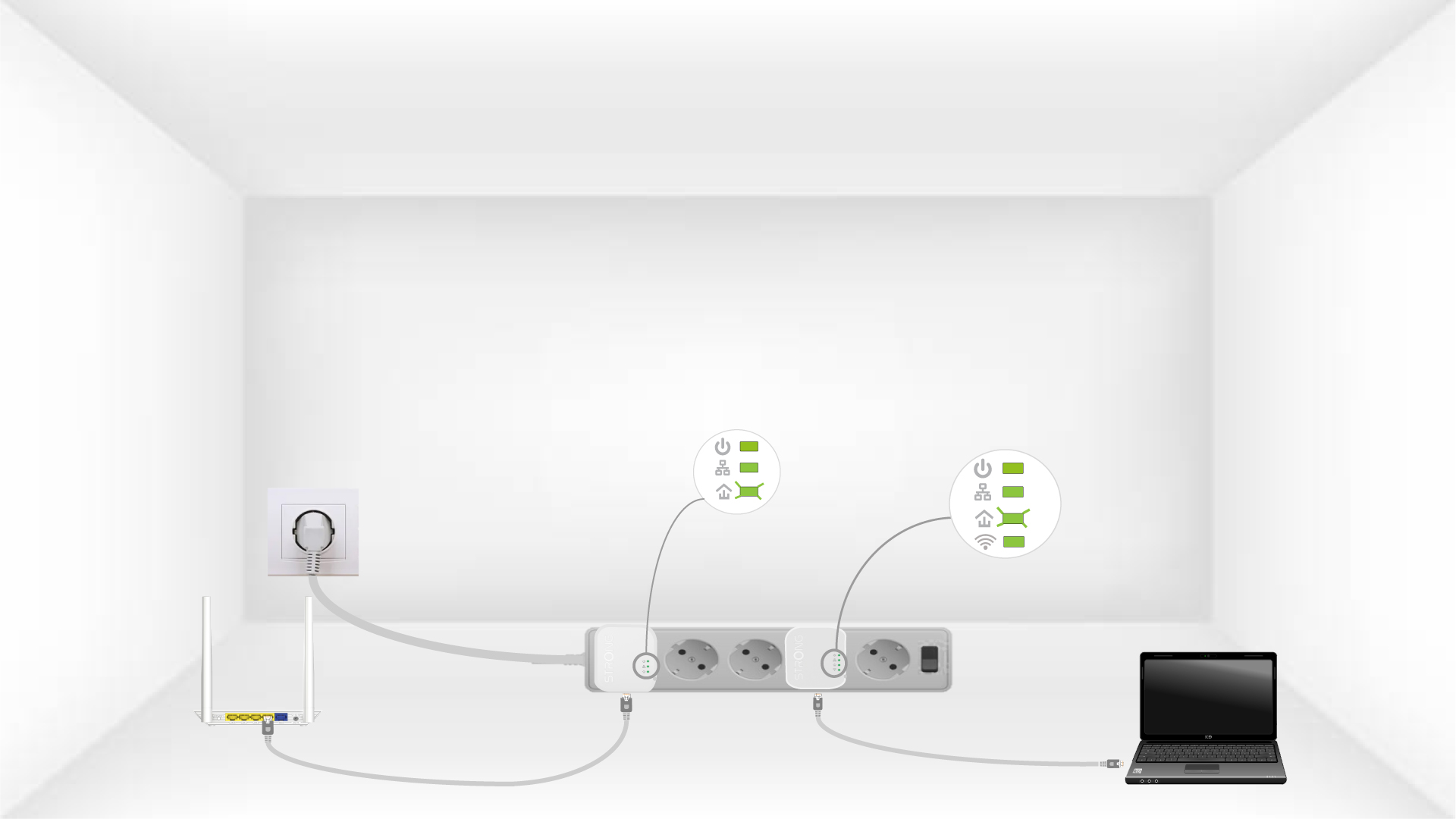
6Enhedernenulstilles
Alle LED’erne skal lyse grønt, når operationerne er afsluttet.
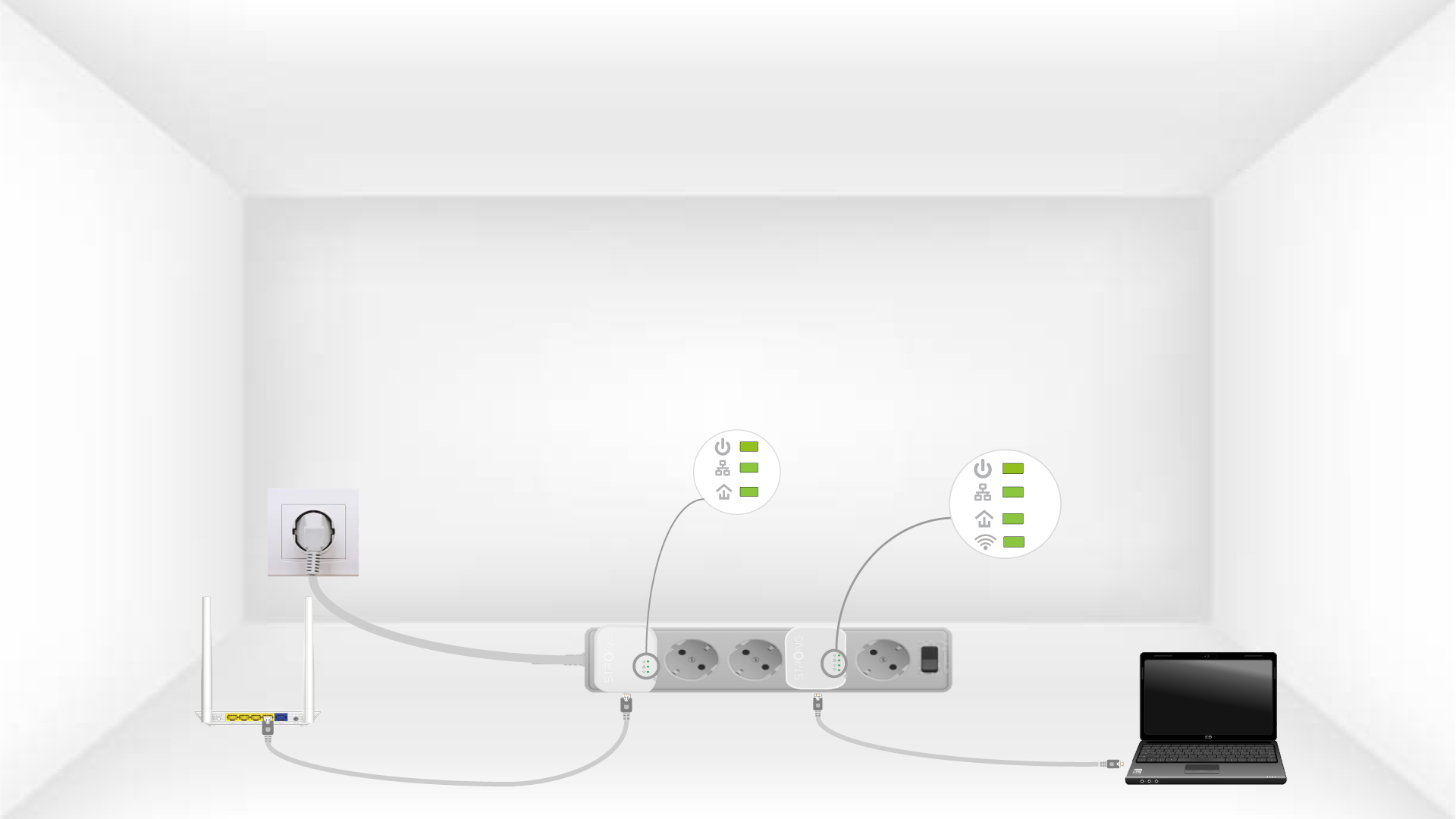
Gentag samme fremgangsmåde for en tredje strømledning. Du kan have op til otte Powerline 600 Mini på samme elinstallation.
Når du har nulstillet alle enhederne, kan du placere dem i det rum, hvor du har brug for dem.