Keine Artikel gefunden.
LEAP AIR | 4K-Google-TV mit HDR10+
Keine Artikel gefunden.
Alle Fragen
Keine Artikel gefunden.
LEAP AIR | 4K-Google-TV mit HDR10+
Keine Artikel gefunden.
Wie starte ich meinen LEAP AIR neu?
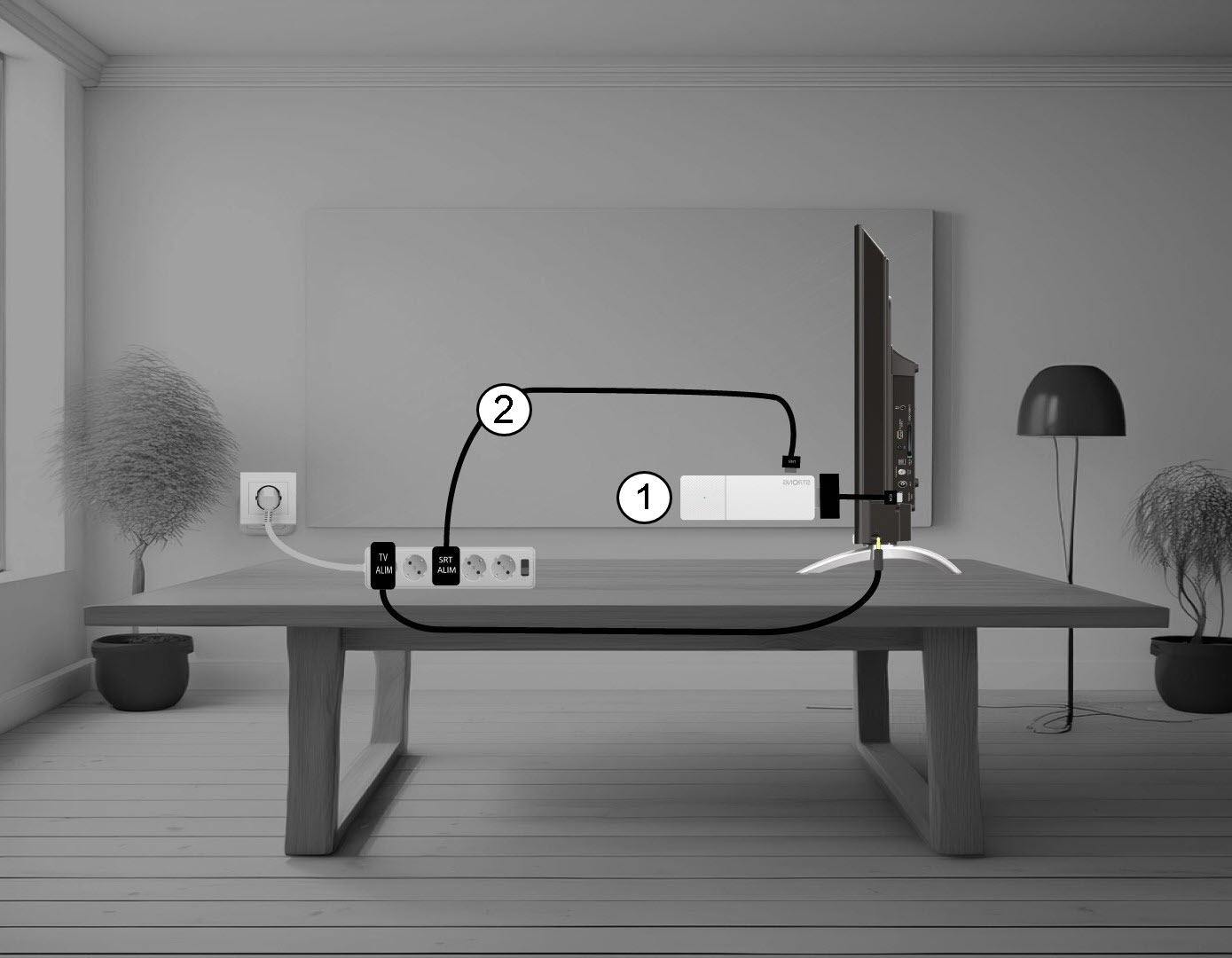
1. Trennen Siedas LEAP AIR von Ihrem Fernseher.
Trennen Sie das HDMI- Stick -Kabel vom Fernseher (1) und das USB-Kabel vom LEAP AIR (2).
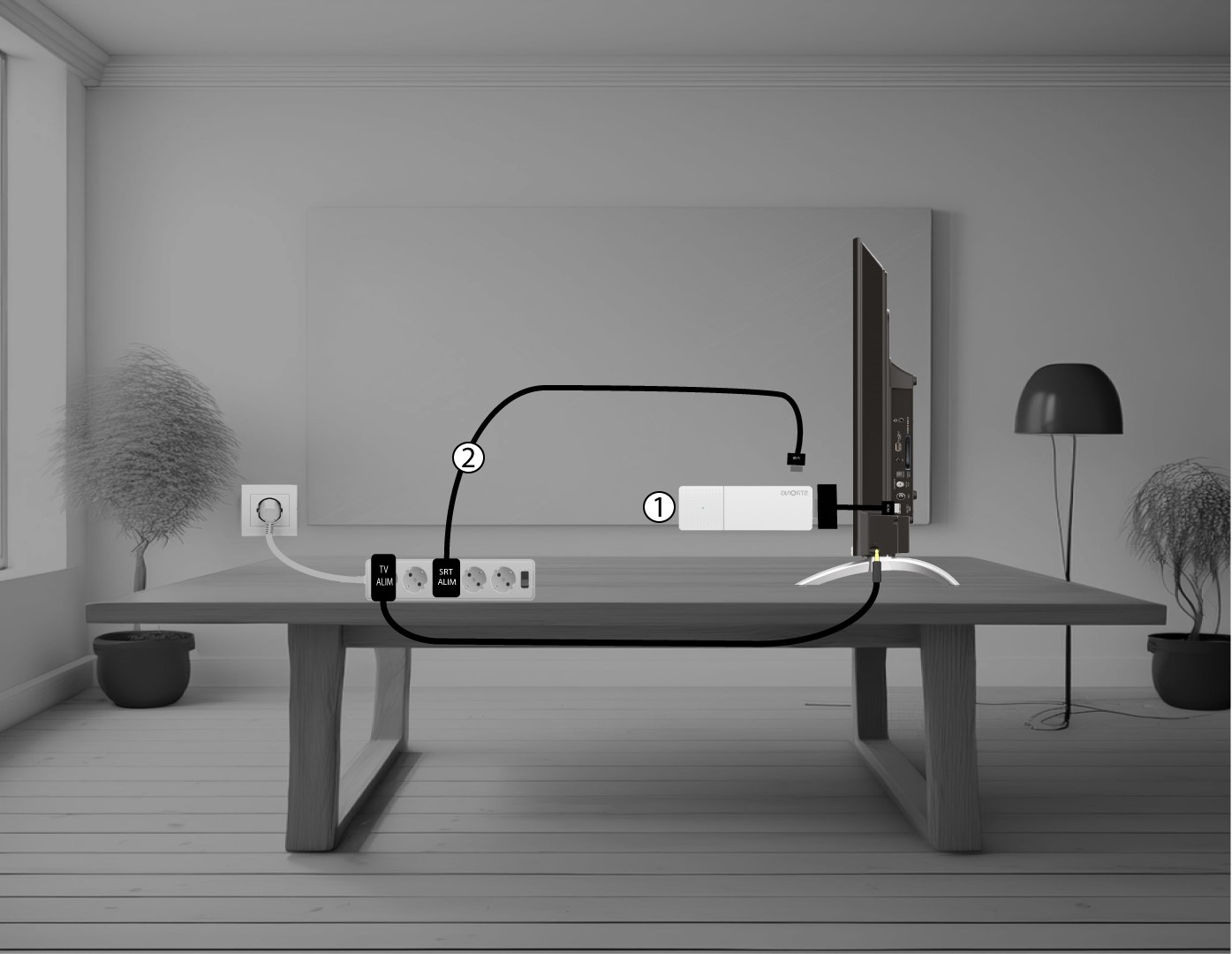
2. Schließen Siedas LEAP AIR an Ihren Fernseher an
Schließen Sie den HDMI- stick wieder an den Fernseher (1) und das USB-Kabel (2) an. Schließen Sie anschließend den Fernseher an die Stromversorgung an.