
ATRIA Mesh add-on 1200 UK
Όλες οι ερωτήσεις
ATRIA Mesh add-on 1200 UK
Πώς μπορώ να ρυθμίσω το δίκτυο Wi-Fi του mesh ; (Περίπτωση 1: Κουμπί WPS)
Για να ρυθμίσετε το δίκτυο του « Mesh », ανατρέξτε στον Οδηγό Γρήγορης Εγκατάστασης (QIG) που περιλαμβάνεται στη συσκευασία του προϊόντος σας.
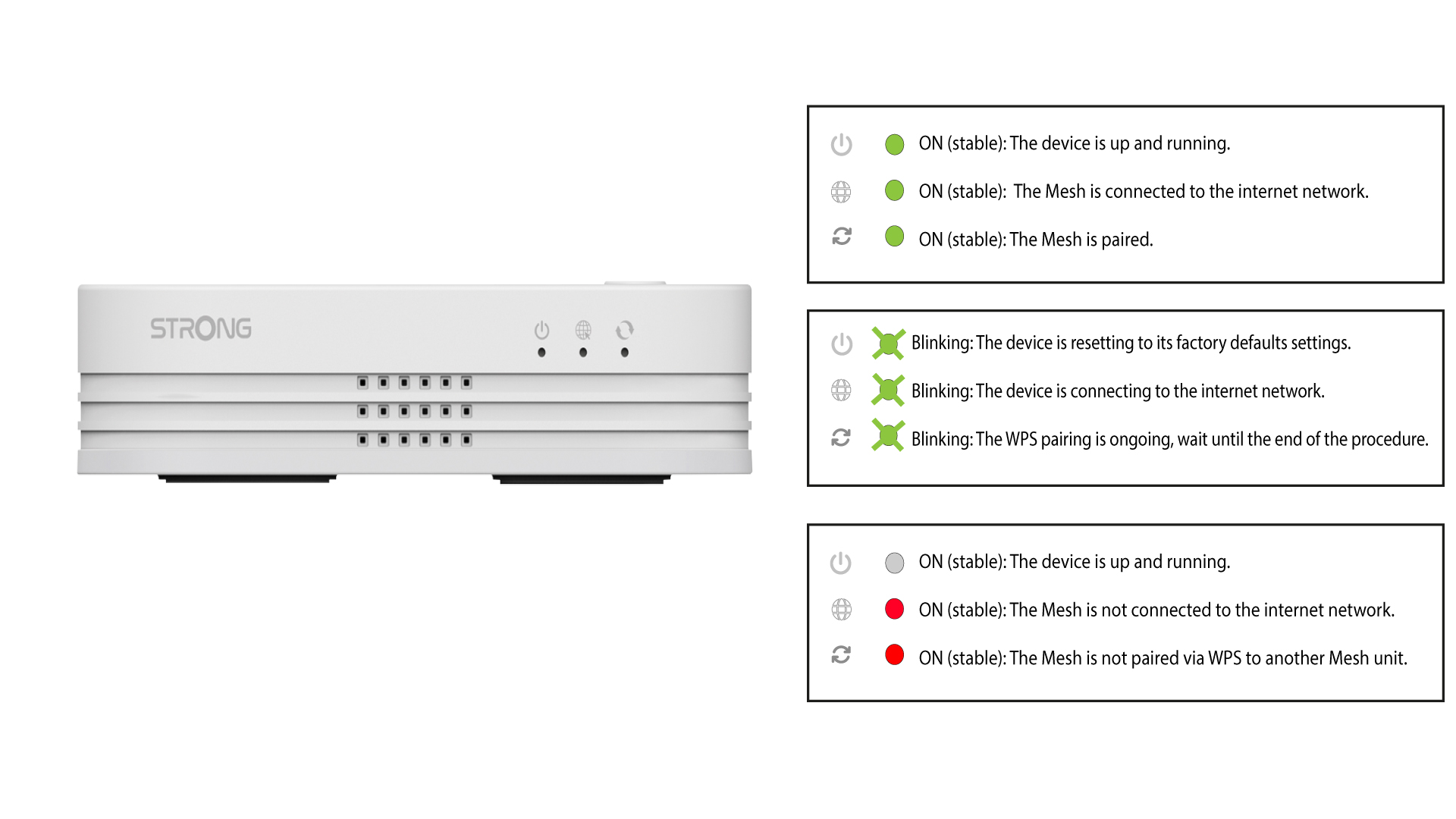
1. Συνδέστετη συσκευή στην πρίζα
Για να ενεργοποιήσετε τη συσκευή « mesh », πρέπει να τη συνδέσετε στην πρίζα (η συσκευή δεν διαθέτει κουμπί ενεργοποίησης) και να τη συνδέσετε
με το μόντεμ σας χρησιμοποιώντας ένα καλώδιο RJ45.

2Περιμένετεκατά τη διάρκεια της διαμόρφωσης
Στη συνέχεια, πρέπει να περιμένετε λίγα λεπτά μέχρι να ολοκληρωθεί η αυτόματη ρύθμιση της συσκευής.
3Συνδέστε τη δεύτερη συσκευή
Πρέπει να συνδέσετε τη δεύτερη μονάδα « mesh ».
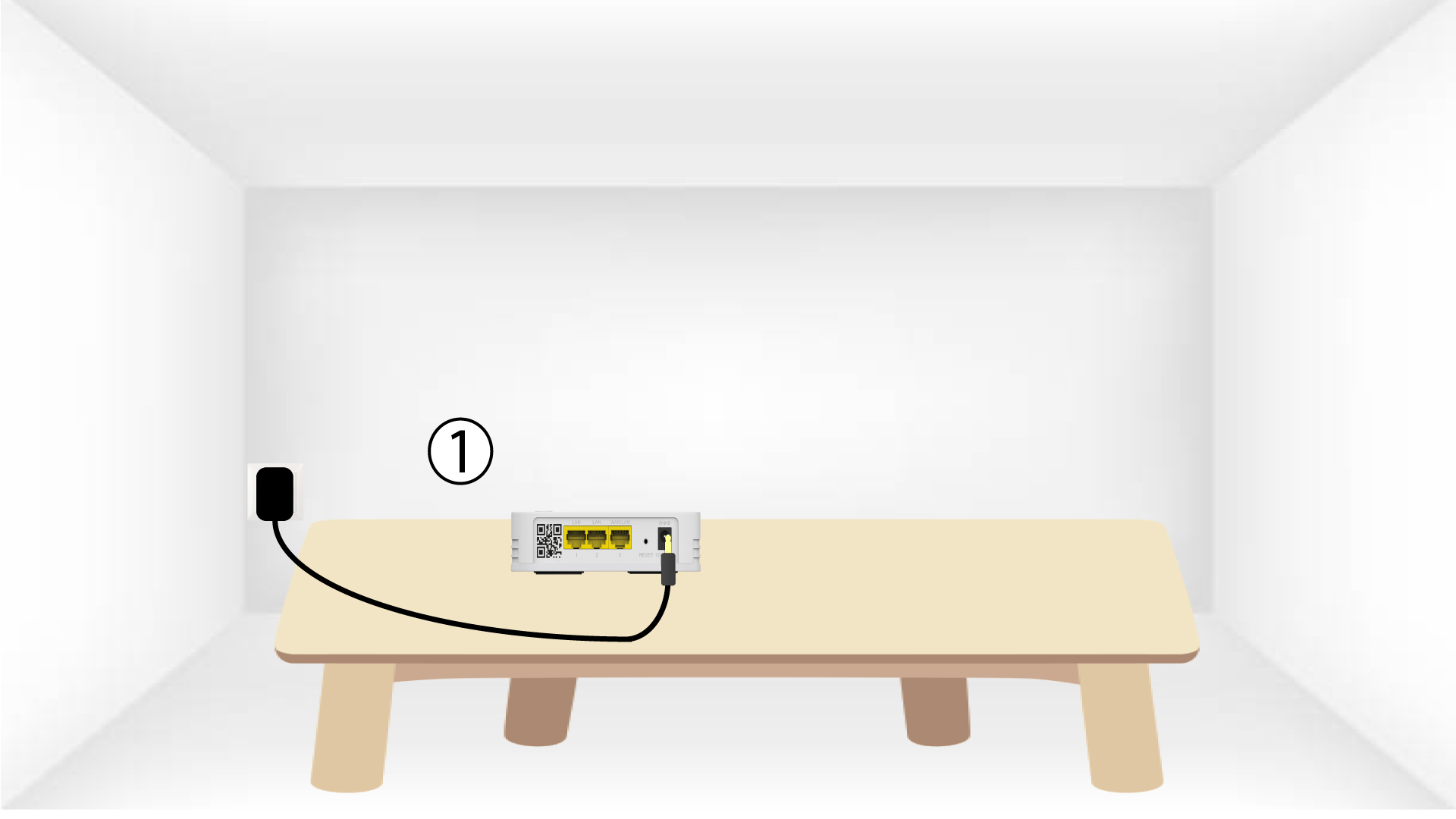
4Ενεργοποιήστετο WPS στην κύρια mesh
Πατήστε το κουμπί WPS για τουλάχιστον 4 δευτερόλεπτα στη συσκευή « Mesh » που είναι συνδεδεμένη στο μόντεμ/δρομολογητή σας.
Η λυχνία LED θα αναβοσβήνει με πράσινο χρώμα μετά την ενεργοποίηση του WPS.
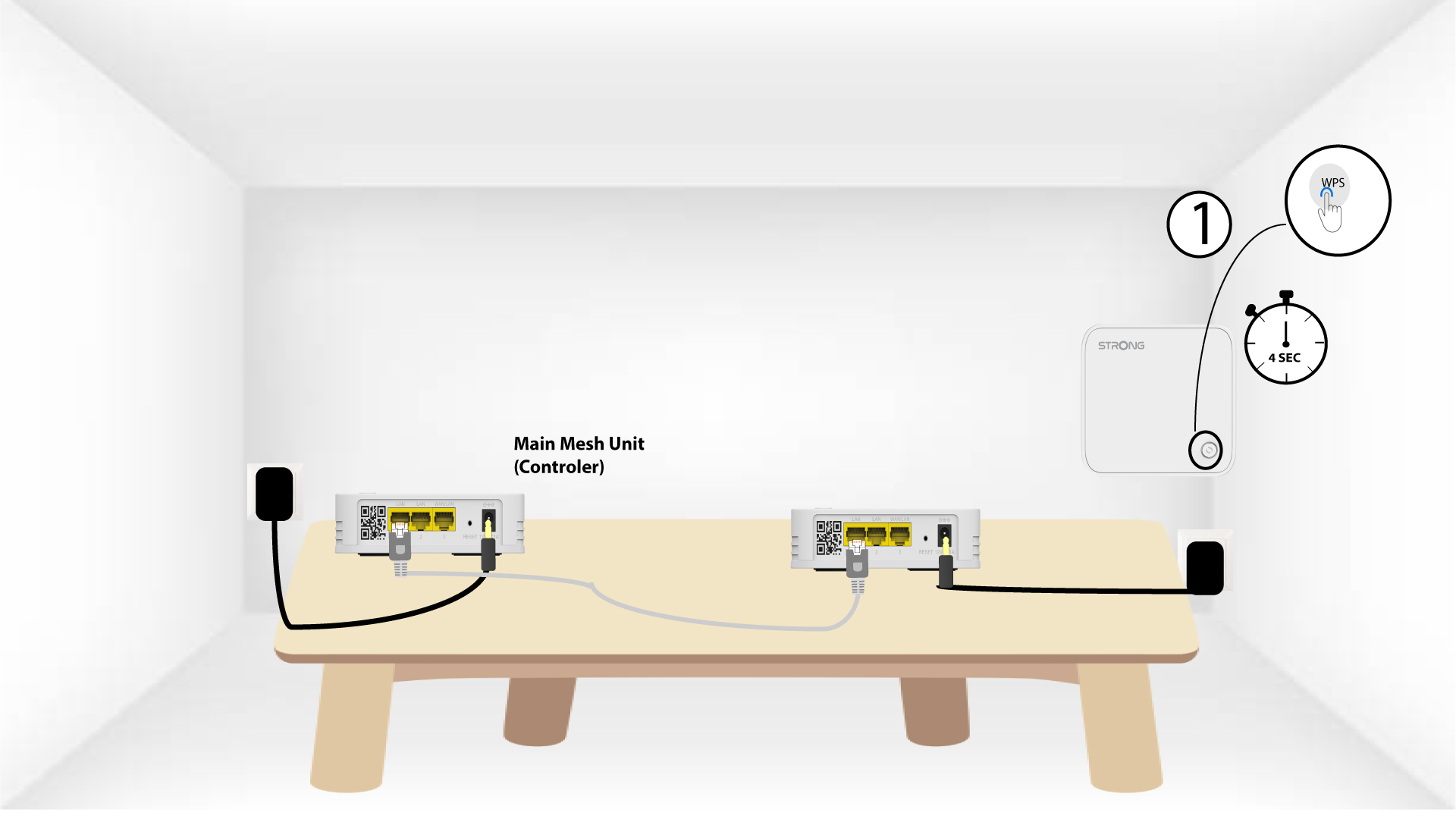
5Ενεργοποιήστετο WPS στο δεύτερο mesh
Πατήστε το κουμπί WPS για τουλάχιστον 4 δευτερόλεπτα στη δεύτερη μονάδα « Mesh ».
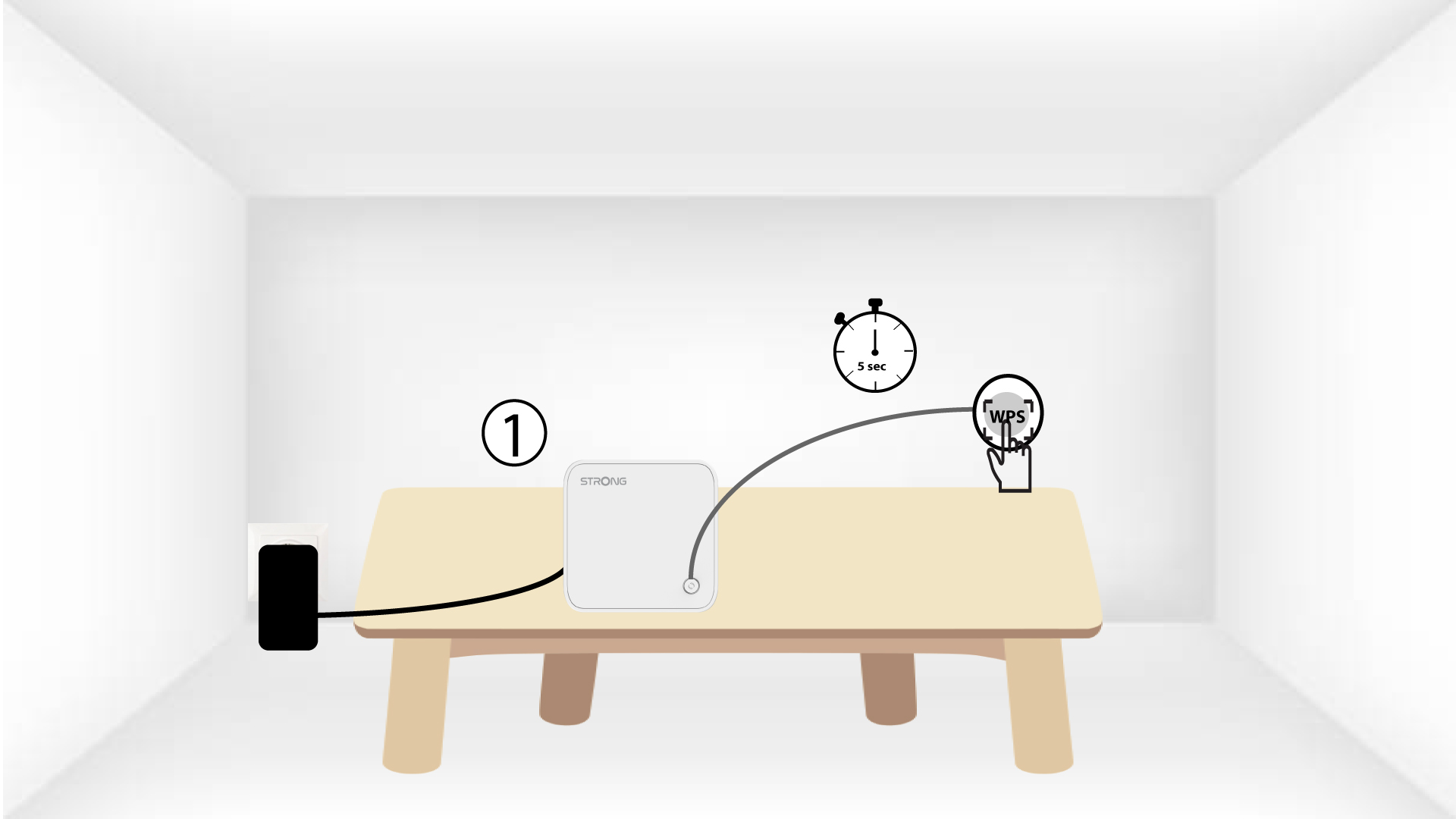
6. Οι συσκευέςβρίσκονται σε διαδικασία σύζευξης
Lorem ipsum dolor sit amet, consectetur adipisicing elit. Culpa enim esse excepturi nemo nesciunt officia officiis optio.