
Powerline 600 Duo Wi-Fi Mini
Kaikki kysymykset
Powerline 600 Duo Wi-Fi Mini
Voinko poistaa Wi-Fi-moduulin Wi-Fi-toiminnon käytöstä, jotta se toimisi pelkkänä Powerline-laitteena?
Kyllä, Wi-Fi-yhteyden voi poistaa käytöstä. Toimi seuraavien ohjeiden mukaisesti.
1. YhdistäPowerline-Wi-Fi-verkkoon
Yhdistä Powerline-laitteen Wi-Fi-verkkoon.
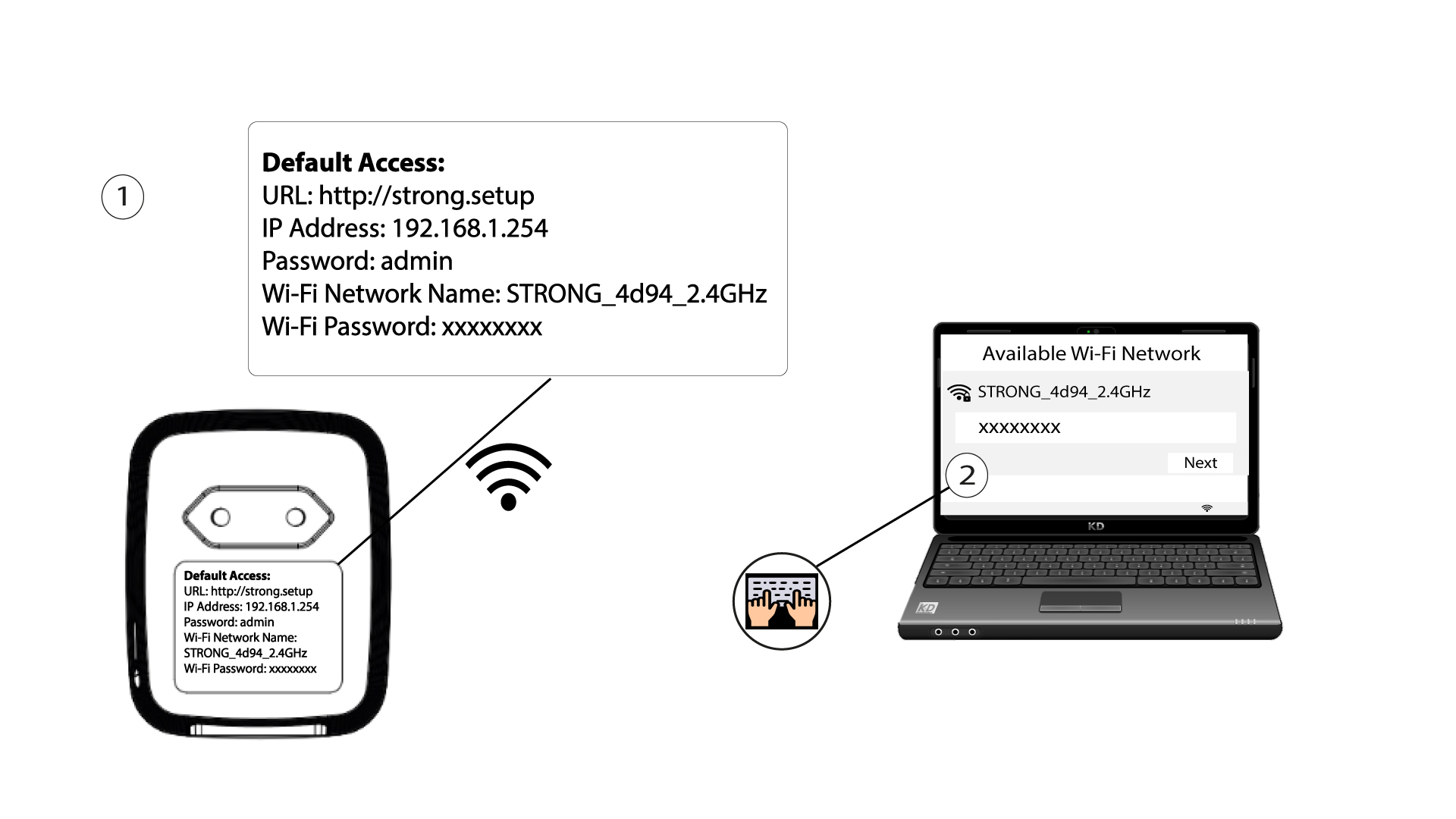
2Siirryverkkokäyttöliittymän IP-osoitteeseen
Yhdistä Powerline Wi-Fi -moduulin käyttöliittymään Wi-Fi-yhteyden kautta tai kirjoittamalla osoitteeksi http://strong.setup Internet-selaimesi osoiteriville; käyttöliittymän pitäisi avautua.

3Syötätunnuksesi
3. Kun olet päässyt etusivulle, kirjoita salasana: admin

4. WLAN-asetukset
Napsauta ”WLAN-asetukset ” ja valitse sitten”Perusasetukset”.

5. PoistaWi-Fi käytöstä
Poista valinta ”Ota käyttöön” -valintaruudusta ”Langaton” -rivillä tarpeidesi mukaan ja napsauta ”Tallenna”.


Huomaa, että jos haluat ottaa Wi-Fi-yhteyden uudelleen käyttöön moduulin käyttöliittymän kautta, sinun on muodostettava yhteys RJ45-kaapelilla. Toinen tapa ottaa Wi-Fi-yhteys uudelleen käyttöön on nollata Powerline Wi-Fi -sovitin paperiliittimellä, kunnes LED-valot alkavat vilkkua. Kaikki laitteet, jotka olivat yhteydessä Wi-Fi-verkkoon, irrotetaan verkosta automaattisesti.