Yleiskopiolaite 300S
Ei löytynyt kohteita.
Ei löytynyt kohteita.
Kaikki kysymykset
Yleiskopiolaite 300S
Ei löytynyt kohteita.
Ei löytynyt kohteita.
Miten pääsen verkkokäyttöliittymään?
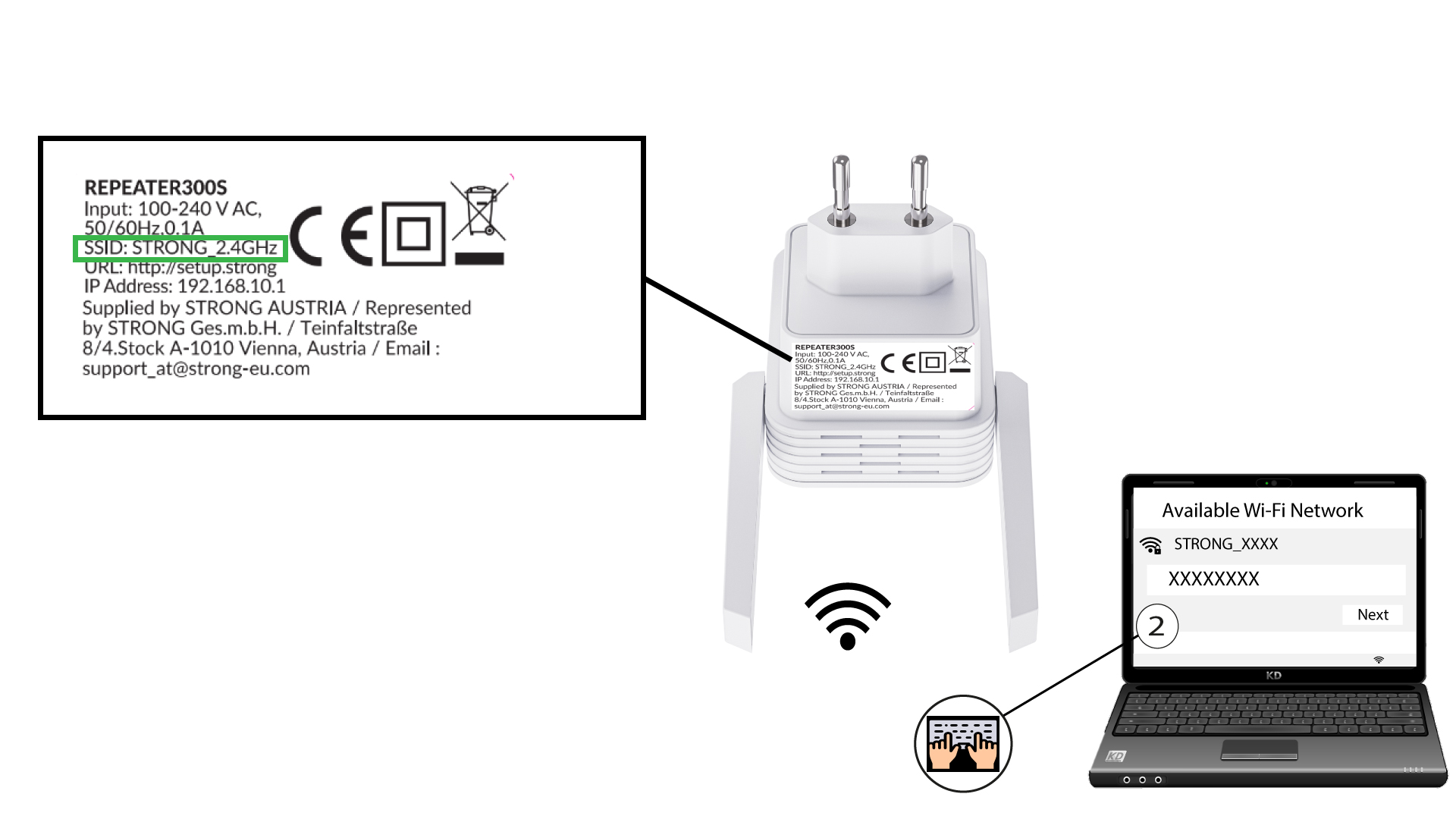
1. Yhdistätoistimen Wi-Fi-verkkoon
Yhdistä toistimen Wi-Fi-verkkoon tuotteen pohjassa olevan tuotetarran ohjeiden mukaisesti.
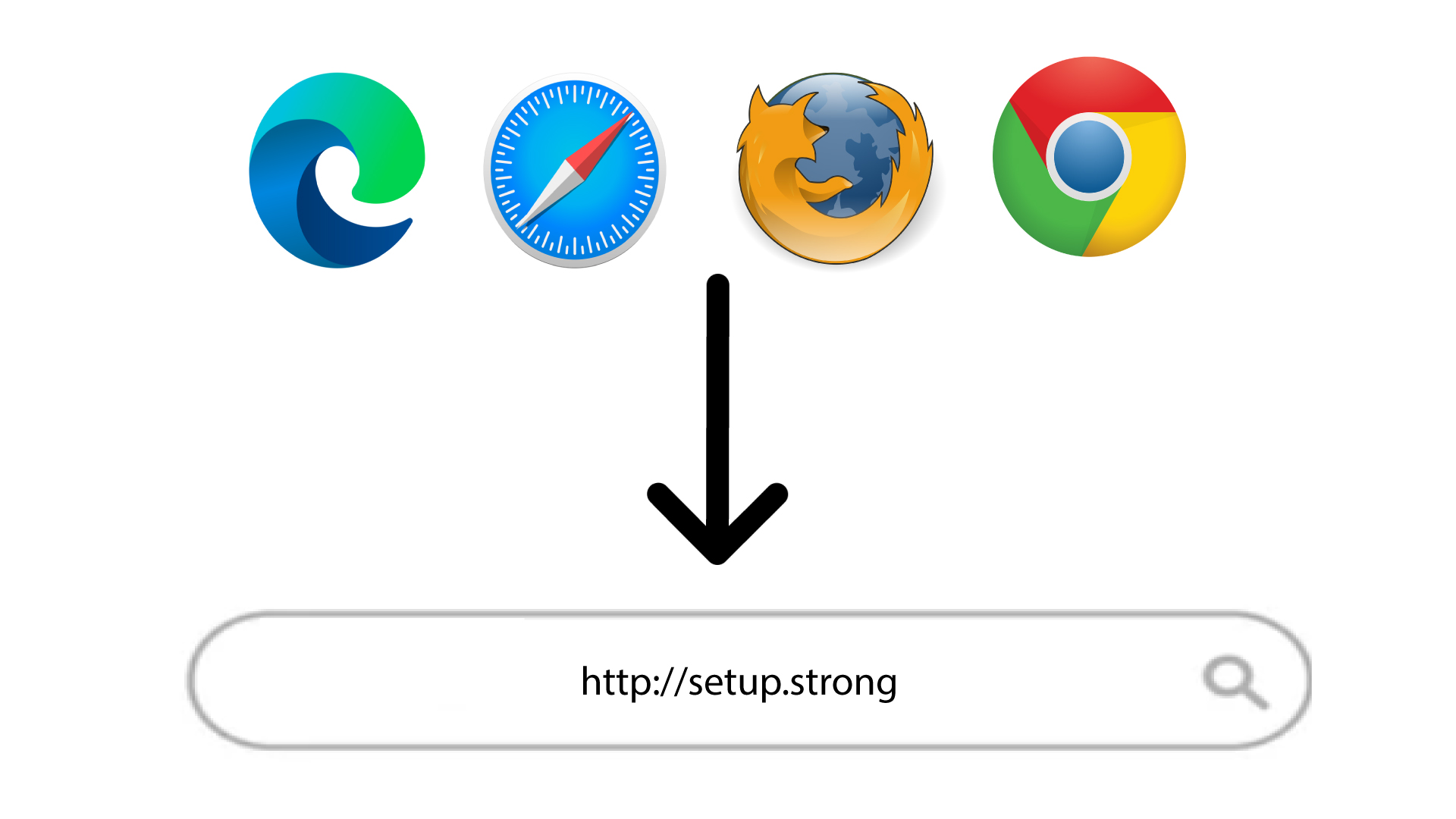
2Siirryverkkokäyttöliittymän URL-osoitteeseen
Siirry verkkokäyttöliittymän URL-osoitteeseen: http://setup.strong
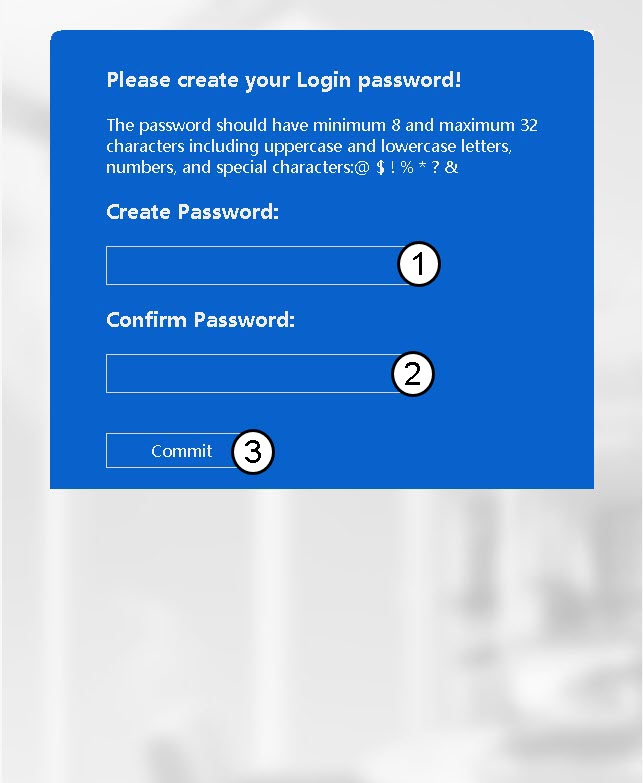
3. Luojärjestelmänvalvojan salasana
Syötä seuraavat tiedot ennen kuin napsautat ”Commit”-painiketta:
- Luo salasana: Kirjoita salasana.
- Vahvista salasana: Kirjoita sama salasana.
Salasanan on oltava 8–32 merkkiä pitkä (pienet kirjaimet, isot kirjaimet, erikoismerkit). Seuraavat erikoismerkit ovat sallittuja: @ ! § ?* % &
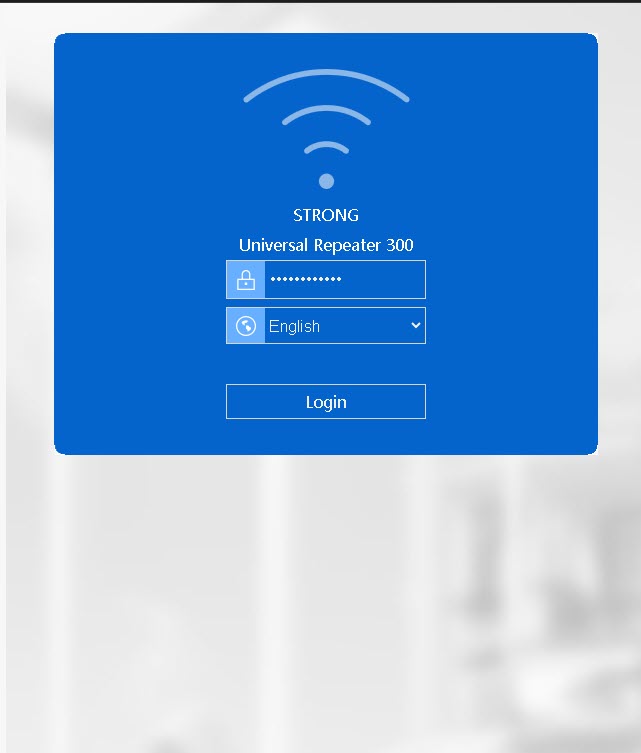
4Syötätunnuksesi
Kirjoita luomasi salasana ja napsauta Kirjaudu sisään.