
4G AIRSPOT 210 mobiili Wi-Fi
Ei löytynyt kohteita.
Ei löytynyt kohteita.
Kaikki kysymykset
4G AIRSPOT 210 mobiili Wi-Fi
Ei löytynyt kohteita.
Ei löytynyt kohteita.
Miten pääsen verkkokäyttöliittymään?
Jotta pääset verkkokäyttöliittymään, sinun on oltava yhteydessä 4G PORTABLE HOTSPOT 150 WITH A DISPLAY/4G PORTABLE HOTSPOT 150 -laitteen Wi-Fi-verkkoon sen jälkeen, kun olet asettanut SIM-kortin korttipaikkaan.
1. Yhdistäreitittimen Wi-Fi-verkkoon
Tätä varten syötä laitteeseesi reitittimen SSID ja salasana.
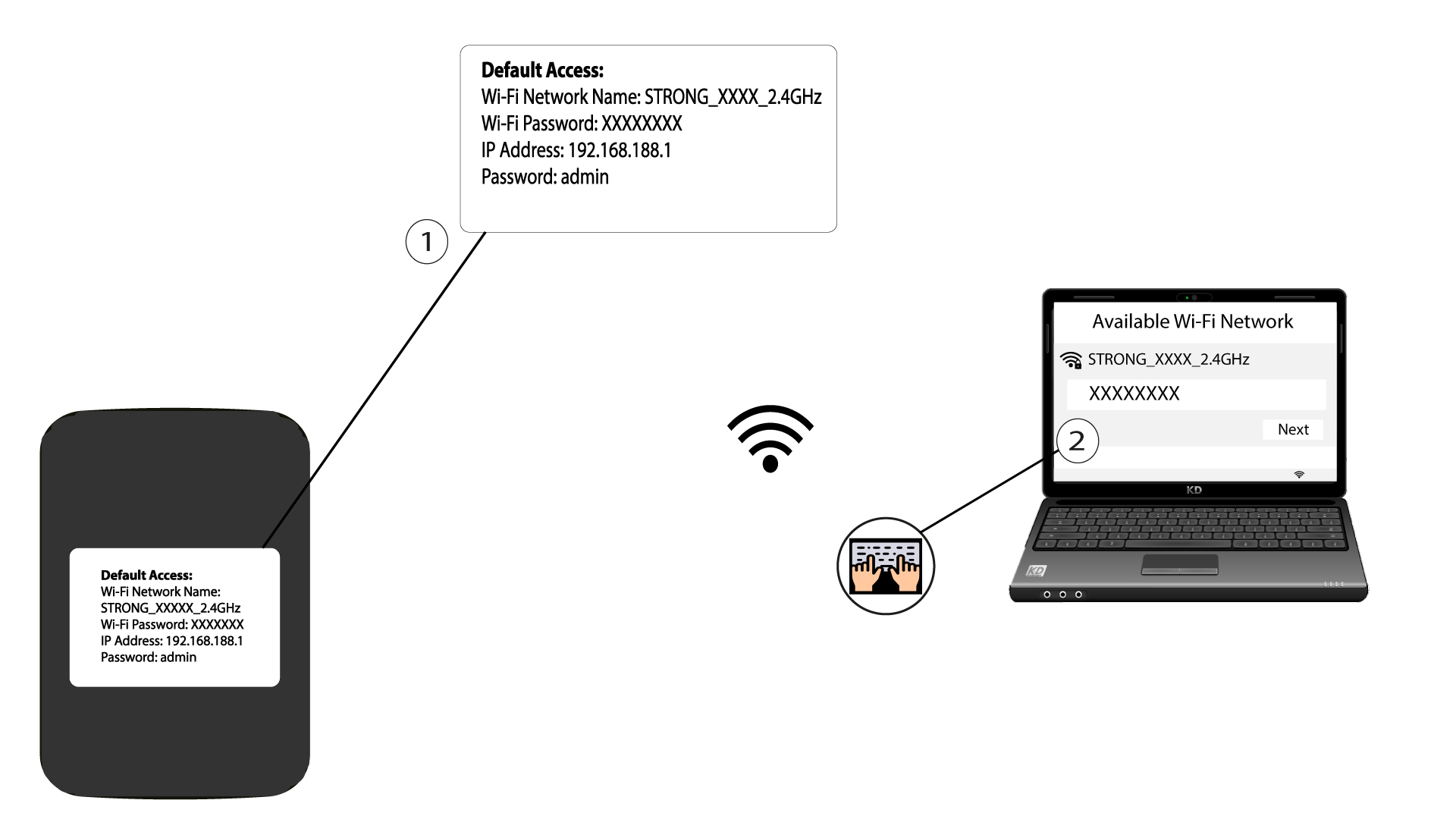
2Siirryverkkokäyttöliittymän IP-osoitteeseen
Syötä sitten selaimeesi seuraava IP-osoite: 192.168.188.1

3Siirrykirjautumissivulle
Kun olet siirtynyt kyseiseen IP-osoitteeseen, sinun on syötettävä salasana ja napsautettava ”Kirjaudu sisään”.

4Varoitusviesti
Kun yhteys on muodostettu, näet varoituksen järjestelmänvalvojan salasanasta.


Varoitus: Ensimmäisen yhteyden muodostamisen jälkeen suosittelemme ehdottomasti, että vaihdat järjestelmänvalvojan salasanan, jotta reitittimeen pääsy on suojattu ja hakkerointi estetään.