Kaksikaistainen toistolaite 750 UK
Kaikki kysymykset
Kaksikaistainen toistolaite 750 UK
Miten toistimen asetukset määritetään?
Ennen toistimen määrittämistä tutustu seuraavaan ohjeeseen toistimen sijoituspaikan valitsemiseksi: Mikä on paras sijoituspaikka toistimelleni?
1. Yhdistäverkkokäyttöliittymään
Yhdistä Web-käyttöliittymään noudattamalla jotakin seuraavista ohjeista:
- Miten muodostan yhteyden toistimen verkkokäyttöliittymään? (RJ45-kaapeli)
- Miten muodostan yhteyden toistimen verkkokäyttöliittymään? (Wi-Fi)
2Valitsetoistintila
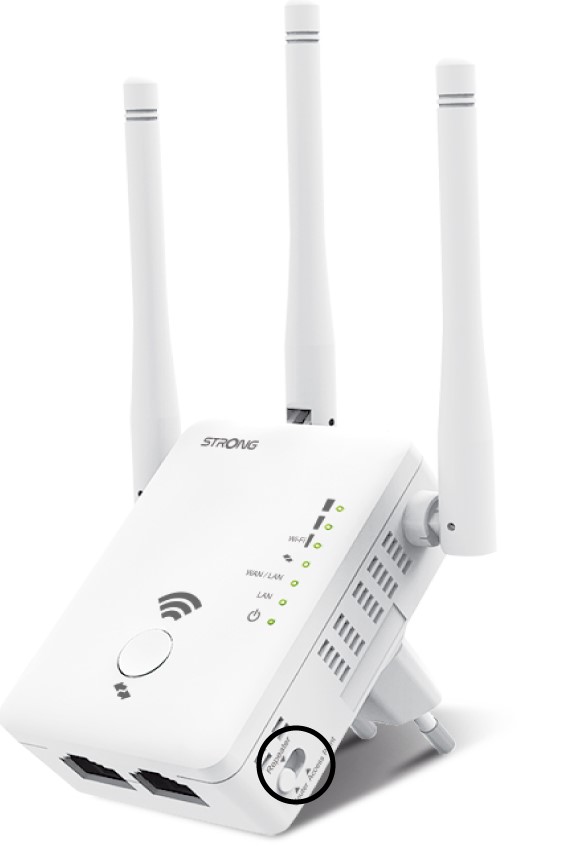
Valitse toistimen oikealla puolella sijaitsevasta tilanvalitsimesta ( switch ) toistimen sijainti.
3Repater-ohje
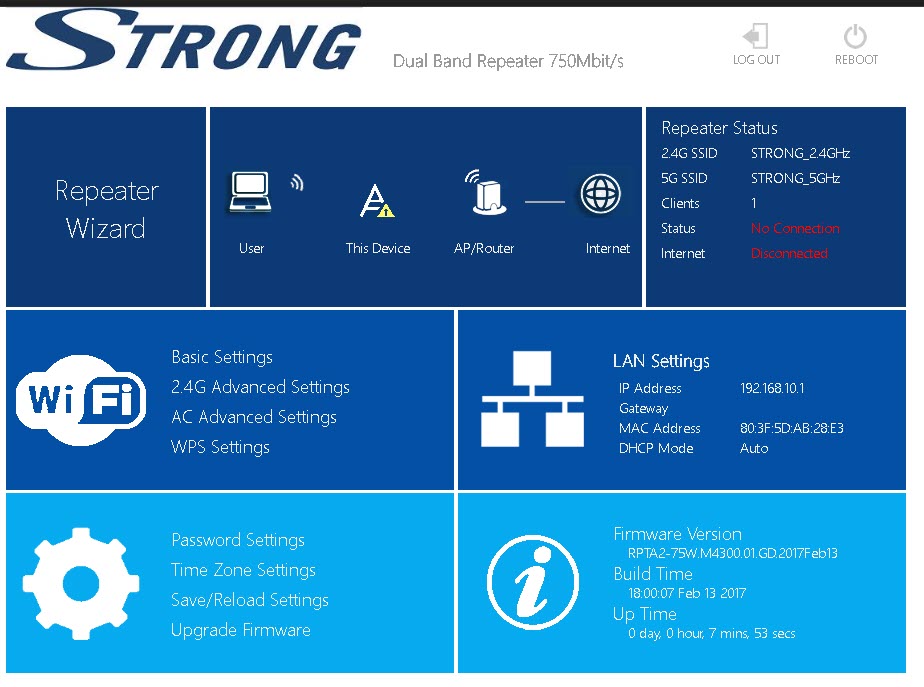
Napsauta ”Toistimen ohjattu toiminto”.
4Verkonskannaus
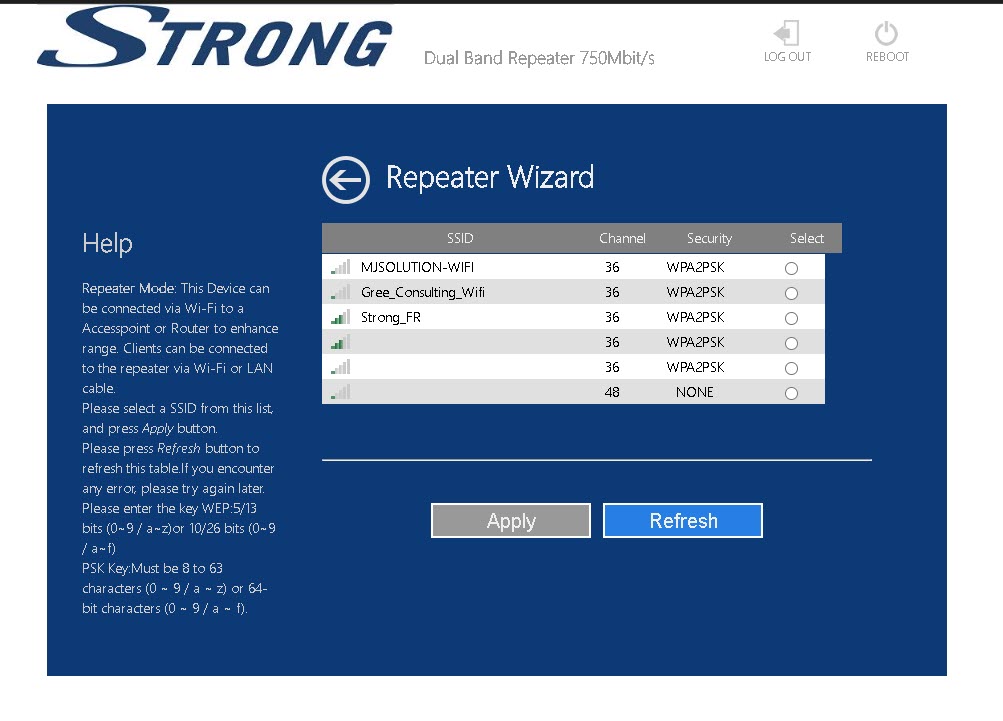
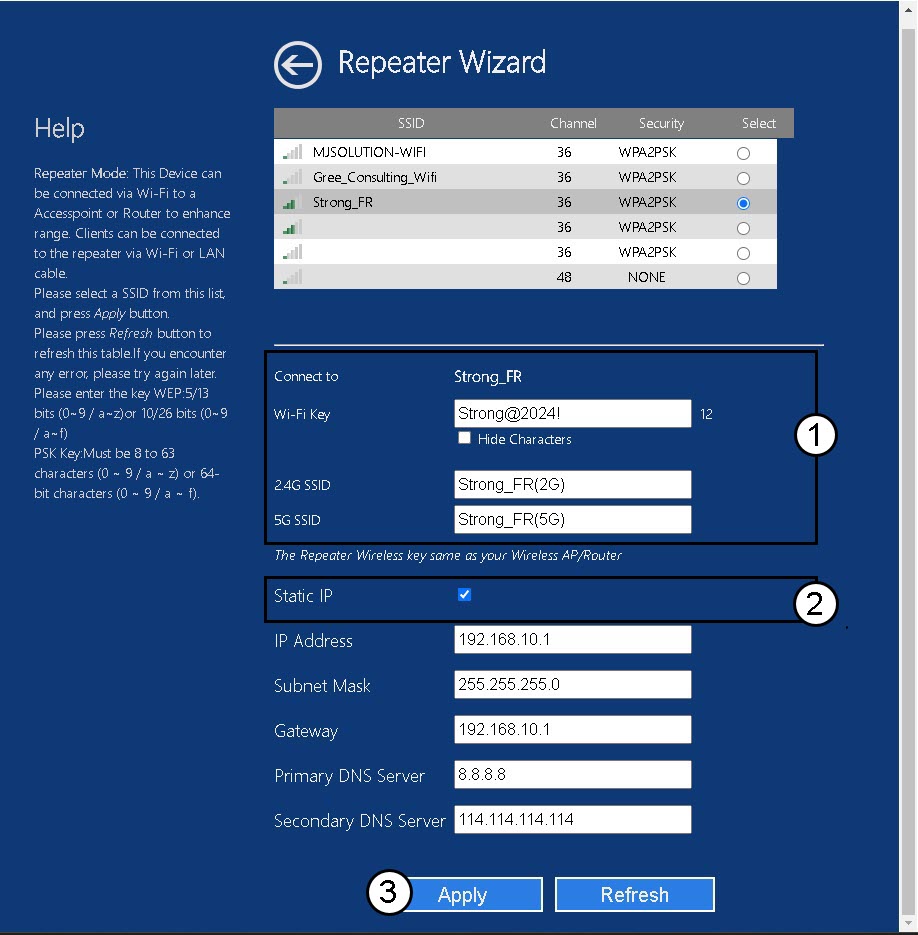
Toistin suorittaa skannauksen kaikista käytettävissä olevista 2,4 GHz:n ja 5 GHz:n Wi-Fi-verkoista pääverkon tunnistamiseksi. Valitse reitittimesi Wi-Fi-verkon nimi. Napsauta sitten ”Käytä ”.
5Syötäisäntä- ja toistinjärjestelmien tiedot
Syötä reitittimesi Wi-Fi-salasana, määritä toistimen Wi-Fi-verkkojen nimet ja napsauta ”Käytä”.
VINKKI: Voit valita ”Staattinen IP”-valintaruudun, jos haluat määrittää toistimesi staattisen IP-osoitteen.
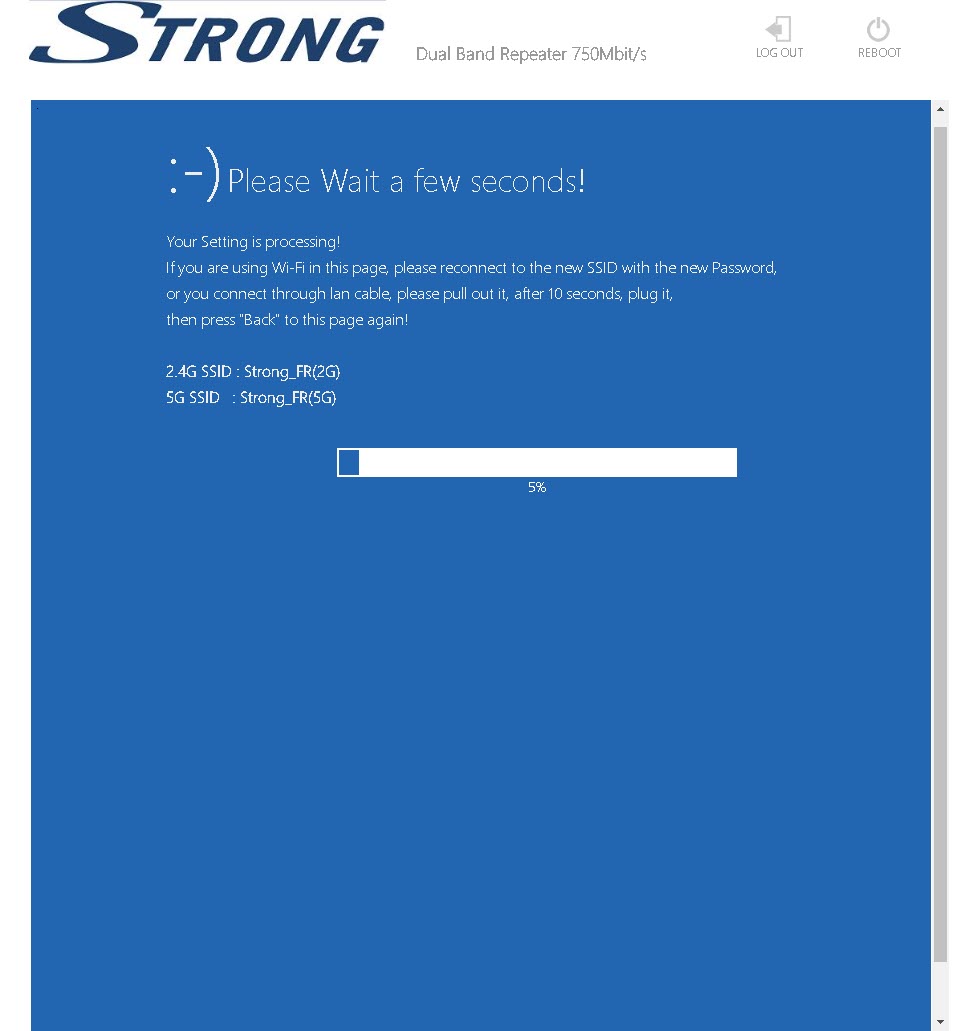
6Odotaasennuksen aikana
Odota, kun toistinta määritetään.