Powerline 1000 Duo Wi-Fi FR V2
Ei löytynyt kohteita.
Ei löytynyt kohteita.
Kaikki kysymykset
Powerline 1000 Duo Wi-Fi FR V2
Ei löytynyt kohteita.
Ei löytynyt kohteita.
Kuinka lisätä uusi Strong Powerline -tuote olemassa olevaan Powerline Wi-Fi -verkkoon, jossa on käytössä korkea turvataso 1?
Koska nykyinen verkko on määritetty korkean turvatason 1 mukaiseksi, tuotteen lisääminen tapahtuu yksinkertaisesti Plug & Play -periaatteella. Tuotteeseen ei tarvitse tehdä mitään. Liitä vain uusi sähköverkkolaitteisto verkkoon, ja se lisätään verkkoon automaattisesti.
Yleensä sähköverkkolaitteistot muodostavat pareja kahden tai kolmen laitteen ryhmissä, joten jos haluat lisätä uusia sähköverkkolaitteistoja verkkoon, joka on määritetty korkean turvatason 1 mukaiseksi, sinun on noudatettava seuraavia ohjeita.
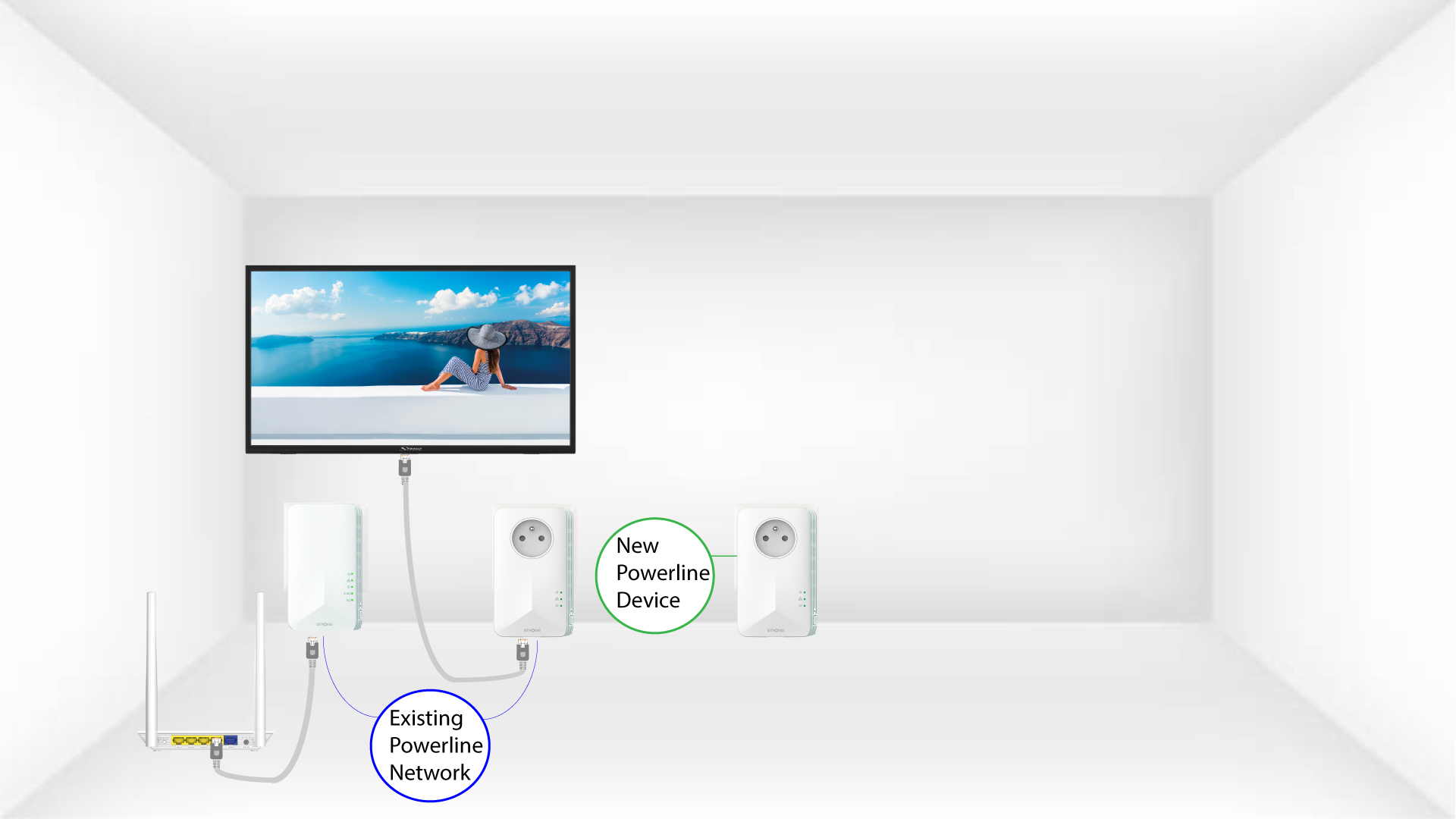
1. Kytkeuusi sovitin pistorasiaan
Kytke lisälaitteet pistorasiaan.
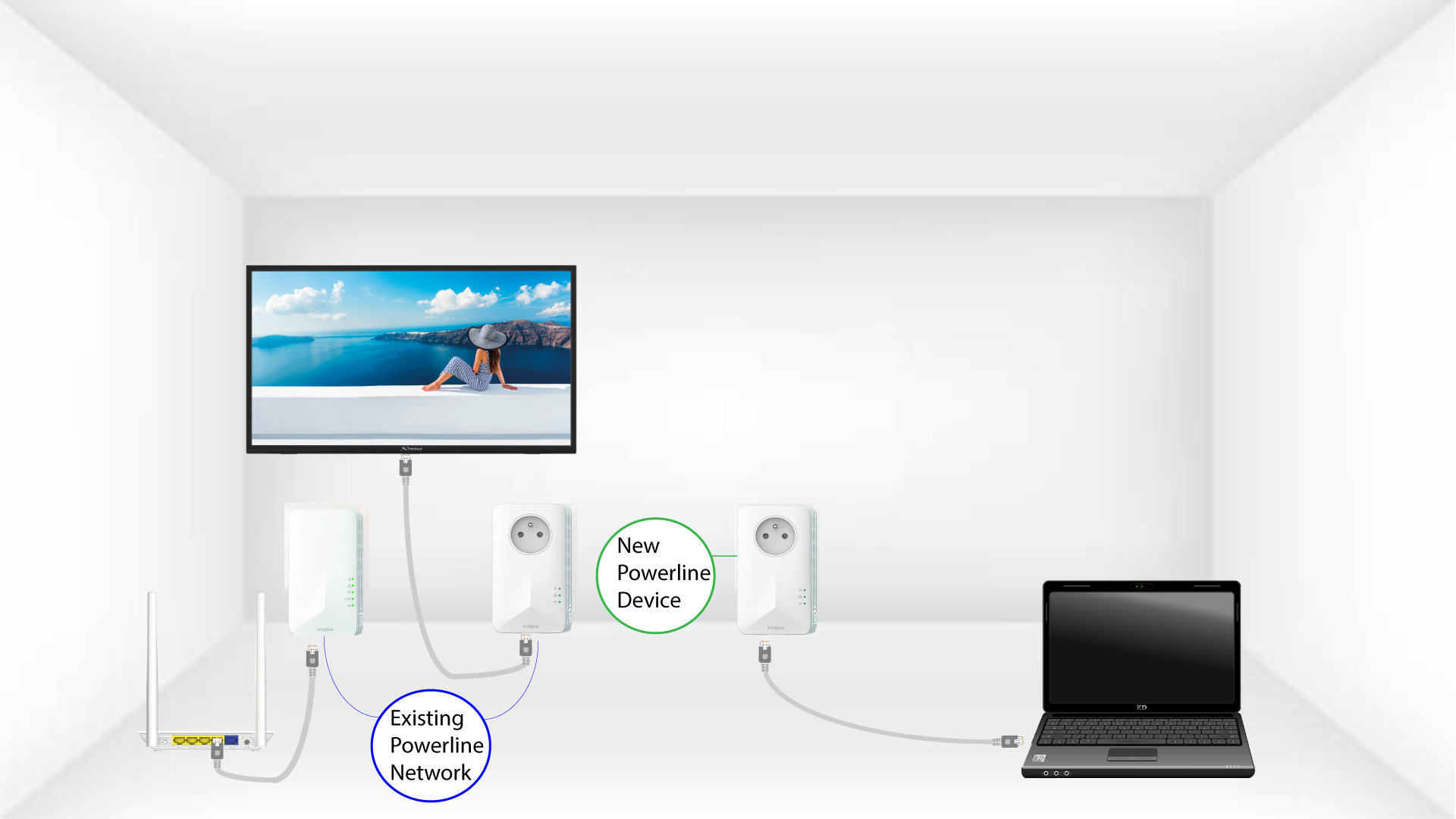
2. Liitäuusi sovitin Internetiin
Liitä laite internet-reitittimeen tai -yhdyskäytävään RJ45-liitännällä.
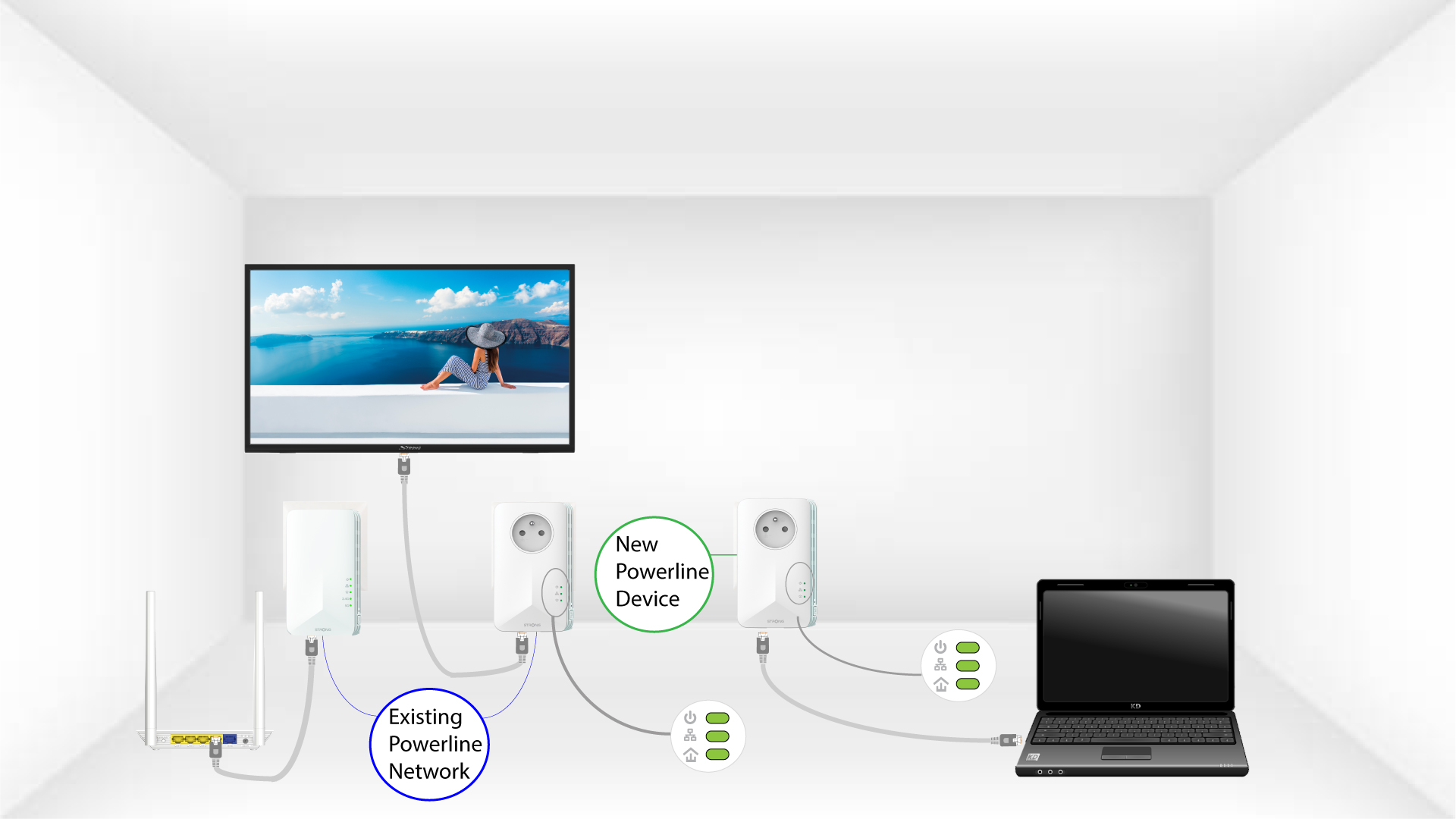
3Uusi sovitinon asennettu
Kun uusi laite on kytketty, kaikkien laitteiden LED-valot palavat vihreänä.