
CPL 600 Duo Wi-Fi FR V2
Ei löytynyt kohteita.
Ei löytynyt kohteita.
Kaikki kysymykset
CPL 600 Duo Wi-Fi FR V2
Ei löytynyt kohteita.
Ei löytynyt kohteita.
Kuinka korkean turvatason 2 asetukset määritetään sähköverkkolaitteissa?
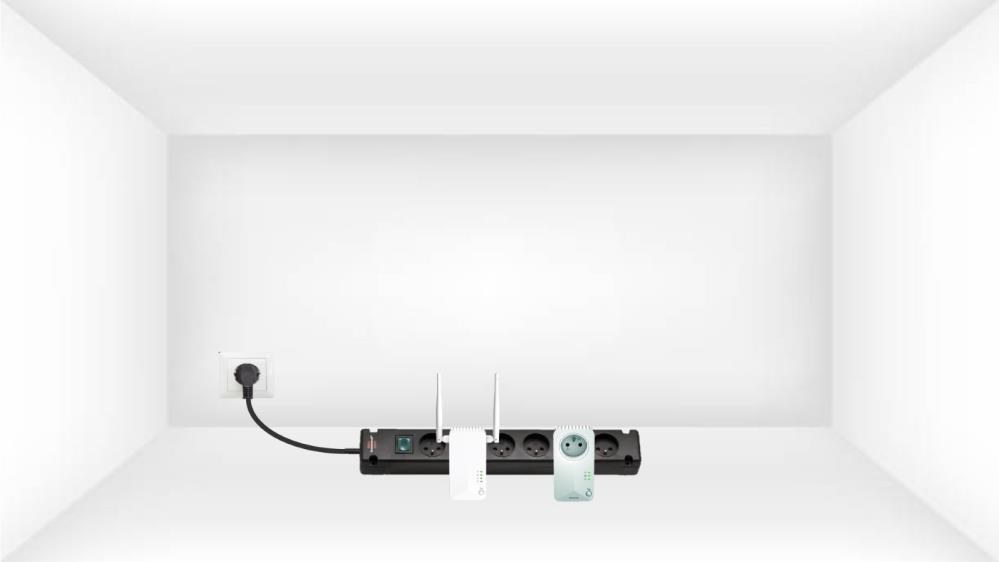
1. Kytkesovittimet monipistokkeeseen
Ota monipistoke ja kytke kaikki Powerline-sovittimet siihen.
2. Liitäsovittimet Internetiin
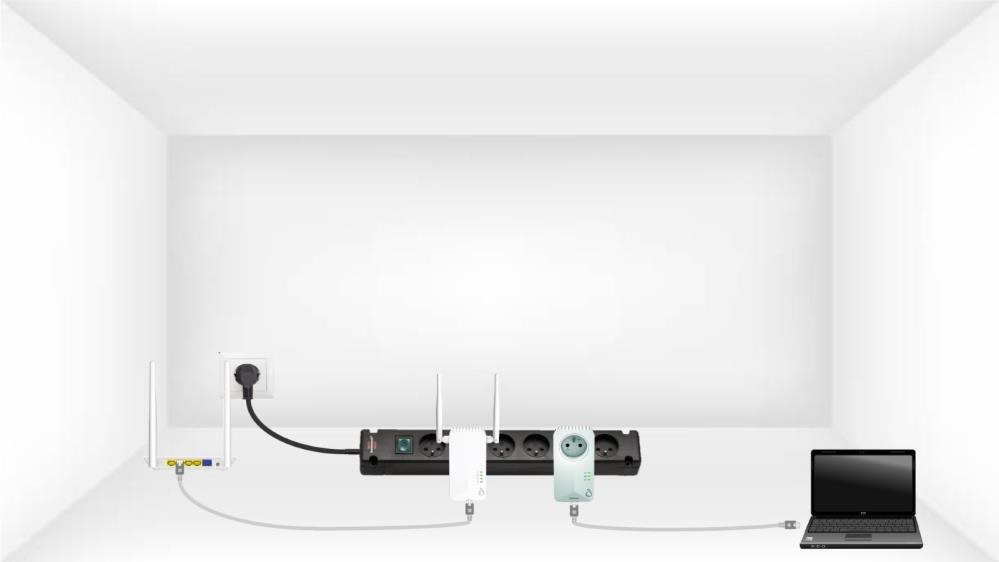
Liitä yksi sähköverkkoadapteri internet-yhdyskäytävään tai reitittimeen RJ45-kaapelilla.
3. PainaConnect & Secure -painiketta (ensimmäinen sovitin)
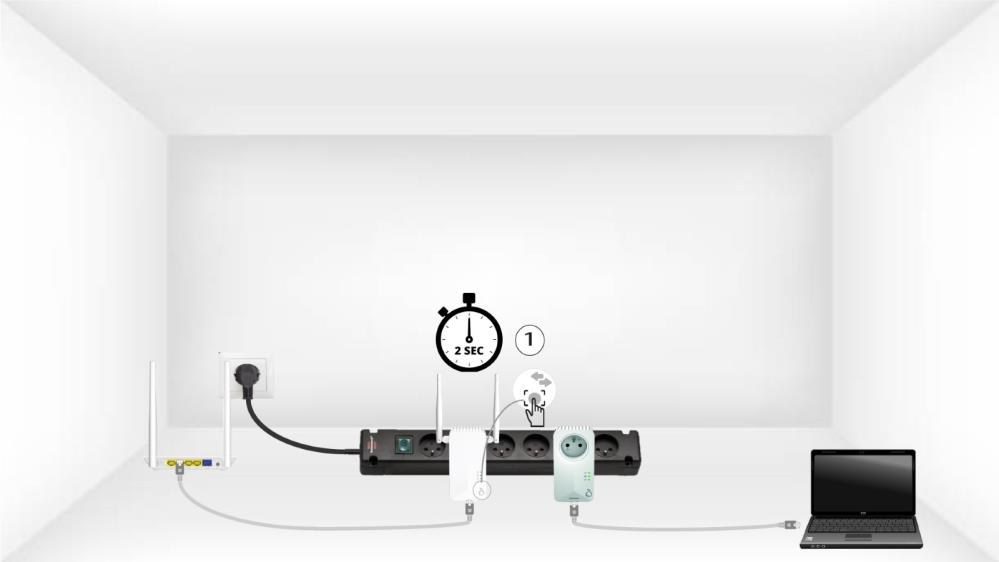
Paina sitten ensimmäisessä laitteessa”Connect & Secure”-painiketta 2 sekunnin ajan.
4. Paina”Connect & Secure” -painiketta (toinen sovitin)
Paina toisen laitteen ”CONNECT & SECURE”-painiketta 2 sekunnin ajan. Sinulla on aikaa tehdä se enintään kaksi minuuttia.

5Home-LED vilkkuu
Koti-LED-valon pitäisi vilkkua molemmissa laitteissa.

6Uusisalausavain on asetettu
Ainutlaatuinen salausavaimesi on nyt määritetty, ja laitteiden kaikkien LED-merkkivalojen pitäisi palaa vihreänä.
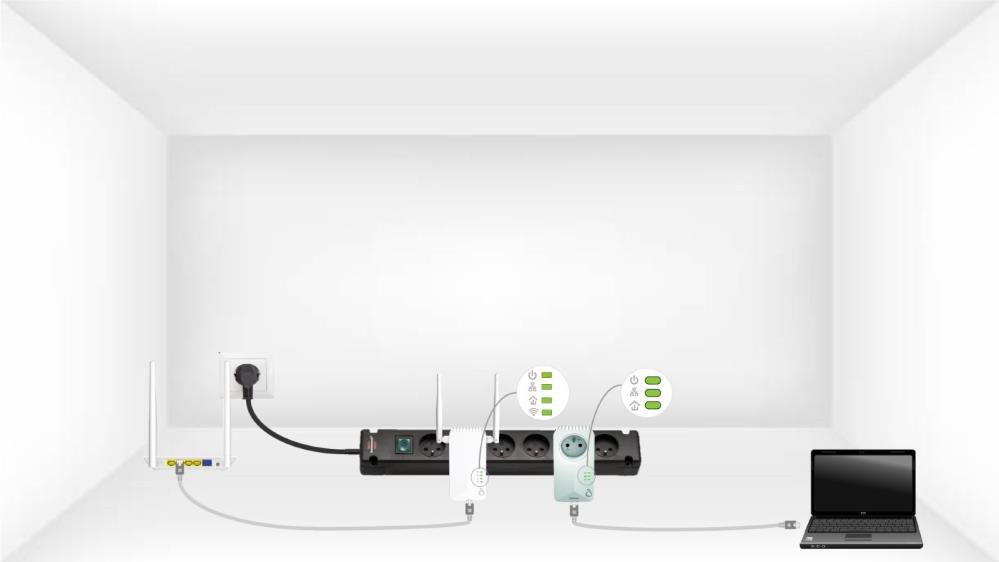
Nyt sinun on asennettava sovittimet niihin huoneisiin, joissa niitä tarvitset. Suosittelemme vahvasti, ettet kytke sovittimia monipistorasiaan.