POWERLINE 1000 V2 DUO EU
Ei löytynyt kohteita.
Ei löytynyt kohteita.
Kaikki kysymykset
POWERLINE 1000 V2 DUO EU
Ei löytynyt kohteita.
Ei löytynyt kohteita.
Minulla ei ole pääsyä Internetiin ja/tai ”koti”-kuvakkeen LED-valo ei syty.
Säädinten tehdasasetukset on palautettava. Palauta säätimet noudattamalla seuraavia ohjeita.
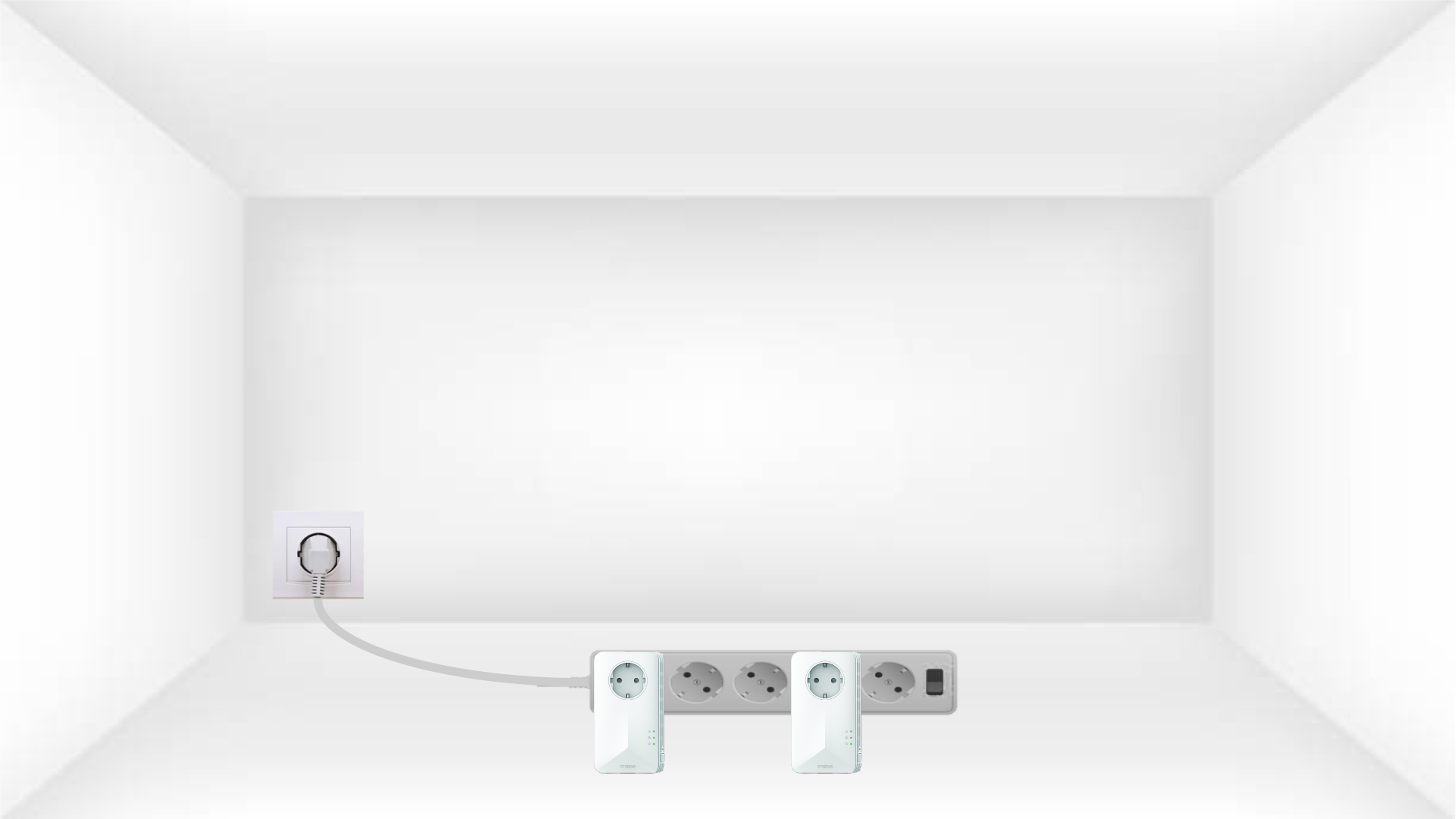
1. Liitäsovittimet pistorasiaan
Liitä sovittimet yksi toisensa jälkeen pistorasiaan.
2. Liitäsovittimet Internetiin
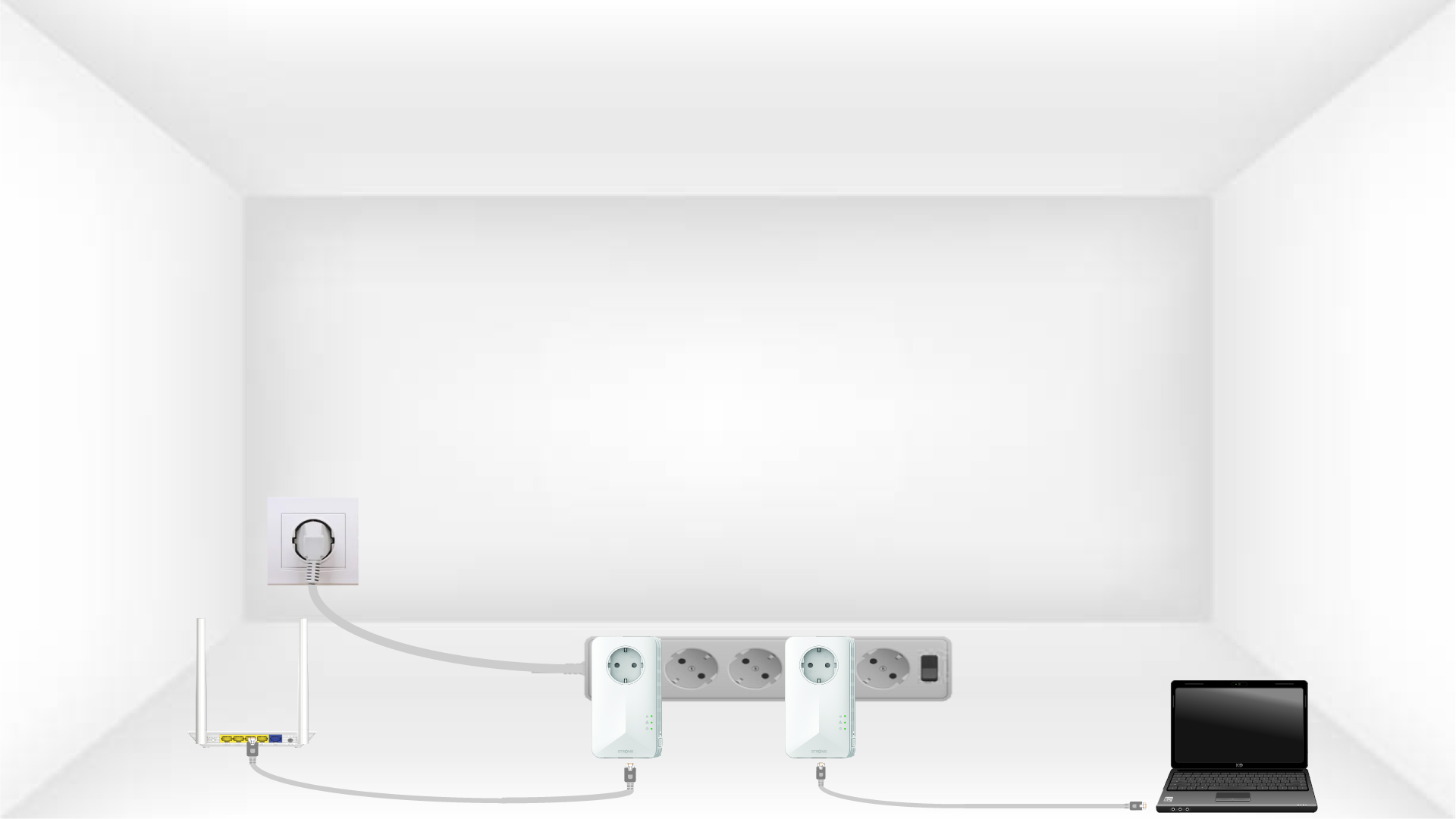
Liitä kukin sovitin toimivaan laitteeseen (internetreititin/yhdyskäytävä, Android-boksi, älytelevisio, tietokone jne.) Ethernet-kaapelilla. Laitteiden välillä on oltava yhteys, muuten sovitin siirtyy automaattisesti lepotilaan.
3PainaPAIR-painiketta (ensimmäinen sovitin)
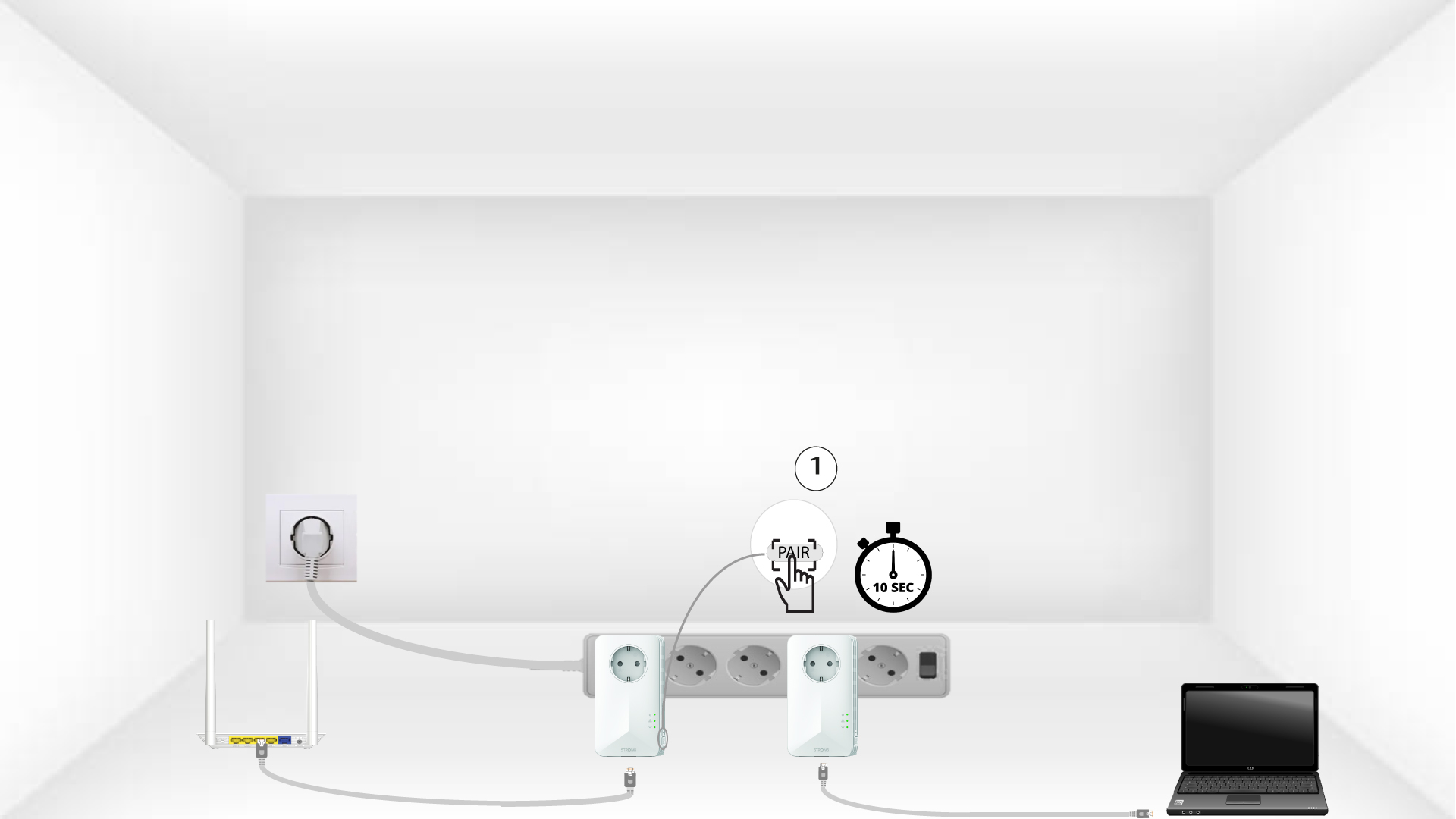
Kun sovitin on kytketty pistorasiaan ja liitetty Internetiin, paina vain etupaneelin ”PAIR”-painiketta 10 sekunnin ajan.
4PainaPAIR-painiketta (toinen sovitin)
Paina toisen laitteen etupaneelissa olevaa ”PAIR ”-painiketta 10 sekunnin ajan. Sinulla on aikaa tehdä tämä enintään kaksi minuuttia.
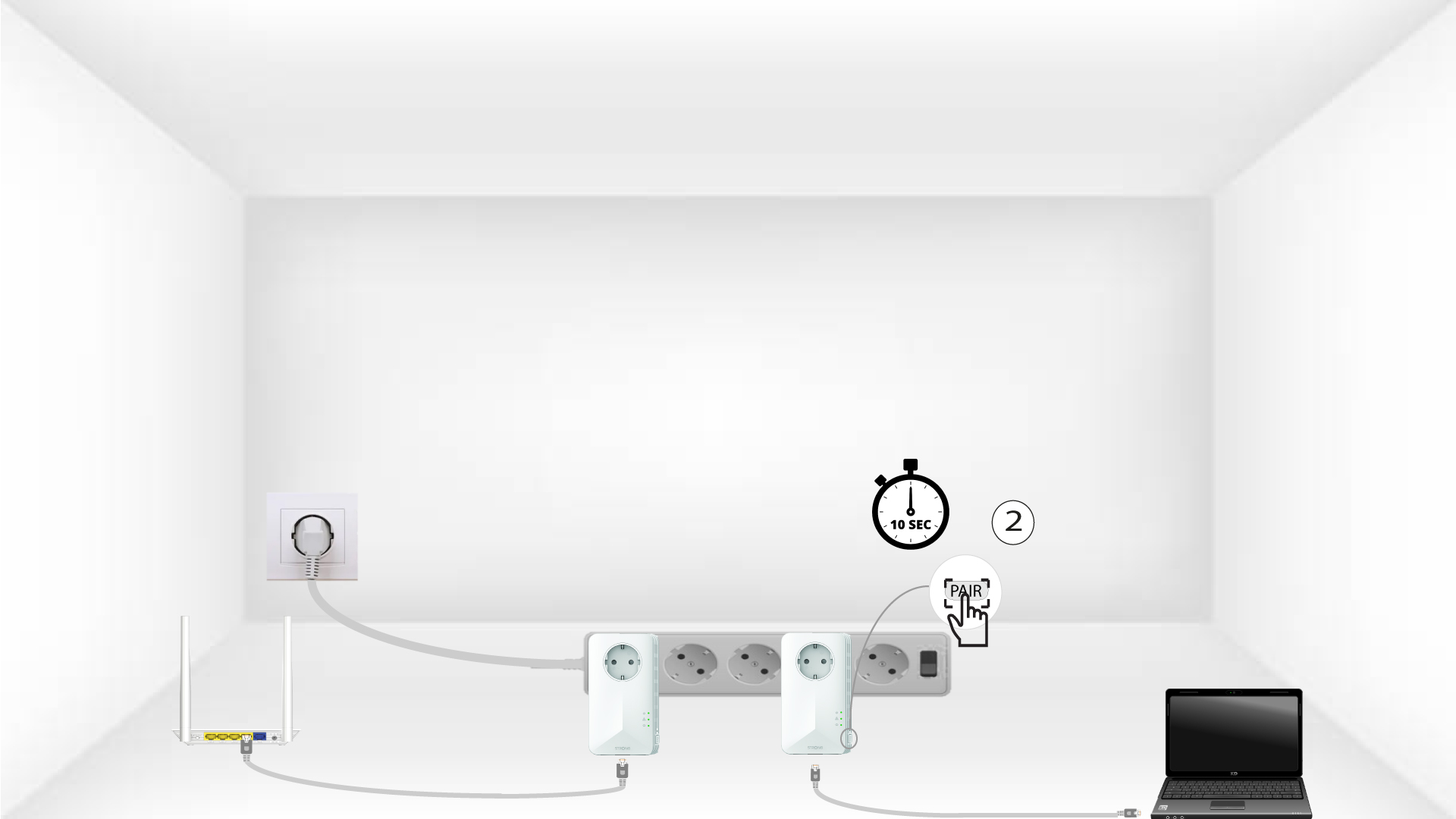
5Home-LED vilkkuu
Koti-kuvakkeen LED-valojen pitäisi alkaa vilkkua.
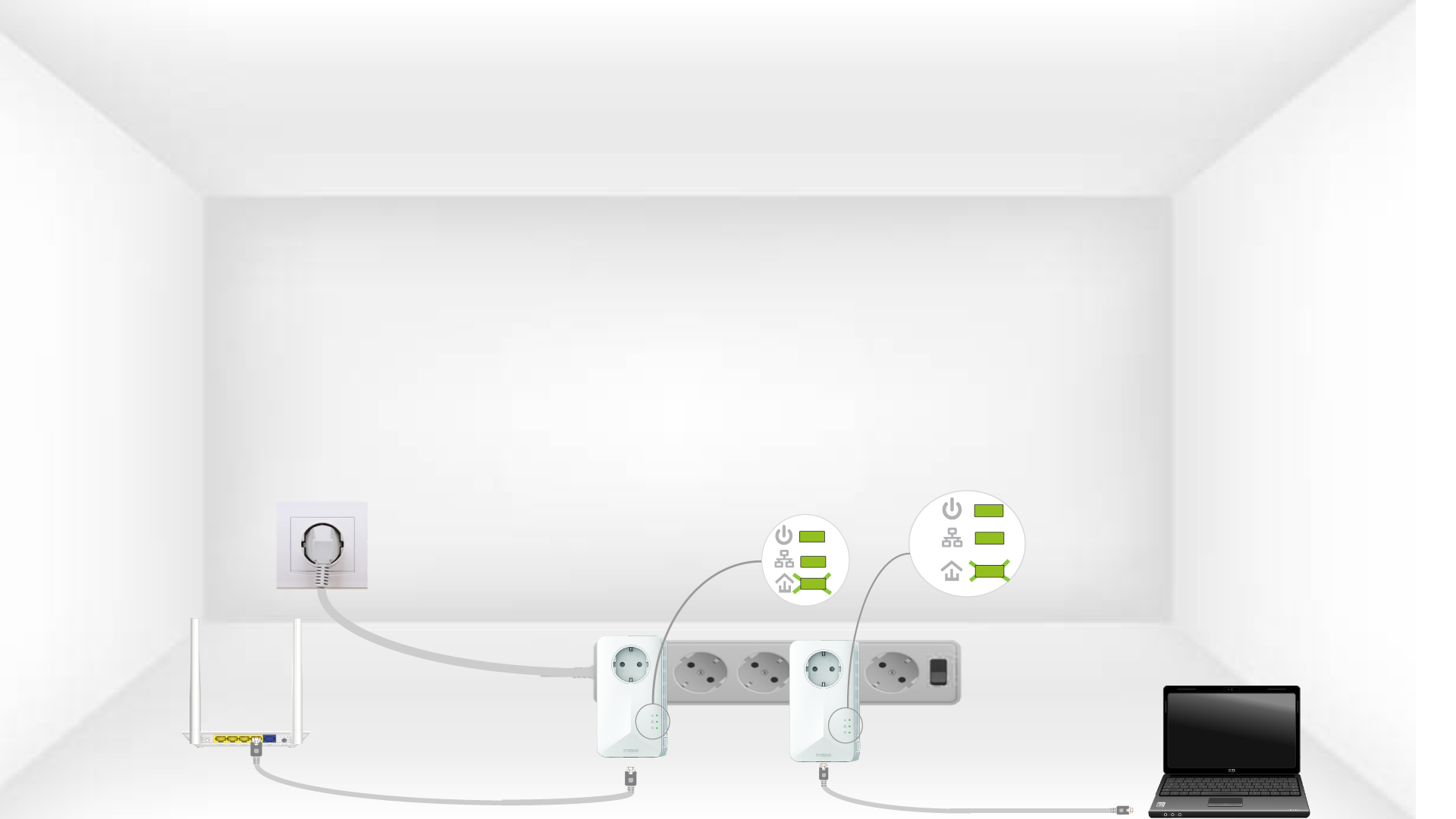
6 sovittimetnollataan
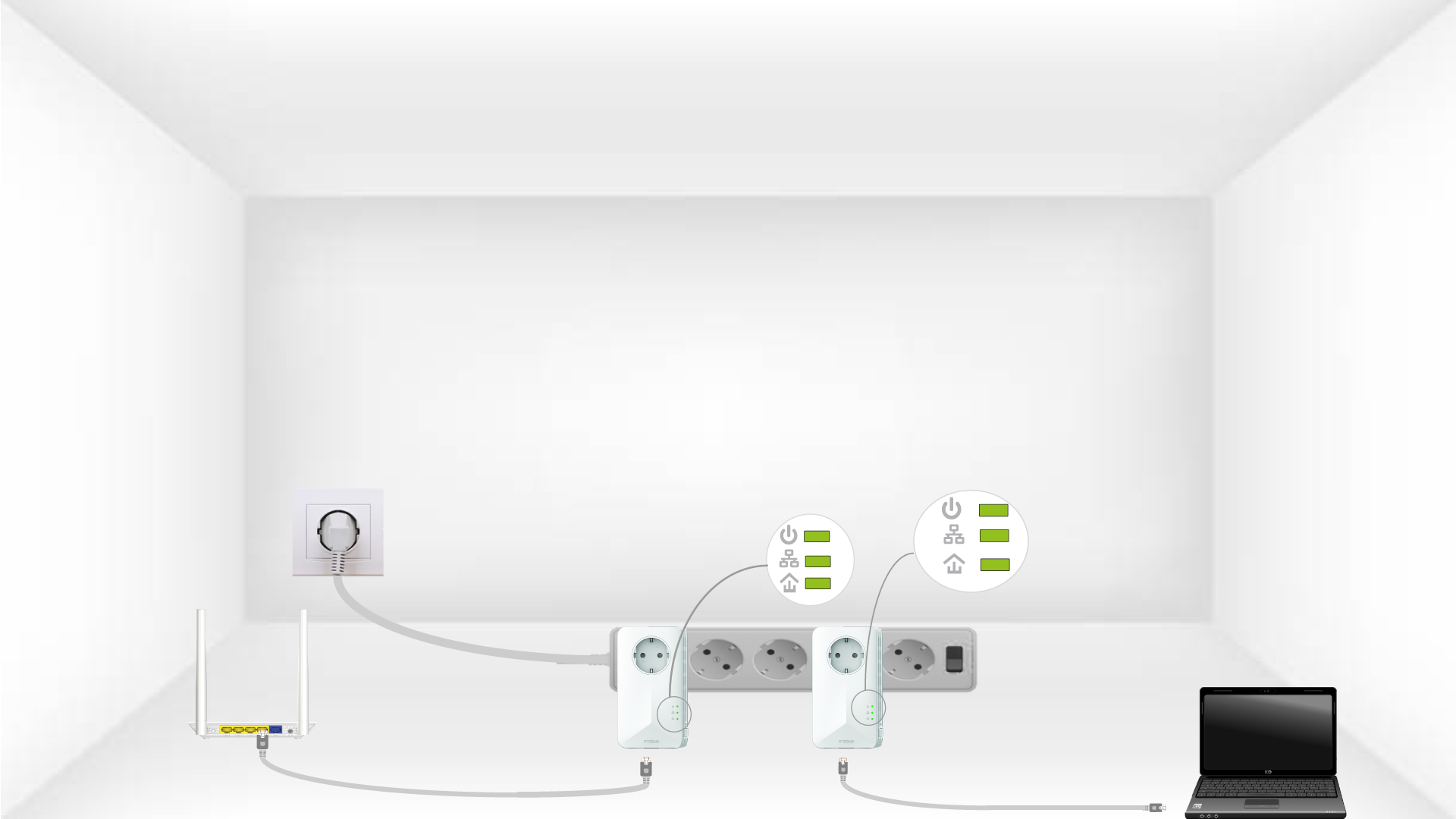
Kaikkien LED-valojen on oltava vihreitä toimintojen päätyttyä.