
Powerline 600 Duo Wi-Fi Mini UK
Nem találtunk tárgyakat.
Nem találtunk tárgyakat.
Minden kérdés
Powerline 600 Duo Wi-Fi Mini UK
Nem találtunk tárgyakat.
Nem találtunk tárgyakat.
Hogyan állítsuk be a 2. szintű magas biztonsági szintet a hálózati áramkábeles termékeinken?
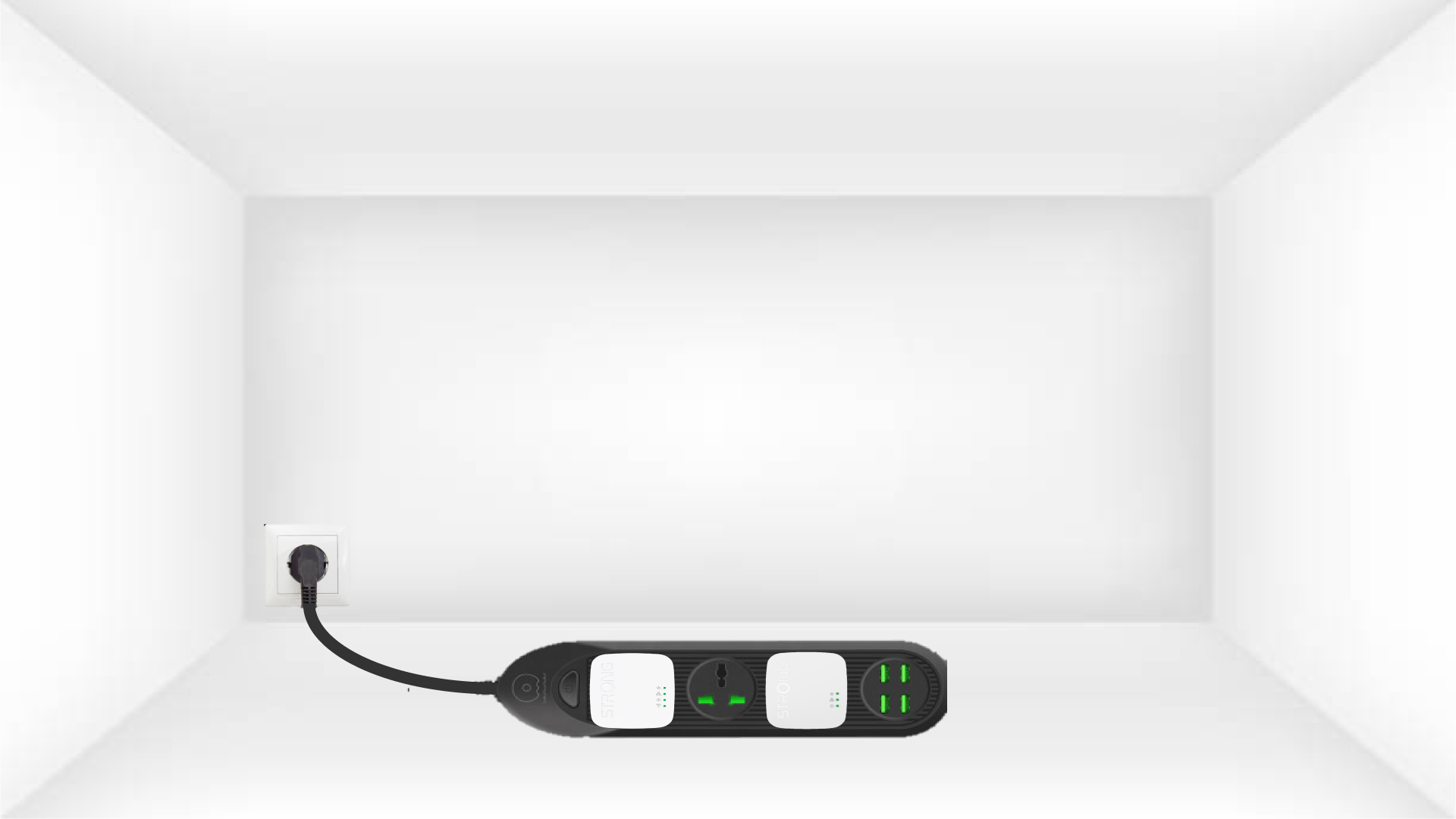
1. Csatlakoztassaaz adaptereket egy elosztóba
Vegyen egy elosztót, és csatlakoztassa rá az összes hálózati adaptert.
2. Csatlakoztassaaz adaptereket az internethez
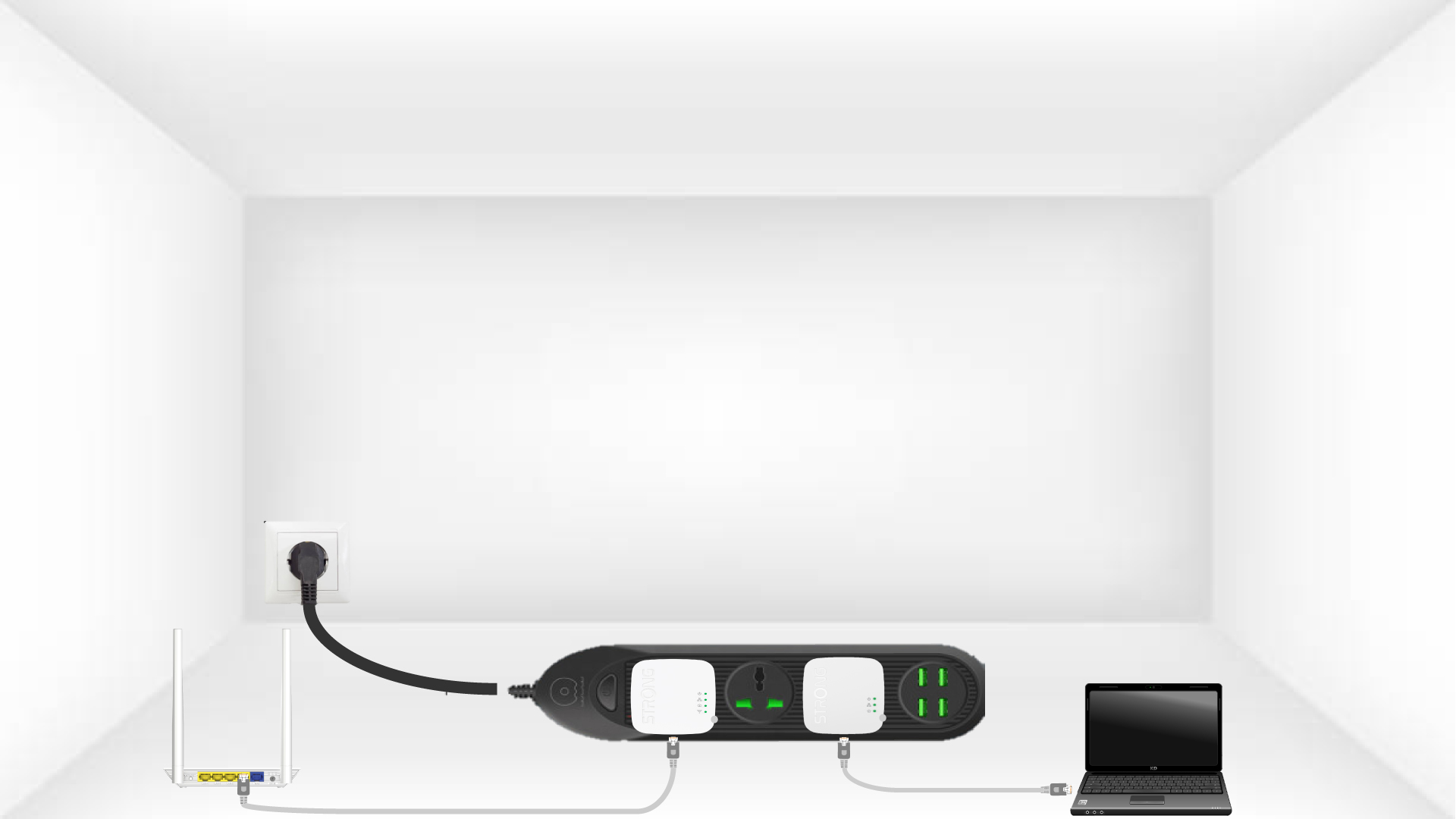
Csatlakoztassa az egyik adaptert az internetkapuhoz/útválasztóhoz egy RJ45-kábellel.
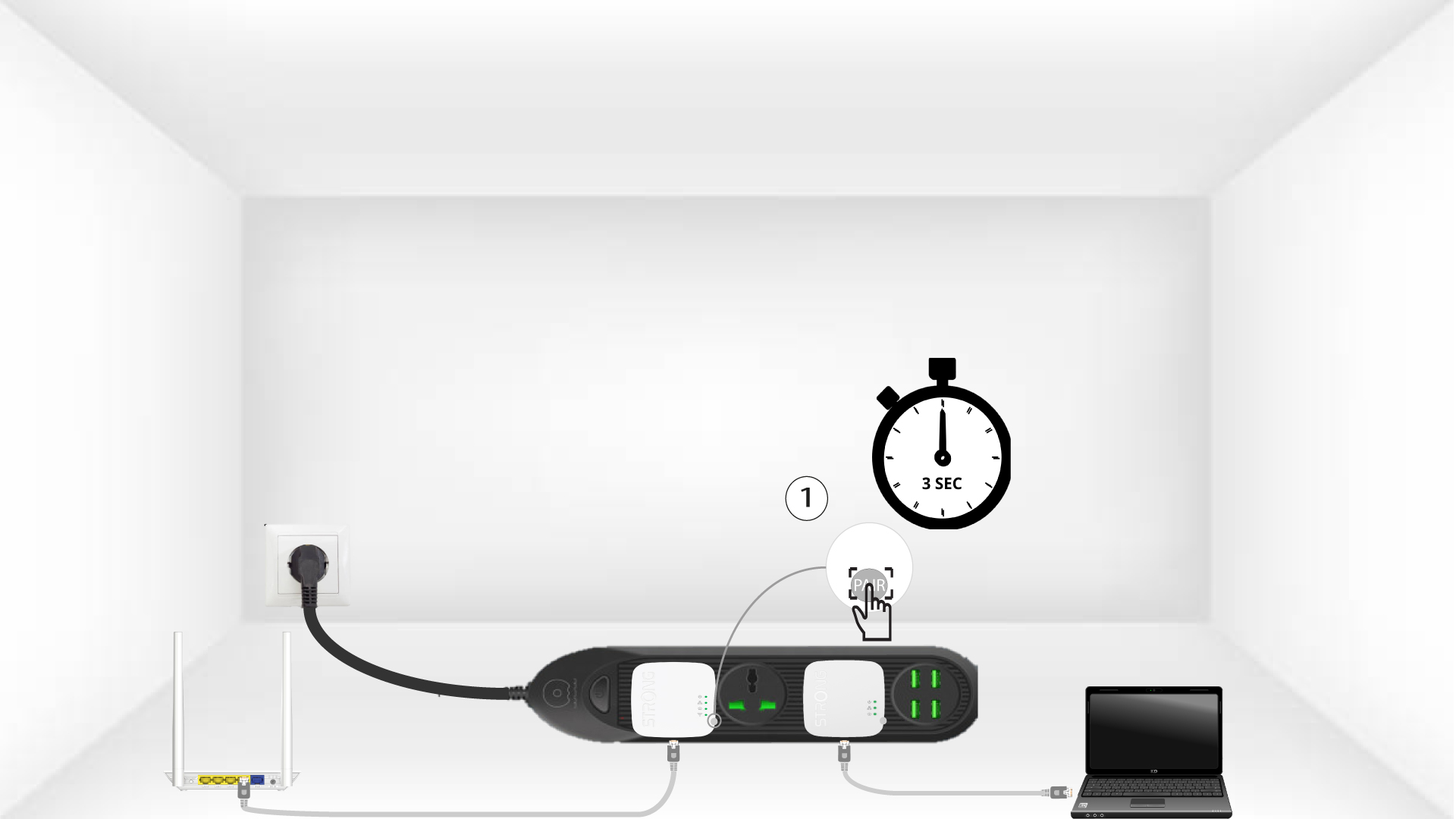
3. Nyomja mega „Connect & Secure” gombot (az első adapteren)
Ezután az első eszközön nyomja meg a„CONNECT & SECURE” gombot 3 másodpercig
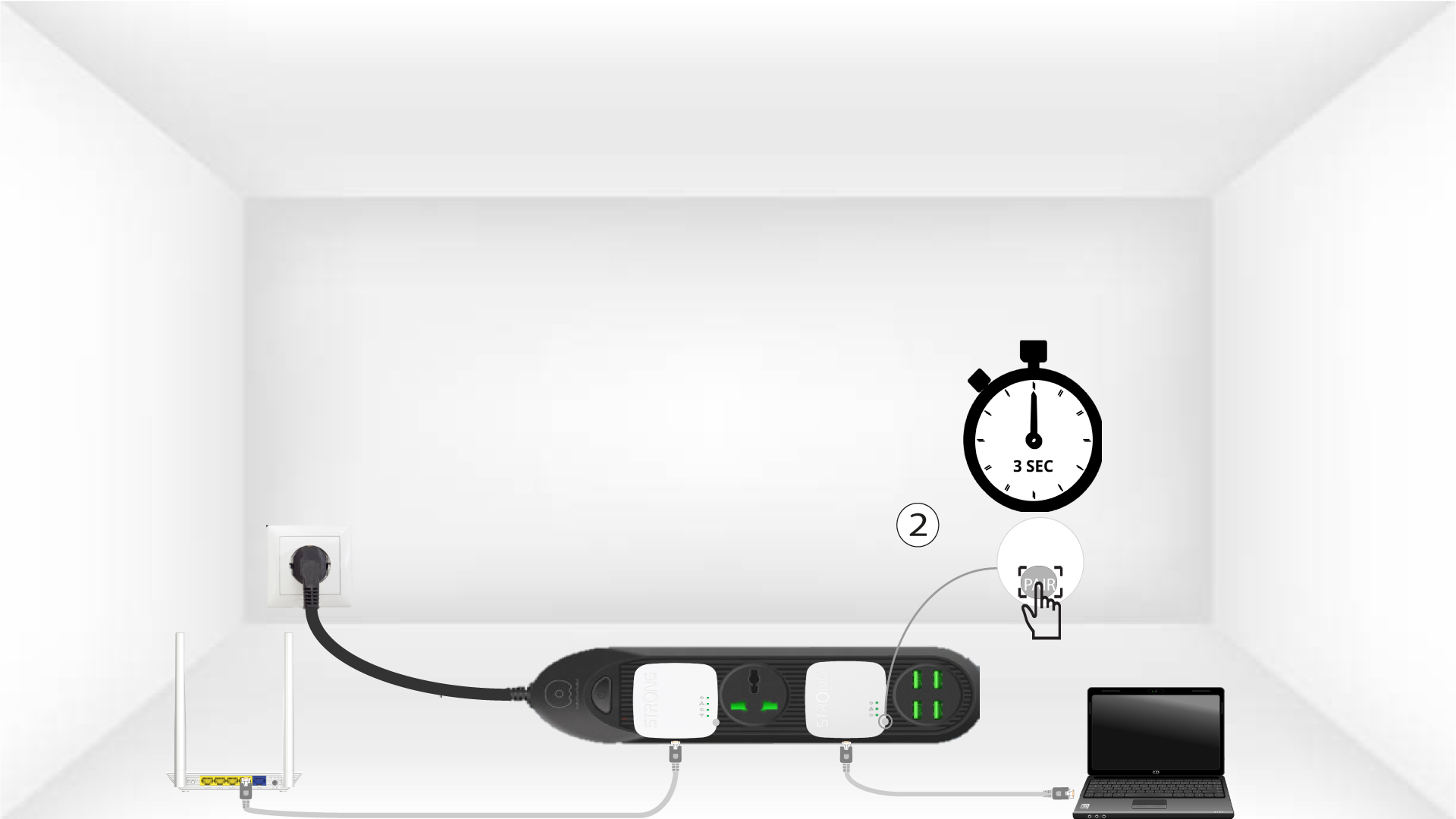
4. Nyomja mega „Connect & Secure” gombot (második adapter)
Nyomja meg a második eszközön a„CONNECT & SECURE” gombot 3 másodpercig. Erre legfeljebb két perce van.
Az 5HomeLED villog
A „Home” jelzőfénynek mindkét eszközön villognia kell.
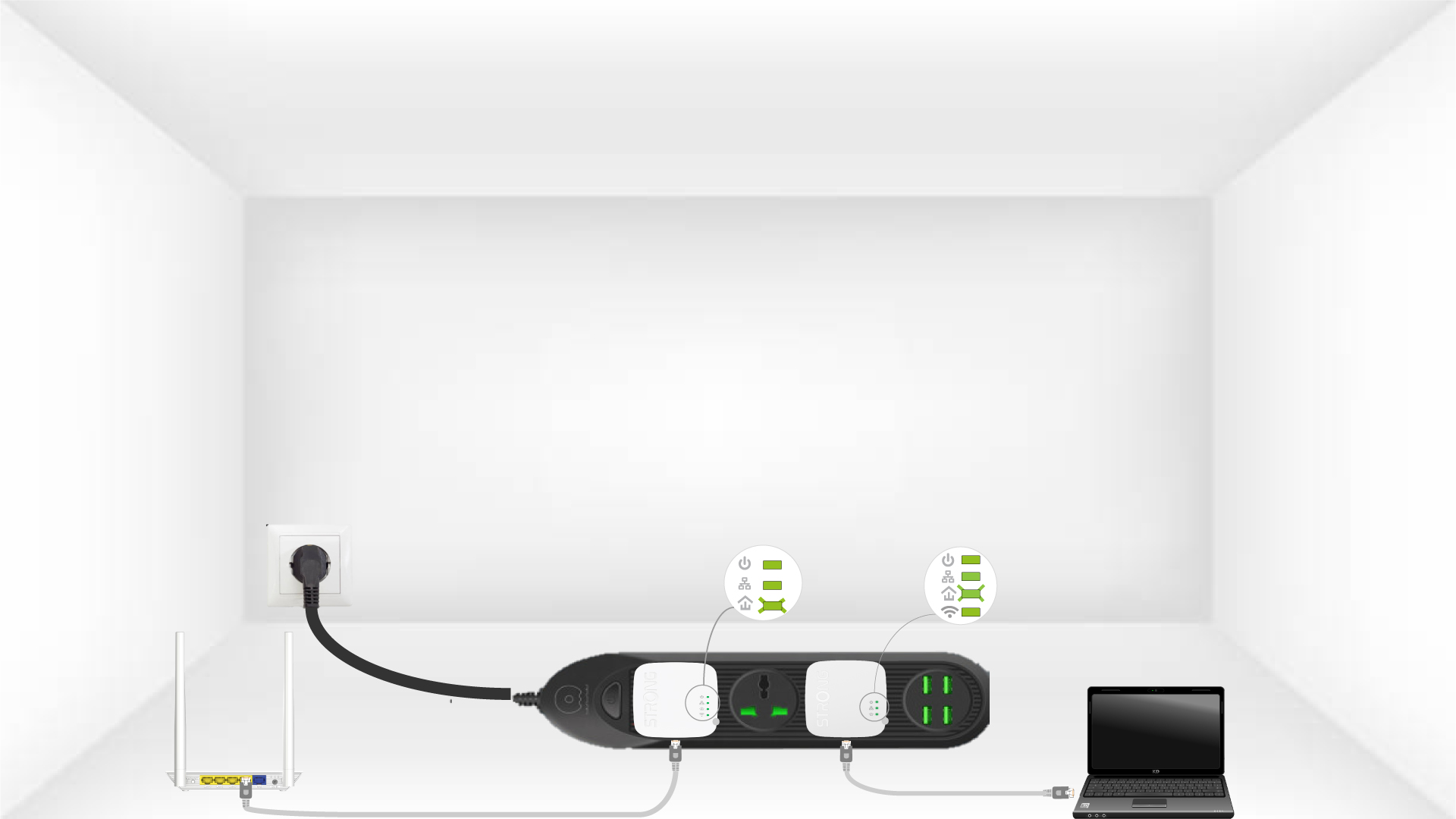
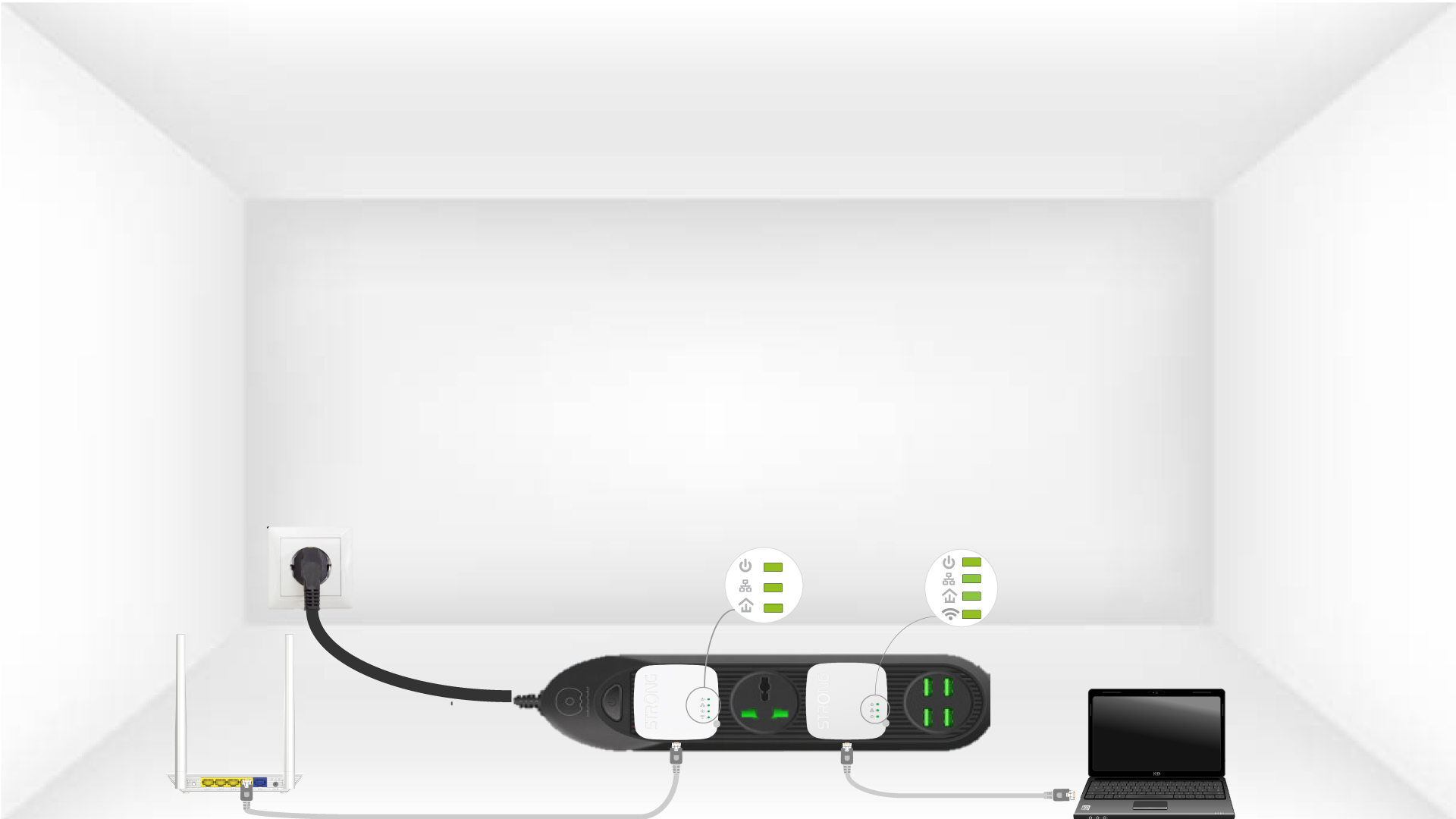
6. Atitkosítási kulcs be van állítva
Az egyedi titkosítási kulcs beállítása megtörtént, és az eszközök összes LED-jének zöldnek kell világítania.
Most be kell szerelnie az adaptereket azokba a helyiségekbe, ahol szüksége van rájuk. Határozottan javasoljuk, hogy ne csatlakoztassa az adaptereket hosszabbítókra.