
Powerline 600 Duo Wi-Fi EU
Minden kérdés
Powerline 600 Duo Wi-Fi EU
Nincs internet-hozzáférésem, és/vagy a „home” ikon LED-je nem világít.
1. Csatlakoztassaaz adaptereket egy elosztóhoz
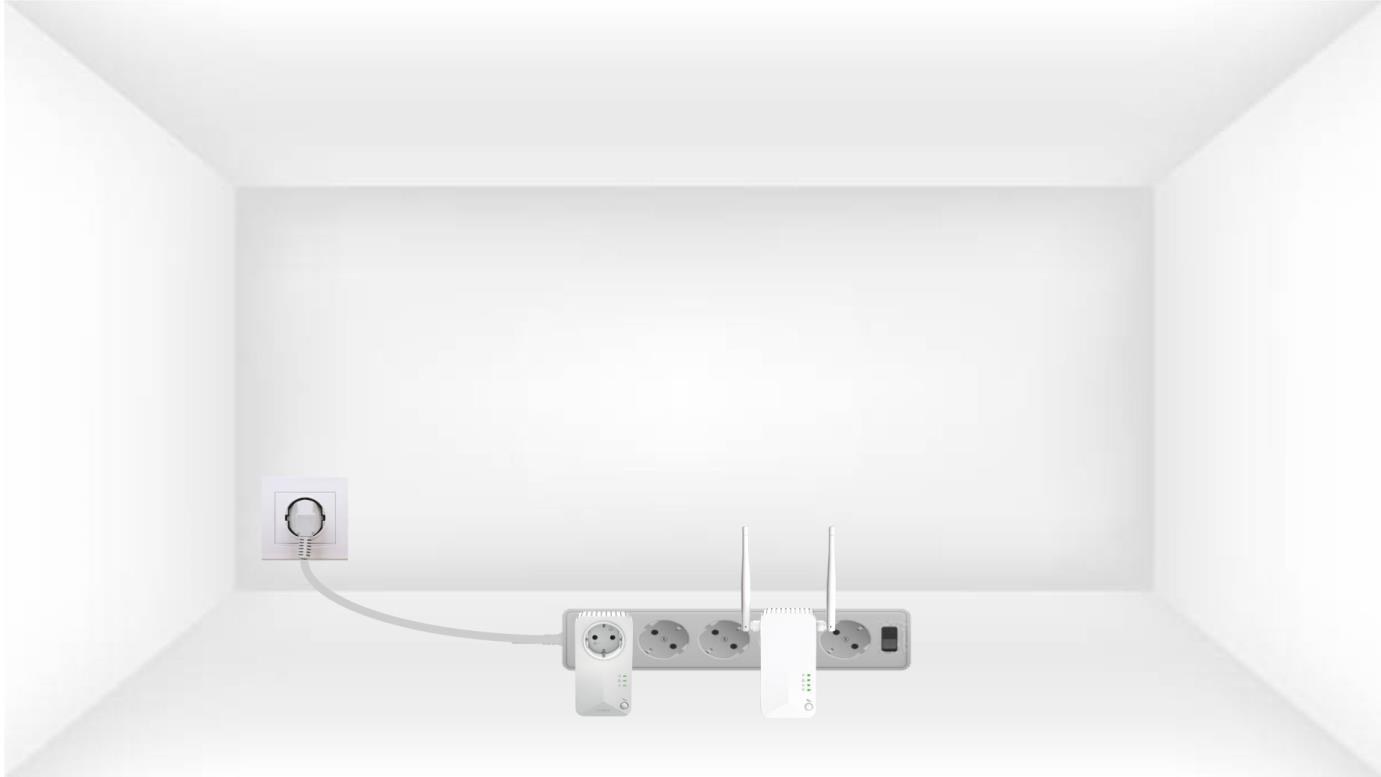
Csatlakoztassa az adaptereket egymás után egy többaljzatos elosztóhoz.
2. Csatlakoztassaaz adaptereket az internethez
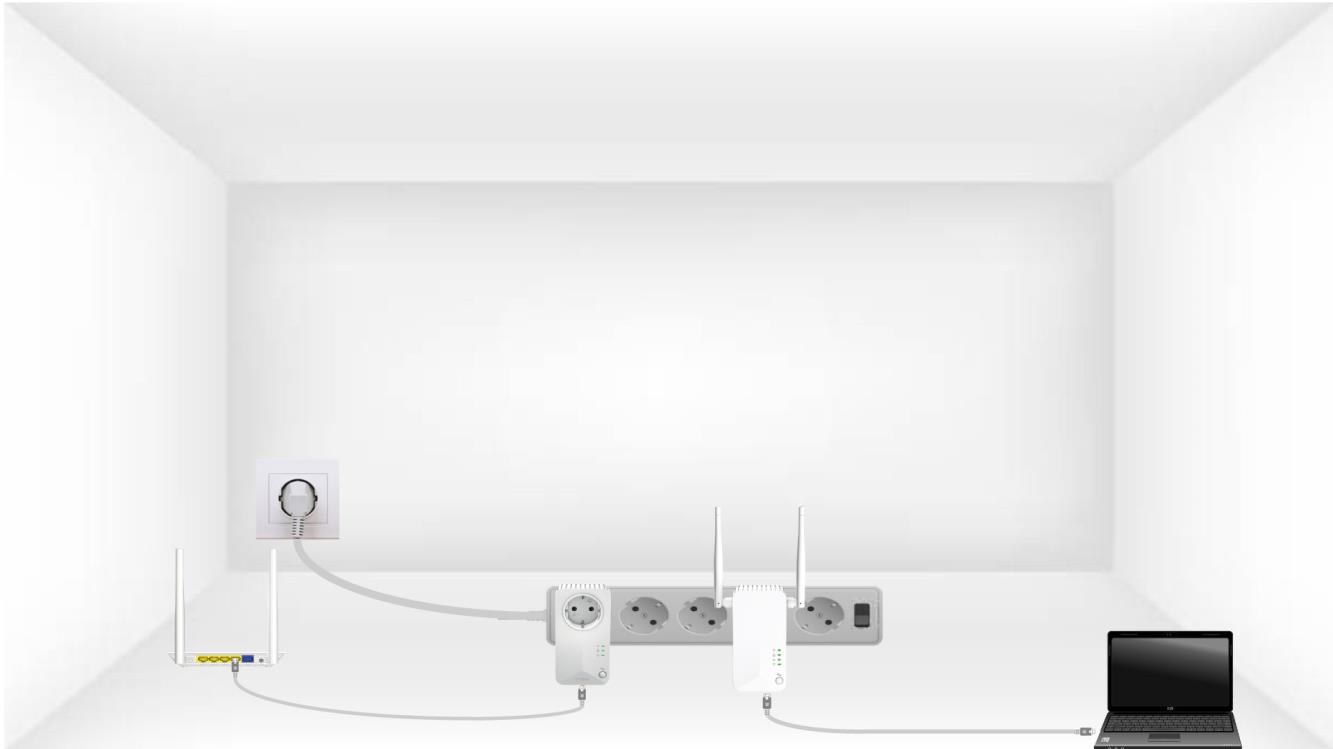
Csatlakoztassa az egyes adaptereket egy működő eszközhöz (internet-router/gateway, Android-set-top box, okos-TV, számítógép stb.) Ethernet-kábellel. Az eszközök között kommunikációnak kell lennie, ellenkező esetben az adapter automatikusan készenléti módba vált.
3. Nyomja mega „Csatlakozás és biztonság” gombot (első eszköz)
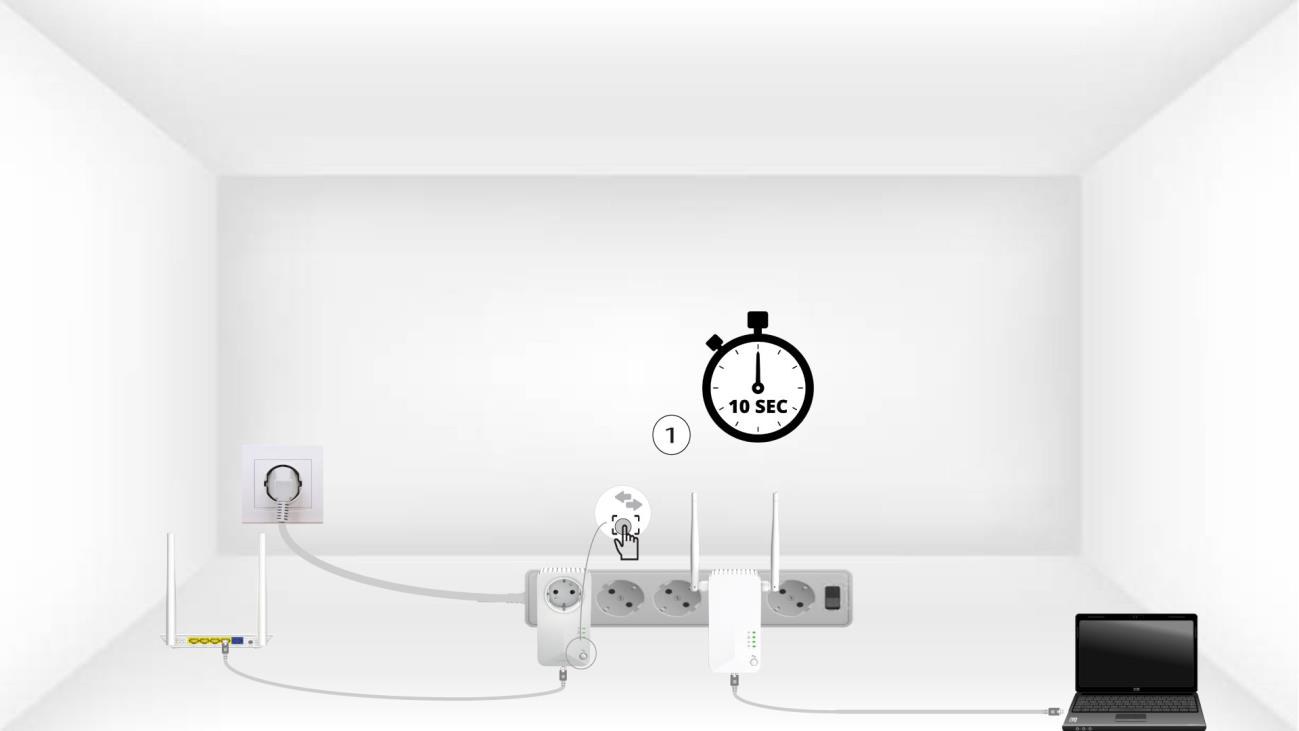
Miután az adaptert csatlakoztatta a konnektorhoz és az Ethernet-hálózathoz, egyszerűen nyomja meg az előlapon található „Connect & Secure” gombot, és tartsa lenyomva 10 másodpercig.
4. Nyomja mega „Connect & Secure” gombot (második eszköz)
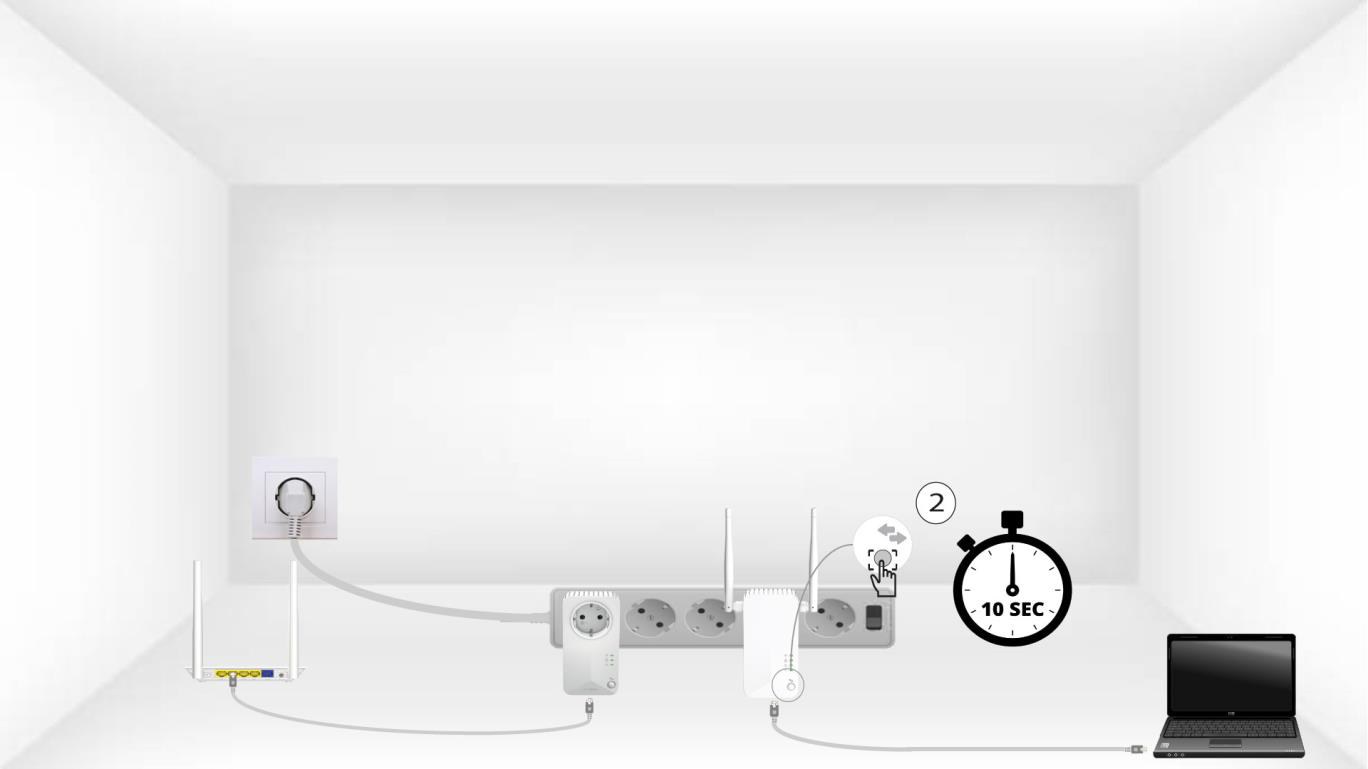
Tartsa lenyomva 10 másodpercig a második eszköz elülső paneljén található „Connect & Secure” gombot.
Az eszközökön a 5Homeikon villog
A házon lévő LED-ek villogni kezdenek.
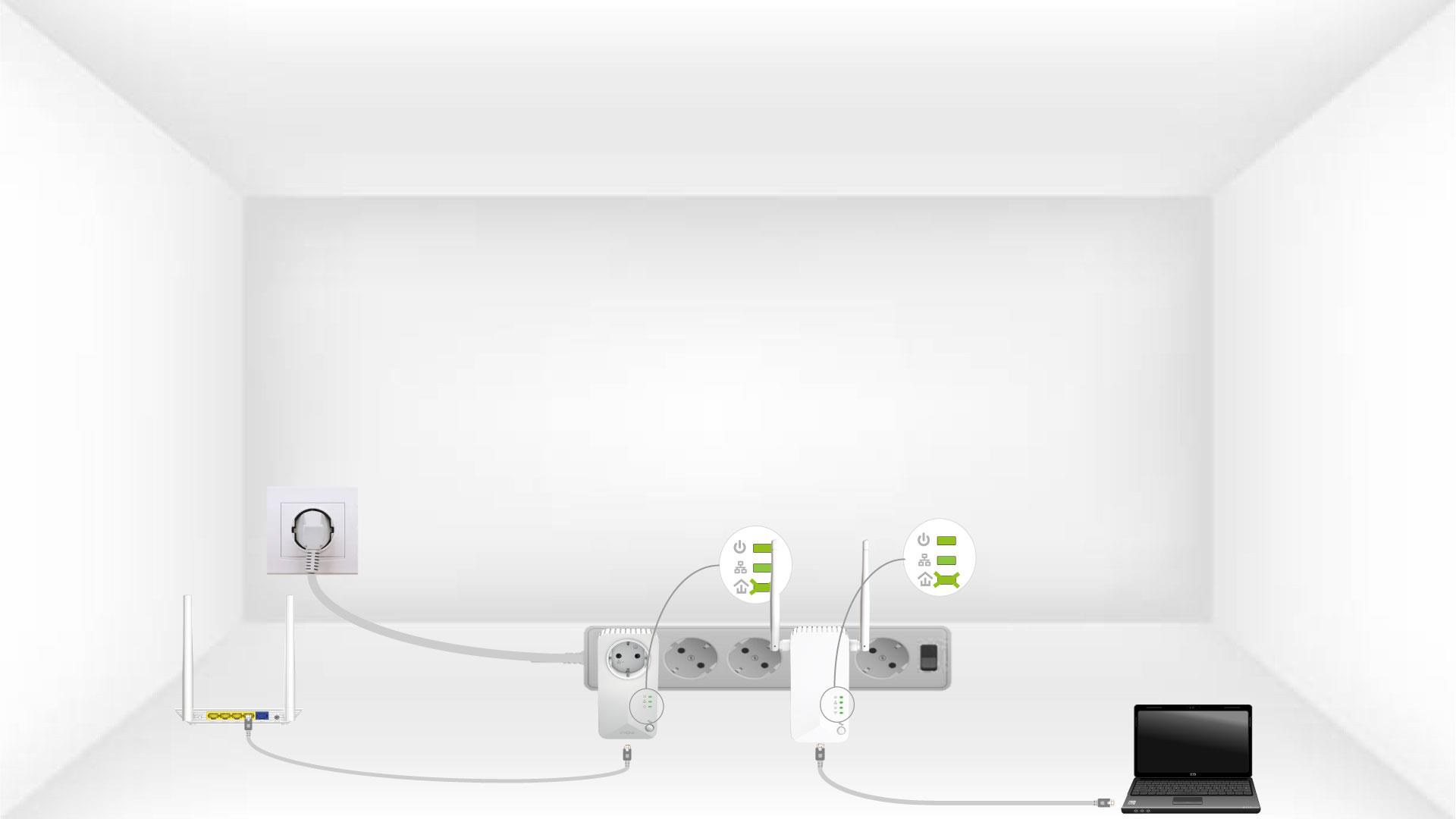
6. Az eszközökvisszaállítása
A műveletek befejeztével az összes LED-nek zöldnek kell lennie.
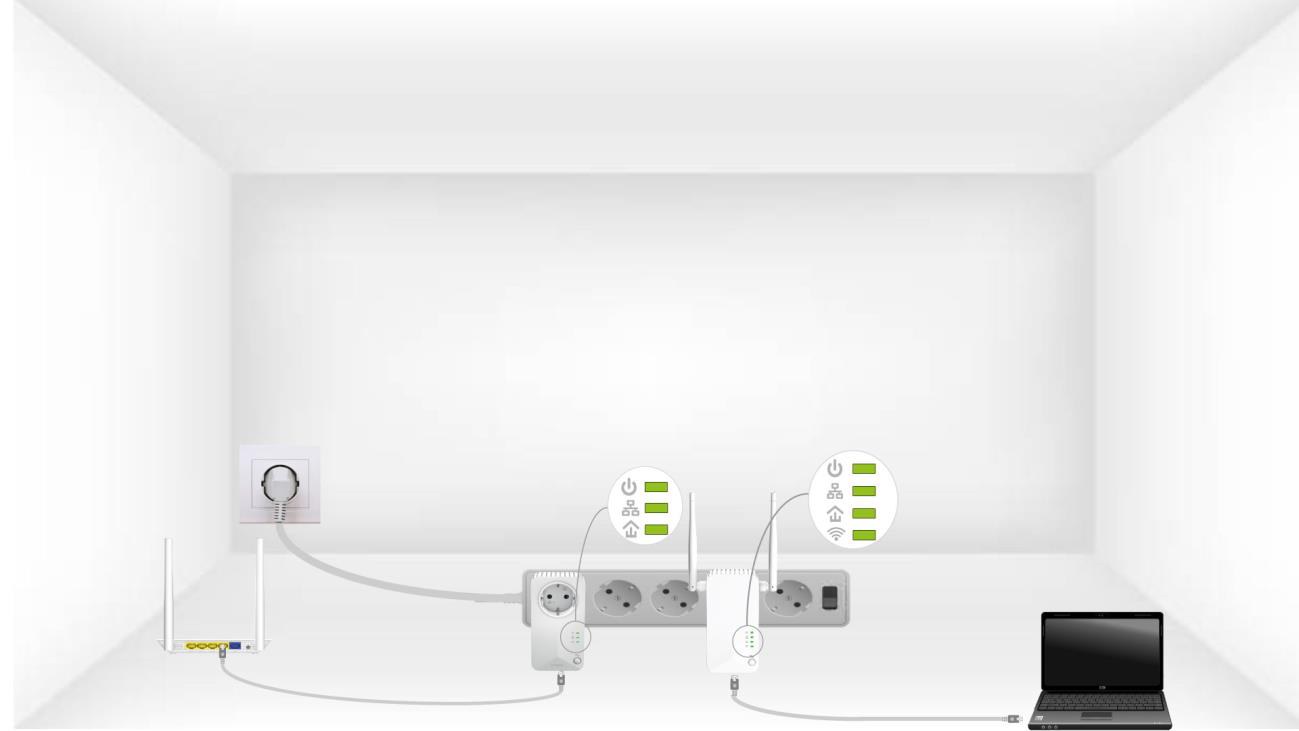
Ismételje meg ugyanezt a műveletet egy harmadik Powerline eszköz esetében is. Ugyanazon az elektromos hálózaton legfeljebb nyolc Powerline 600 eszköz működhet.
Miután az összes eszközt visszaállította, elhelyezheti őket abban a helyiségben, ahol szüksége van rájuk.