ATRIA Wi-Fi 5 Mesh System 1200 (3-pakning)
Alle spørsmål
ATRIA Wi-Fi 5 Mesh System 1200 (3-pakning)
Hvordan kan jeg sette/tildele en statisk IP-adresse for Atria-enheten min? Mesh 1200 enheter? (App)
Det kan være interessant å sette en statisk IP-adresse for deg mesh kontrolleren for å få enklere tilgang til nettet
Brukergrensesnittet på nettverket ditt i Atria Mesh app.
Du kan også tildele dedikerte IP-adresser til enhetene som er koblet til mesh nettverk i
nettgrensesnittet.
1 Koble til Wi-Fi-nettverket ditt mesh
For å gjøre dette, koble til Wi-Fi-nettverket ditt mesh nettverk.

2 Få tilgang til appen
Koble til atriene Mesh App.

3 Nettverk
Klikk på Mitt nettverk .

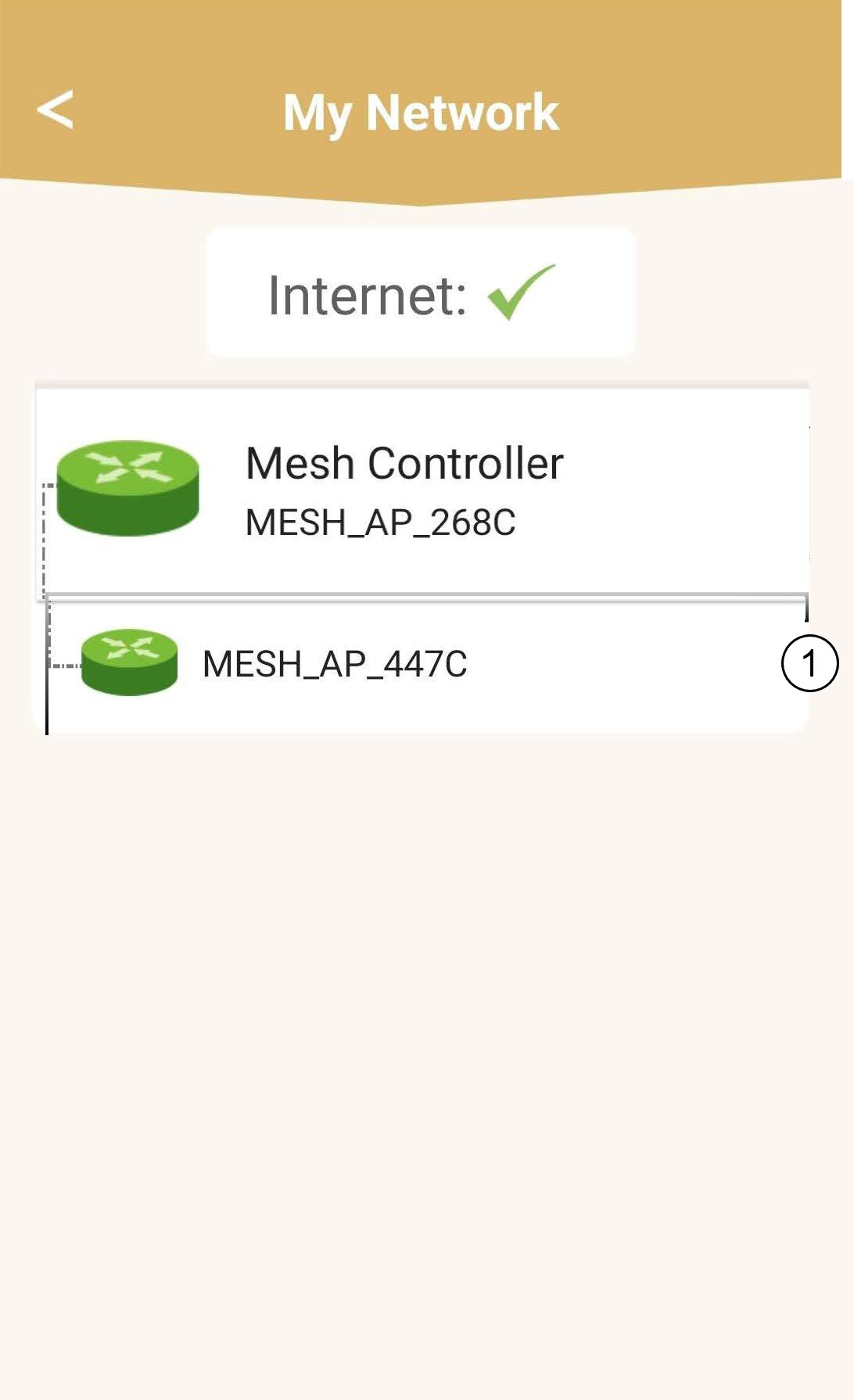
4 Velg hovedmenyen mesh enhet
Klikk på navnet til Mesh Agent på listen.
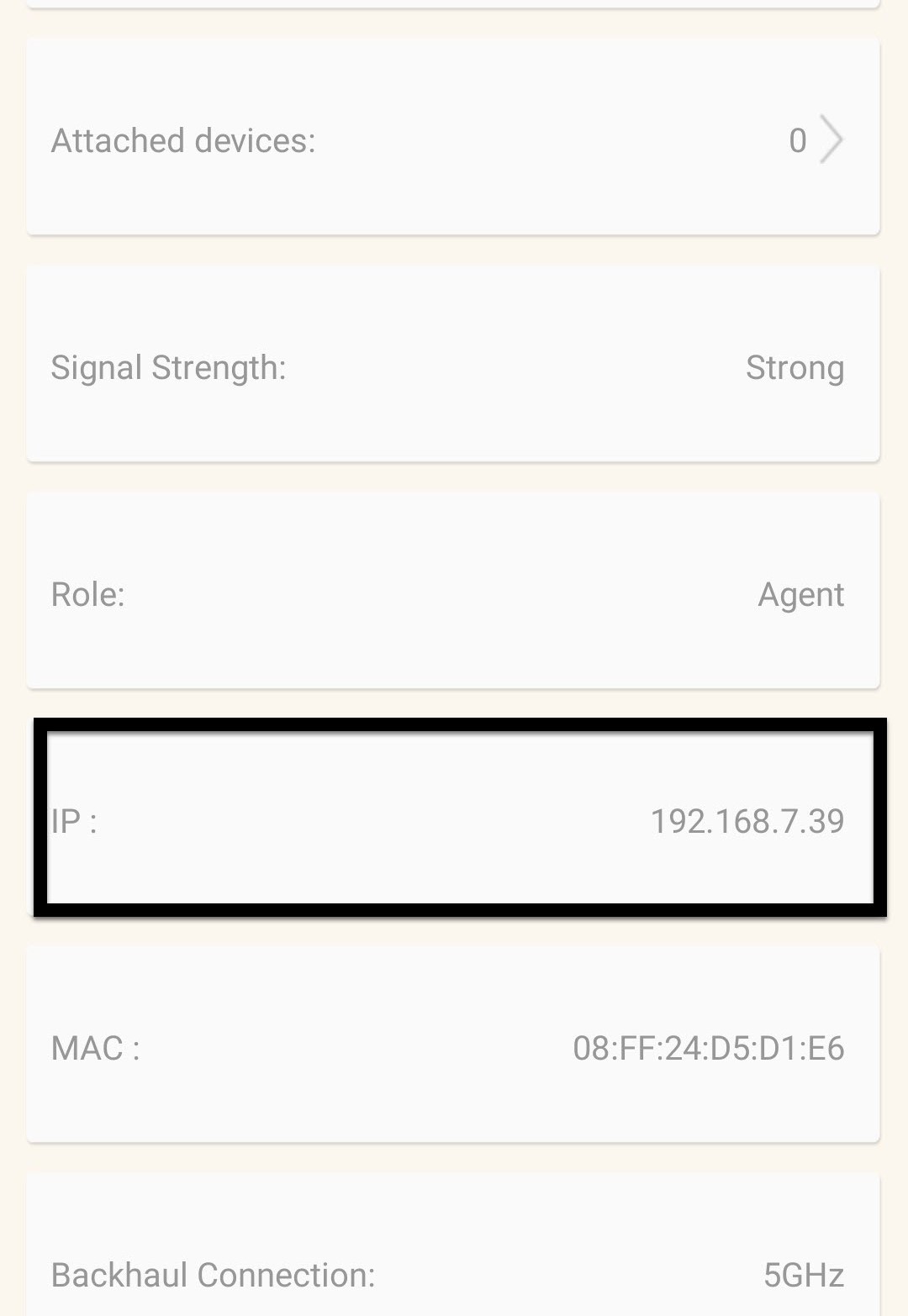
5 Finn IP-adressen
Identifiser IP-adressen og MAC-adressen.
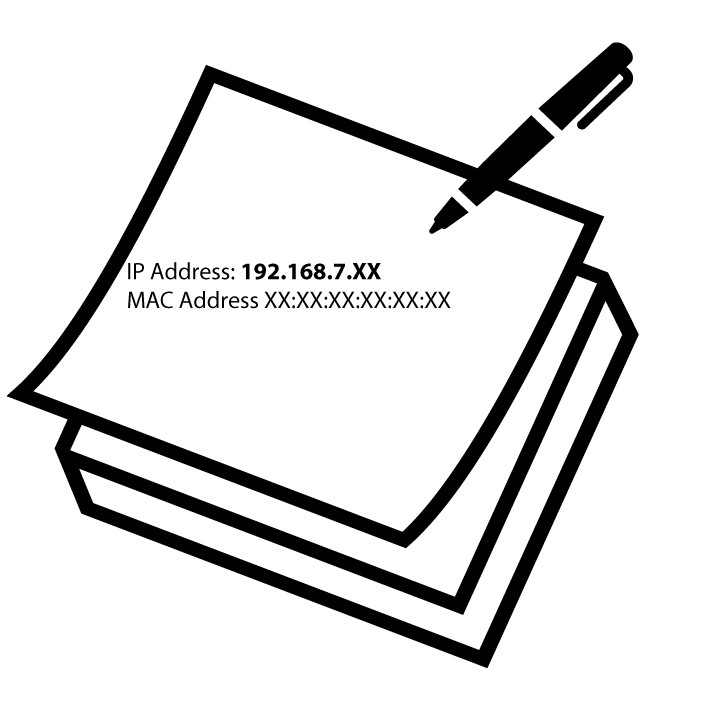
6 Skriv ned IP-adressen
Skriv ned IP-adressen og MAC-adressen.
7 Internett-innstillinger
Klikk på Internett-innstillinger .
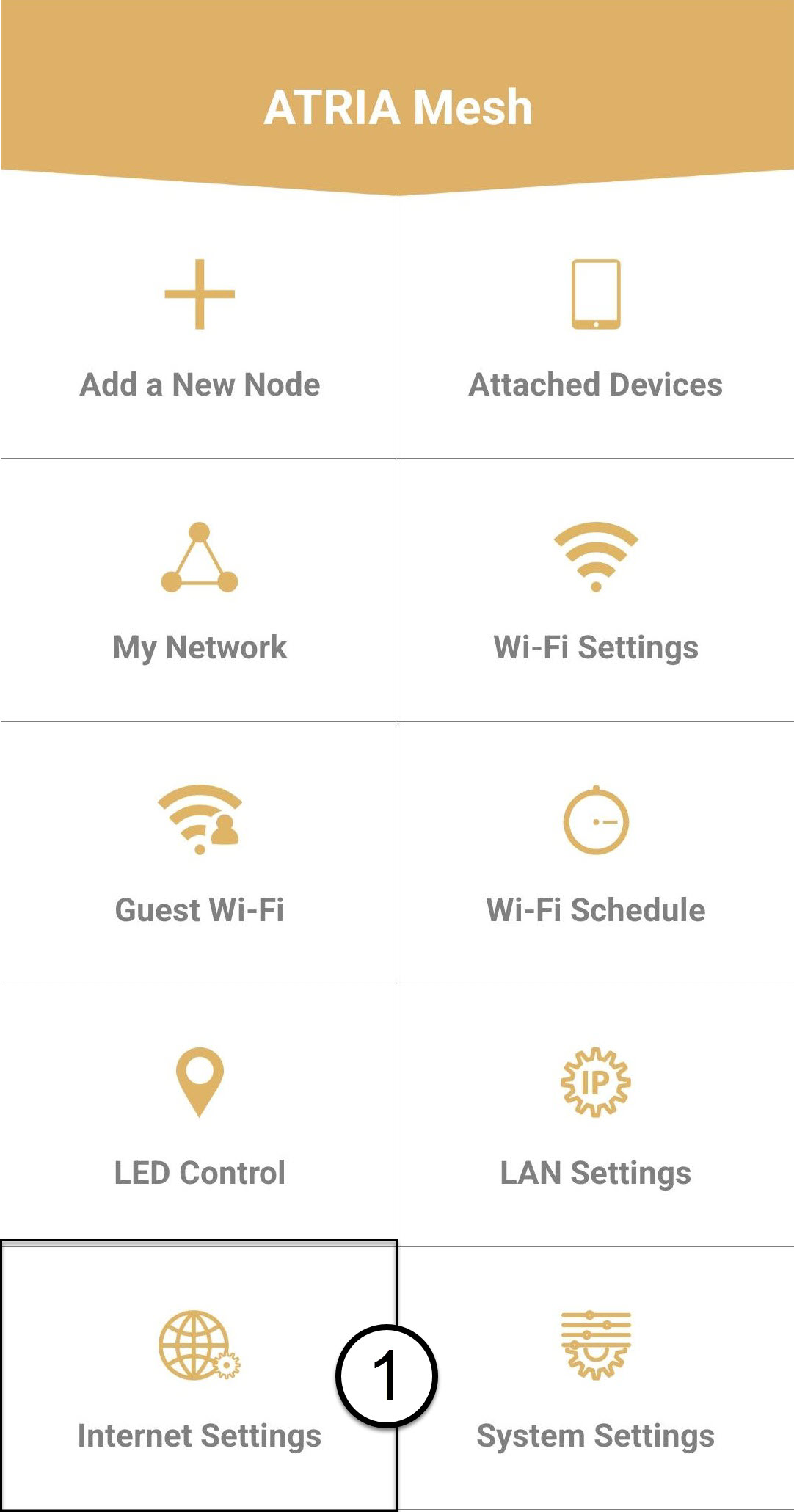
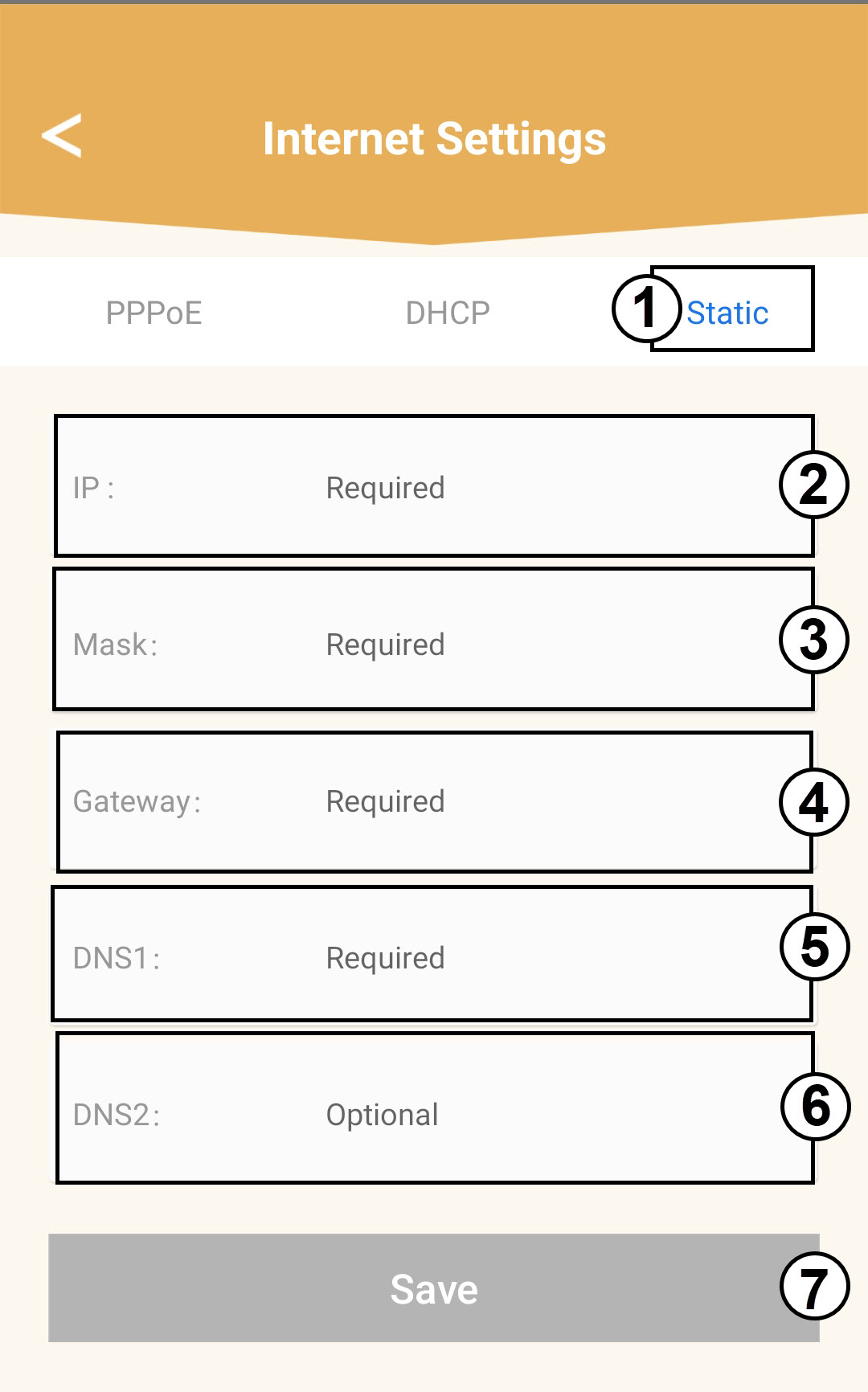
8 Statisk IP
Velg Statisk IP. Skriv inn følgende informasjon før du klikker på Lagre :
o IP: Skriv inn agentens IP-adresse
o Maske: Feltet fylles automatisk ut med riktig verdi
o Gateway: Feltet fylles automatisk ut med riktig verdi
o DNS1: Skriv inn den primære DNS-adressen (du finner denne informasjonen i nettgrensesnittet:
Nettverk > LAN -> Aktiver manuell DNS)
o DNS2: Skriv inn den sekundære DNS-adressen (du finner denne informasjonen i webgrensesnittet).
Nettverk > LAN -> Aktiver manuell DNS)