
Universal Repeater 300 V2
Ingen gjenstander funnet.
Ingen gjenstander funnet.
Alle spørsmål
Universal Repeater 300 V2
Ingen gjenstander funnet.
Ingen gjenstander funnet.
Hvordan får jeg tilgang til nettgrensesnittet etter konfigurasjonen?
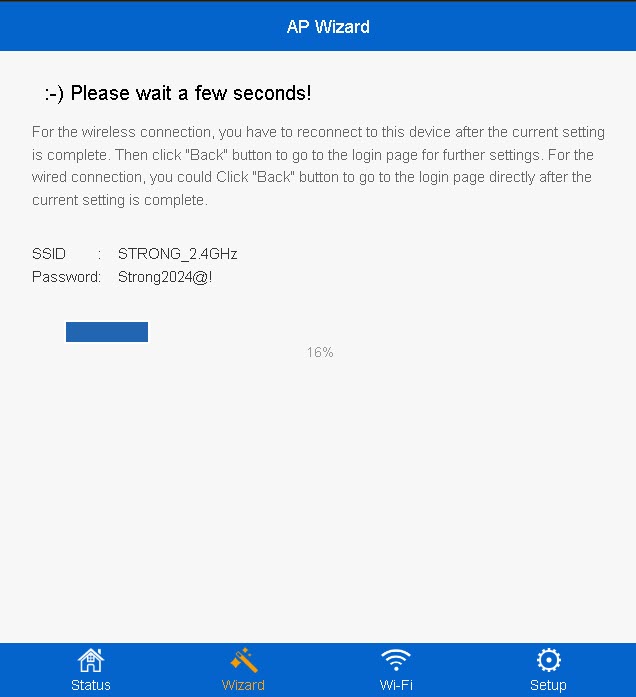
1 Koble til repeaterens nye Wi-Fi-nettverk
Koble til det nye Wi-Fi-nettverket til repeateren din.
Informasjonen om dette nettverket ble skrevet i sammendragstrinnet i konfigurasjonsveiviseren.
2 Bla til nettgrensesnittet
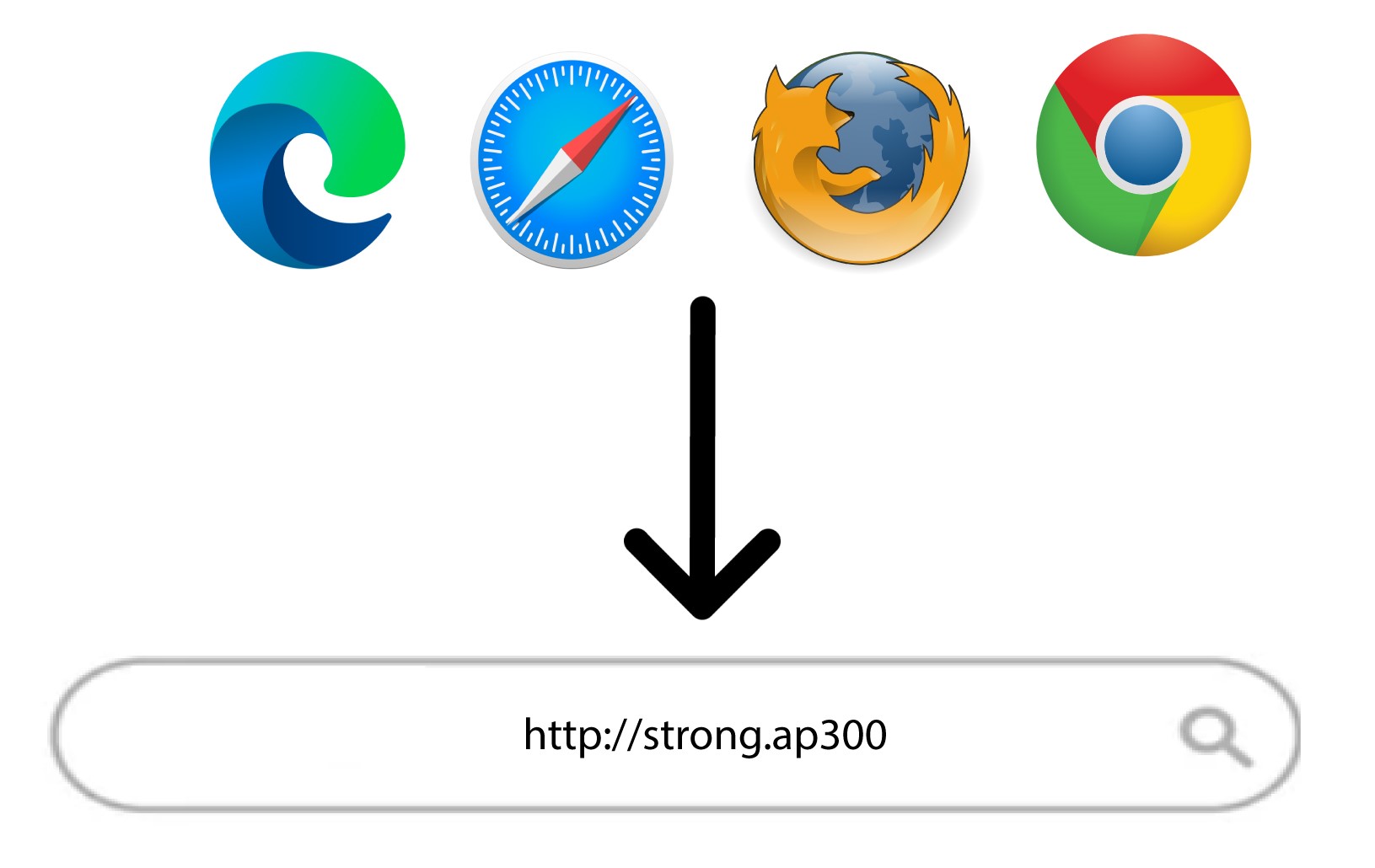
Bla til følgende URL: http://strong.ap300/
3 Skriv inn påloggingsinformasjonen din
Skriv inn administratorpassordet ditt og klikk på Logg inn .
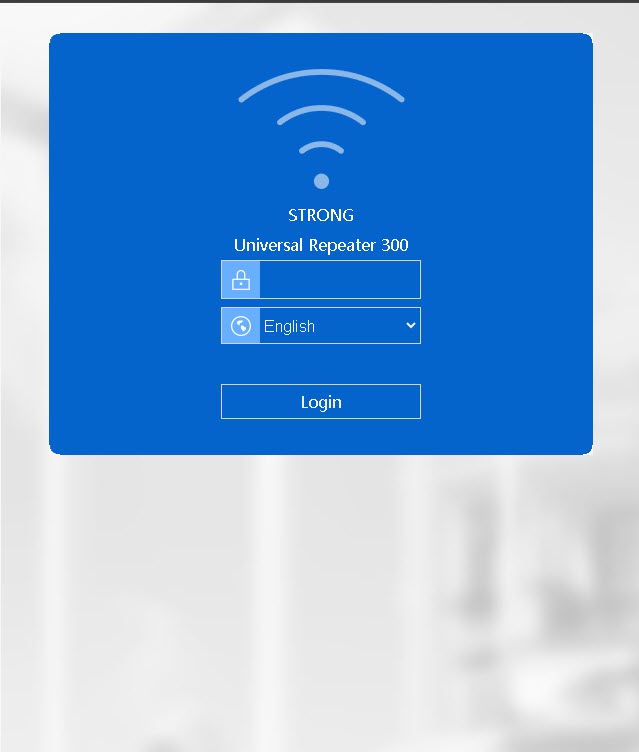

Advarsel: Vær oppmerksom på at hvis du endrer standard administratorpassord, må du skrive inn det nye passordet du har angitt. Hvis du har mistet dette passordet, må du tilbakestille enheten til fabrikkinnstillingene.