Ingen gjenstander funnet.
LEAP 41 | 4K Google TV med HDR10+
Ingen gjenstander funnet.
Alle spørsmål
Ingen gjenstander funnet.
LEAP 41 | 4K Google TV med HDR10+
Ingen gjenstander funnet.
Hvordan sletter jeg en applikasjon?
1 Innstillinger
Trykk på Innstillinger-knappen på fjernkontrollen (tannhjulikonet). Innstillinger-menyen vises på TV-skjermen.
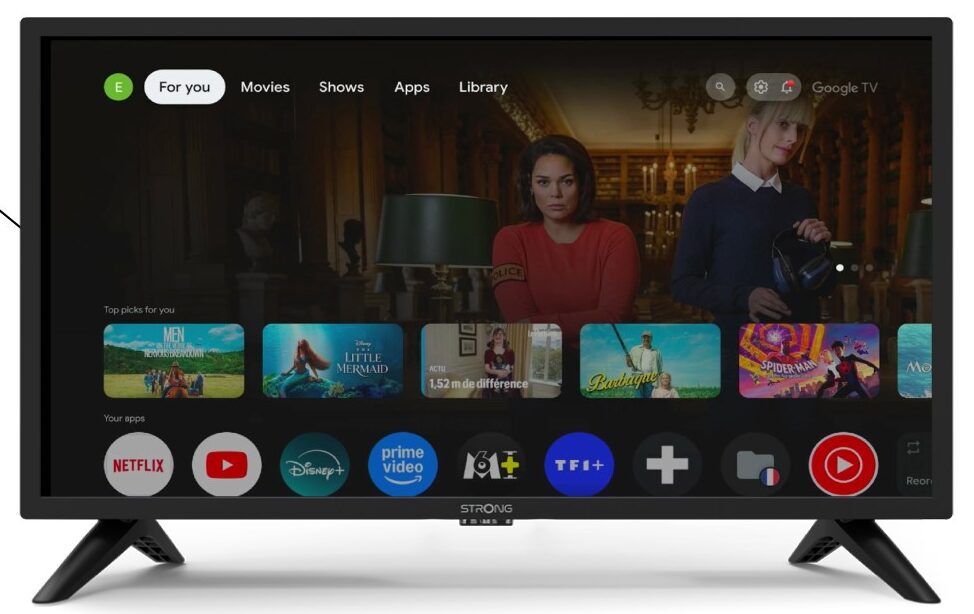
2 apper
I innstillingene velger du Apper .

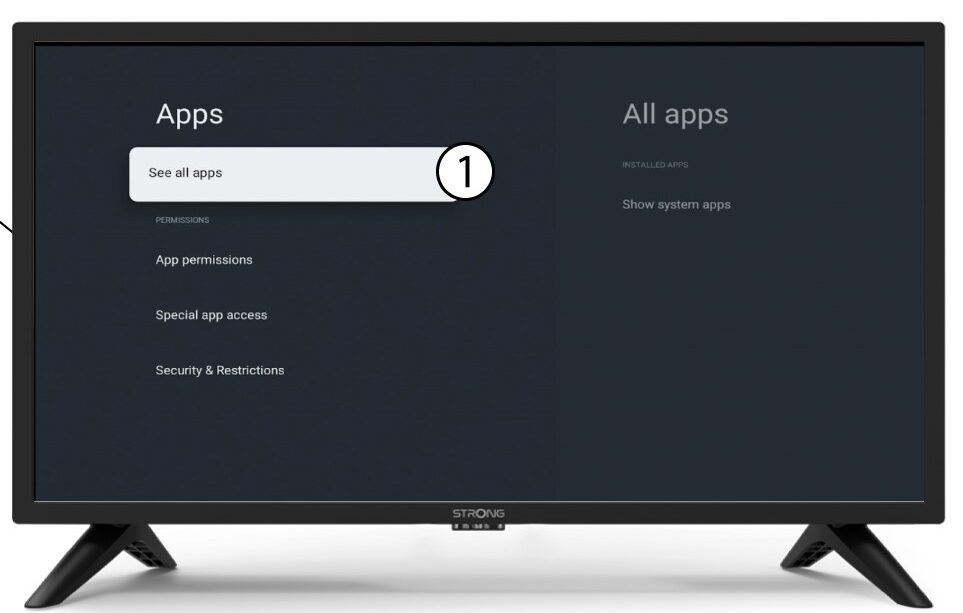
3 Alle apper
Velg Se alle apper.
4 Velg appen du vil slette
Velg en app i listen.
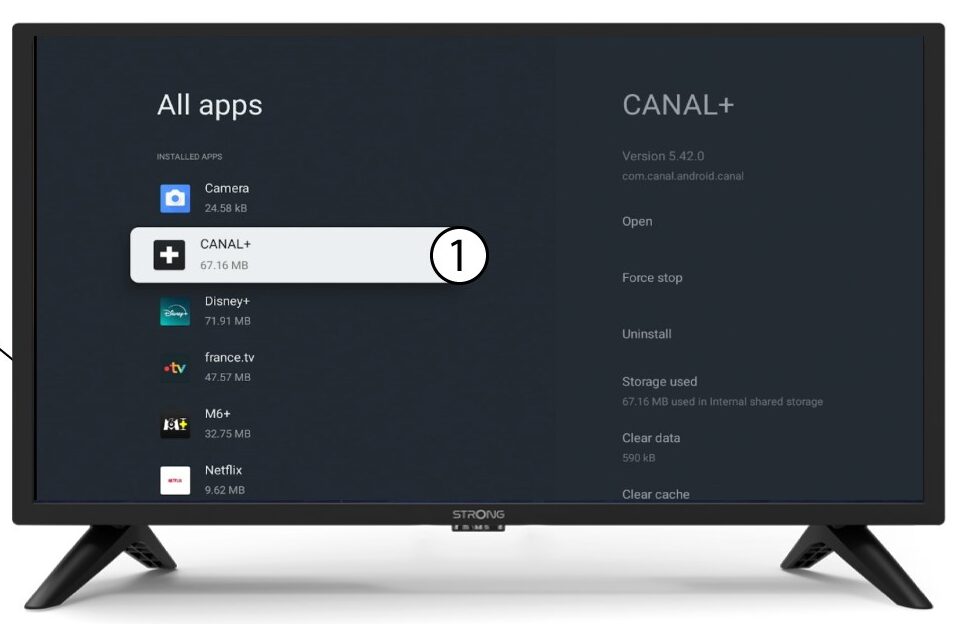
5 Avinstaller
Velg Avinstaller.
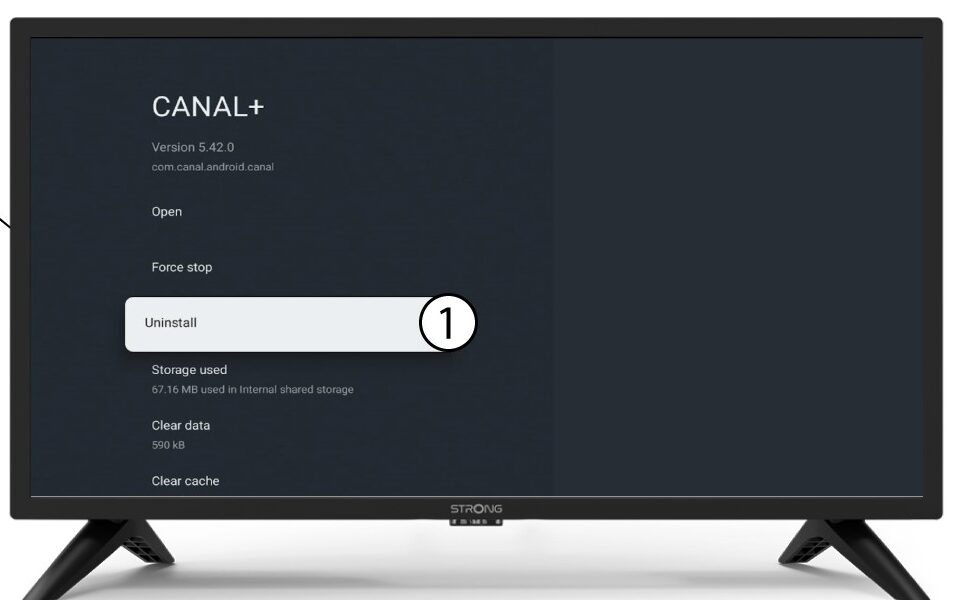
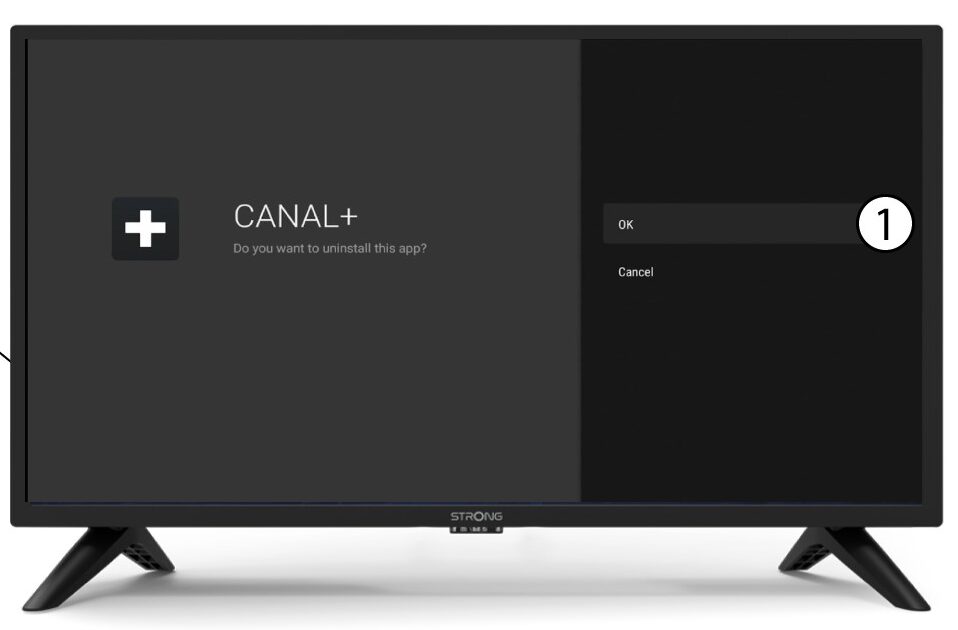
6 Bekreft sletting
Velg OK .