
Ingen gjenstander funnet.
Ingen gjenstander funnet.
2K+ SMART HOME KAMERA
Alle spørsmål
Ingen gjenstander funnet.
Ingen gjenstander funnet.
2K+ SMART HOME KAMERA
Hvordan utfører jeg en hard tilbakestilling på kameraet mitt (uten å bruke appen)
Hvis du ikke kan bruke appen, kan du tilbakestille kameraet med knappen på enheten.
For å gjøre det, må du følge trinnene nedenfor.
1 Finn tilbakestillingsknappen
Drei kameralinsen for å finne tilbakestillingsknappen .
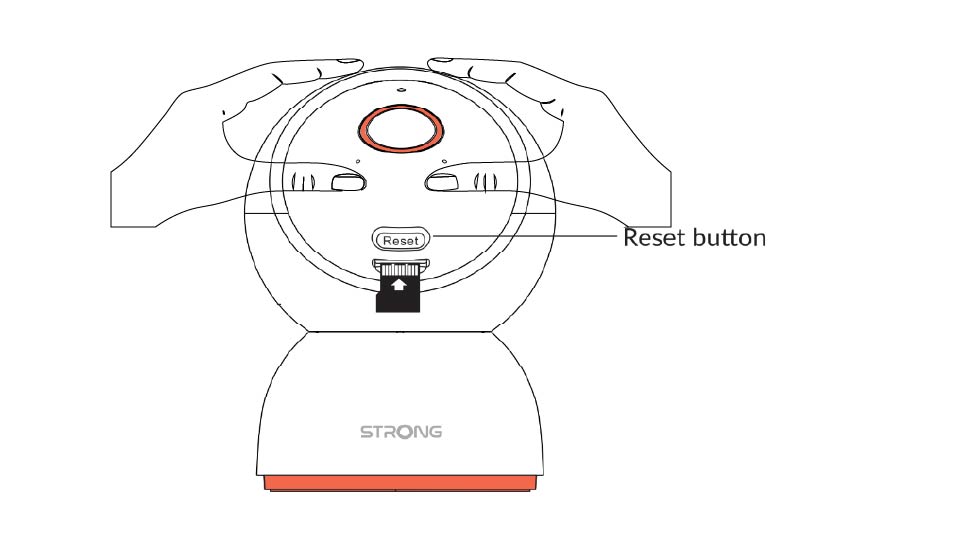
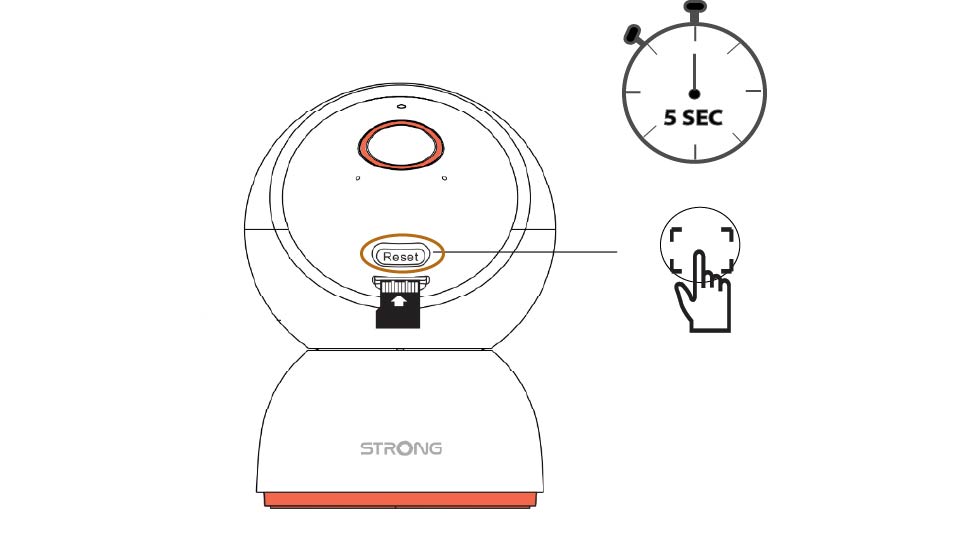
2 Trykk på tilbakestillingsknappen
Trykk og hold inne knappen i 5 sekunder.
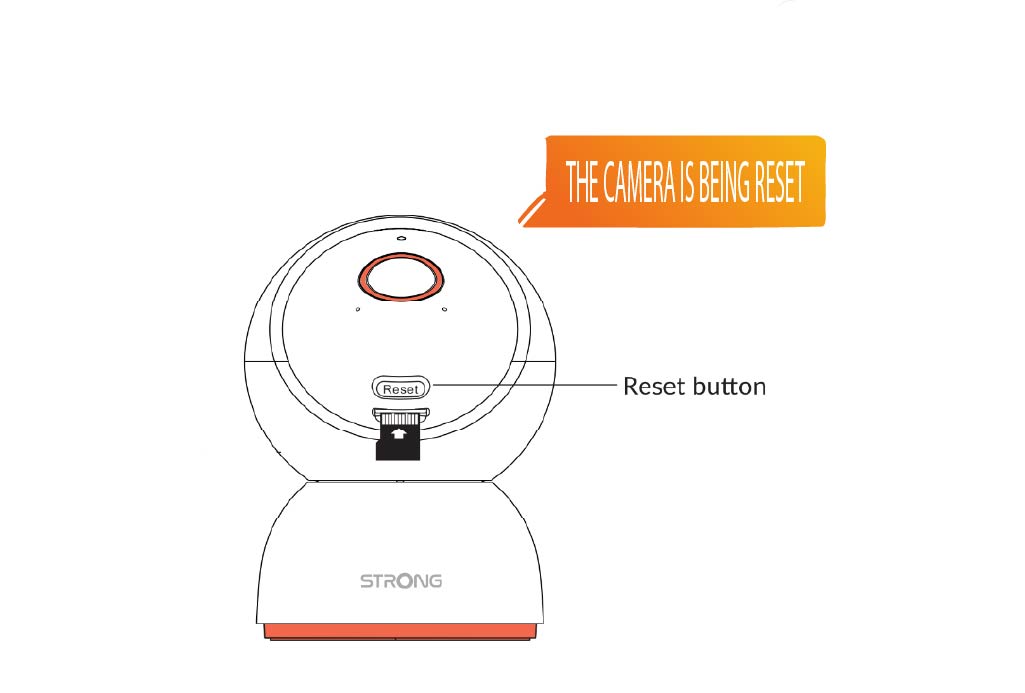
3 Vent på tilbakestillingsmeldingen
Når du har fullført dette trinnet, vil du høre: «Kameraet tilbakestilles.» Kameraet vil deretter starte på nytt automatisk.
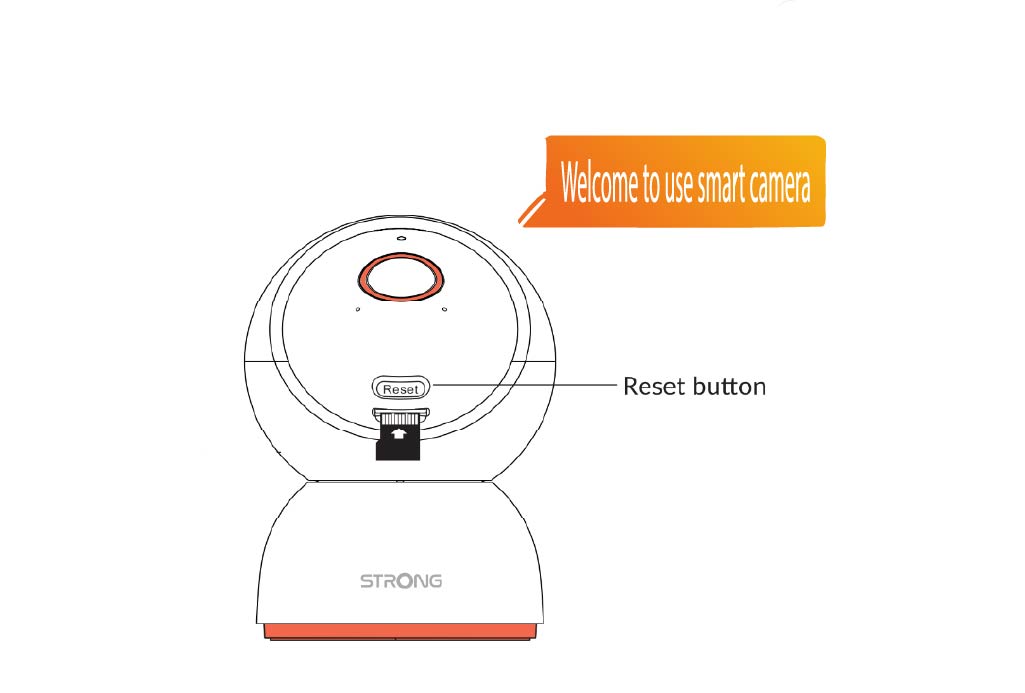
4 Velkomstmelding
Når den er klar, vil den si: «Velkommen til å bruke smartkameraet.»
TIPS: Når tilbakestillingen er fullført, åpner du appen og legger til kameraet på nytt.