Ingen gjenstander funnet.
LEAP AIR | 4K Google TV med HDR10+
Ingen gjenstander funnet.
Alle spørsmål
Ingen gjenstander funnet.
LEAP AIR | 4K Google TV med HDR10+
Ingen gjenstander funnet.
Hvordan starter jeg LEAP AIR-en min på nytt?
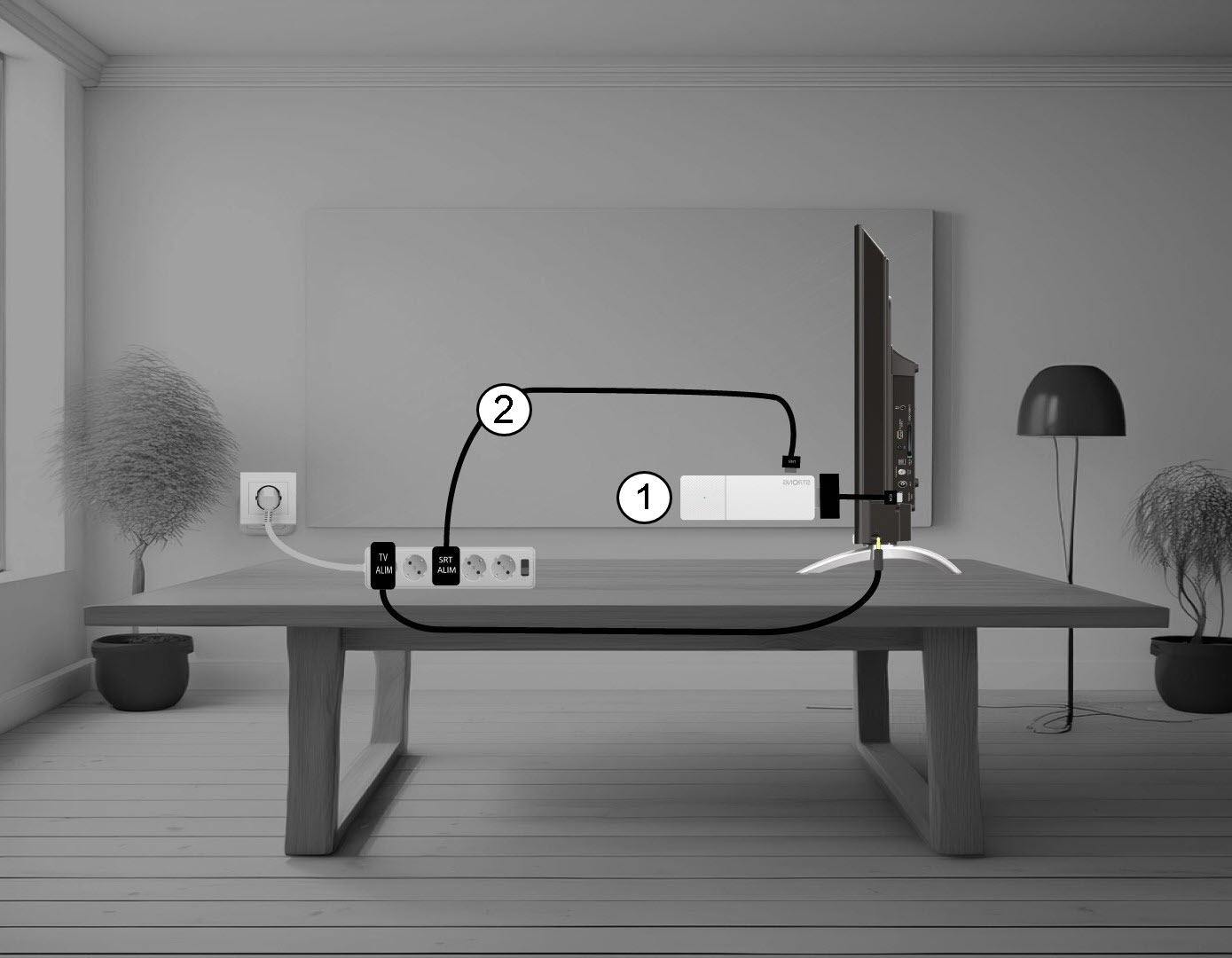
1 Koble LEAP AIR fra TV-en
Koble fra HDMI-kabelen Stick fra TV-en (1) og USB-kabelen fra LEAP AIR (2).
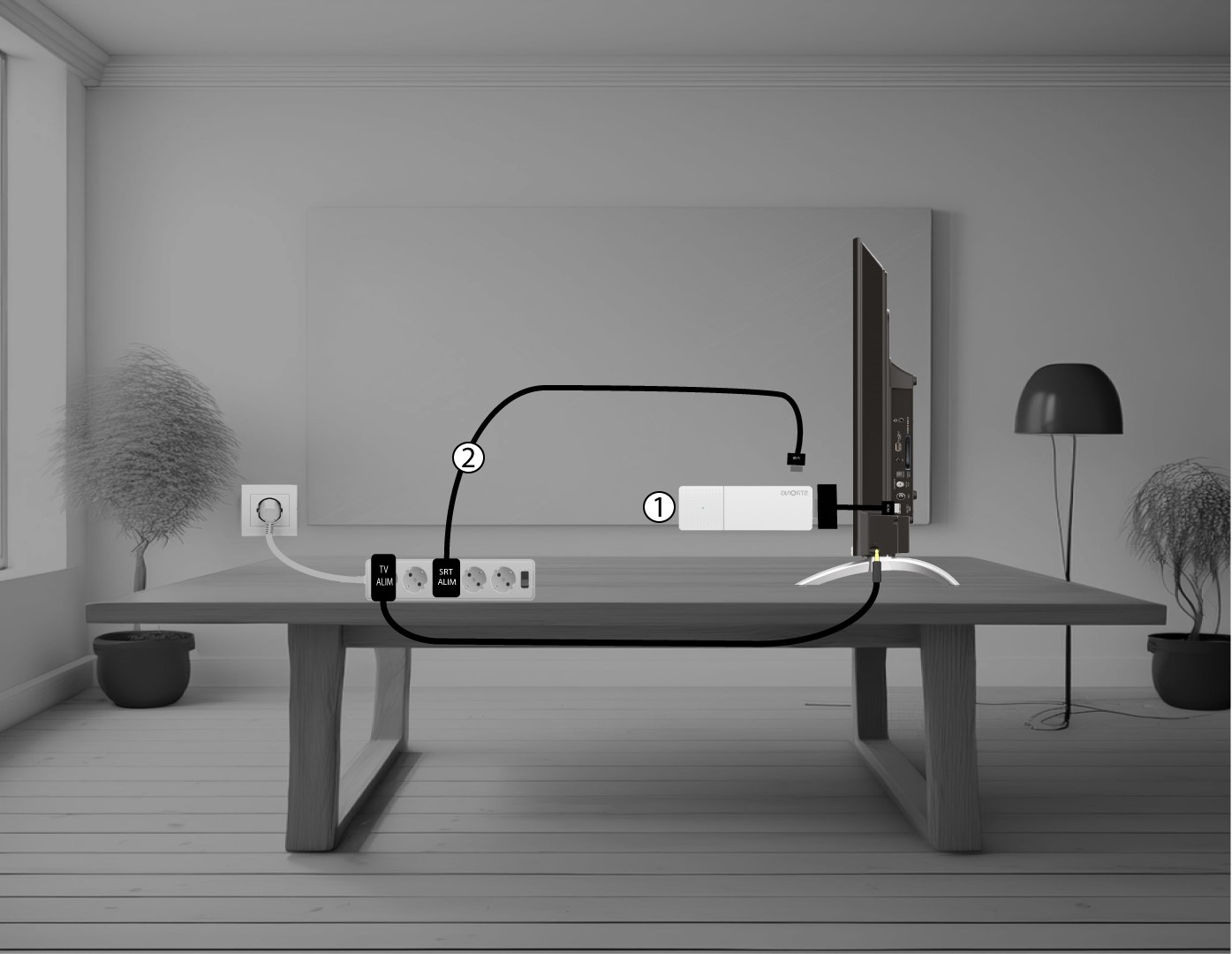
2 Koble LEAP AIR til TV-en din
Koble til HDMI-kabelen på nytt stick til TV-en (1) og USB-kabelen (2). Koble deretter til TV-en.