Ingen gjenstander funnet.
LEAP NEVE | 4K Google TV med Dolby Vision
Ingen gjenstander funnet.
Alle spørsmål
Ingen gjenstander funnet.
LEAP NEVE | 4K Google TV med Dolby Vision
Ingen gjenstander funnet.
Hvordan oppdaterer jeg enheten min?
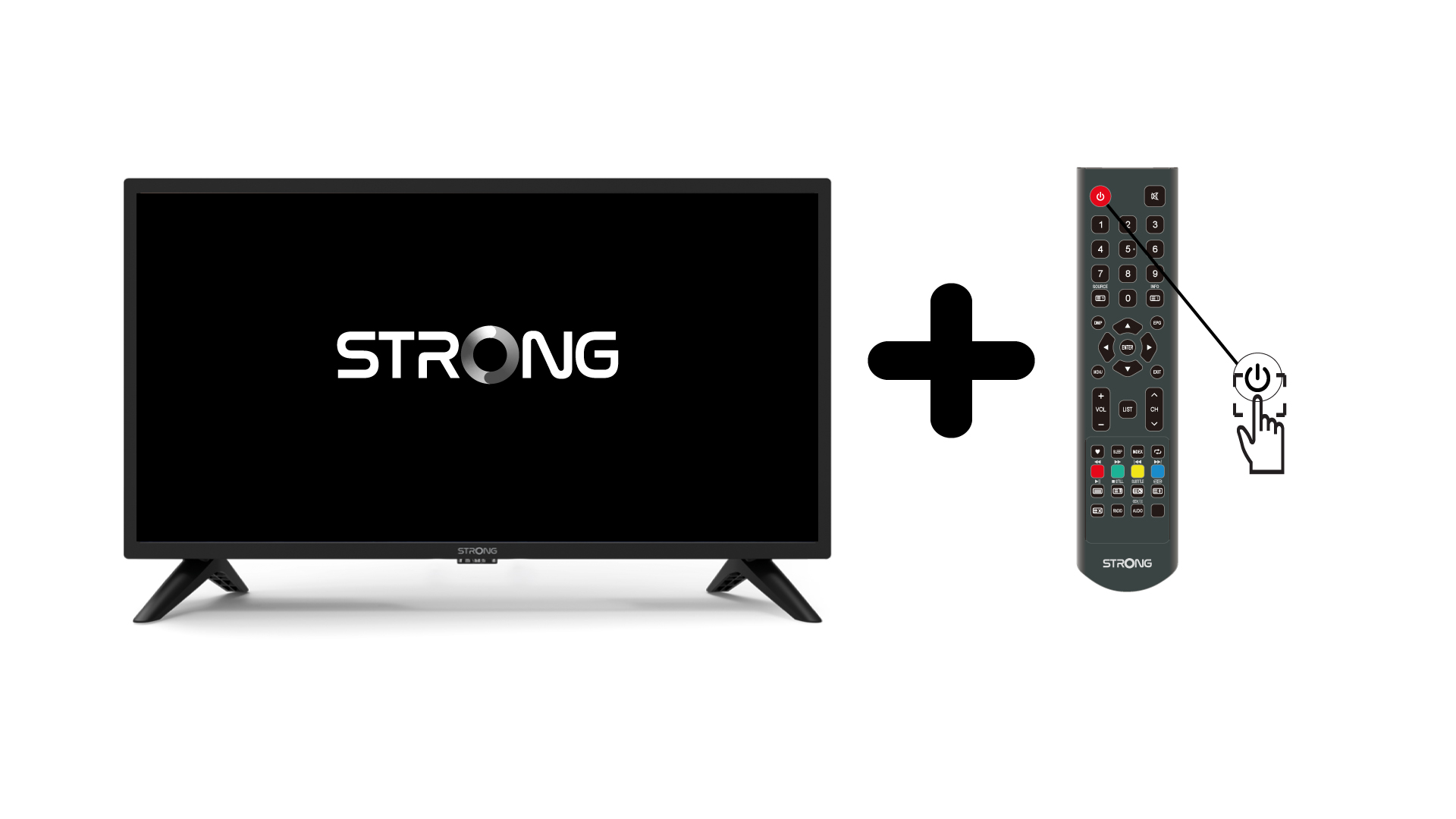
1 Slå på TV-en og enheten
Slå på TV-en og enheten din.
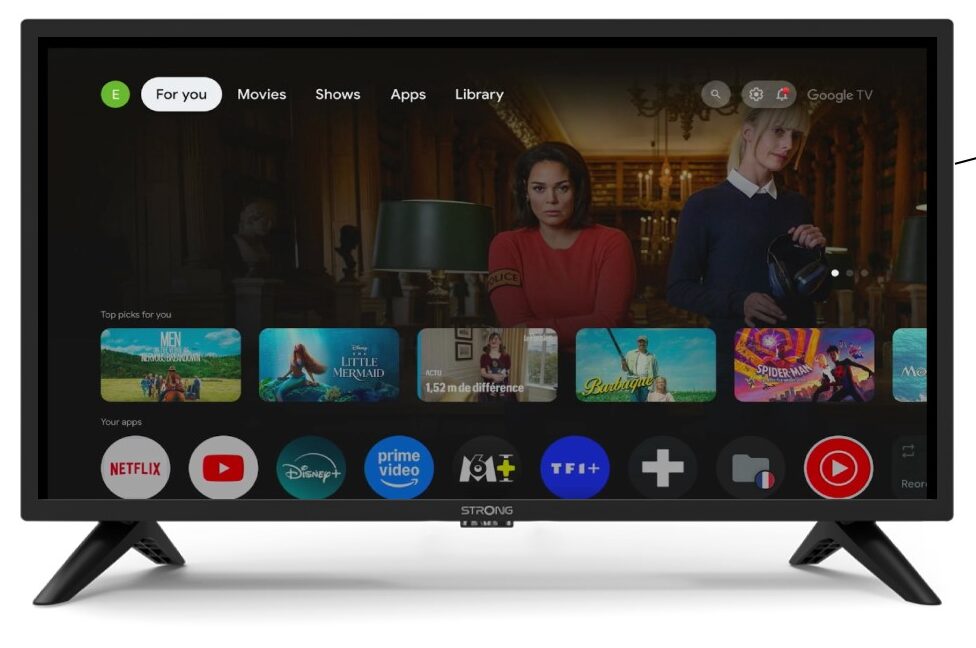
2 Innstillinger
Bla til innstillingene på enhetens hjemmeside.
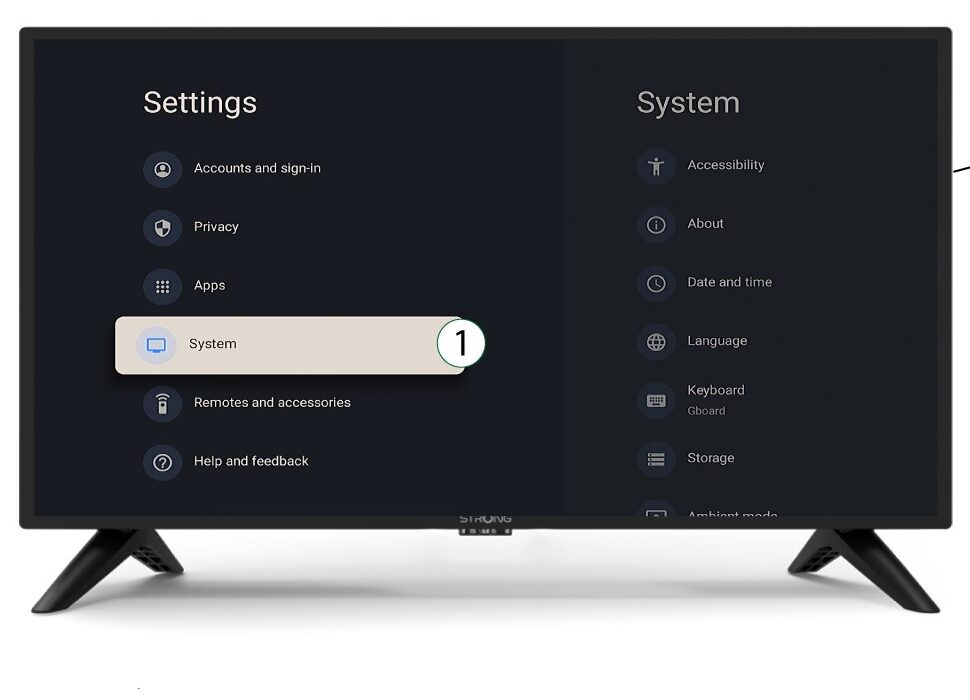
3 System
I Innstillinger-menyen velger du System og trykker OK.
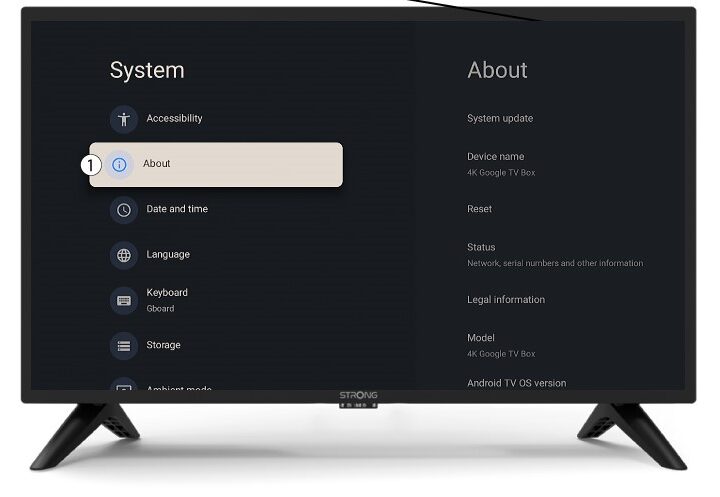
4 Om
Velg Om i systemmenyen og trykk OK .
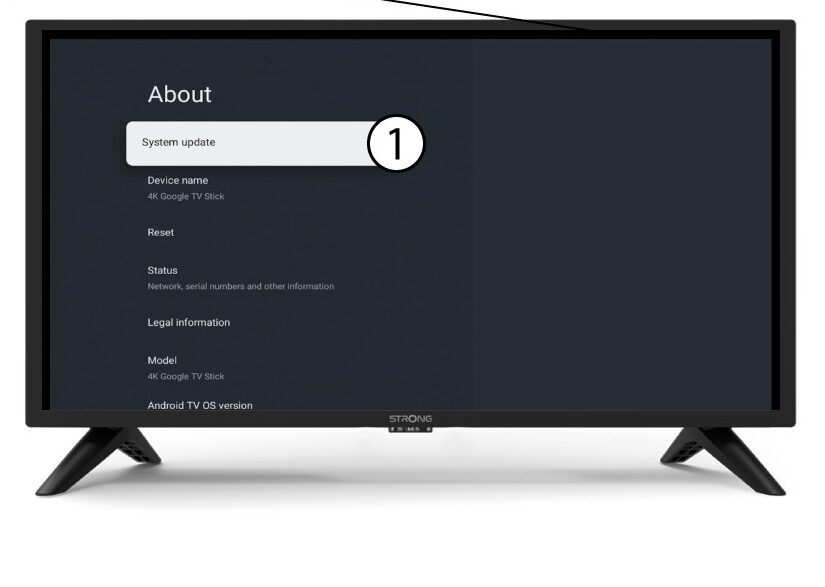
5 Systemoppdatering
Velg Systemoppdatering .
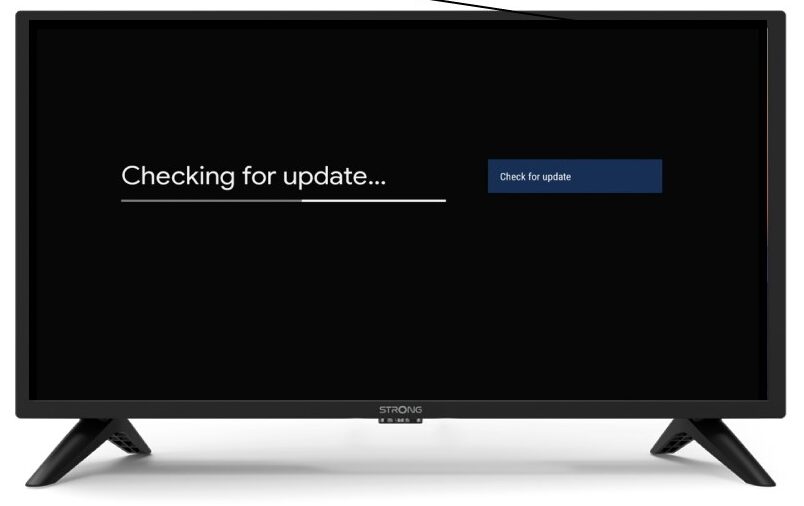
6 Skanner for å finne ny programvareversjon
En skanning vil bli startet for å sjekke om du har den nyeste oppdateringen. Vent mens den utføres. Den nye programvareversjonen lastes ned automatisk.