
CPL Wi-Fi 500 Duo | POWERLWF500DUOFR
Ingen gjenstander funnet.
Ingen gjenstander funnet.
Alle spørsmål
CPL Wi-Fi 500 Duo | POWERLWF500DUOFR
Ingen gjenstander funnet.
Ingen gjenstander funnet.
Hvordan konfigurerer du høyt sikkerhetsnivå 2 på strømnettproduktene dine?
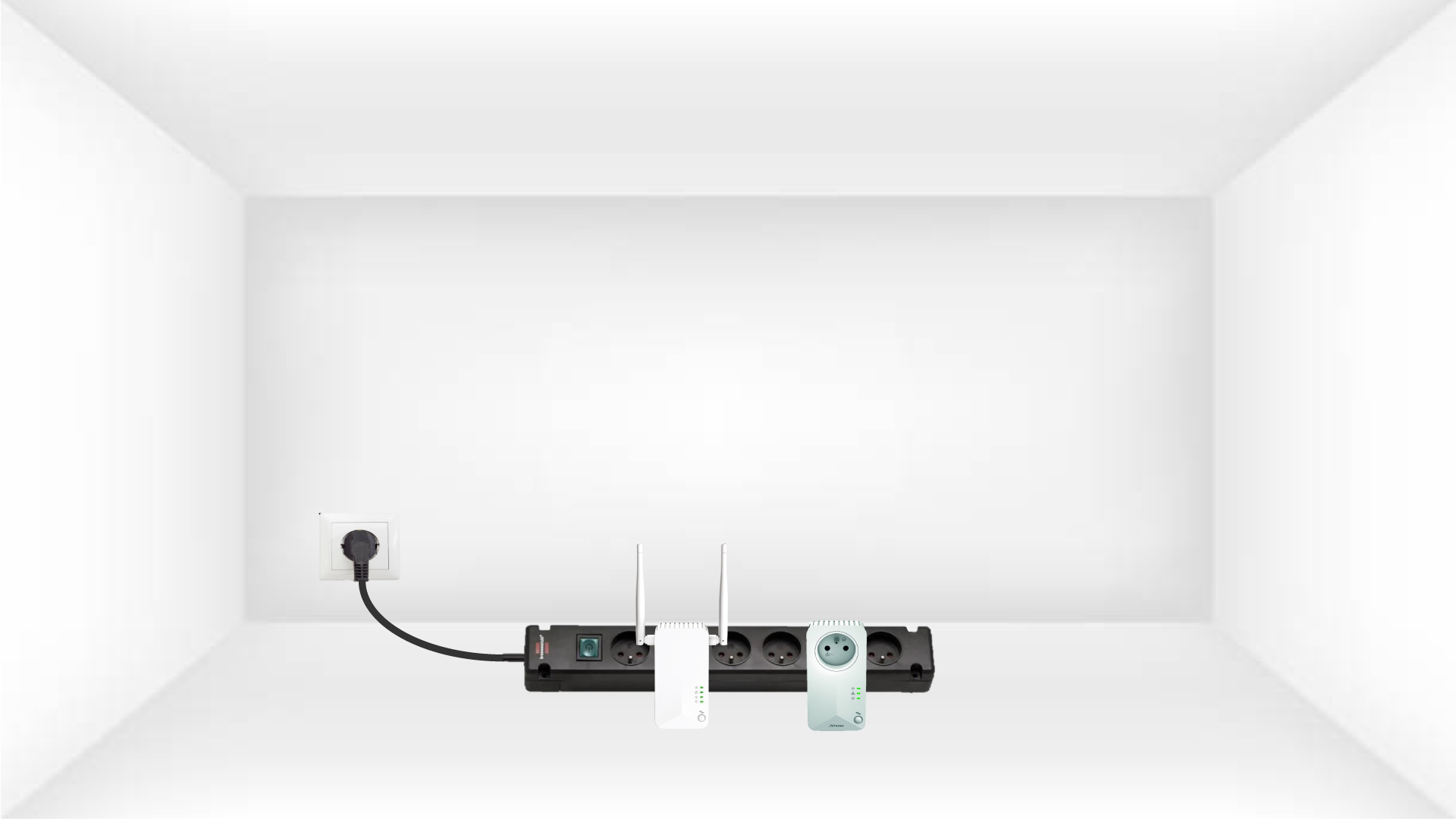
1 Koble adapterne til en strømskinne
Ta en strømskinne og koble alle strømadapterne til den.
2 Koble adapteren til Internett
Koble en av adapterne til internett-gatewayen/ruteren med en RJ45-kabel.

3 Trykk på Koble til og sikre-knappen (første enhet)
Trykk deretter på «Koble til og sikre» -knappen i 2 sekunder på den første enheten.
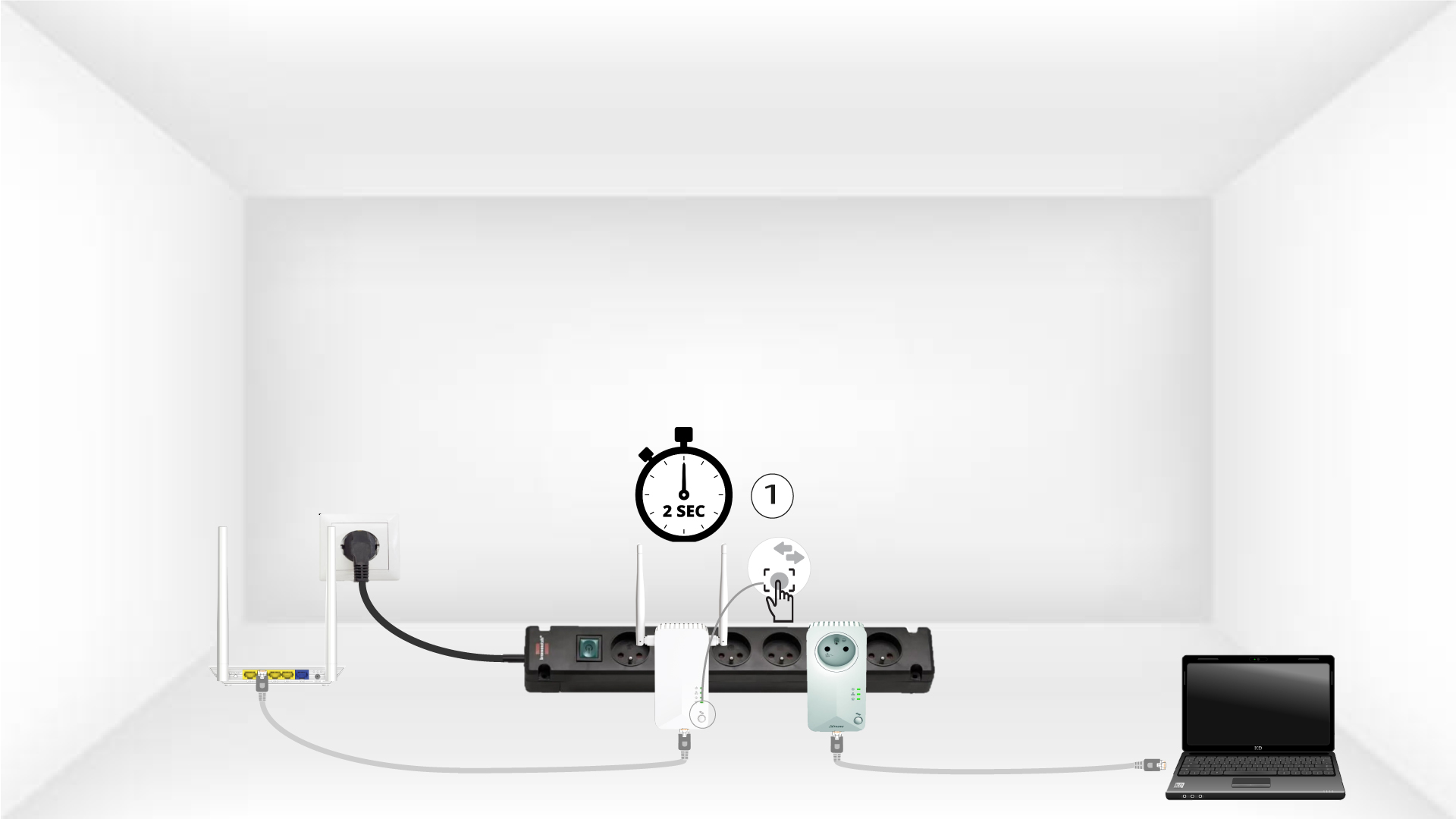
4 Trykk på Koble til og sikre-knappen (andre enhet)
Trykk på «KOBL TIL OG SIKRE» -knappen på den andre enheten i to sekunder. Du har opptil to minutter på deg til å gjøre det.
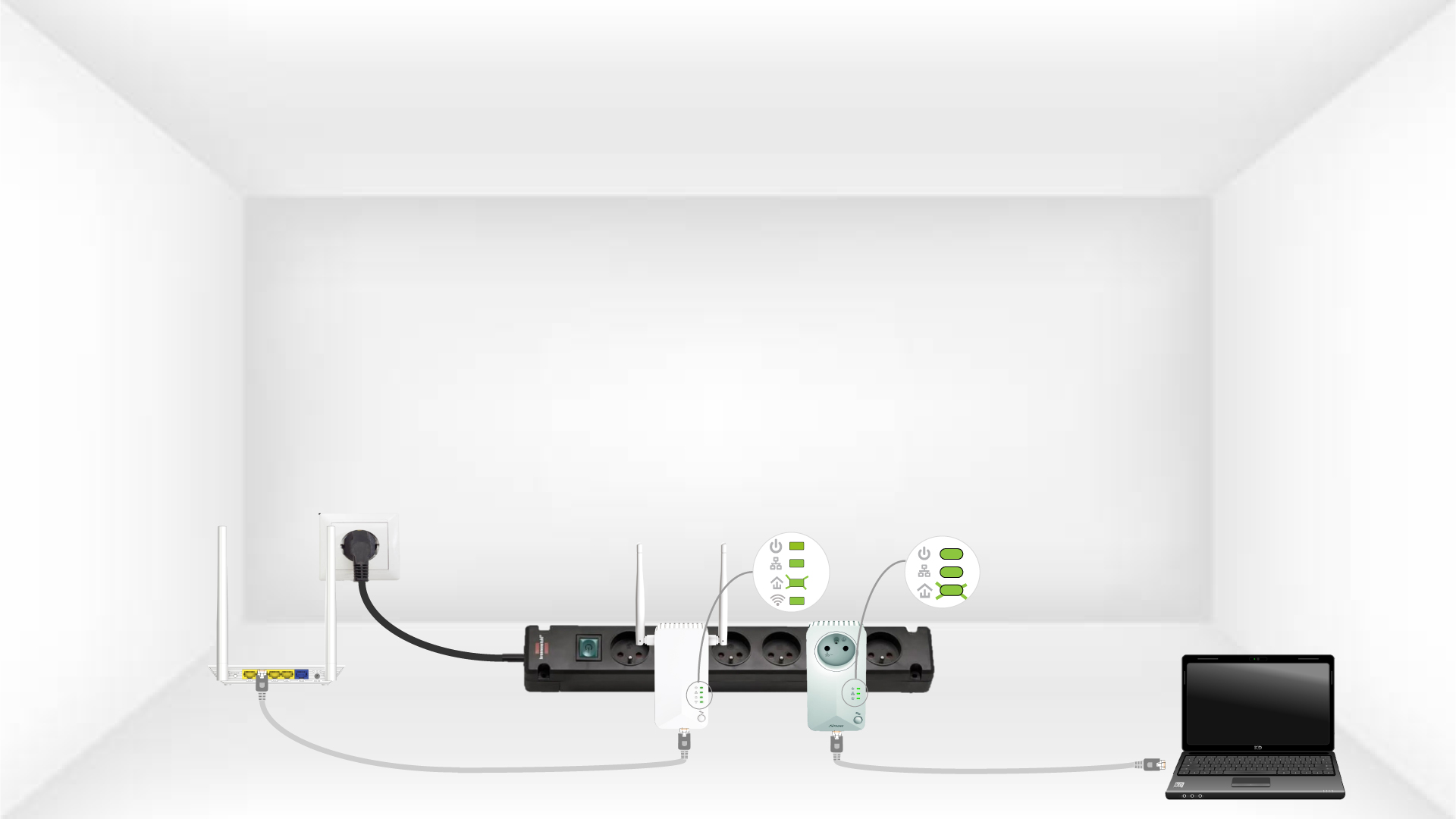
5 blink på Hjem-LED-en
Hjem-LED-en skal blinke på de to enhetene.
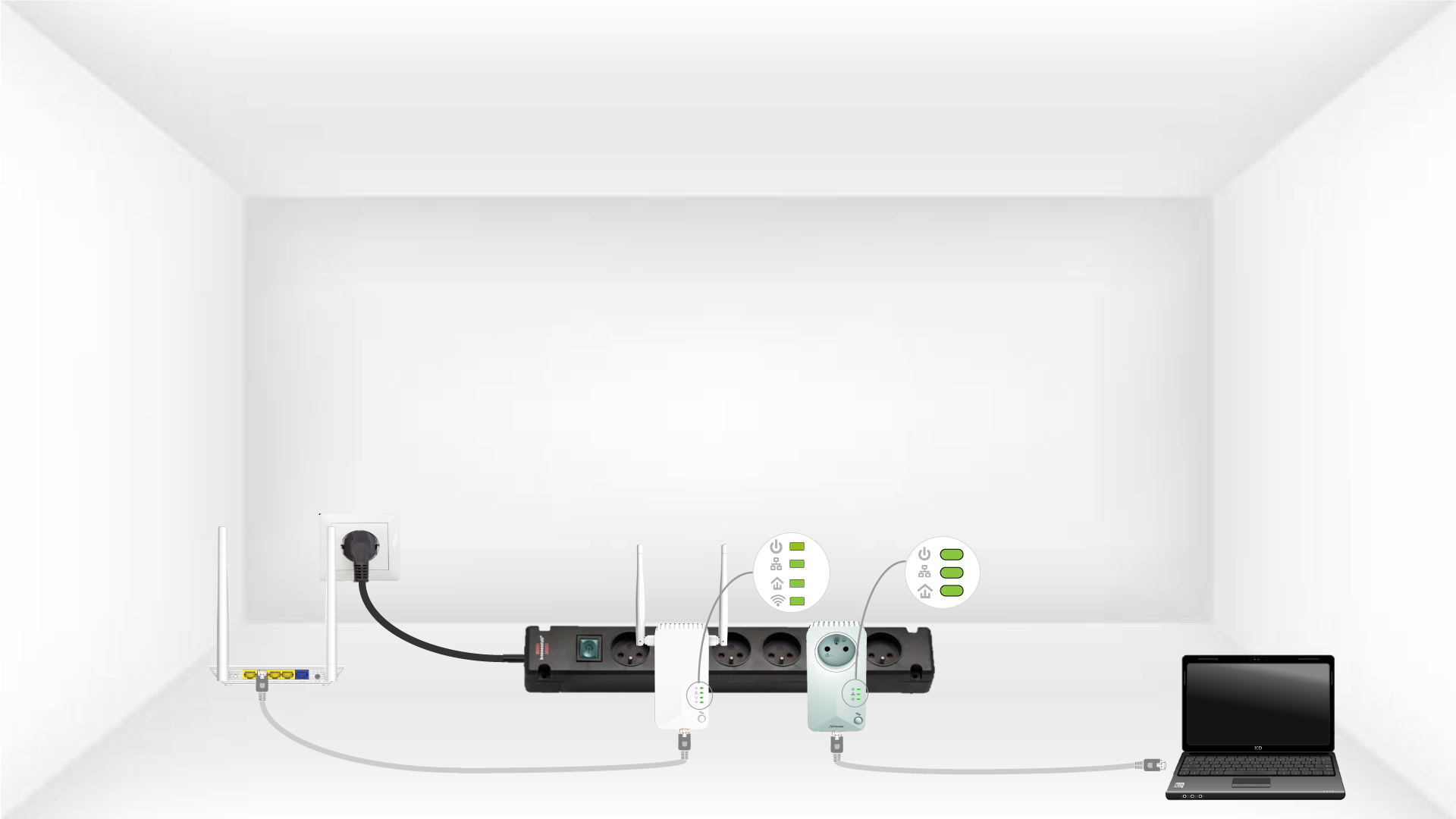
6 Den unike krypteringsnøkkelen er satt
Din unike krypteringsnøkkel er nå angitt, og alle LED-lampene på enhetene skal lyse grønt.
Nå må du installere adapterne i rommene der du trenger dem. Vi anbefaler på det sterkeste at du ikke setter adapterne på en multiplugg.