
Powerline 600 Trippel UK V2
Alle spørsmål
Powerline 600 Trippel UK V2
Jeg har ikke tilgang til internett og/eller LED-lampen på «hjem»-ikonet lyser ikke.
Du må tilbakestille adapterne til fabrikkinnstillingene. Følg trinnene nedenfor for å tilbakestille adapterne.
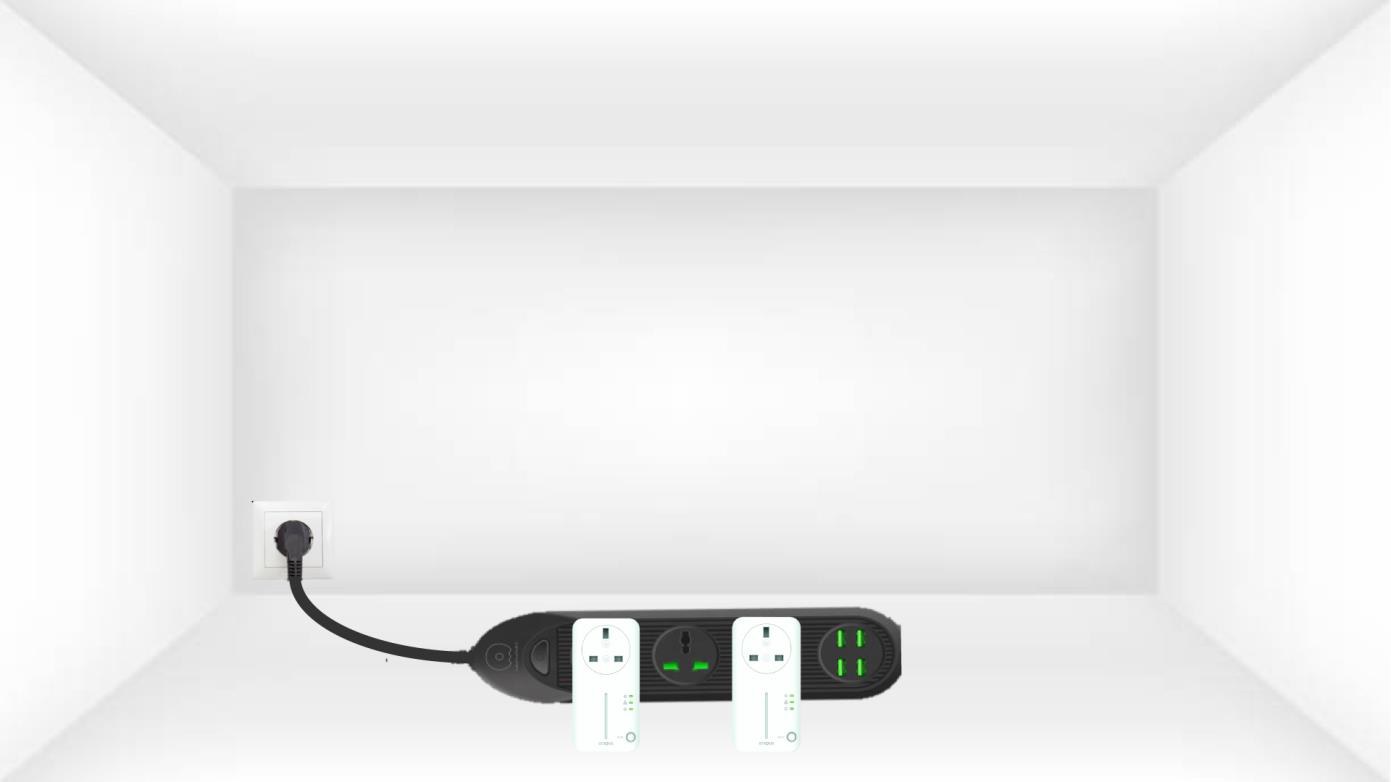
1 Koble adapterne til en strømskinne
Koble adapterne etter hverandre til en strømskinne.
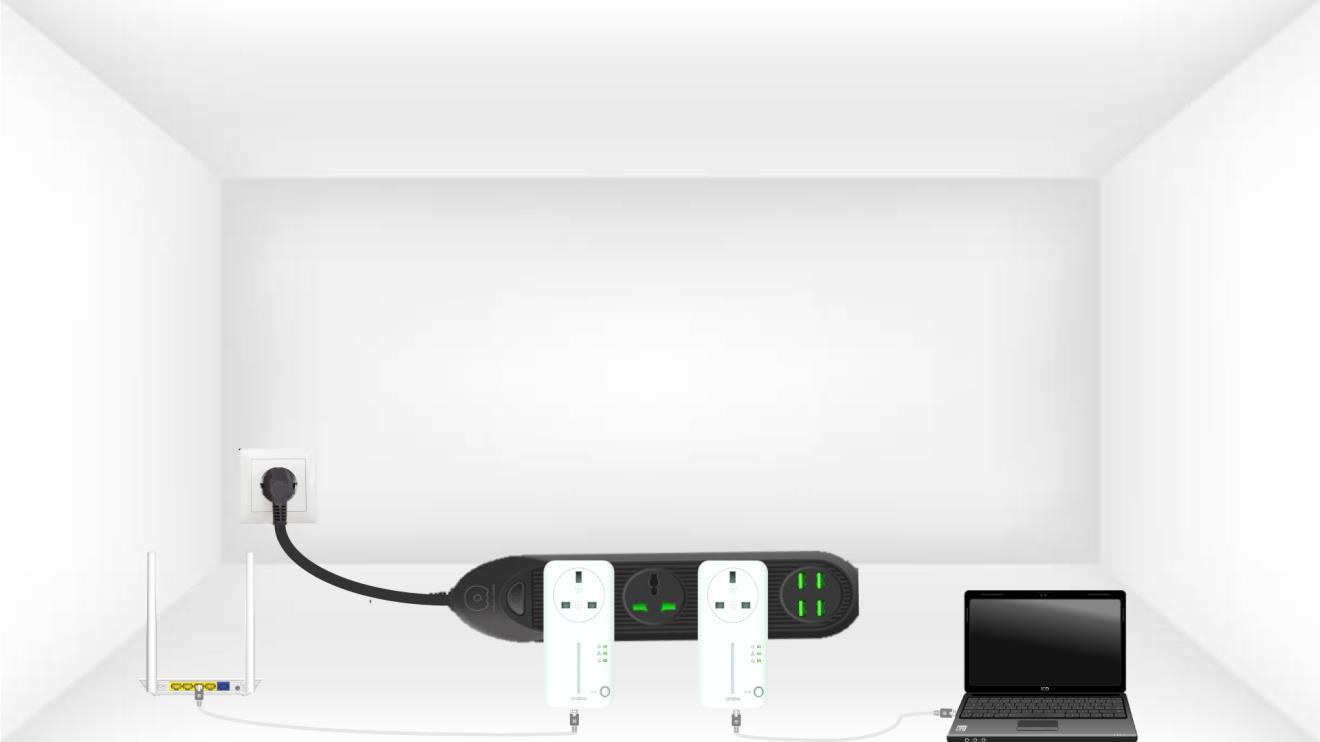
2 Koble adapterne til Internett
Koble hver adapter til en fungerende enhet (internettruter/gateway, Android-boks, smart-TV, datamaskin osv.) med en Ethernet-kabel. Det må være kommunikasjon mellom enhetene, ellers vil adapteren automatisk gå i standby-modus.
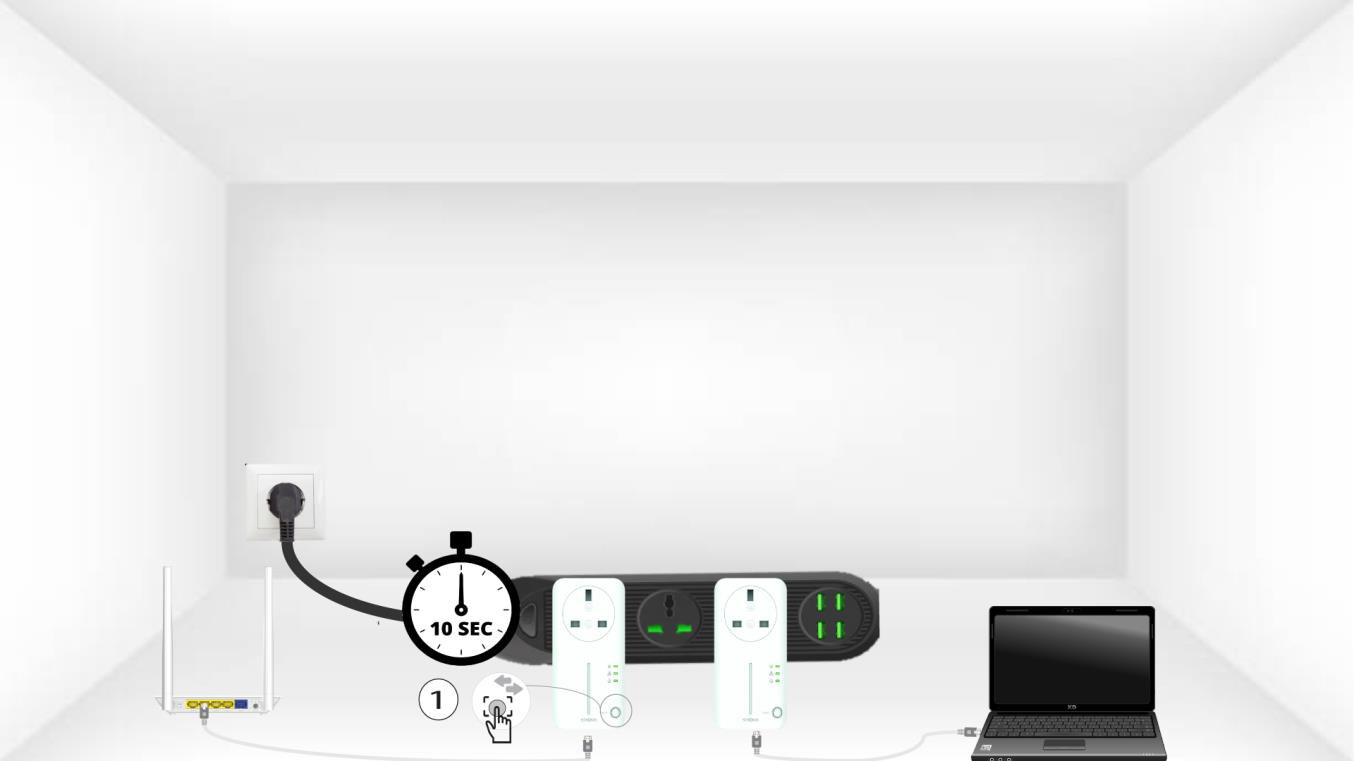
3 Trykk på Koble til og sikre-knappen (første adapter)
A) Når adapteren er koblet til og til Ethernet-nettverket, trykker du bare på «Koble til og sikre» -knappen på frontpanelet i 10 sekunder.
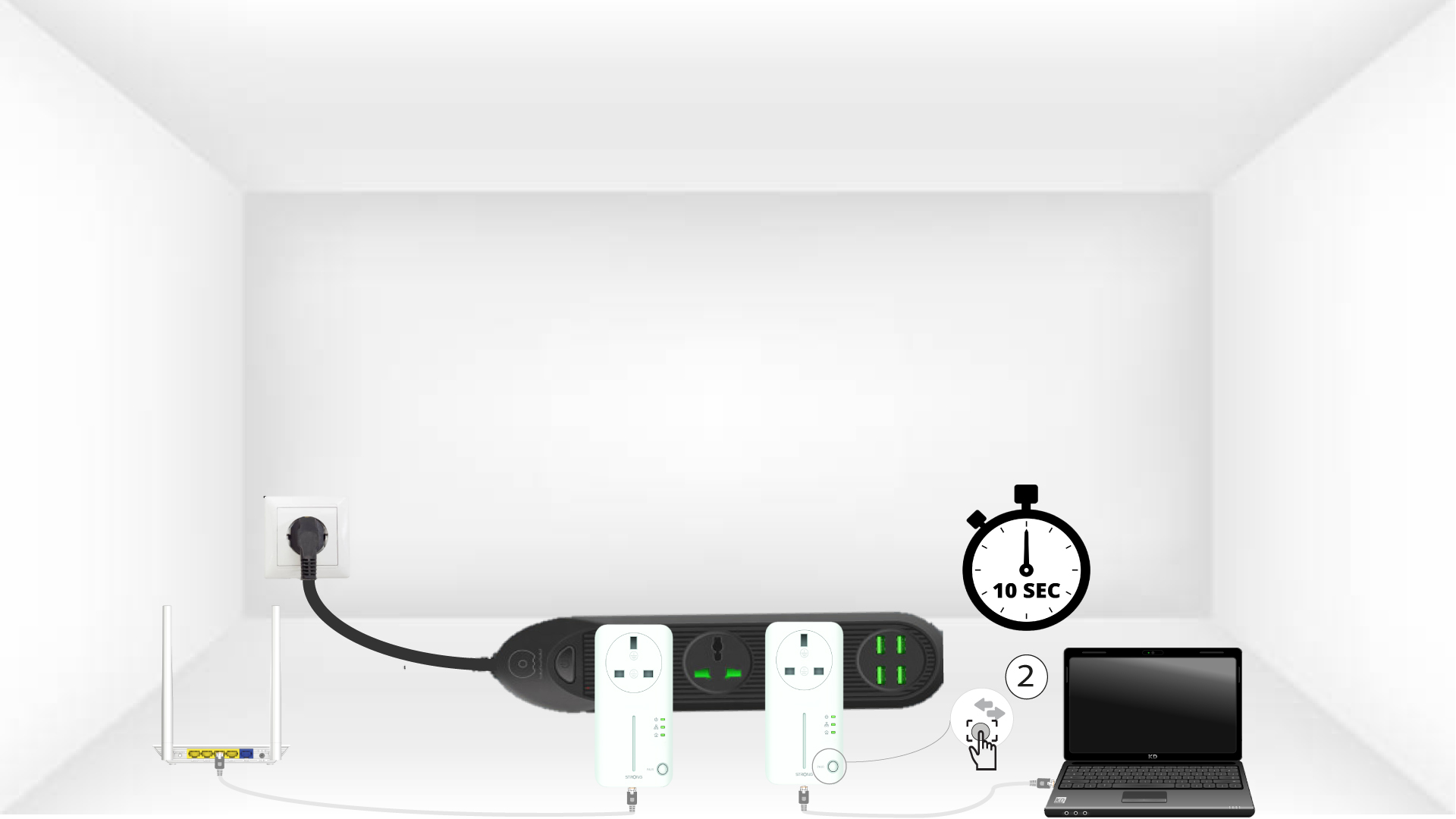
4 Trykk på Koble til og sikre-knappen (andre adapter)
Trykk på «Koble til og sikre» -knappen på frontpanelet til den andre enheten i 10 sekunder. Du har opptil to minutter på deg til å trykke på den.
5 blink på Hjem-LED-en
LED-lampen for hjemikonet skal begynne å blinke på enhetene.
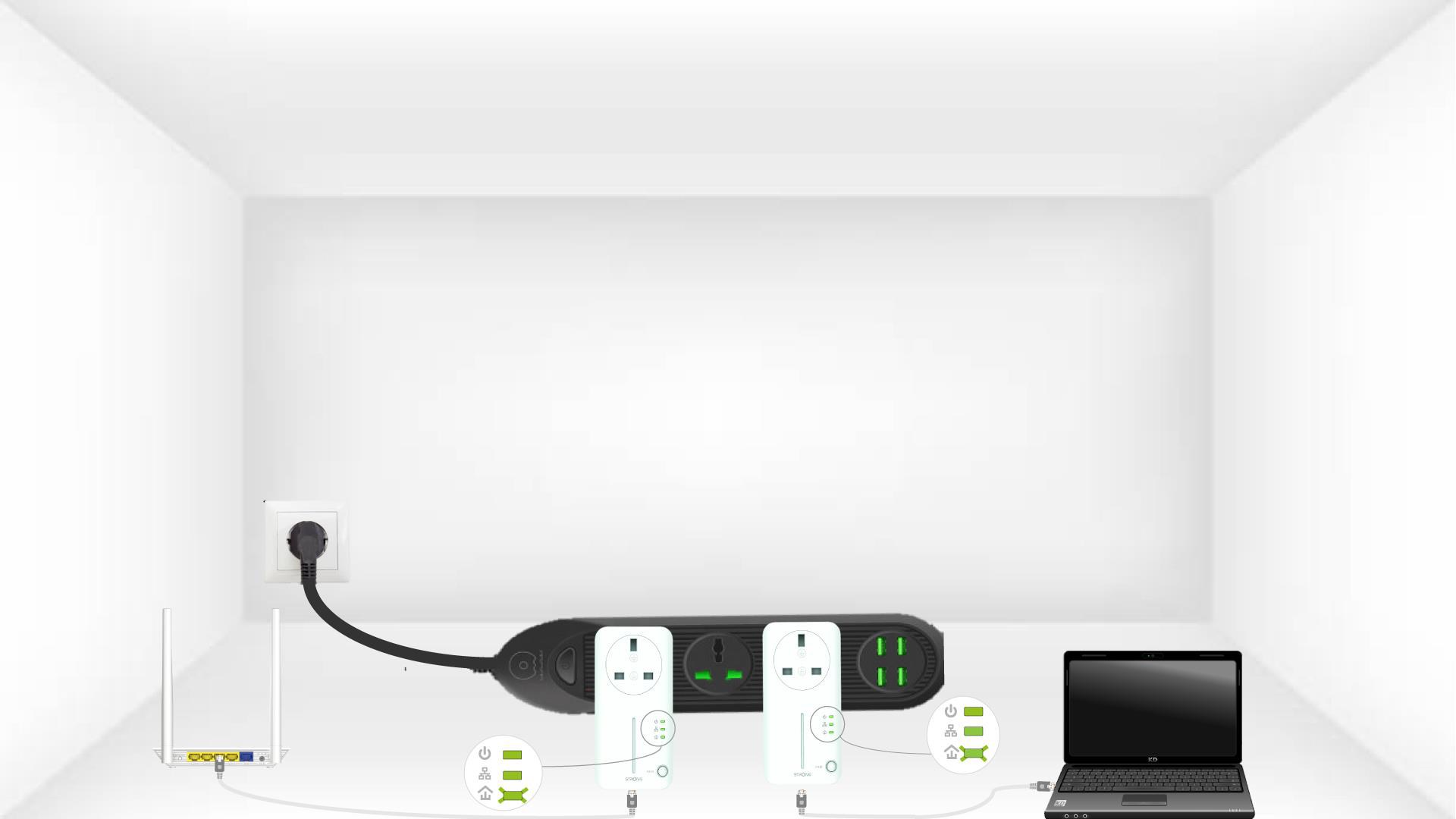
6 Adaptere er tilbakestilt
Alle LED-lampene må lyse grønt når operasjonene er avsluttet.
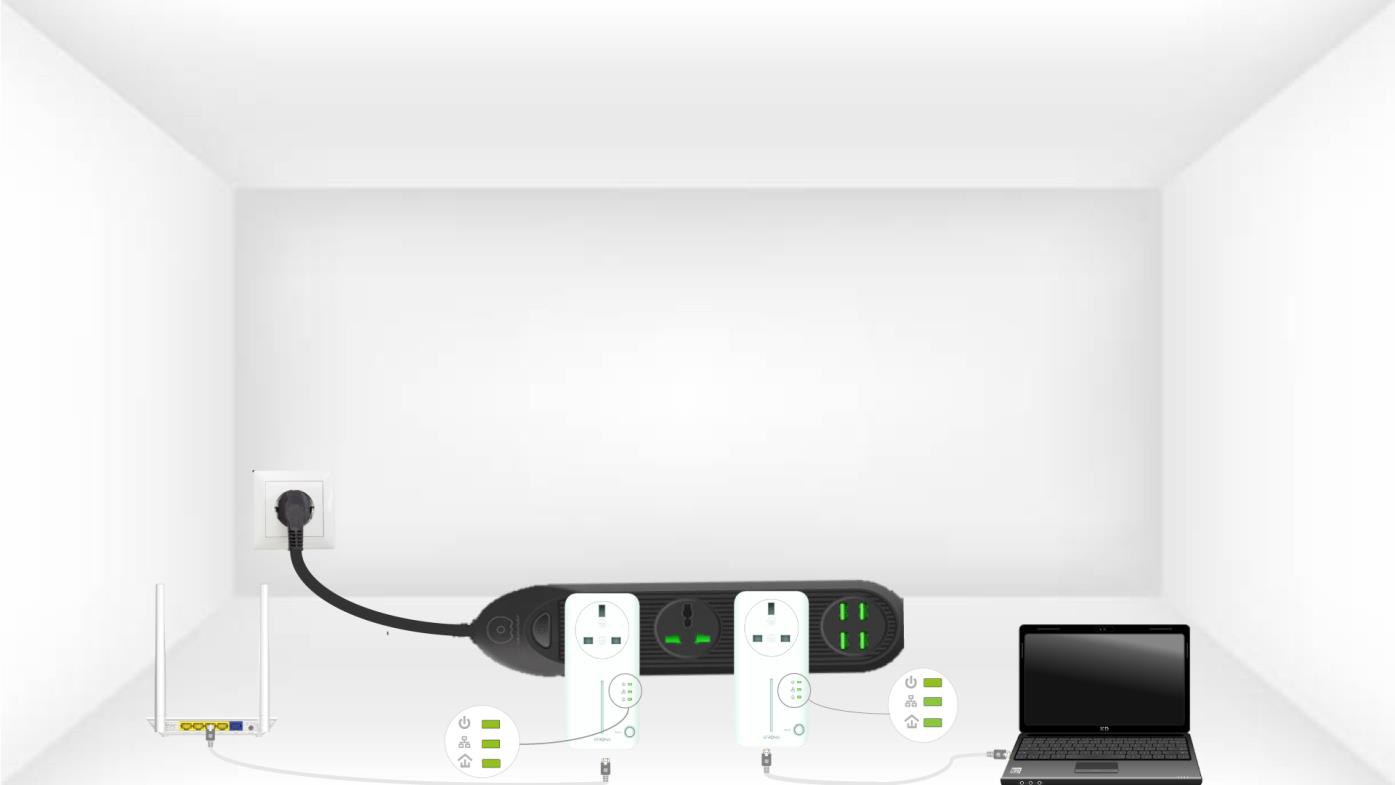
Gjenta den samme operasjonen for en tredje strømledning. Du kan ha opptil 8 Powerline 600 på samme elektriske installasjon.
Etter at du har paret alle enhetene, kan du plassere dem i rommet der du trenger dem.