
Powerline 1000 Duo Wi-Fi EU V2
Alle spørsmål
Powerline 1000 Duo Wi-Fi EU V2
Jeg har ikke tilgang til internett og/eller LED-lampen på «hjem»-ikonet lyser ikke.
Du må tilbakestille adapterne til fabrikkinnstillingene. Følg trinnene nedenfor for å tilbakestille adapterne.
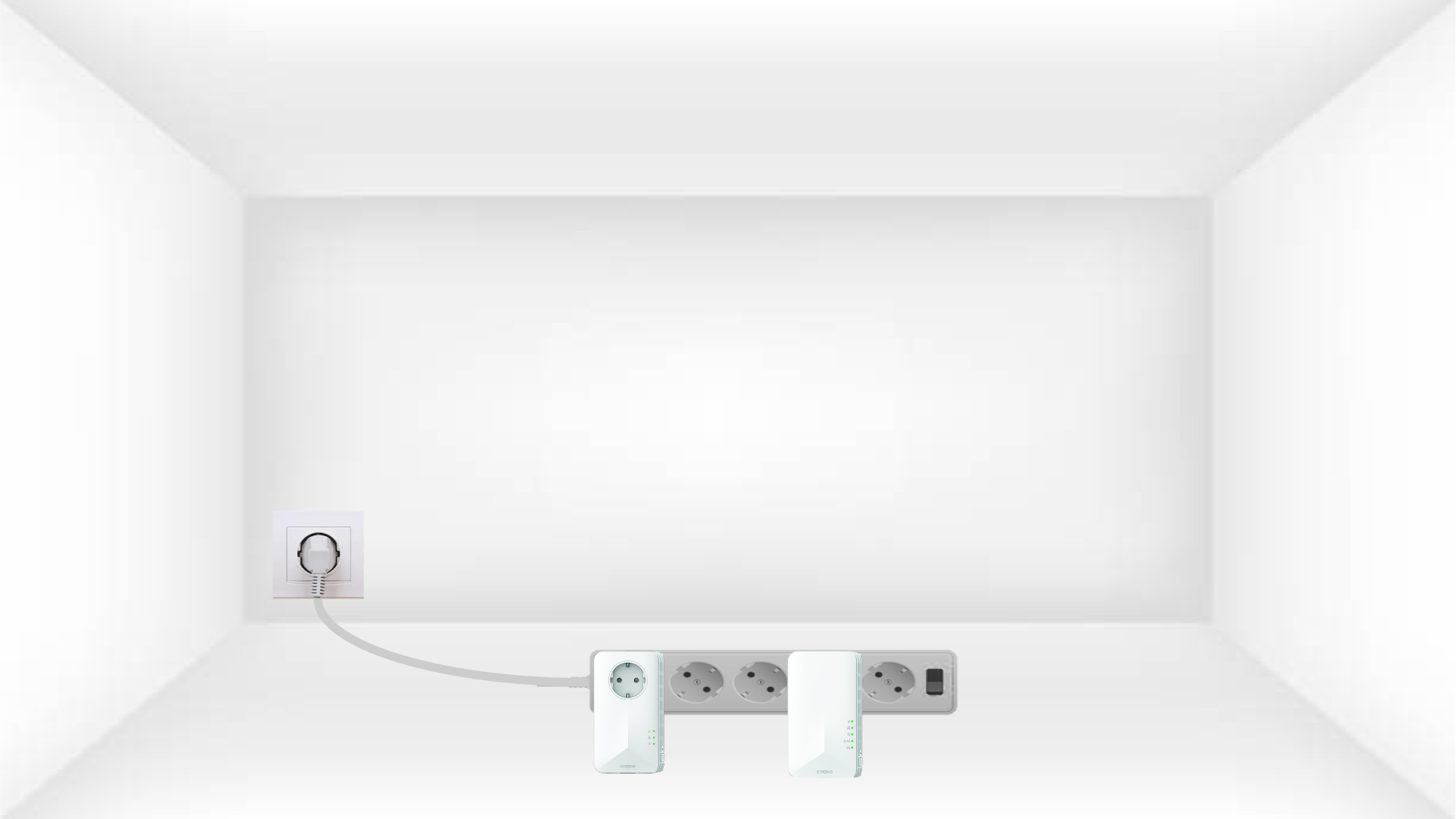
1 Plasser adapterne på en strømskinne
Koble adapterne etter hverandre til en strømskinne.
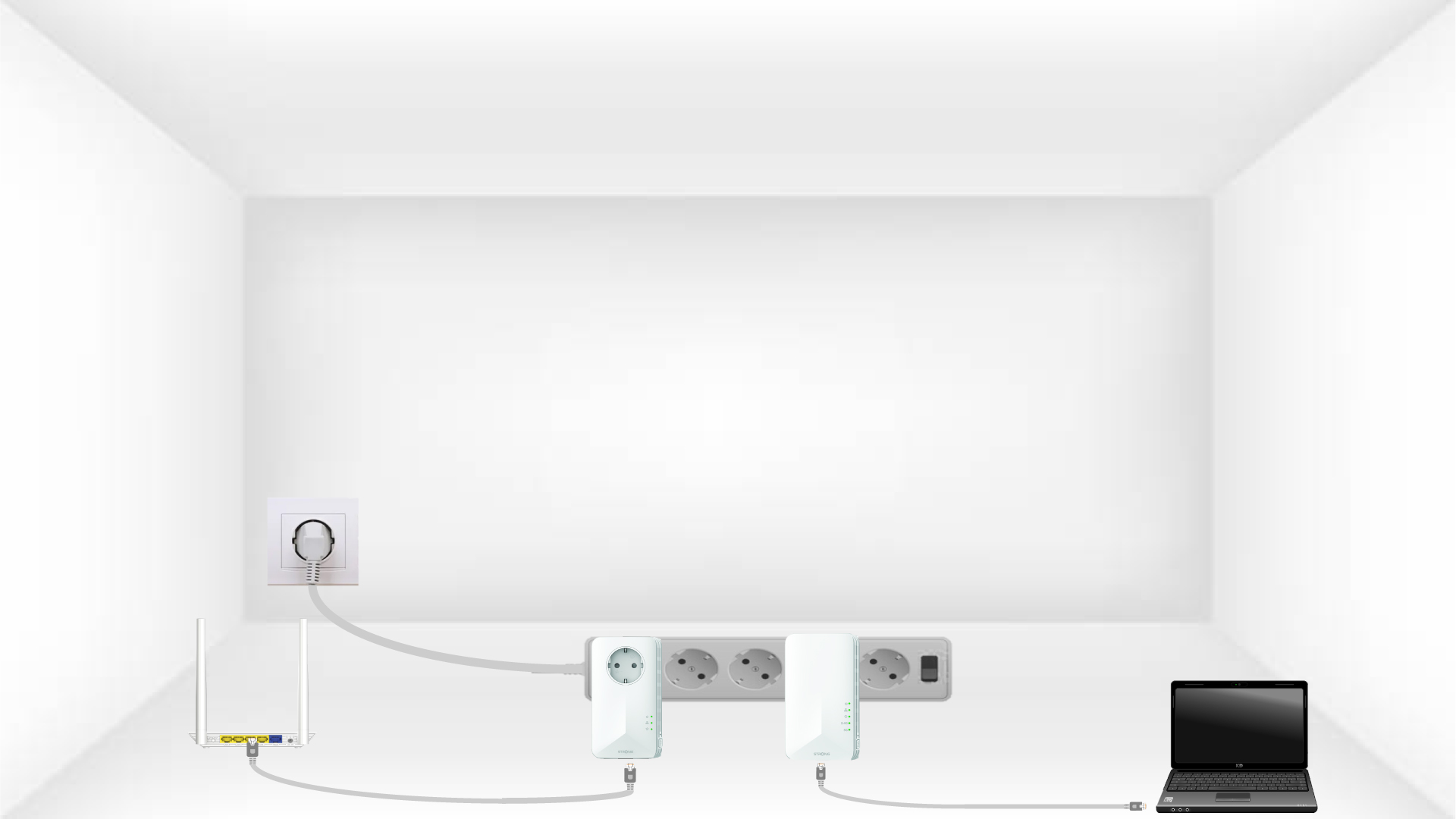
2 Koble adapterne til Internett
Koble hver adapter til en fungerende enhet (internettruter/gateway, Android-boks, smart-TV, datamaskin osv.) med en Ethernet-kabel. Det må være kommunikasjon mellom enhetene, ellers vil adapteren automatisk gå i standby-modus.
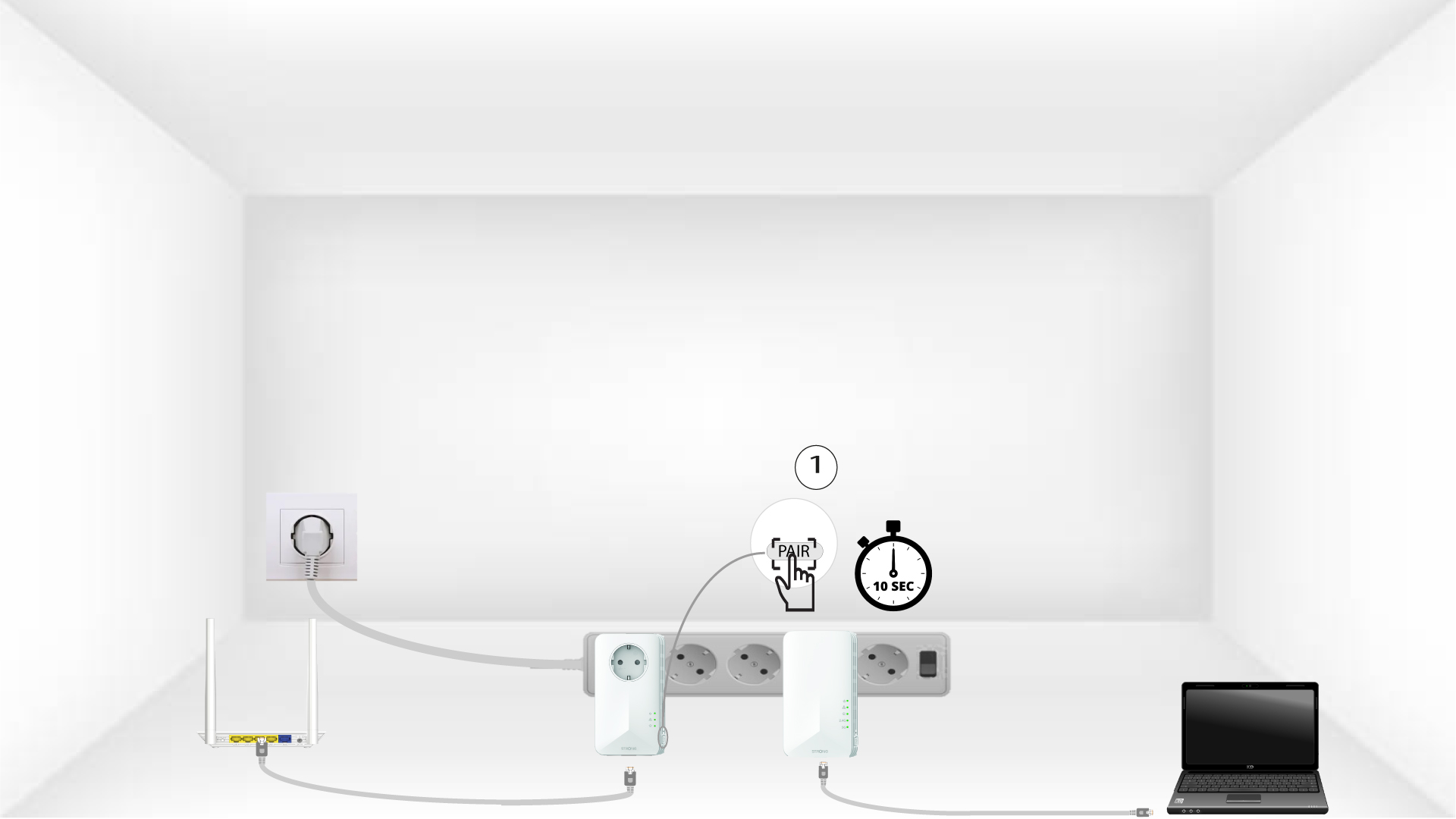
3 Trykk på PAIR-knappen (første adapter)
Når adapteren er koblet til Ethernet-nettverket, trykker du bare på «PAIR» -knappen på høyre side av enheten i 10 sekunder.
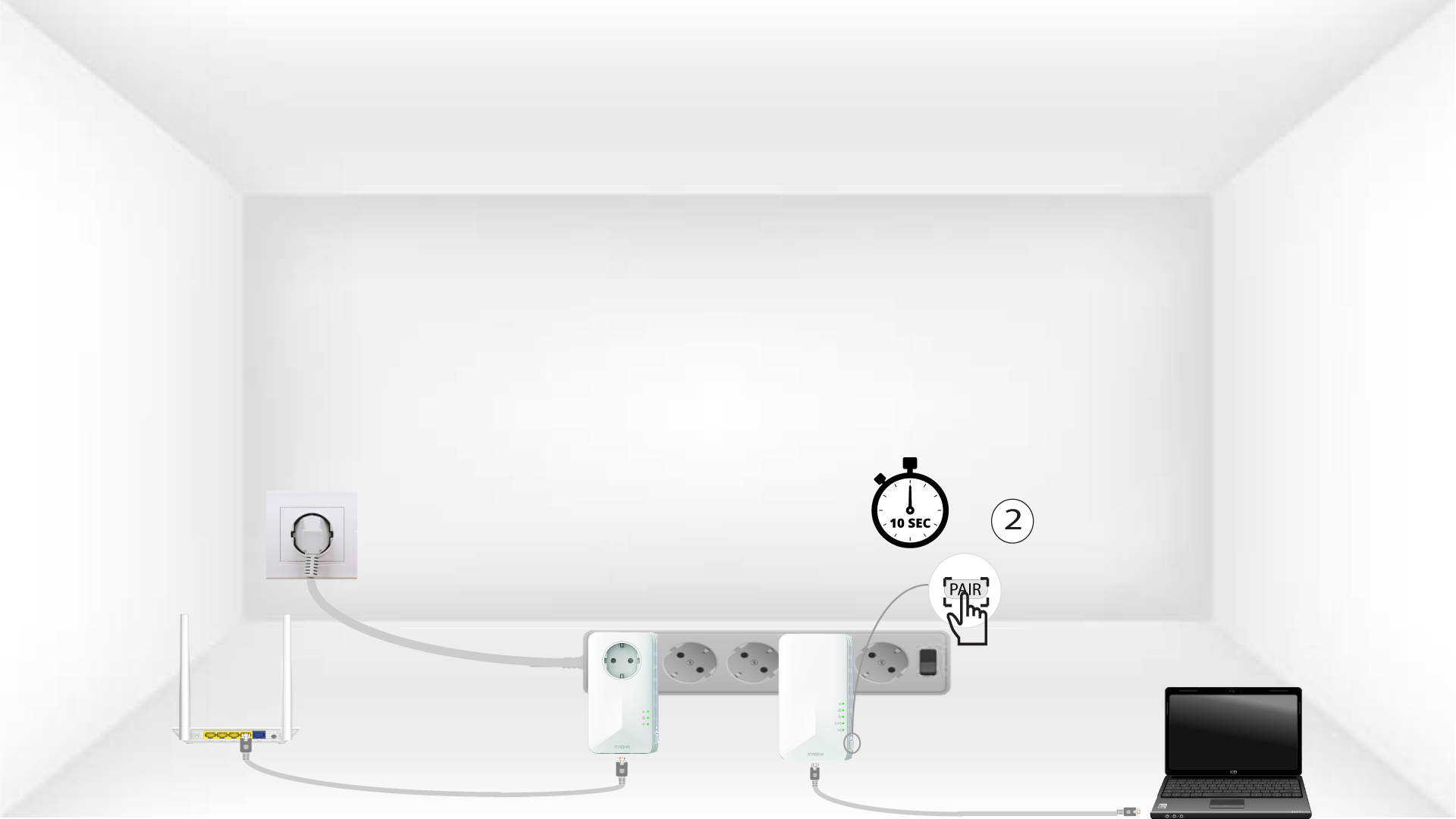
4 Trykk på PAIR-knappen (andre adapter)
Trykk på «PAIR» -knappen på høyre side av den andre enheten i 10 sekunder.
5 blink på Hjem-LED-en
Hjemme-LED-lampene skal begynne å blinke.
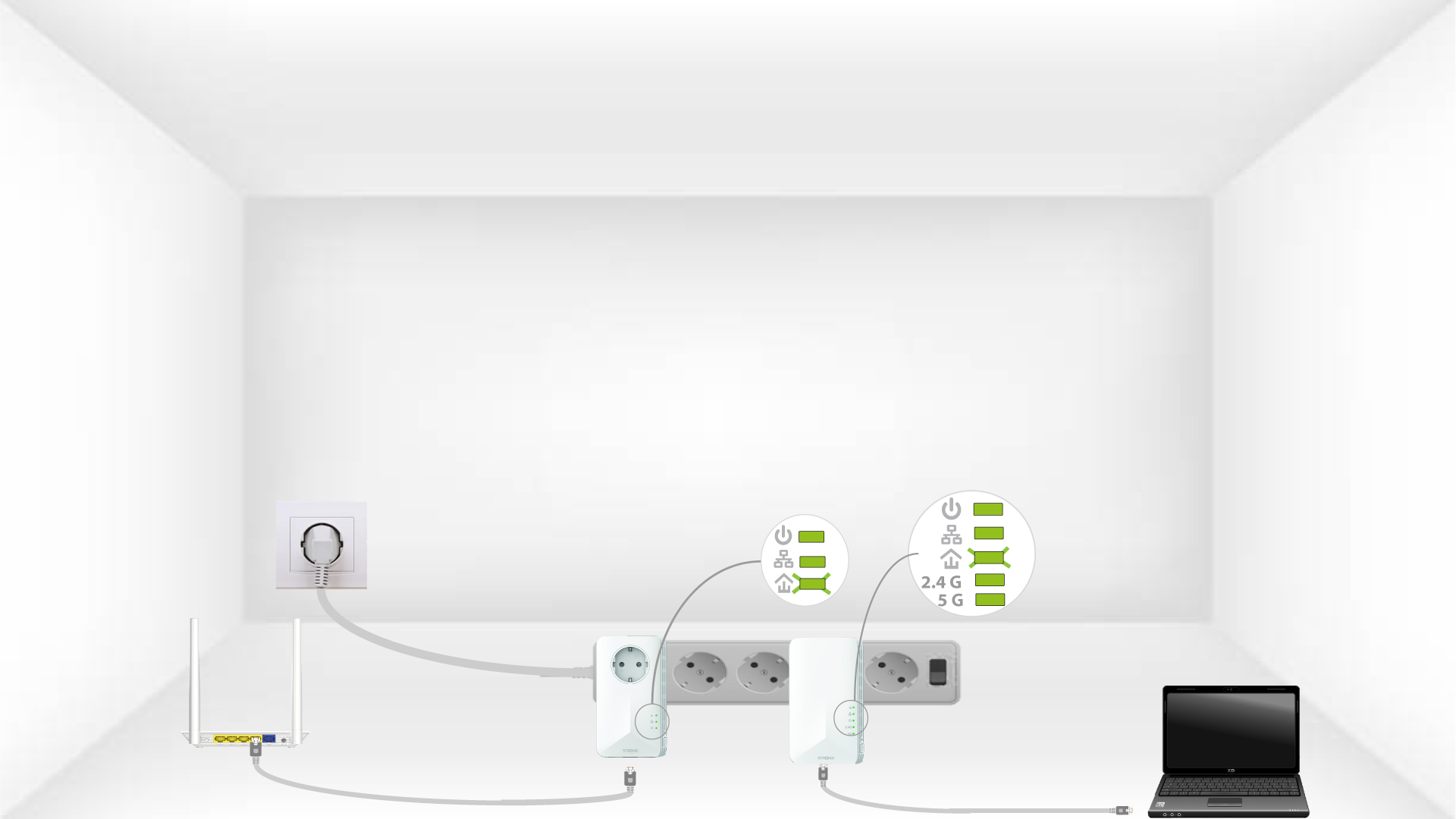
6 Adaptere er tilbakestilt
Alle LED-lampene må lyse grønt når operasjonene er avsluttet.
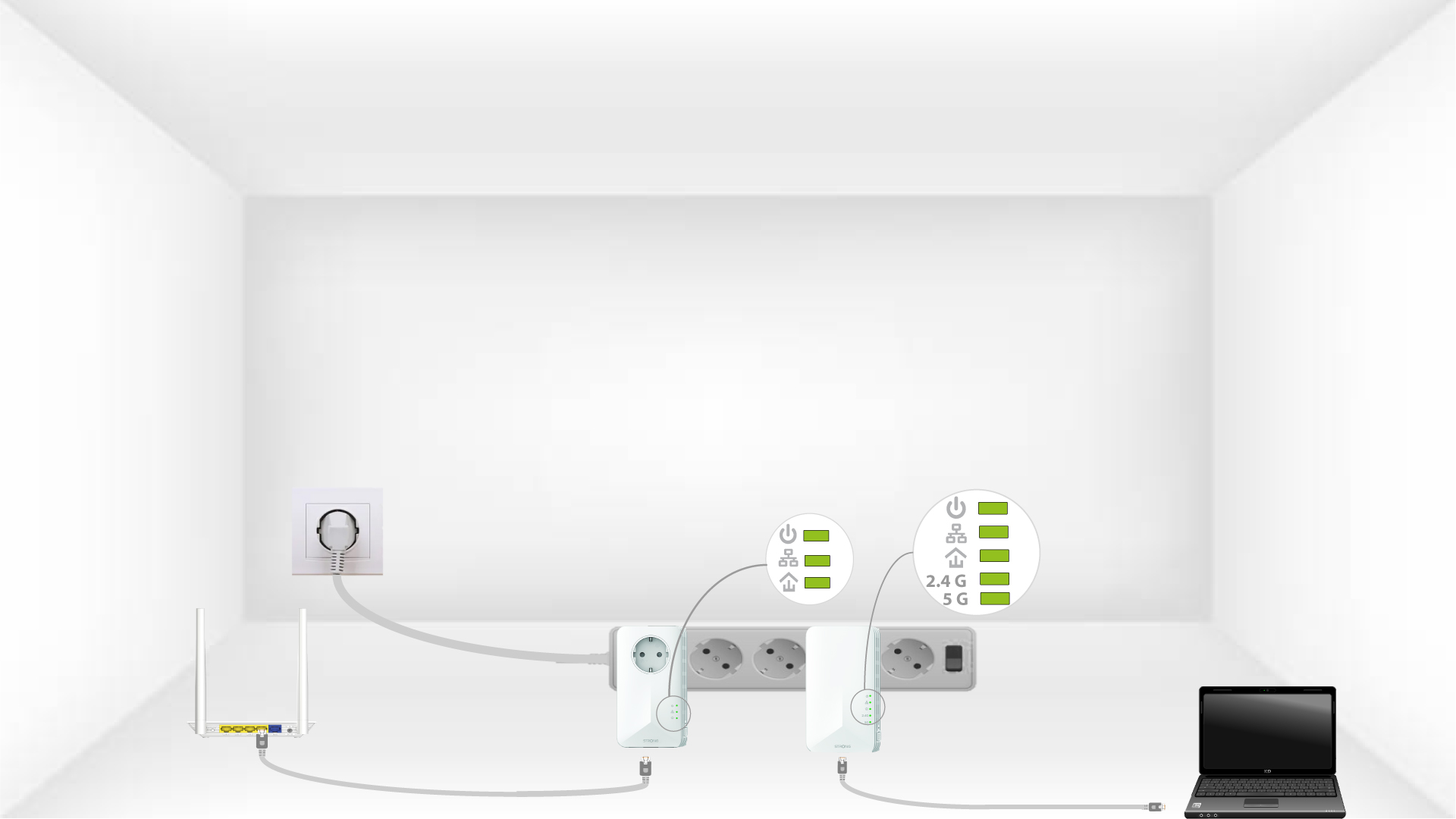
Gjenta den samme operasjonen for en tredje strømledning. Du kan ha opptil åtte Powerline 1000 på samme elektriske installasjon.
Etter at du har tilbakestilt alle enhetene, kan du plassere dem i rommet der du trenger dem.