Powerline 500 Wi-Fi trippelpakke
Ingen gjenstander funnet.
Ingen gjenstander funnet.
Alle spørsmål
Powerline 500 Wi-Fi trippelpakke
Ingen gjenstander funnet.
Ingen gjenstander funnet.
Hjem-ikonet (LED) lyser på Wi-Fi-adapteren, men jeg kan ikke koble til Wi-Fi-nettverket til Powerline 500.
1 Koble til Wi-Fi
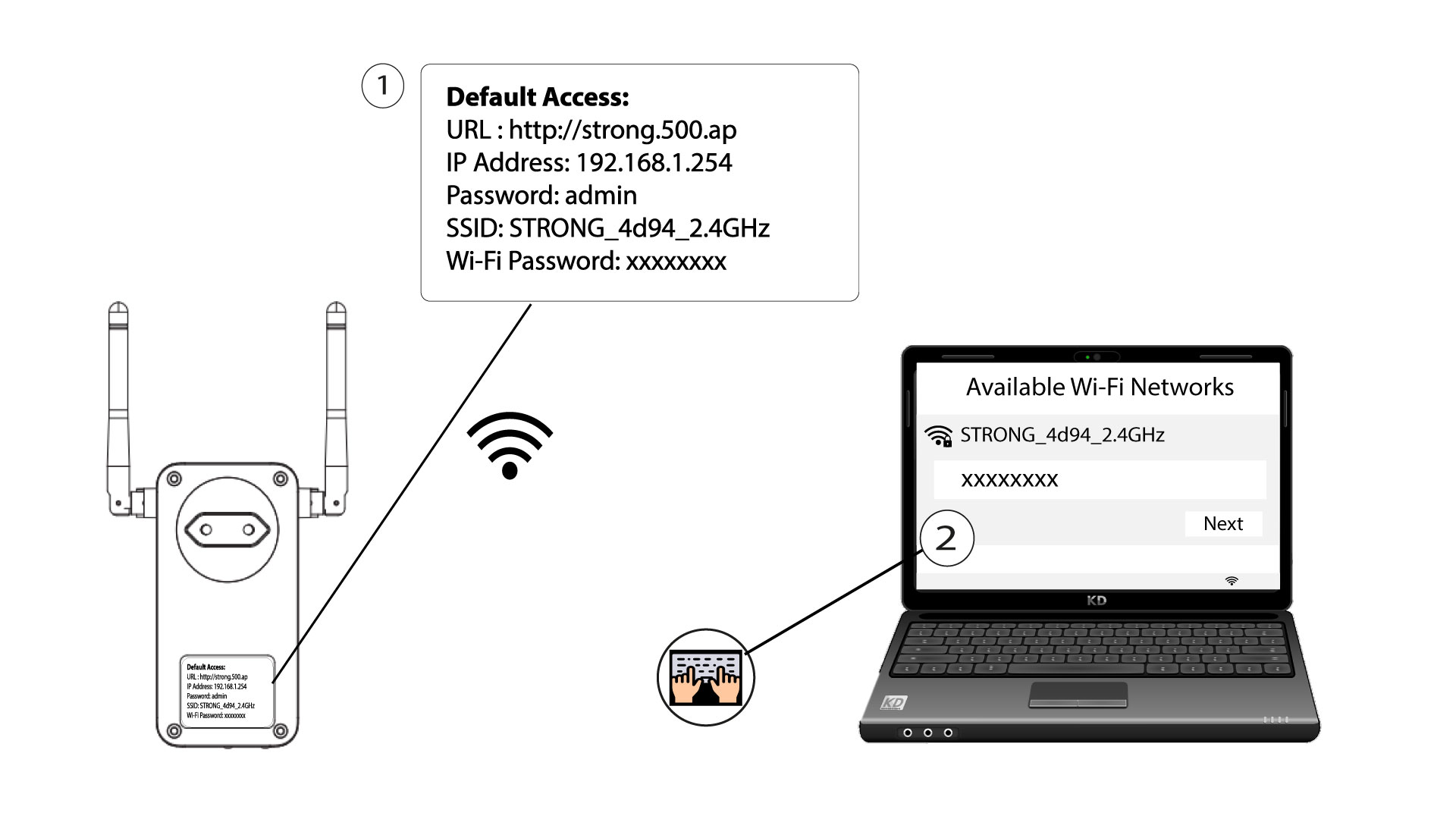
For å koble til Wi-Fi-nettverket til Powerline-enheten din for første gang, må du koble til SSID-en som er angitt på baksiden av produktet og bruke Wi-Fi-passordet som også er angitt.
Vær oppmerksom på at den lille L-en kan forveksles med den store i-en, så prøv de forskjellige mulighetene.
2 Tilbakestill Wi-Fi-adapteren
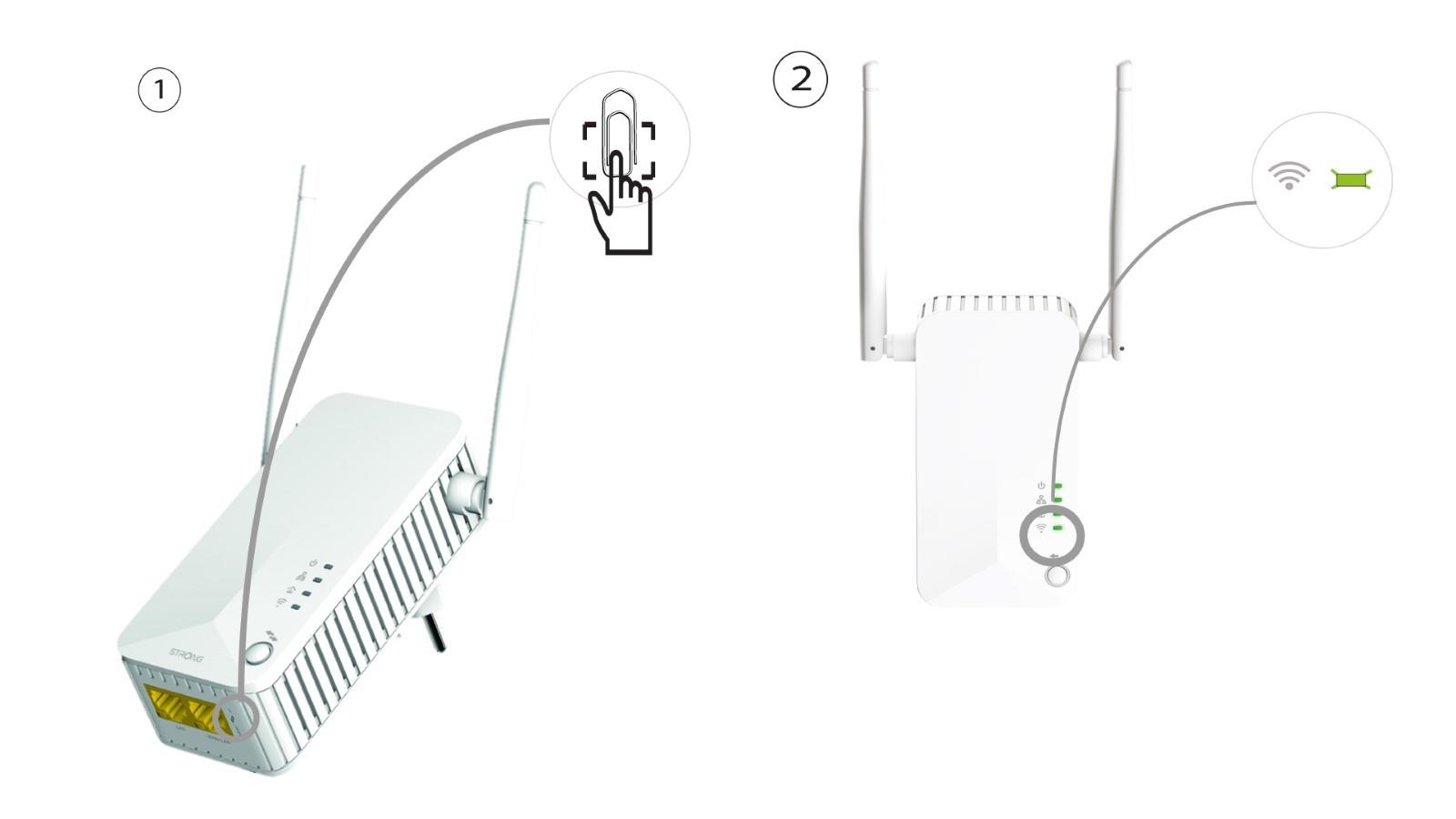
Hvis du fortsatt ikke kan koble til Powerline 500 Wi-Fi, må du tilbakestille Powerline Wi-Fi ved å trykke en binders inn i hullet under enheten til LED-lampene blinker.