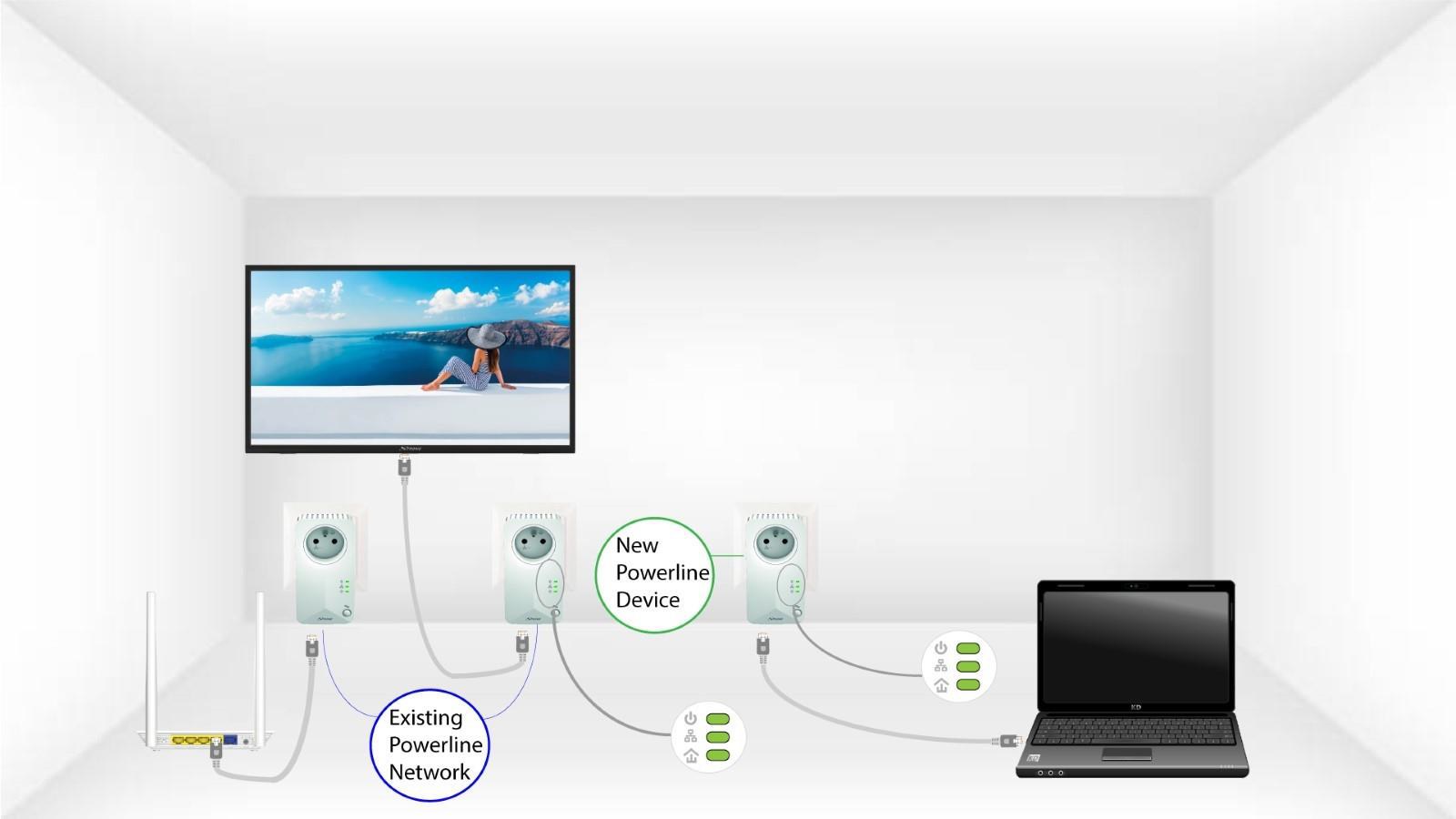
CPL 600 Trio FR
Wszystkie pytania
CPL 600 Trio FR
Jak dodać nowy produkt „ powerline ” do istniejącej sieci „ powerline ” z wysokim poziomem bezpieczeństwa 1?
Ponieważ istniejąca sieć została skonfigurowana z wykorzystaniem ustawień wysokiego poziomu bezpieczeństwa 1, dodanie produktu odbywa się po prostu w trybie „Plug & Play”. Nie trzeba wykonywać żadnych czynności przy samym produkcie. Wystarczy podłączyć nowe urządzenie powerline , a zostanie ono automatycznie dodane do sieci.
Zazwyczaj adaptery powerline są łączone w zestawy po dwa lub trzy, więc jeśli chcesz dodać dodatkowe produkty powerline do sieci skonfigurowanej z wysokim poziomem bezpieczeństwa 1, musisz wykonać poniższe czynności
1. Podłącznową wtyczkę
Podłącz dodatkowe urządzenie (urządzenia) do gniazdka elektrycznego.
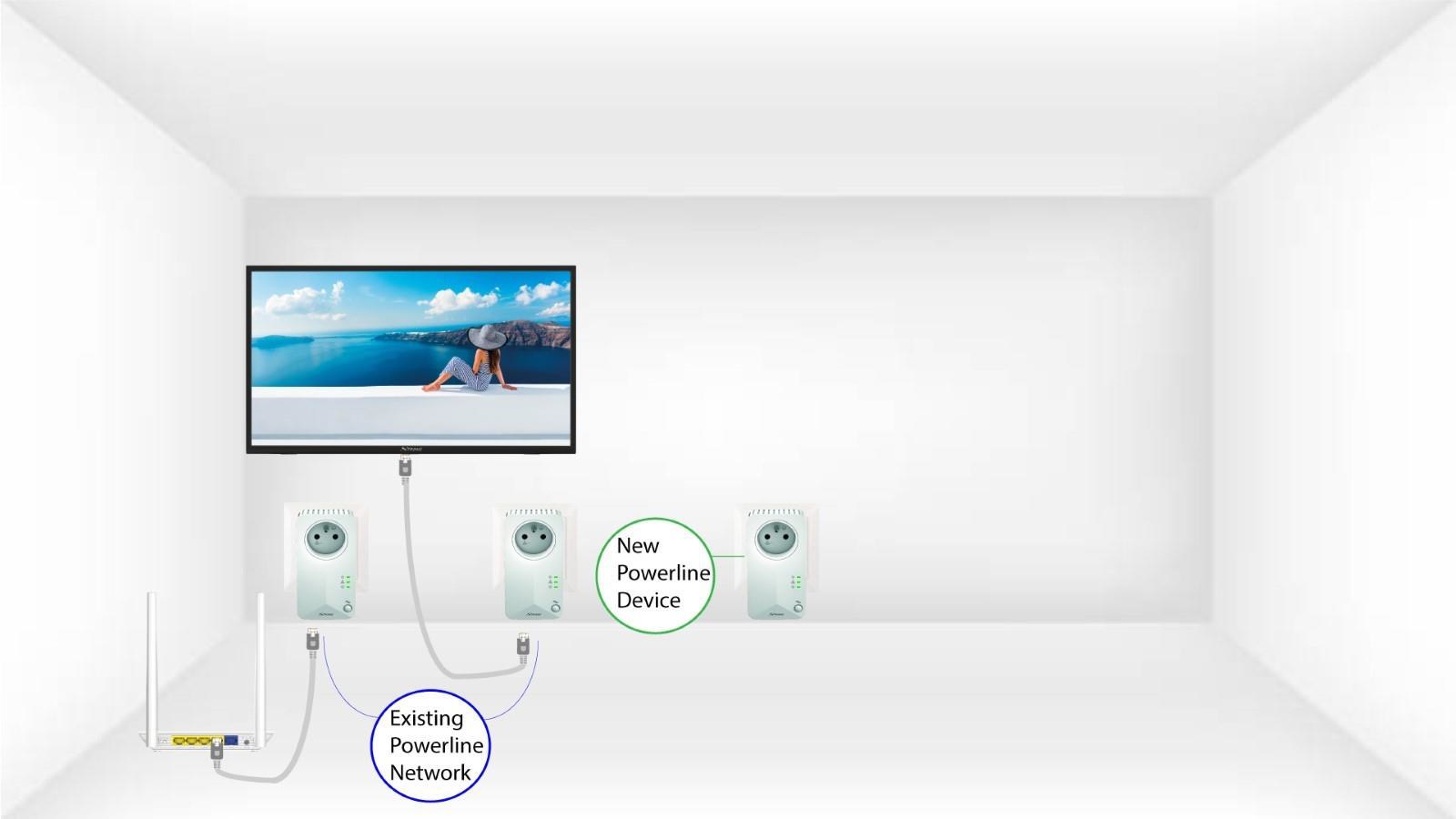
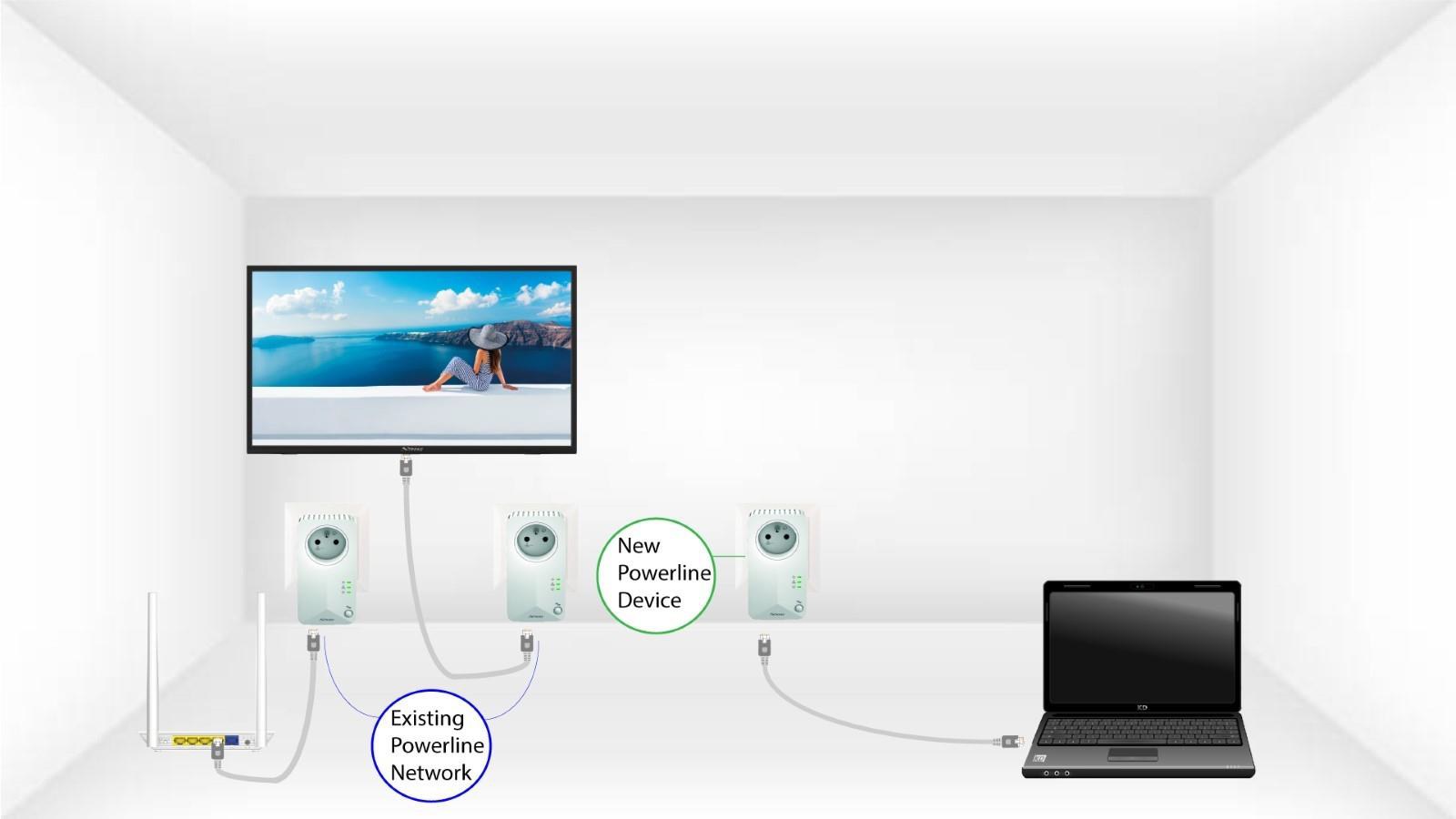
2. Podłączadapter do Internetu
Podłącz urządzenie do routera/bramy internetowej za pomocą złącza RJ45.
3 Wszystkiediody LED świecą się na zielono
Po podłączeniu nowego urządzenia wszystkie diody LED na wszystkich urządzeniach świecą na zielono.