
Powerline 500 Duo | POWERL500DUO
Wszystkie pytania
Powerline 500 Duo | POWERL500DUO
Jak skonfigurować nowe produkty z serii „ powerline ” z wysokim poziomem bezpieczeństwa 2 w istniejącej sieci powerline ?
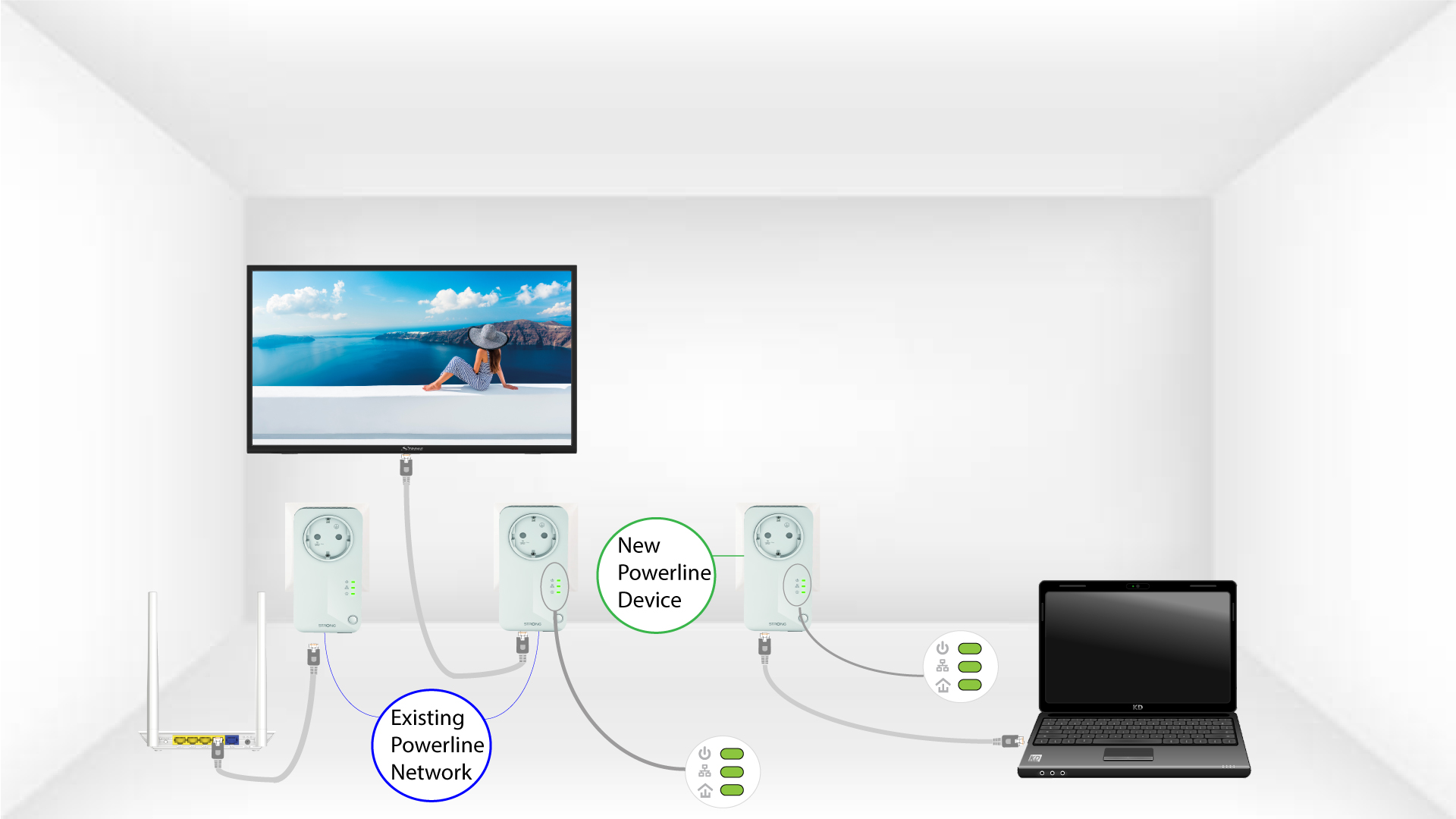
Należy pamiętać, że jeśli chcesz dodać więcej niż jeden nowy produkt z serii „ powerline ”, każdy produkt należy skonfigurować kolejno, postępując zgodnie z tą samą procedurą. Nie należy tego robić jednocześnie. Zazwyczaj adaptery z serii „ powerline ” są łączone w pary, więc jeśli chcesz dodać nowe produkty z serii „ powerline ” do sieci skonfigurowanej z wysokim poziomem bezpieczeństwa 2, musisz wykonać poniższe czynności.
Zobacz więcej często zadawanych pytań1. Podłącznowe urządzenie do gniazdka
Podłącz dodatkowe urządzenie (urządzenia) do gniazdka elektrycznego.
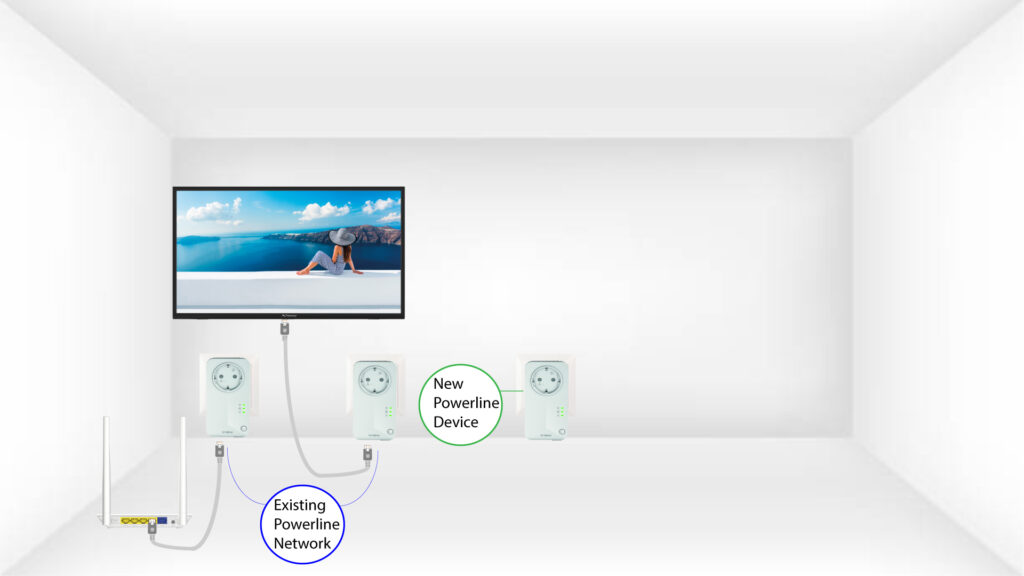
2. Podłącznowe urządzenie do routera
Podłącz urządzenie do routera/bramy internetowej za pomocą złącza RJ45.

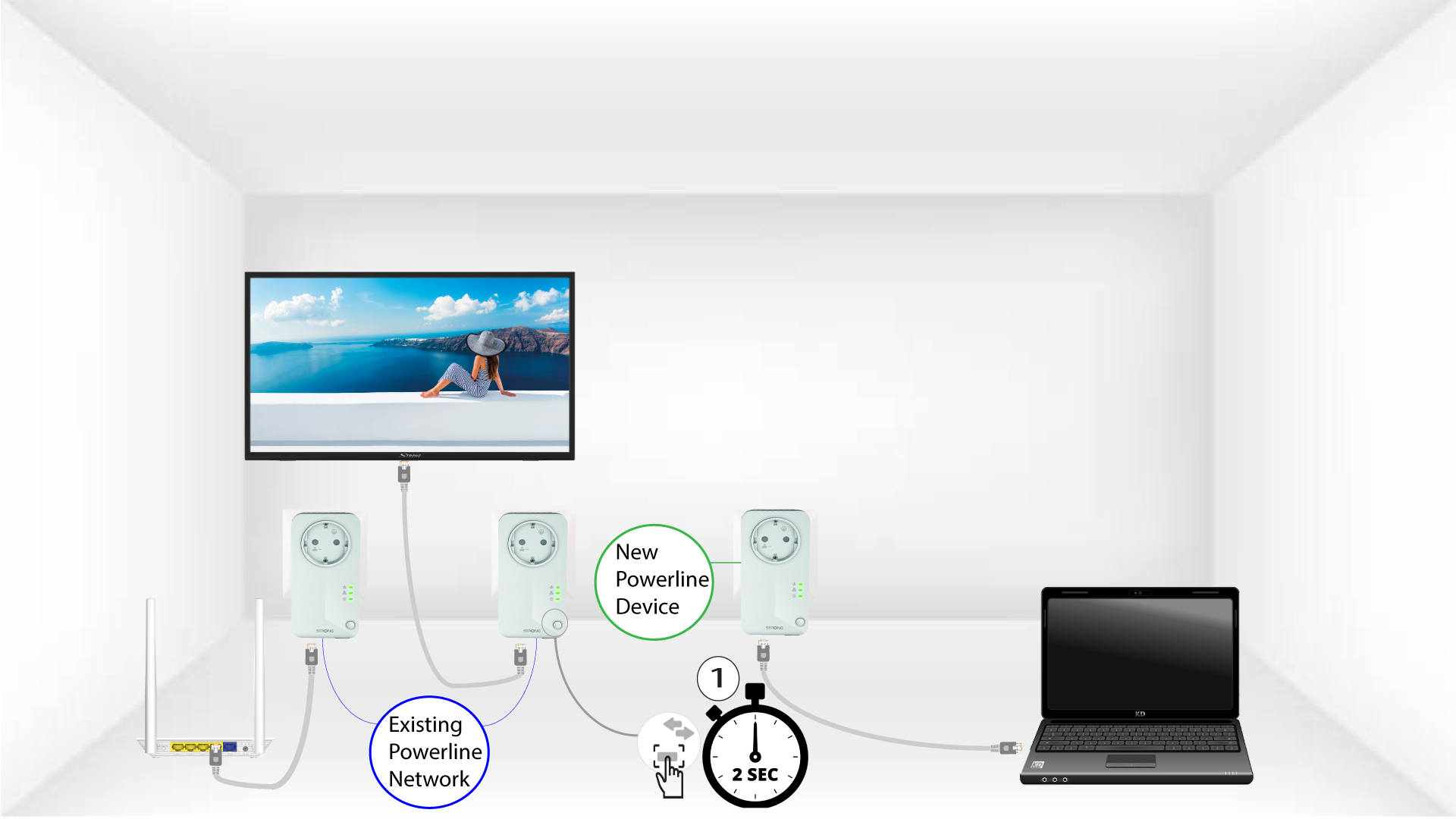
3. Naciśnijprzycisk parowania na istniejącym adapterze
Naciśnij przycisk „PAIR” na jednym z urządzeń już podłączonych do sieci i przytrzymaj go przez dwie sekundy.
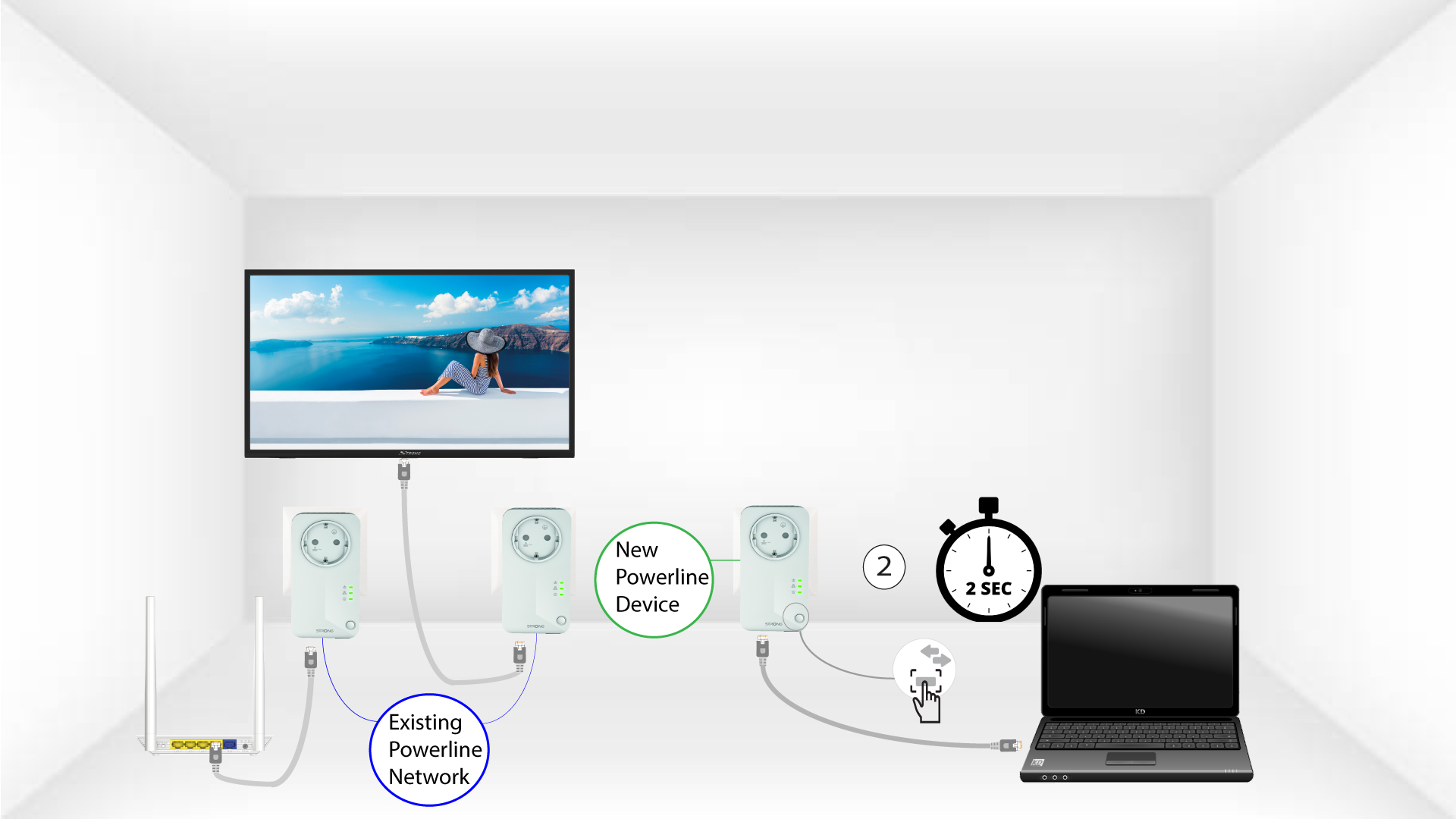
4. Naciśnijprzycisk parowania na nowej karcie sieciowej
Następnie naciśnij przycisk „PAIR” na nowym urządzeniu i przytrzymaj go przez dwie sekundy, aby dodać je do sieci. Masz na to maksymalnie dwie minuty.
5. DiodaLED „Home” miga
Dioda LED „Home” na urządzeniach powinna zacząć migać na zielono.
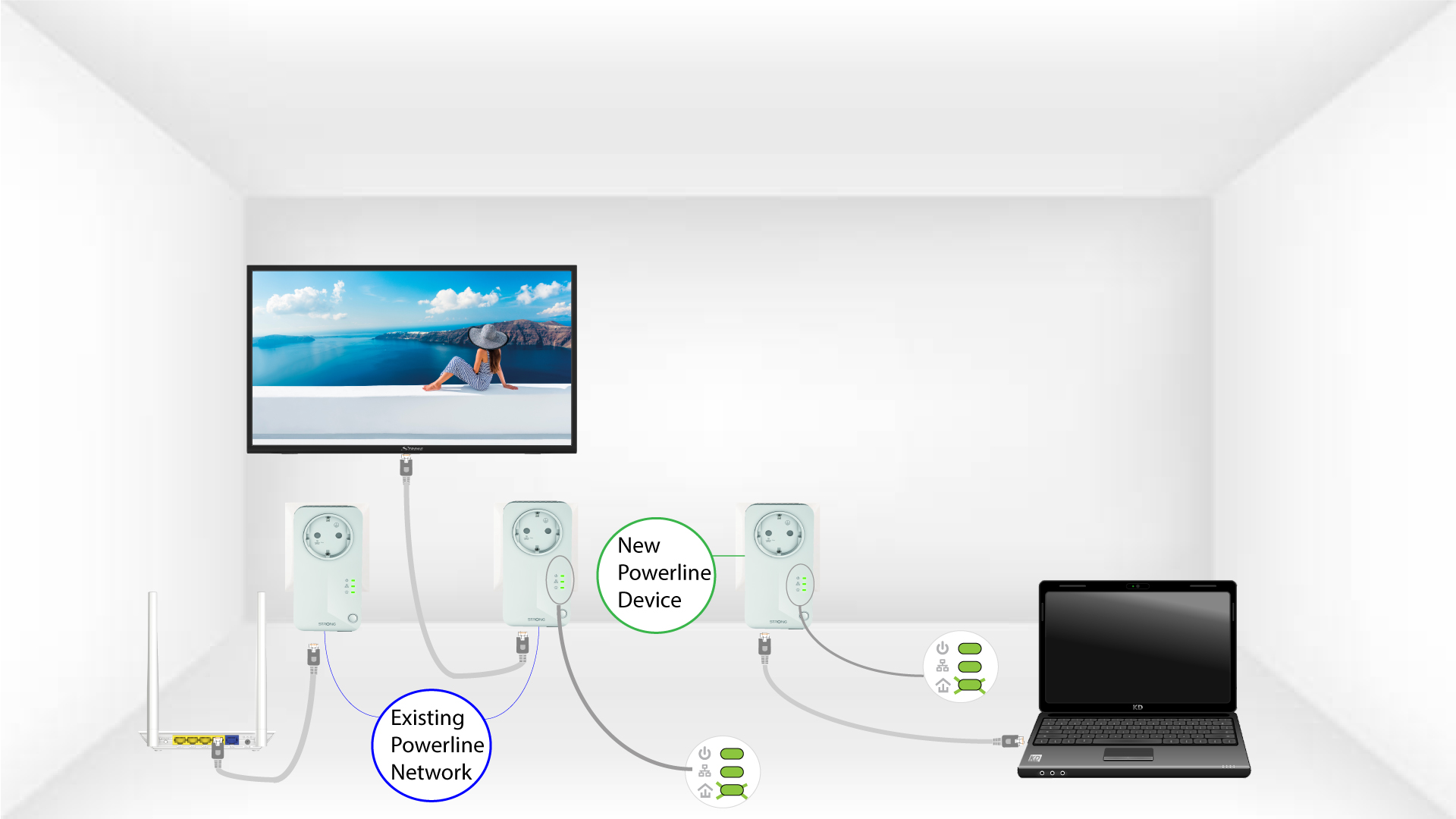
6. Nowy adapter został sparowany
Po dodaniu nowego urządzenia diody LED „Home” powinny świecić się na zielono na obu urządzeniach.
7Klucz szyfrujący został ustawiony
Twój nowy, unikalny klucz szyfrujący został ustawiony na właśnie skonfigurowanym urządzeniu.
