
Powerline 500 Triple Pack | PL500TRI
Nie znaleziono żadnych elementów.
Nie znaleziono żadnych elementów.
Wszystkie pytania
Powerline 500 Triple Pack | PL500TRI
Nie znaleziono żadnych elementów.
Nie znaleziono żadnych elementów.
Jak skonfigurować wysoki poziom bezpieczeństwa 2 w produktach z serii „ powerline ”?
1. Podłączadaptery do listwy zasilającej
Weź listwę z wieloma gniazdkami i podłącz do niej wszystkie adaptery powerline .

2. Podłączadapter do routera
Podłącz jedną z kart sieciowych „ powerline ” do bramki internetowej/routera za pomocą złącza RJ45.

3. Podłączpierwszy adapter
Następnie naciśnij przycisk „CONNECT & SECURE” na pierwszym urządzeniu i przytrzymaj go przez 2 sekundy.

4. Podłączdrugi adapter
Naciśnij przycisk „CONNECT & SECURE” na drugim urządzeniu i przytrzymaj go przez 2 sekundy. Masz na to maksymalnie dwie minuty.

5 DiodaLED „Home” miga
Dioda LED „Home” powinna migać na obu urządzeniach.
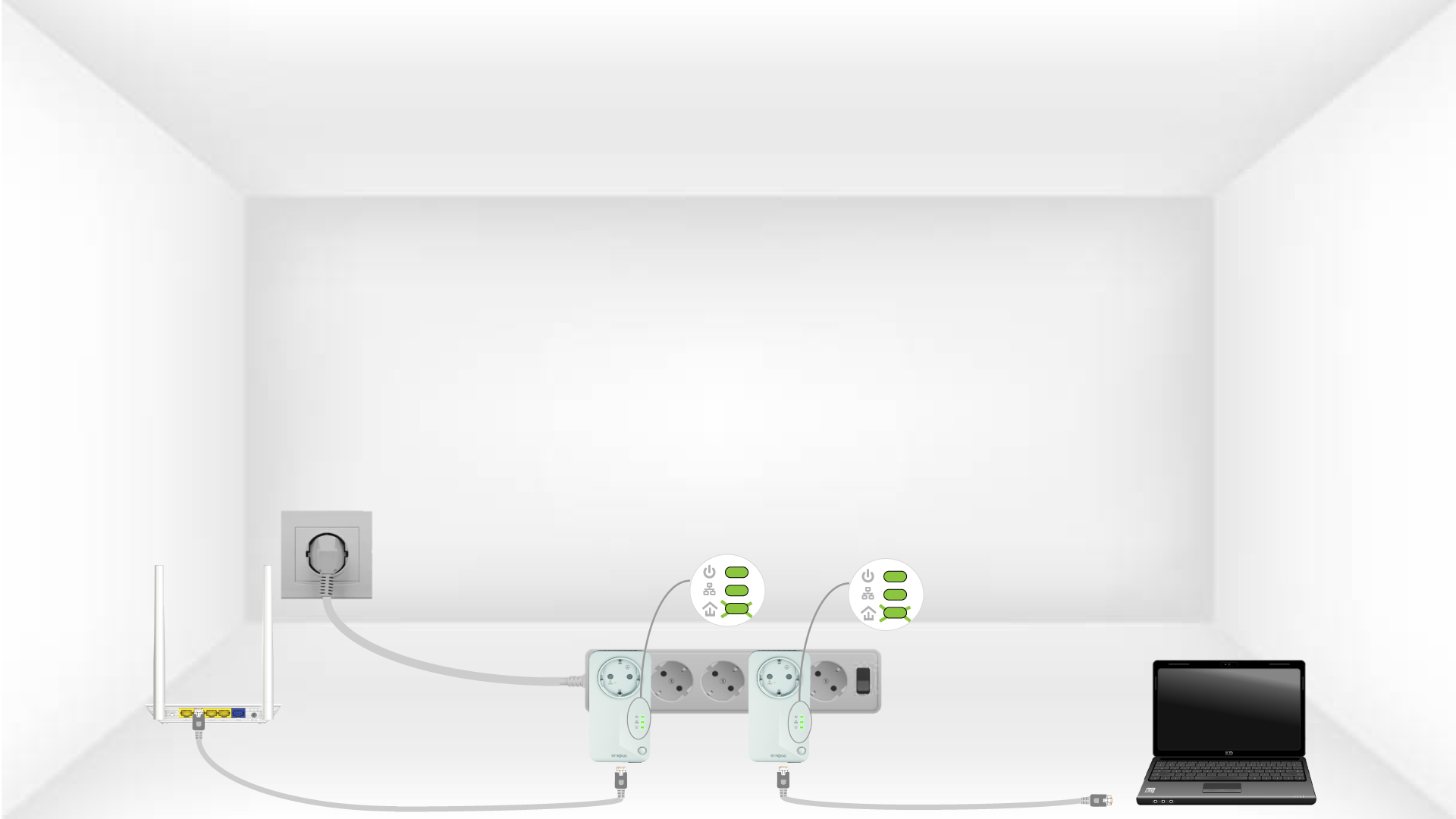
6. Ustalono unikalnyklucz szyfrujący
Twój unikalny klucz szyfrujący został właśnie ustawiony, a wszystkie diody LED urządzeń powinny świecić na zielono.

Więcej informacji na temat konfiguracji o wysokim poziomie bezpieczeństwa:
- Jak skonfigurować nowe produkty z serii „ powerline ” z wysokim poziomem bezpieczeństwa 2 w istniejącej sieci powerline ?
- Jak wybrać odpowiednią konfigurację o wysokim poziomie bezpieczeństwa dla sieci powerline ?