
PLW600MDUO
Nie znaleziono żadnych elementów.
Nie znaleziono żadnych elementów.
Wszystkie pytania
Nie znaleziono żadnych elementów.
Nie znaleziono żadnych elementów.
Jak skonfigurować wysoki poziom bezpieczeństwa 2 w produktach z serii „ powerline ”?
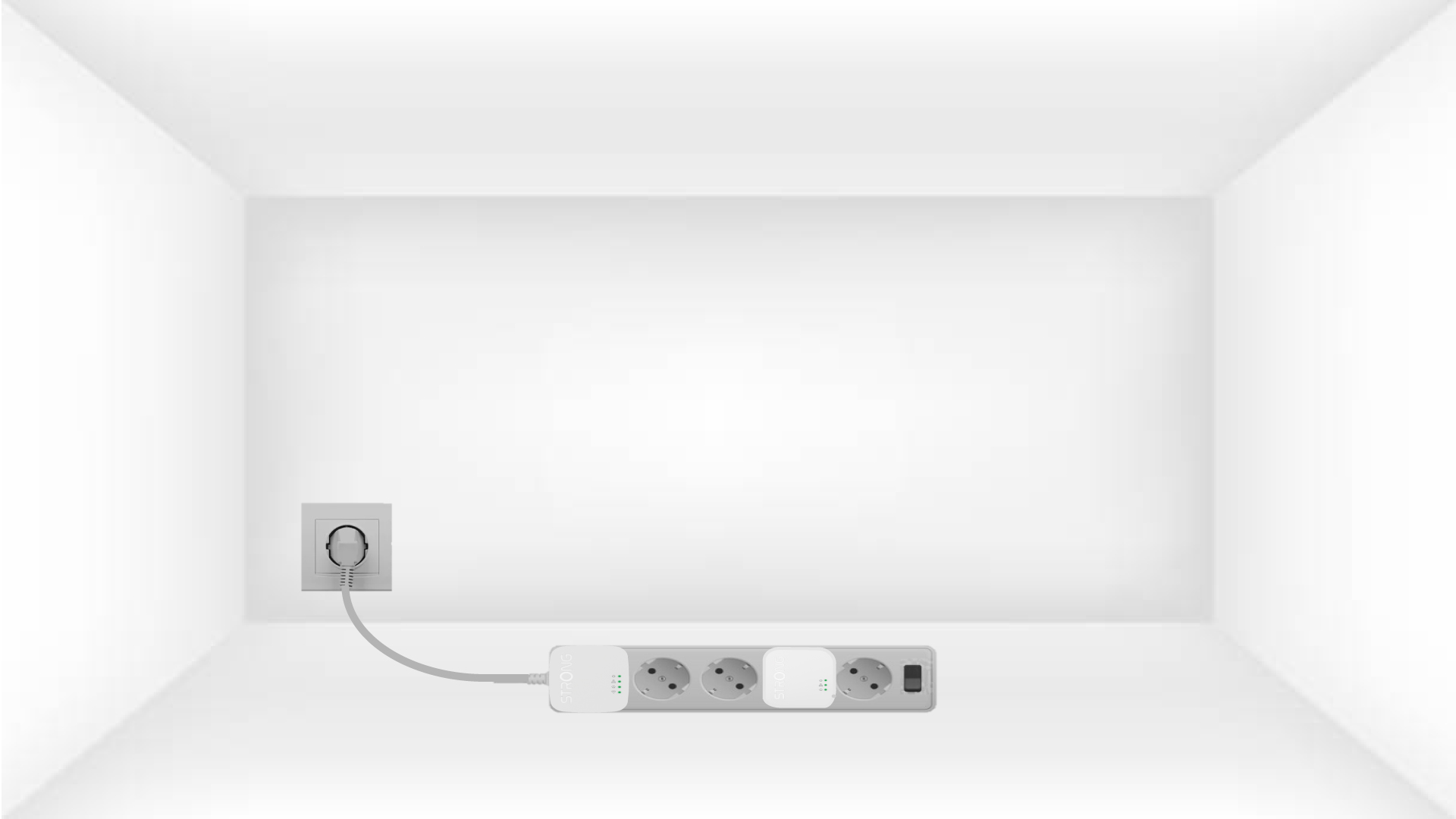
1. Podłączadaptery do listwy zasilającej
Take a power strip and plug all the powerline adapters into it.
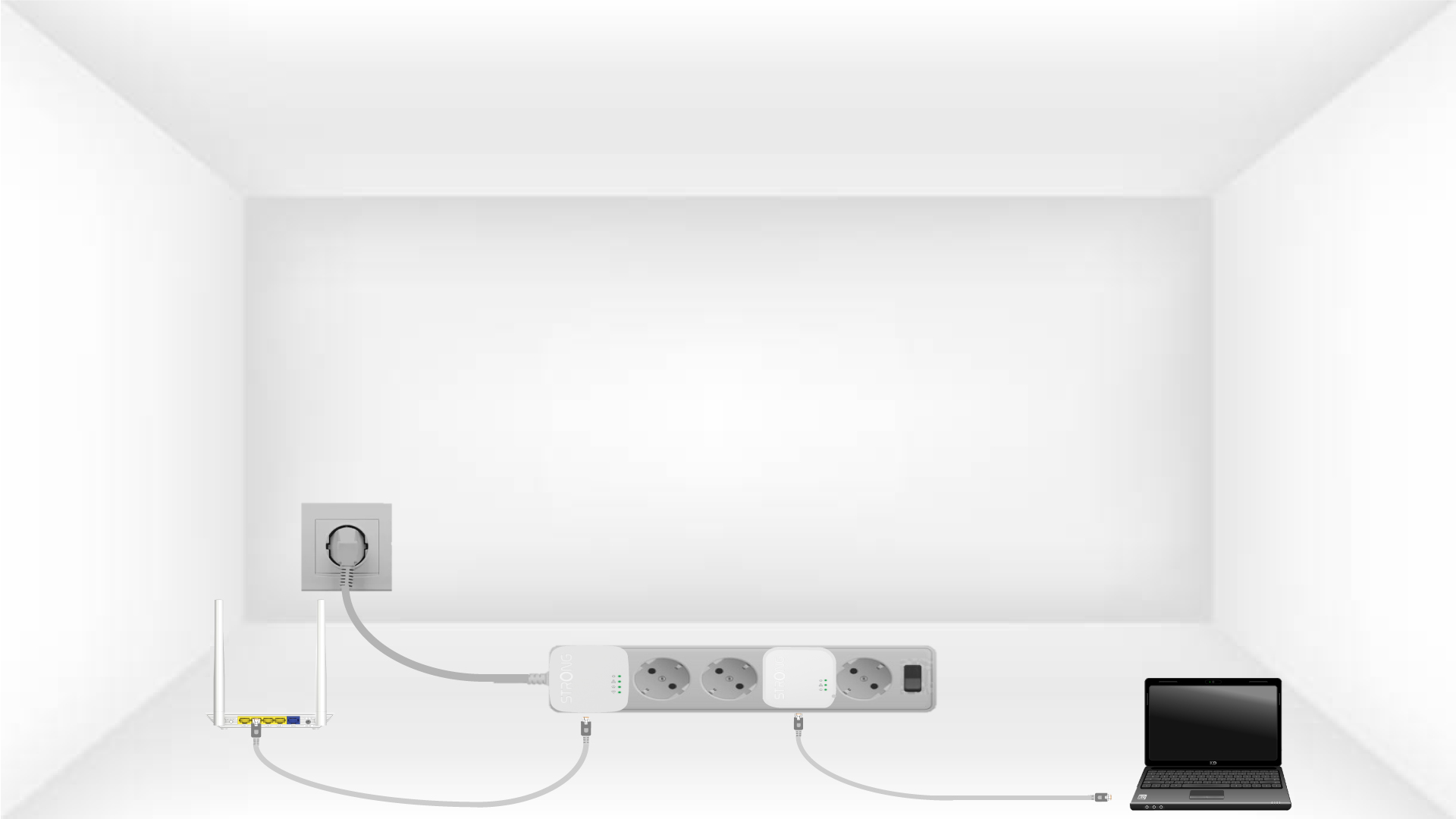
2. Podłączadaptery do Internetu
Connect one of the powerline adapters to the Internet gateway/router with an RJ45 cable.
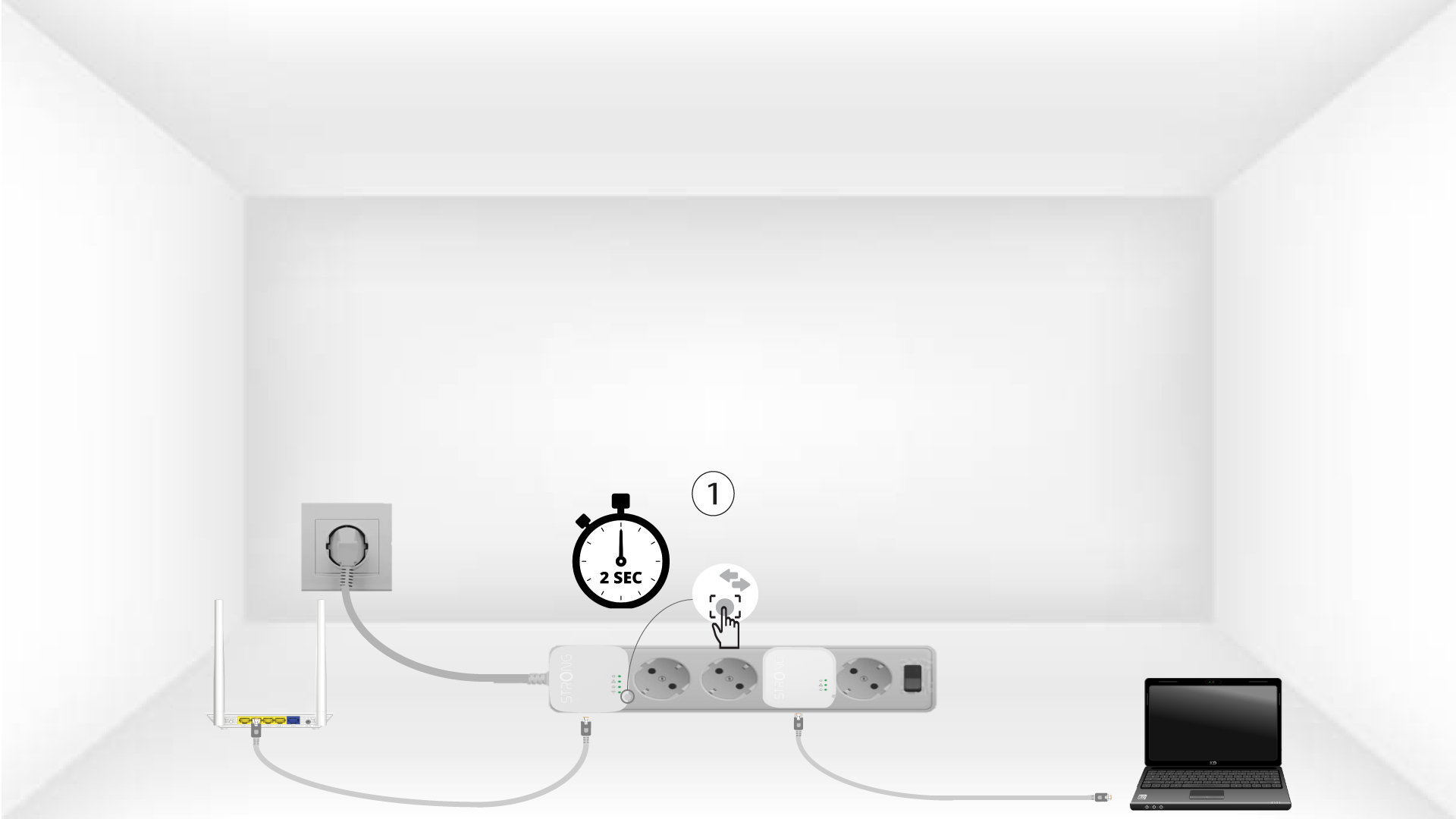
3. Naciśnijprzycisk „Połącz i zabezpiecz” (pierwsze urządzenie)
Press the Connect & Secure button on the first device for 2 seconds.
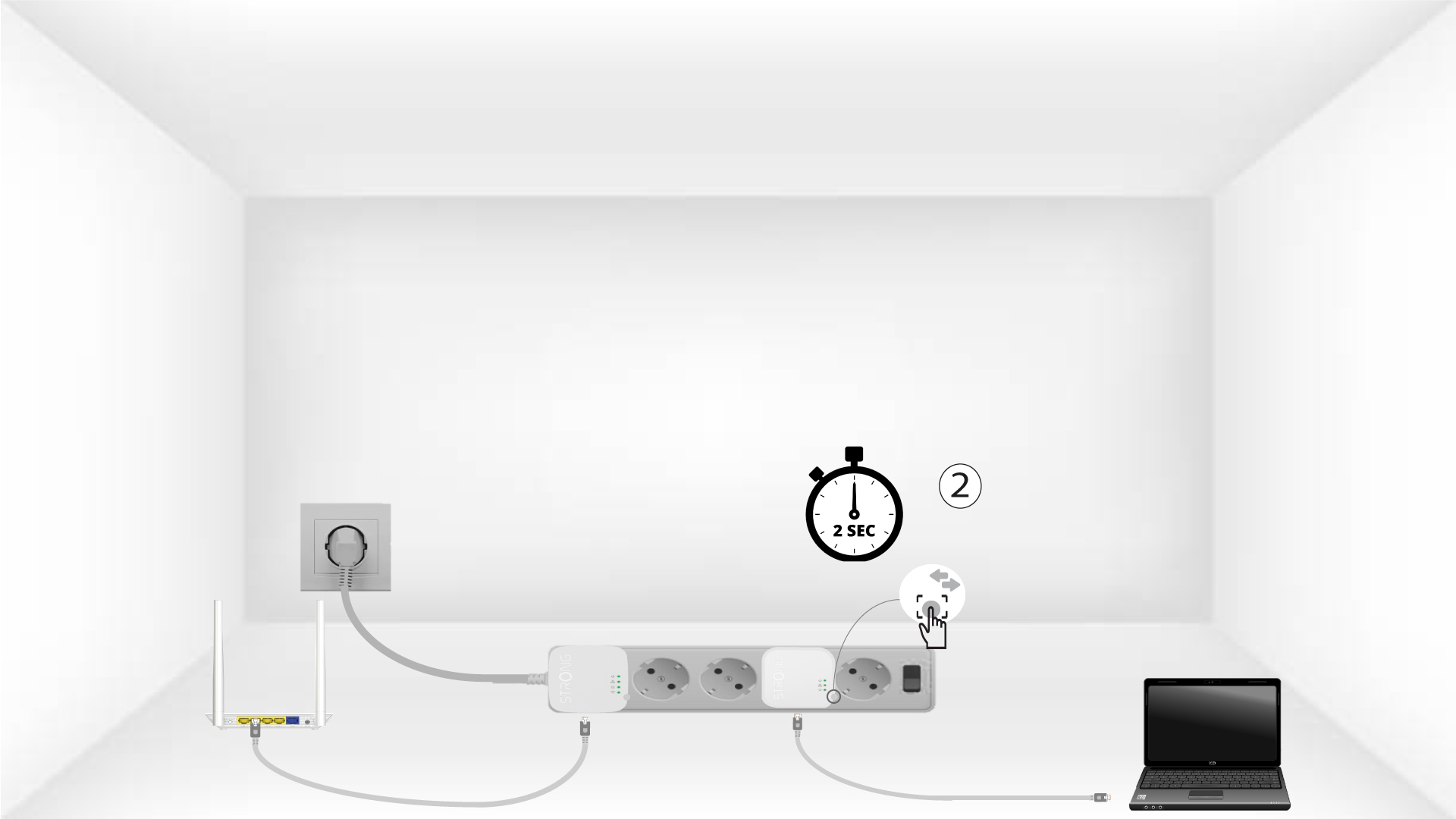
4. Naciśnijprzycisk „Connect & Secure” (drugie urządzenie)
Press the Connect & Secure button on the second device for 2 seconds. You have up to two minutes to do it.
5The home LED blinks
The home LED should blink on both devices.
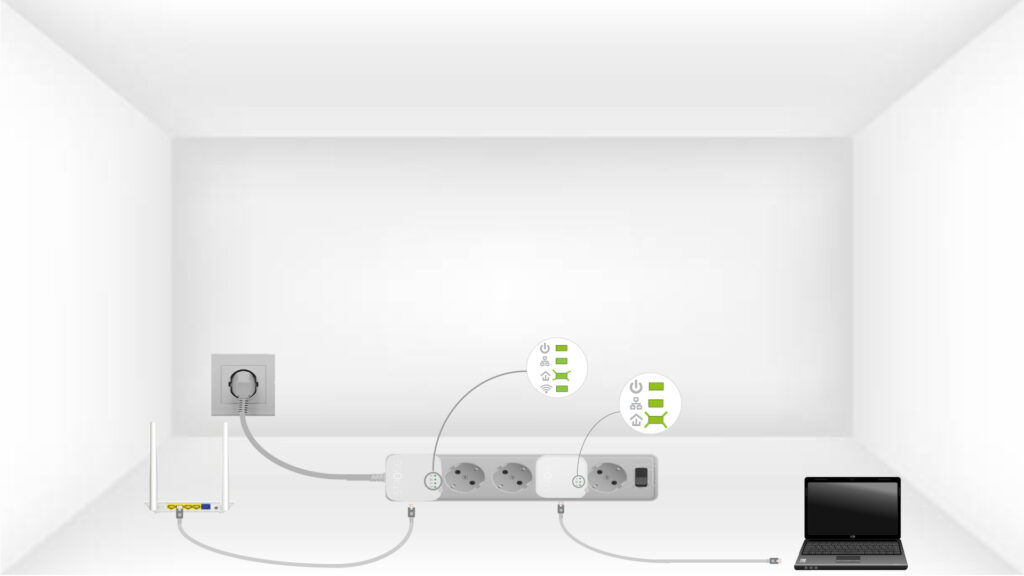
6.Klucz szyfrujący został ustawiony
Twój unikalny klucz szyfrujący został właśnie ustawiony, a wszystkie diody LED urządzeń powinny świecić na zielono.
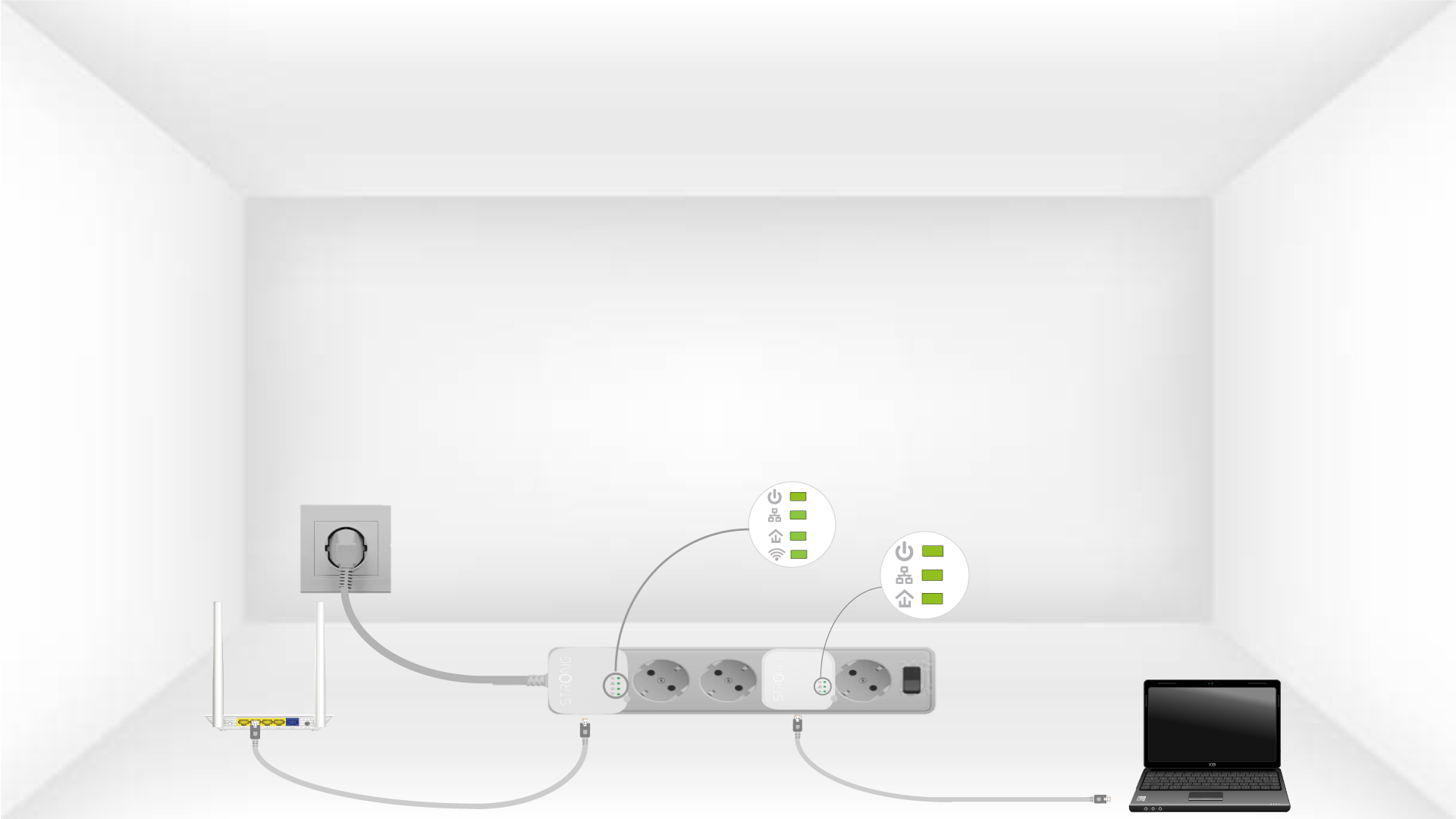
Now, install the adapters in the rooms where you need them. We strongly recommend not plugging the adapters into a power strip.