Atria Mesh extensor trio 1200 UK
Todas as perguntas
Atria Mesh extensor trio 1200 UK
Como posso configurar/atribuir um endereço IP estático à minha unidade Atria Mesh 1200? (Aplicação)
Pode ser interessante definir um IP estático para o seu controlador mesh , de modo a facilitar o acesso à interface de utilizador Web
na sua rede, através da aplicação Atria Mesh .
Também pode atribuir endereços IP dedicados aos dispositivos ligados à sua rede mesh na
, através da interface de utilizador Web.
1Ligue-seà rede Wi-Fi do seu mesh
Para tal, liga-te à rede Wi-Fi da tua rede « mesh ».

2. Acederà aplicação
Ligue-se à aplicação « Mesh » da Atria.

3Network
Clique em «A minha rede».

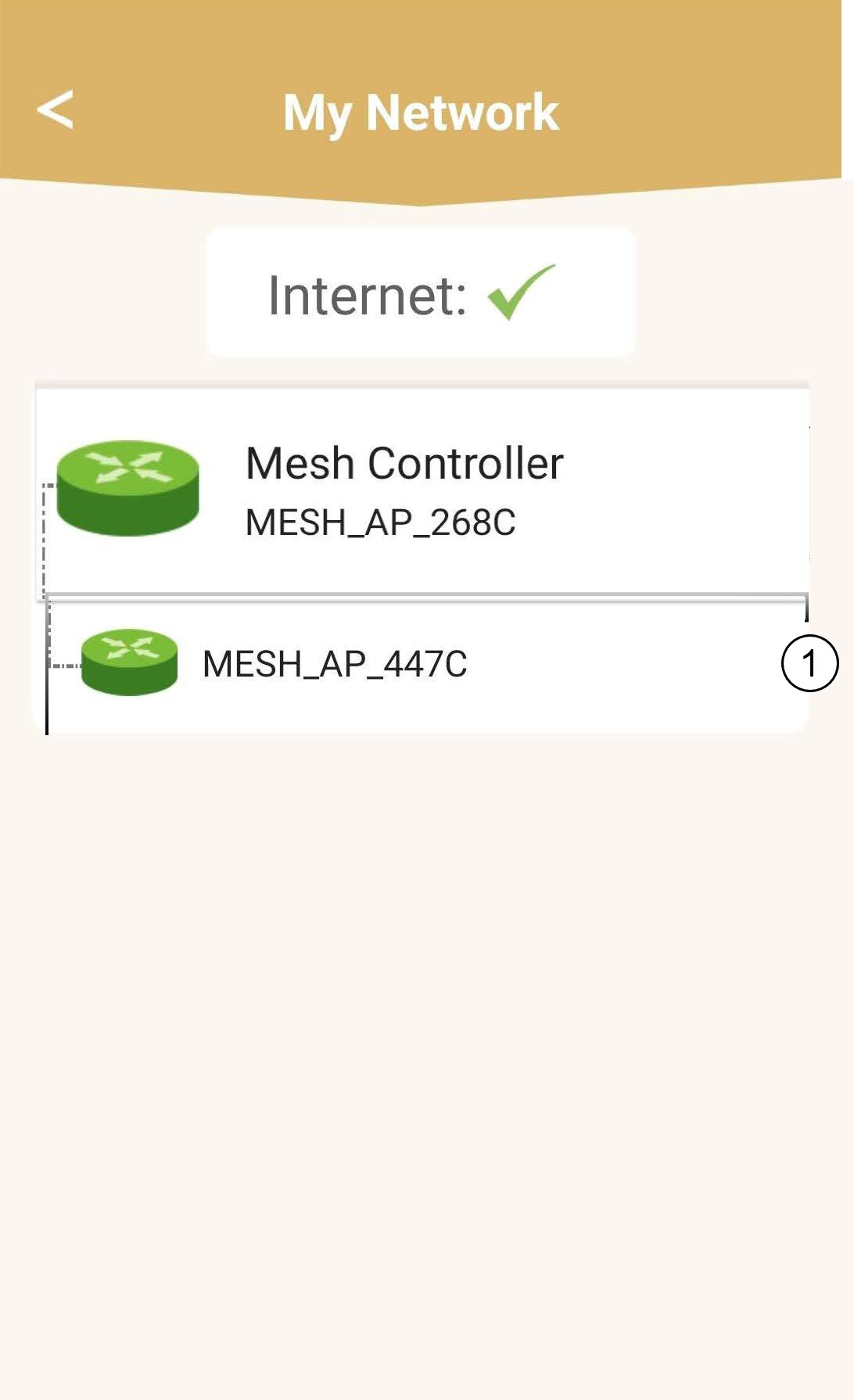
4Selecionea unidade principal « mesh »
Clique no nome do agente « Mesh » na lista.
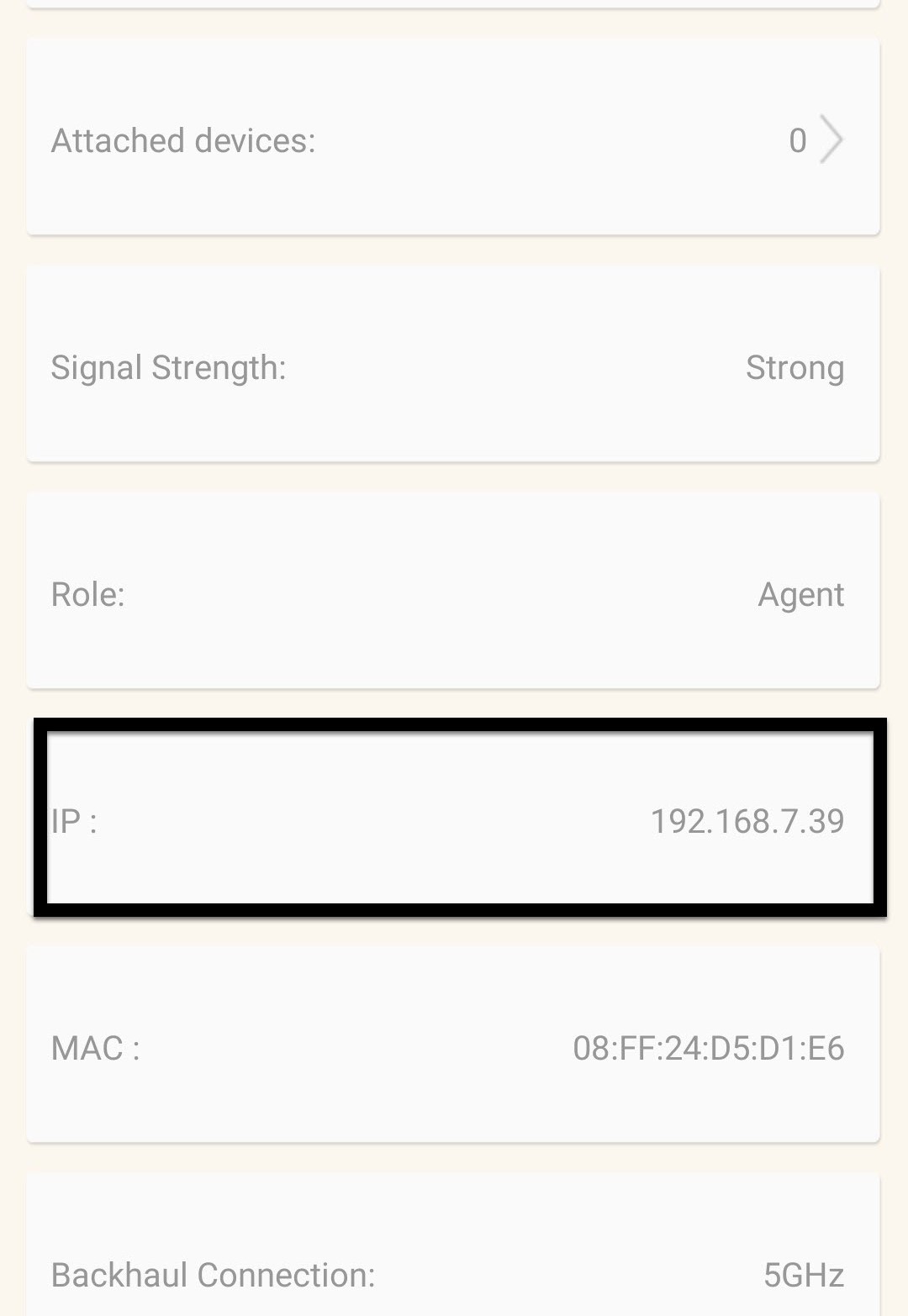
5. Descobriro endereço IP
Identifique o seu endereço IP e o seu endereço MAC.
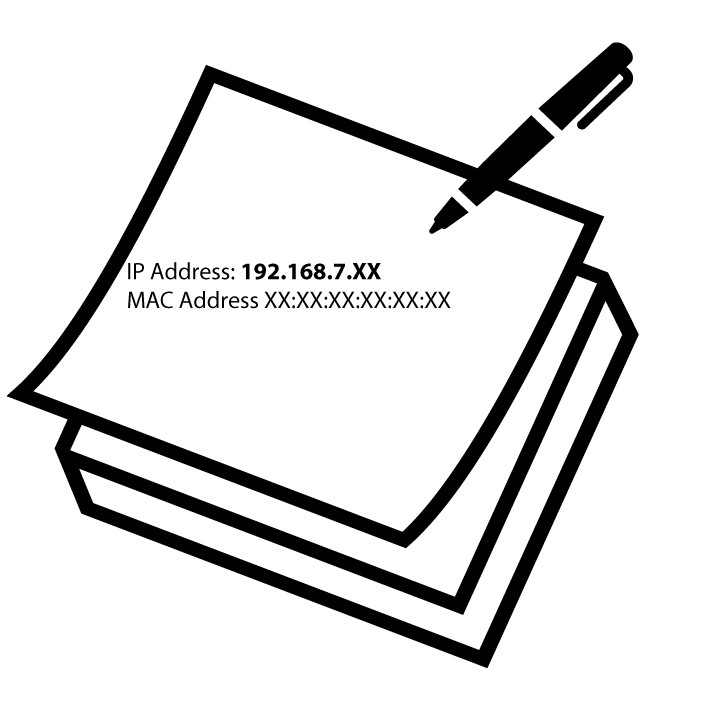
6. Anoteo endereço IP
Anote o endereço IP e o endereço MAC.
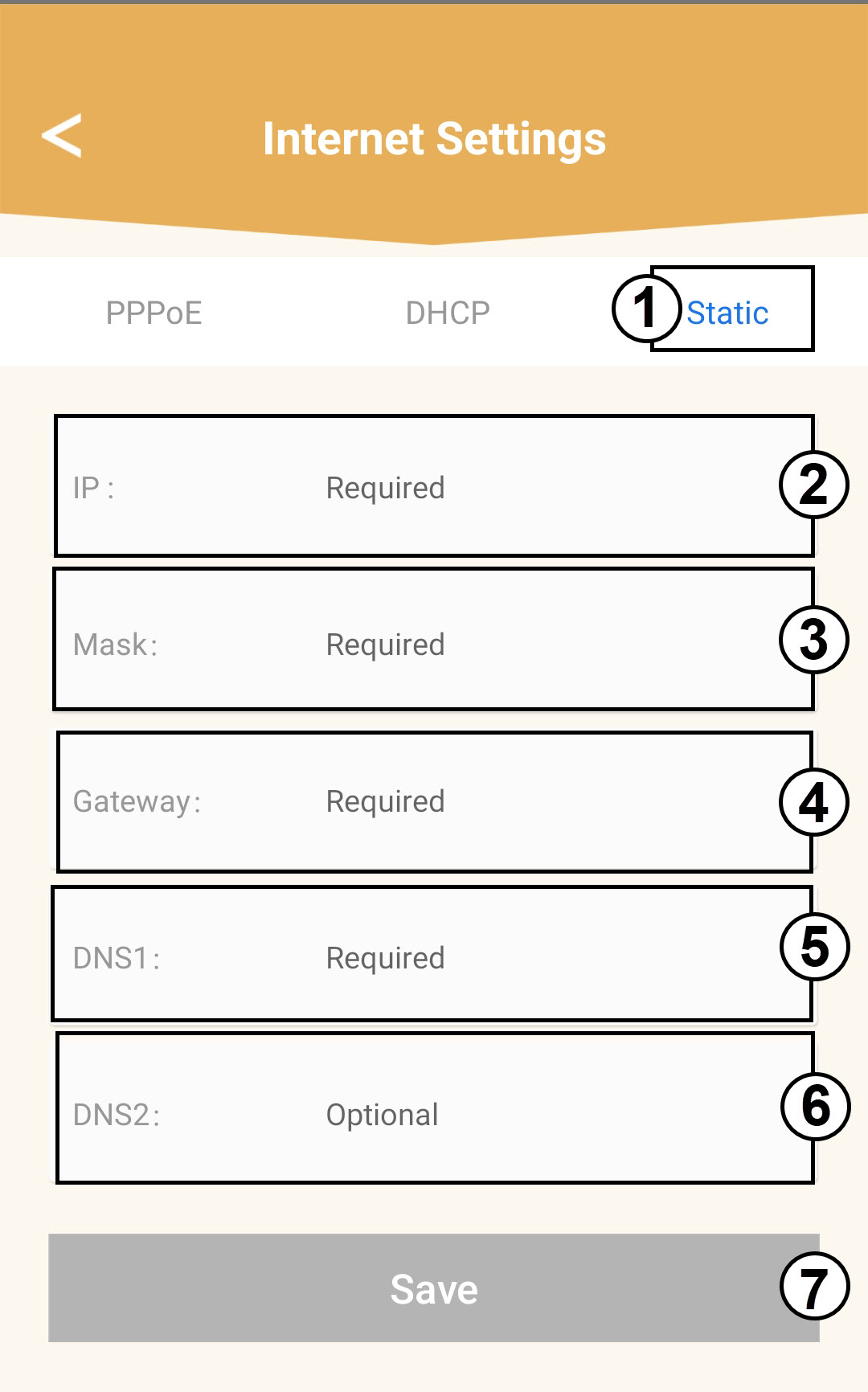
7. Configurações da Internet
Clique em «Definições da Internet».
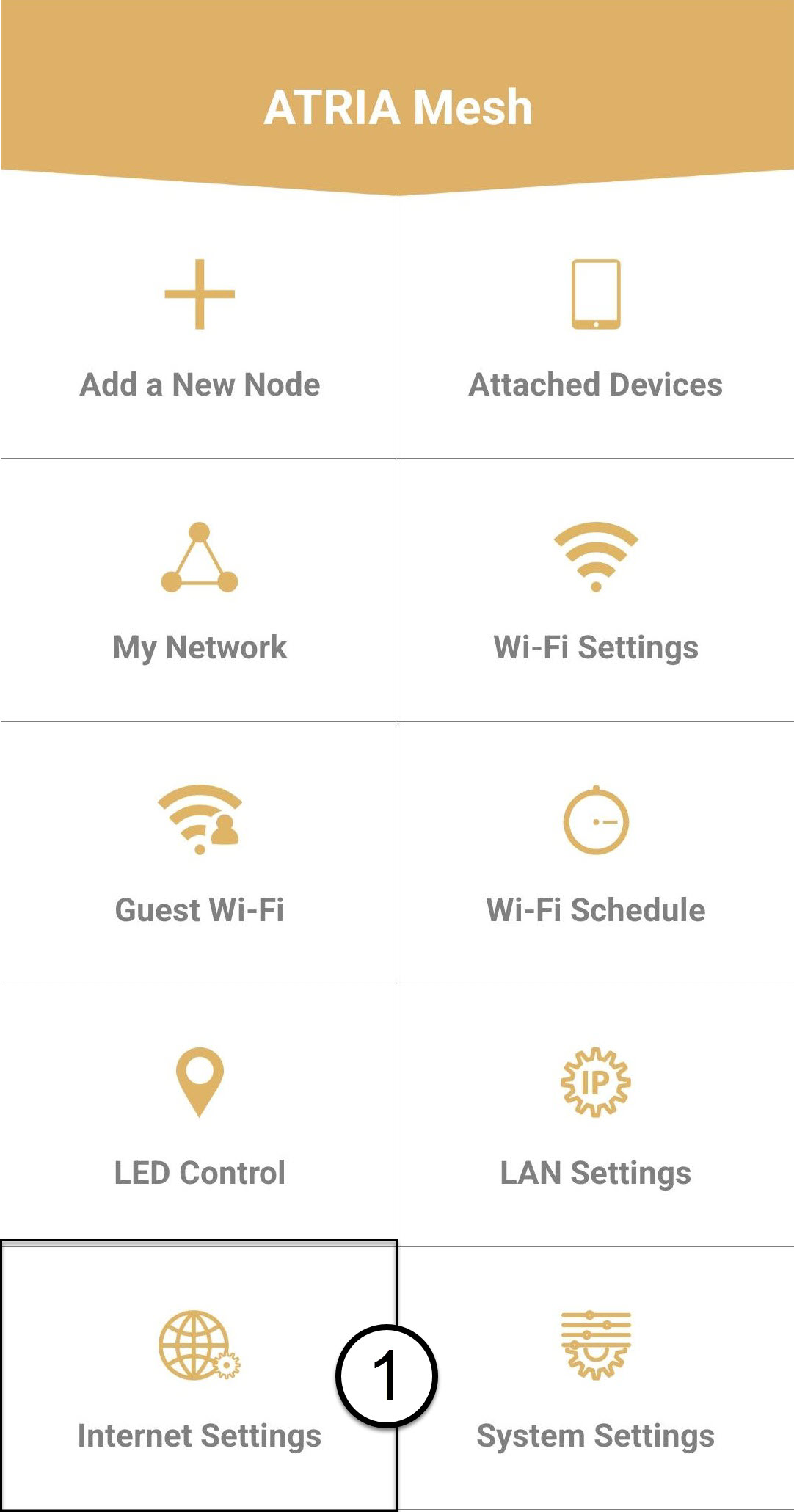
8 IP estático
Selecione «IP estático». Introduza as seguintes informações antes de clicar em «Guardar»:
o IP: Introduza o endereço IP do agente
o Máscara: O campo é preenchido automaticamente com o valor adequado
o Gateway: O campo é preenchido automaticamente com o valor adequado
o DNS1: Introduza o endereço DNS primário (pode encontrar esta informação na interface de utilizador web:
Rede > LAN -> Ativar DNS manual)
o DNS2: Introduza o endereço DNS secundário (pode encontrar esta informação na interface de utilizador web
: Rede > LAN -> Ativar DNS manual)