
Repetidor Universal 300 V2
Todas as perguntas
Repetidor Universal 300 V2
Como posso configurar o Universal Repeater 300 como router?
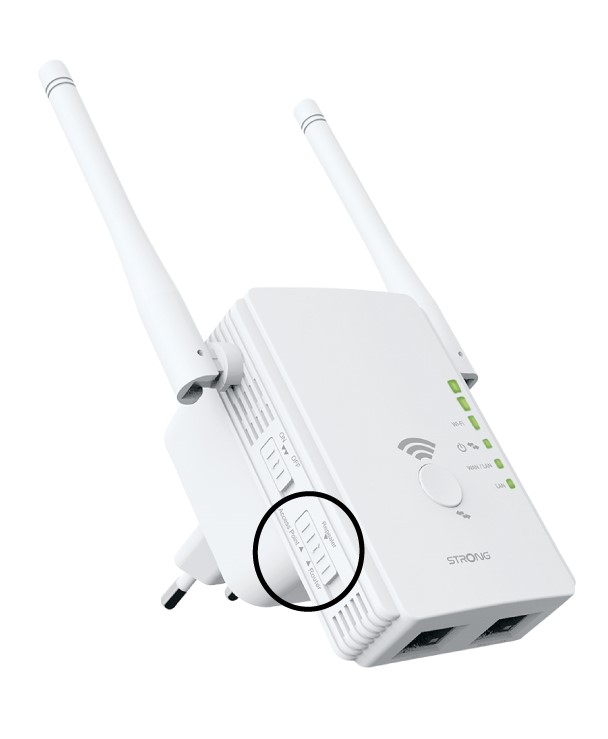
Certifique-se de que o seletor de modo ( switch ) no painel lateral do seu Universal Repeater 300 está definido para o modo router.
1Verifiqueo modo do dispositivo
Verifique o « switch » (Seletor de modo de funcionamento) no lado esquerdo do seu repetidor para ver o modo de funcionamento do mesmo. O « switch » (Seletor de modo de funcionamento) deve estar definido para «router».
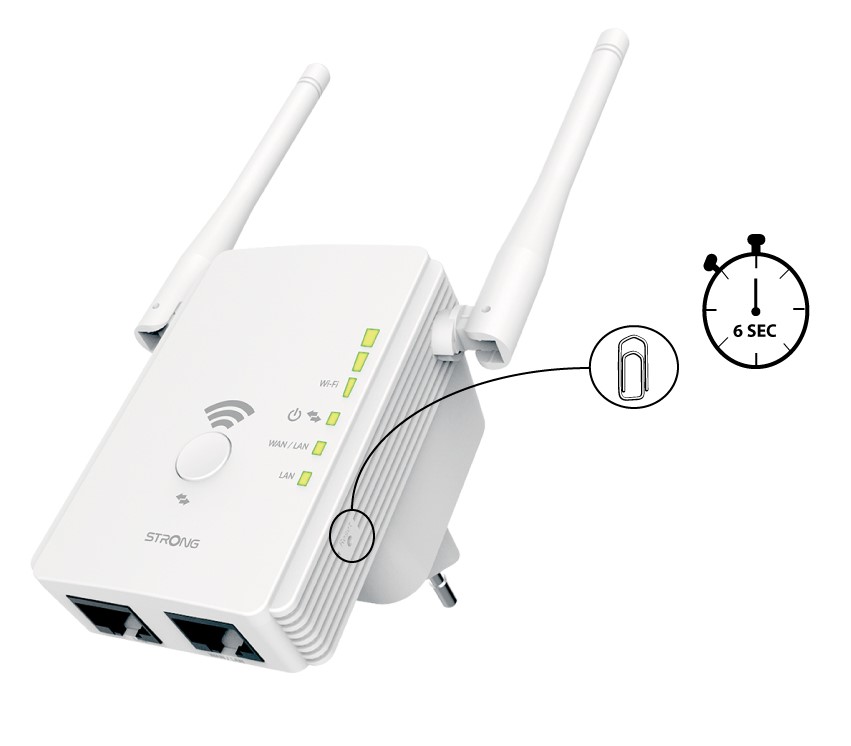
2. Reponhao repetidor para as predefinições de fábrica
Reponha o seu dispositivo para as definições de fábrica premindo o botão «Reset» com um clipe de papel durante 6 segundos.
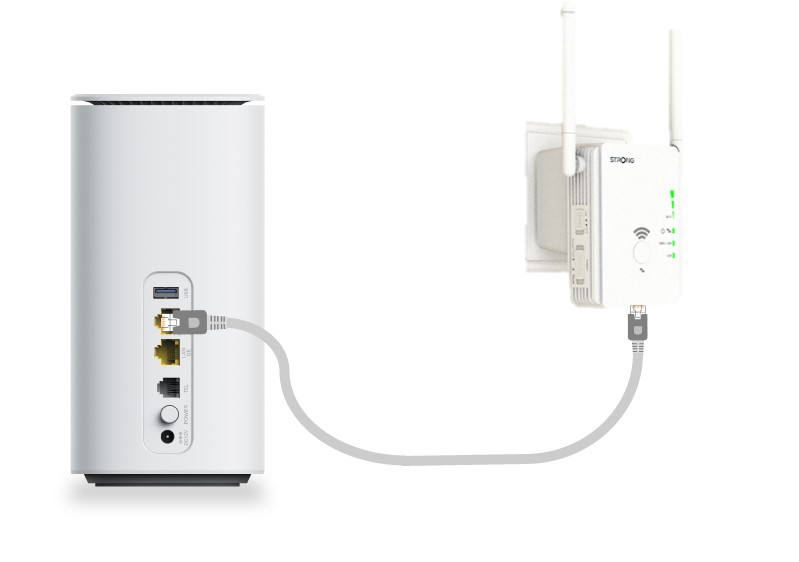
3Ligueo repetidor ao modem
Ligue o seu modem/router através de um cabo Ethernet RJ45 à porta WAN/LAN do Universal Repeater 300.
4Ligar-seao Wi-Fi
Ligue o seu dispositivo Wi-Fi a uma das redes Wi-Fi predefinidas (STRONG_2.4GHz) fornecidas pelo Universal Repeater 300. A rede Wi-Fi predefinida não tem palavra-passe.
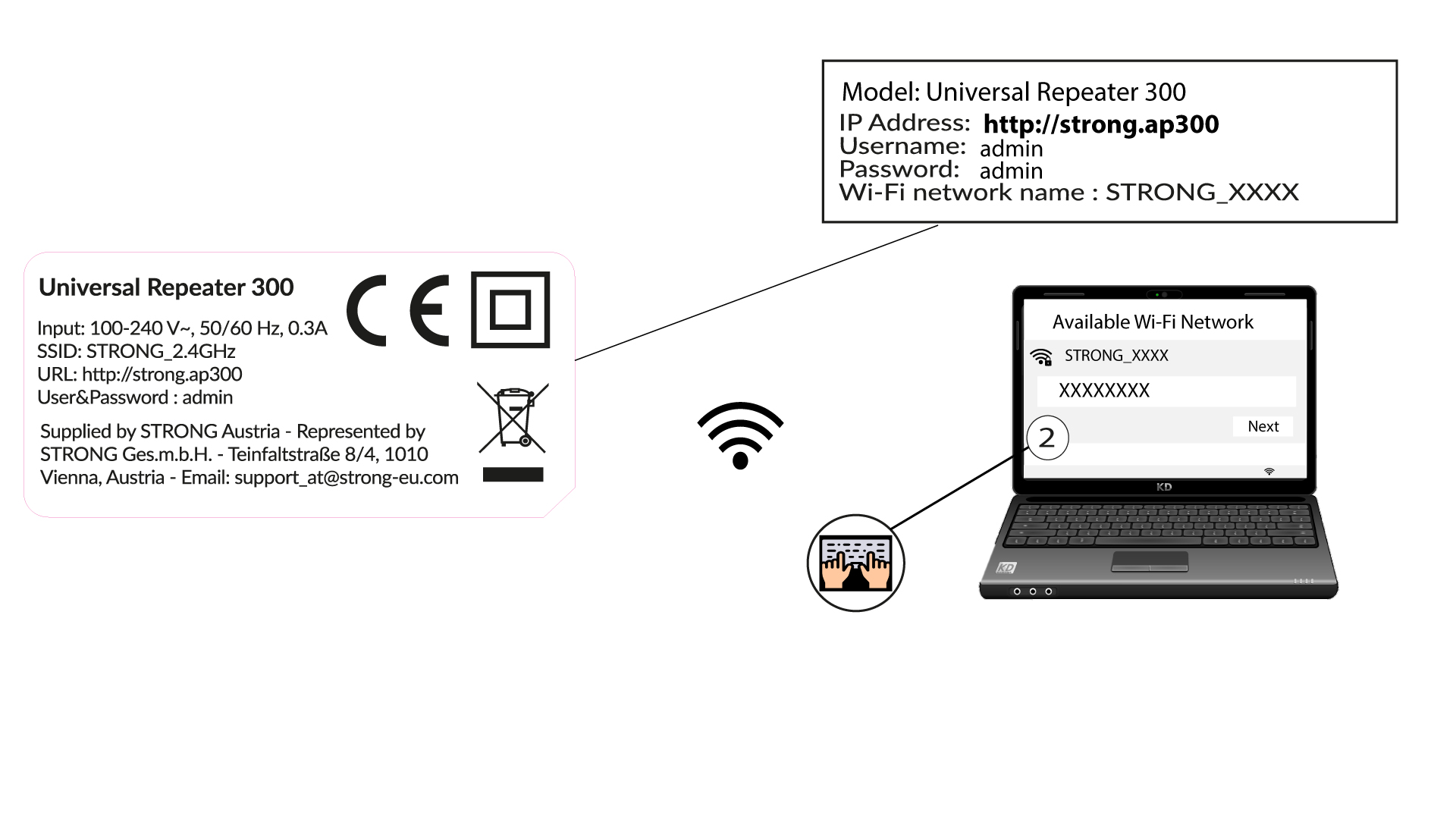
5Acedaà interface de utilizador web
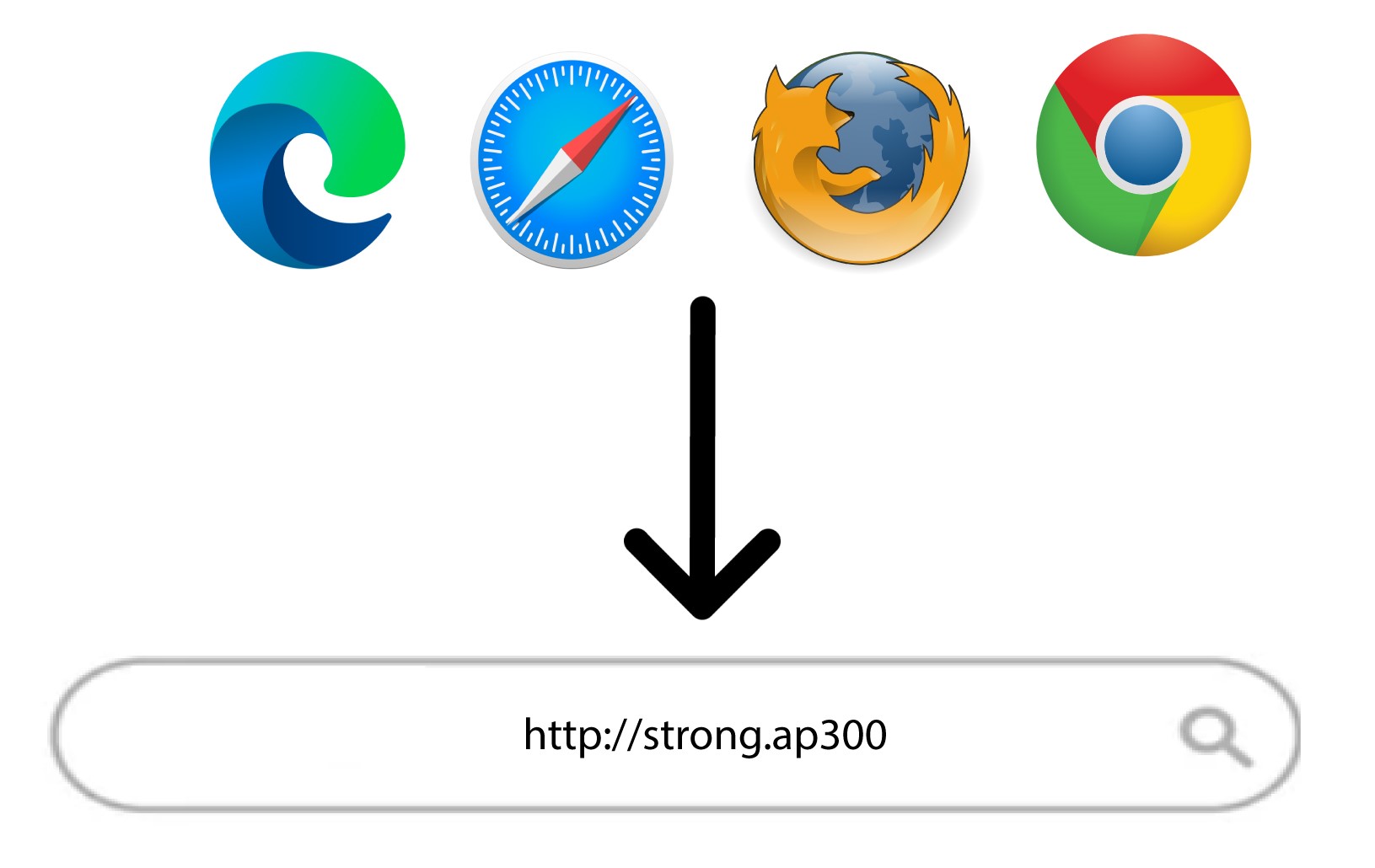
Digite o seguinte URL na barra de pesquisa: http://strong.ap300
6Introduzaas suas credenciais
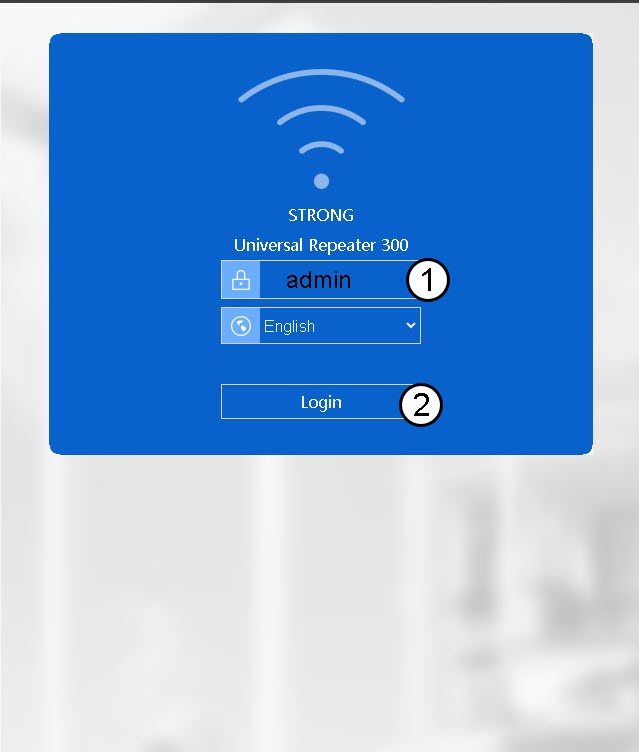
Introduza a sua palavra-passe (admin) antes de clicar em «Iniciar sessão».
7Wizard
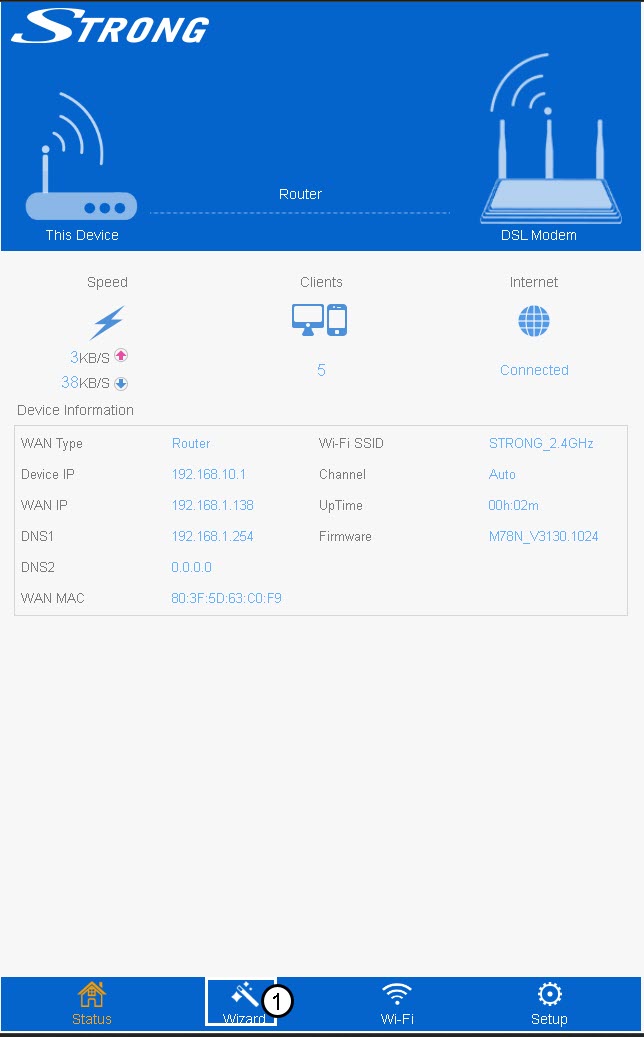
Clique em «Wizard » na barra de menus inferior.
8Configuraro ponto de acesso
Introduza o SSID da rede Wi-Fi e selecione o tipo de segurança. Em seguida, introduza uma palavra-passe Wi-Fi antes de clicar em «Aplicar».
Recomendamos a utilização da combinação WPA/WPA2.
9Aguarde durante a configuração
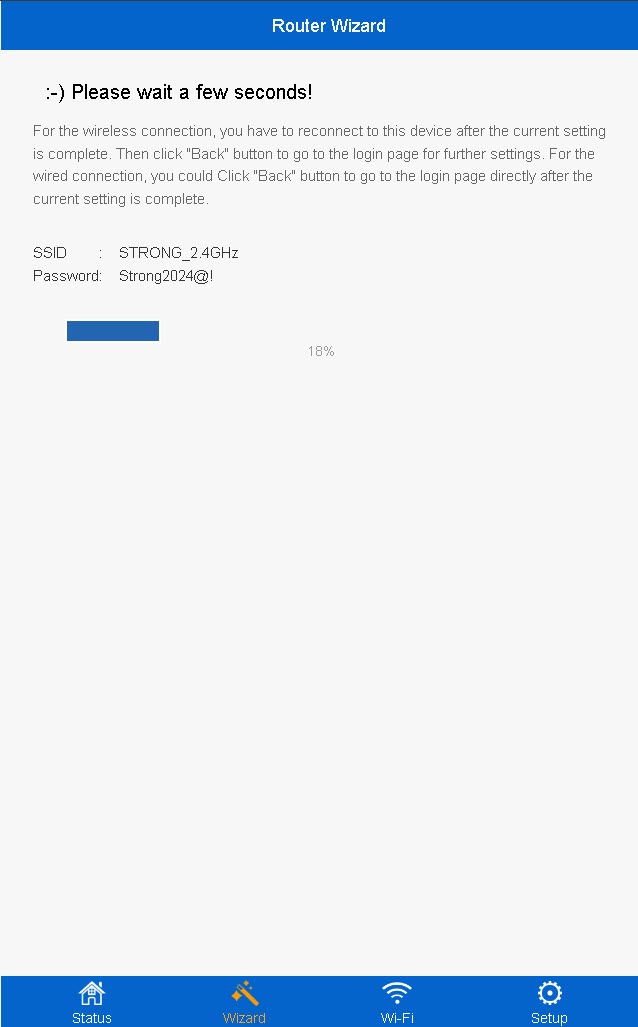
A percentagem de conclusão da configuração será apresentada no ecrã. Por favor, aguarde até que a configuração esteja concluída.
Anote os dados da nova rede Wi-Fi. Vai precisar deles para se ligar à rede após a configuração.

Deve ligar-se à nova rede após a configuração.