Nenhum item encontrado.
LEAP AIR | Google TV 4K com HDR10+
Nenhum item encontrado.
Todas as perguntas
Nenhum item encontrado.
LEAP AIR | Google TV 4K com HDR10+
Nenhum item encontrado.
Como posso reiniciar o meu LEAP AIR?
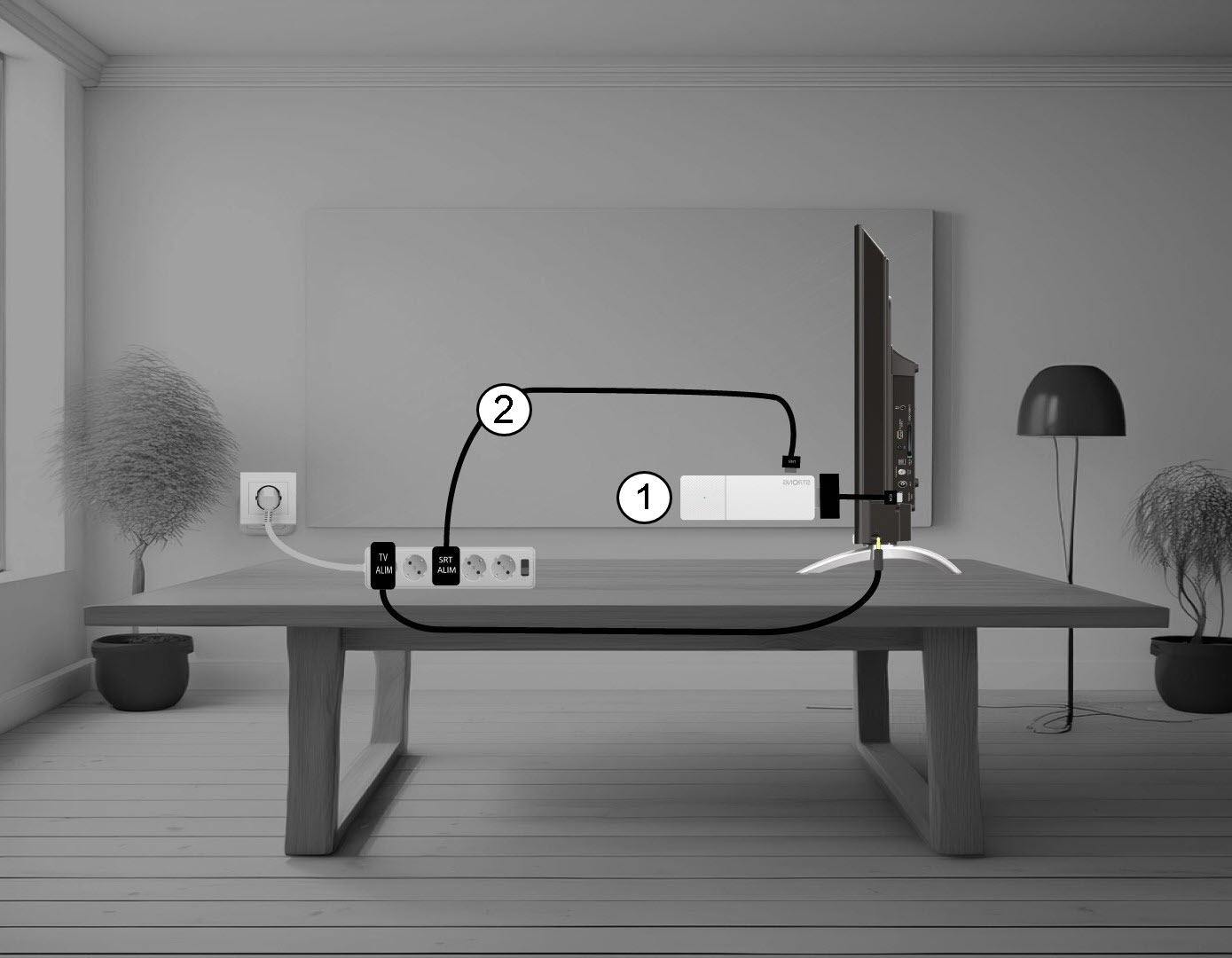
1. Desligueo LEAP AIR da sua televisão
Desligue o cabo HDMI Stick da televisão (1) e o cabo USB do LEAP AIR (2).
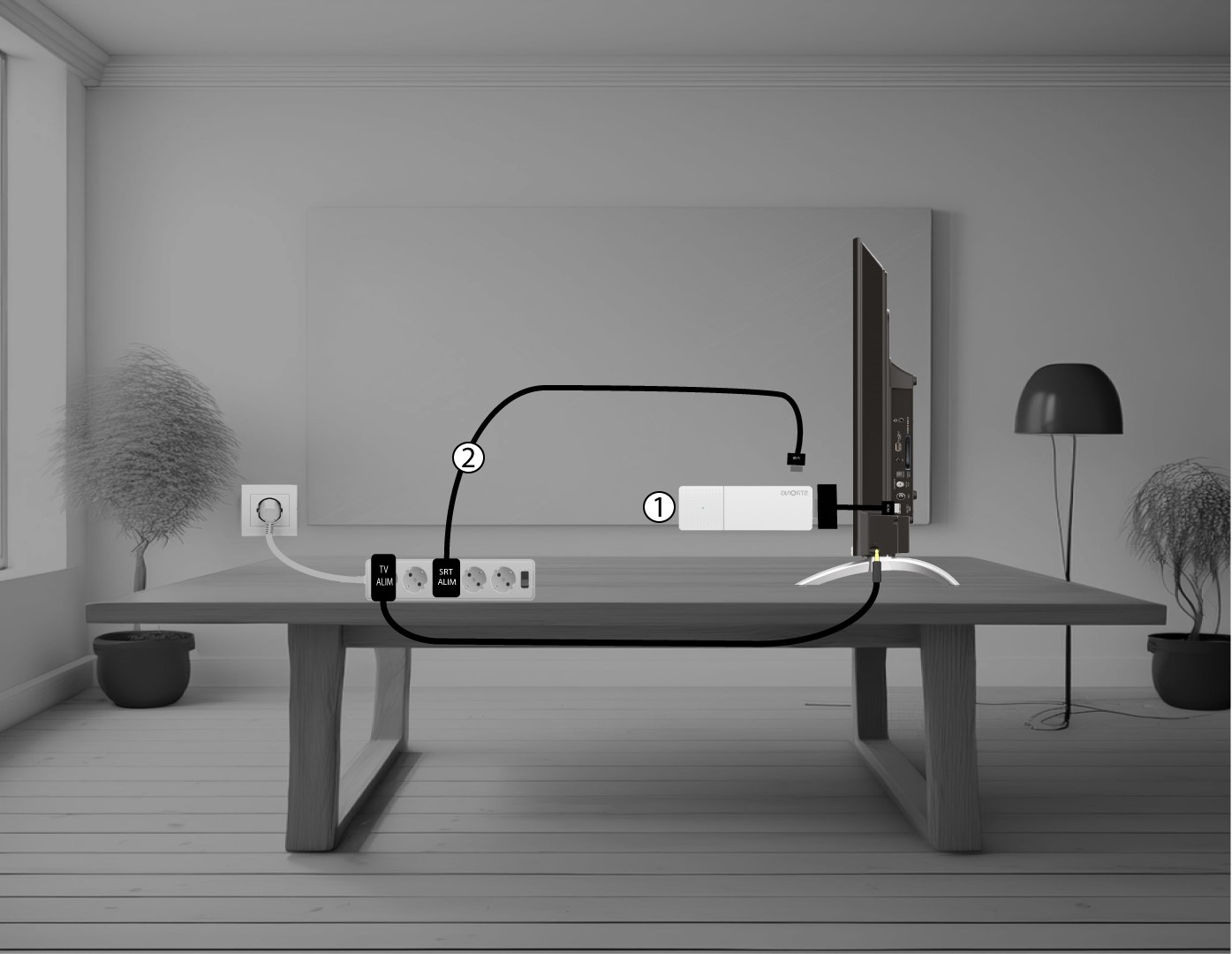
2Ligueo LEAP AIR à sua televisão
Volte a ligar o adaptador HDMI stick à televisão (1) e o cabo USB (2). Em seguida, ligue a televisão à tomada.