Mini-router 4G AIRHOME 300 com antenas 4G amovíveis
Todas as perguntas
Mini-router 4G AIRHOME 300 com antenas 4G amovíveis
Como posso atualizar o firmware do dispositivo?
Quando estiver ligado à interface de utilizador web, deve verificar a versão do firmware utilizada pelo seu dispositivo, recorrendo à opção de atualização online disponível na interface de utilizador web. Ao fazê-lo, será instalada a versão mais recente do firmware.
Se tiver uma versão diferente, consulte o procedimento abaixo para atualizar o seu firmware.
1Ligar-seà rede Wi-Fi
Para atualizar o firmware do dispositivo, tem de se ligar à rede Wi-Fi do seu dispositivo.

2. Acedaao endereço IP da interface de utilizador web
Em seguida, introduza o seguinte endereço IP: 192.168.0.1 no seu navegador.

3 Página de início de sessão
Em seguida, clique em «Iniciar sessão».

4Introduzaas suas credenciais
Deve introduzir o nome de utilizador e a palavra-passe. Em seguida, clique em «Iniciar sessão».

5. Definições avançadas
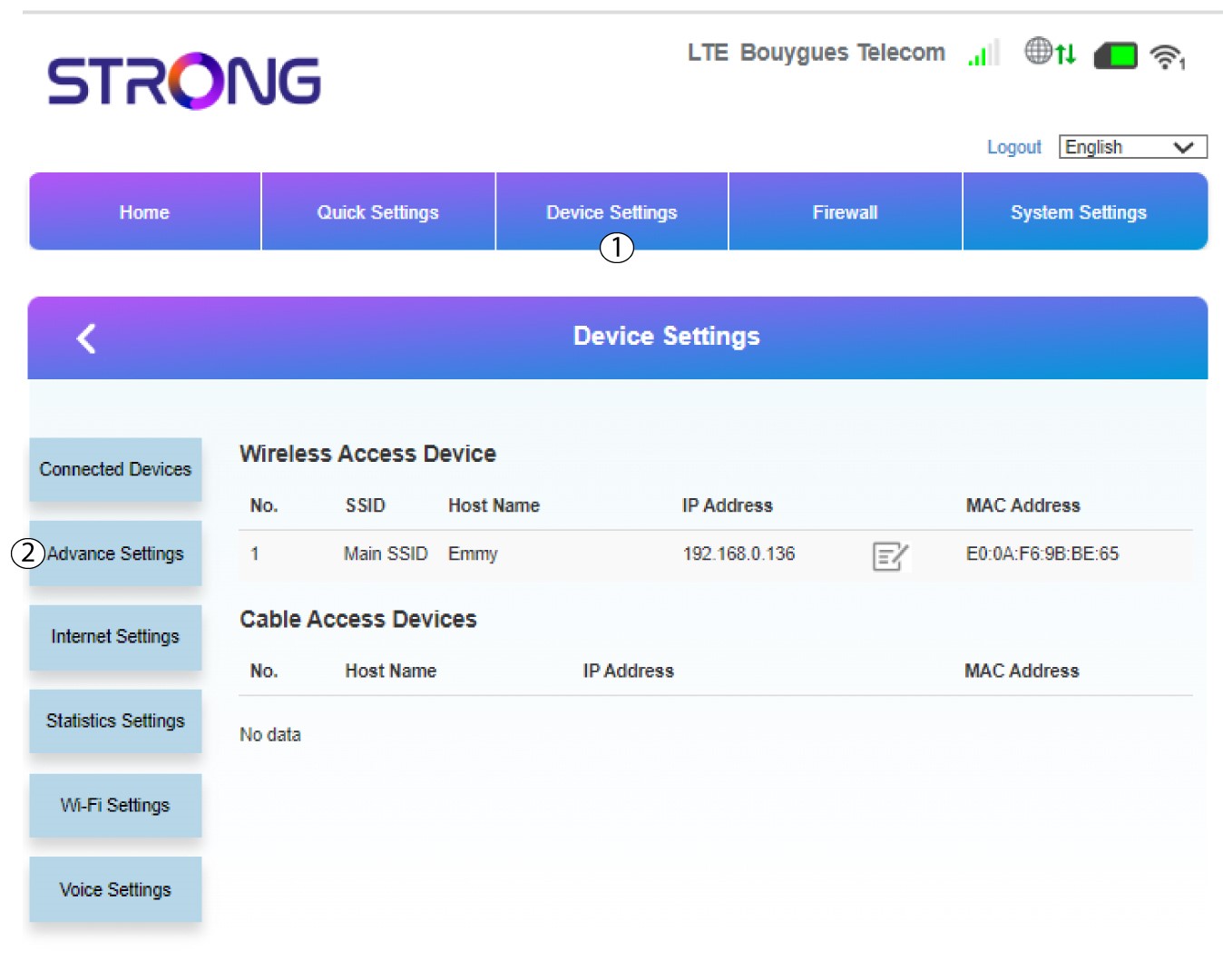
Clique em «Definições do dispositivo » e selecione «Definições avançadas».
6. Atualização online
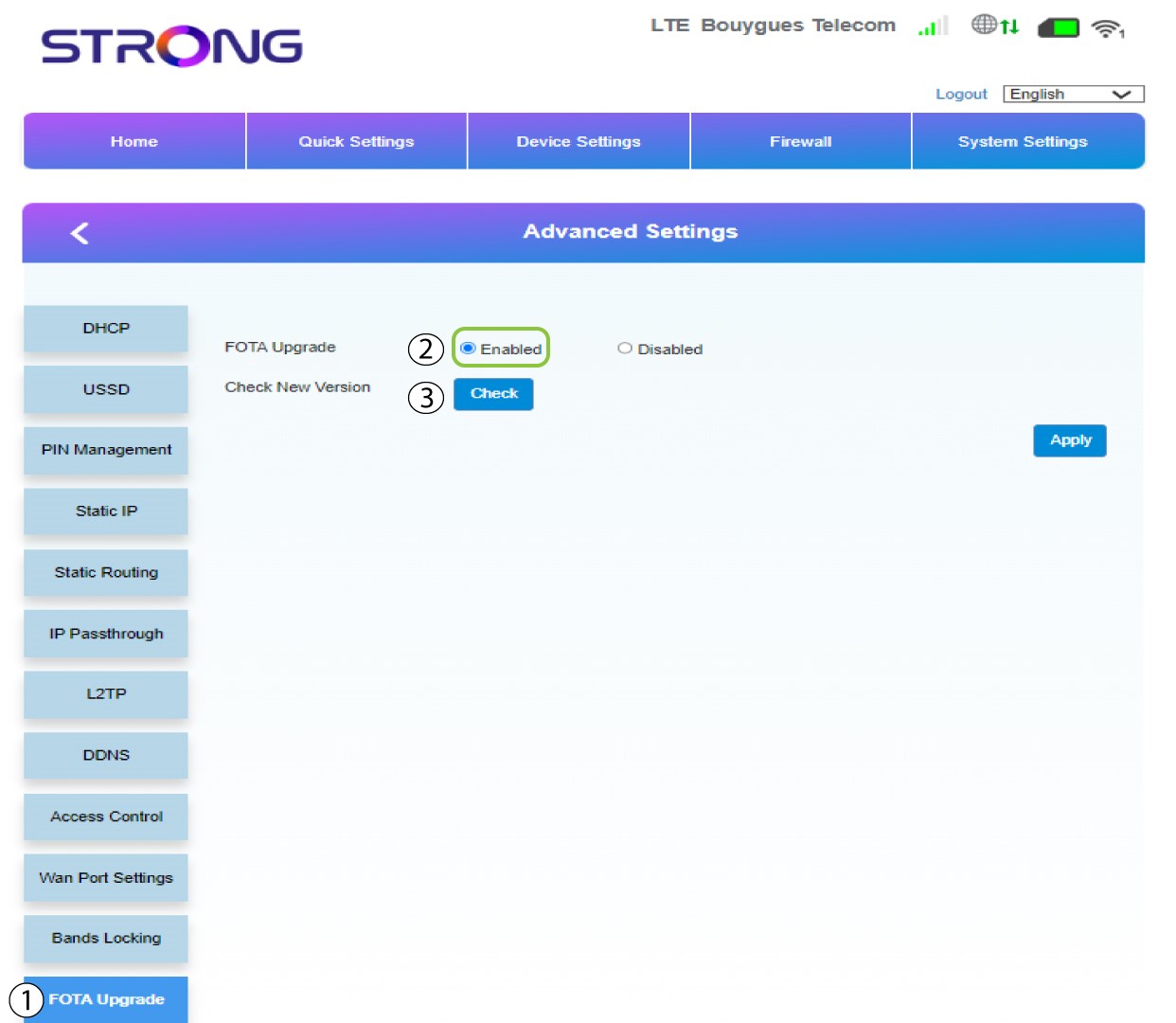
Nas «Definições avançadas», clique em «Atualização FOTA » e selecione «Ativado». Em seguida, clique em «Verificar».
7Caso1: mensagem de aviso (o firmware está atualizado)
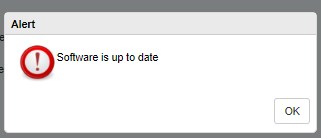
Será exibida uma mensagem a informar-lhe se existe uma atualização disponível. Se houver, clique em «Sim» para que o software seja descarregado e instalado. Se o software estiver atualizado, verá esta mensagem:
8Caso2: Está disponível uma nova versão do firmware
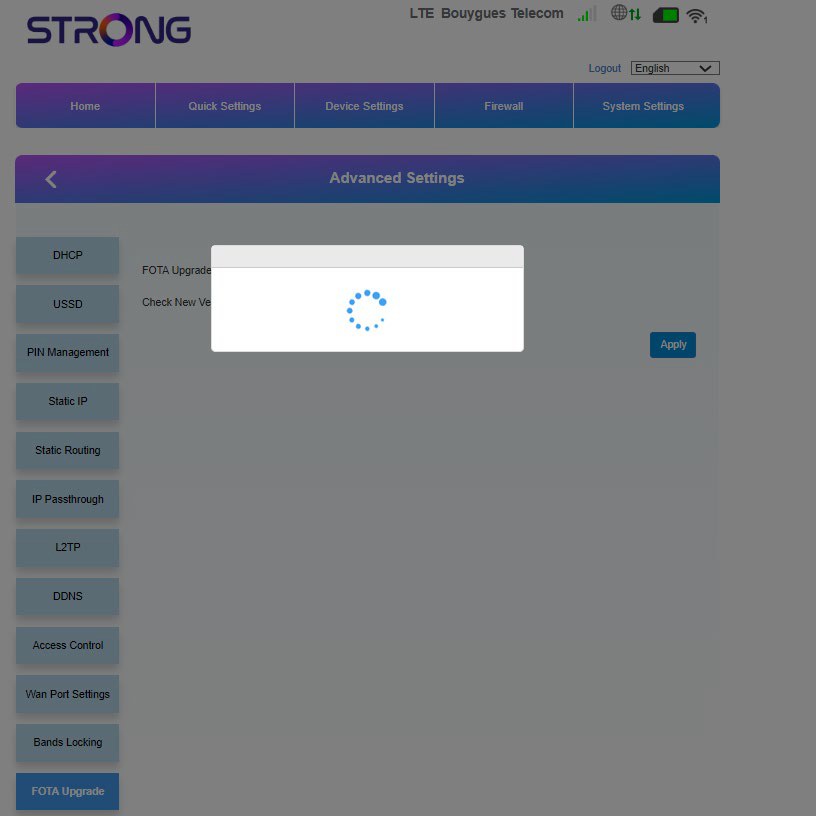
Em caso de atualização, deve aguardar até que a atualização esteja concluída. Durante a atualização, os LEDs dos dispositivos ficam azuis e a luz azul desloca-se da esquerda para a direita, passando de um ícone para o outro. Assim que a atualização terminar, os ícones voltam à sua cor anterior. A atualização pode demorar até 5 minutos.