
PLW600MDUO
Nenhum item encontrado.
Nenhum item encontrado.
Todas as perguntas
PLW600MDUO
Nenhum item encontrado.
Nenhum item encontrado.
Como configurar o Nível de Segurança Elevado 2 nos seus produtos « powerline »?
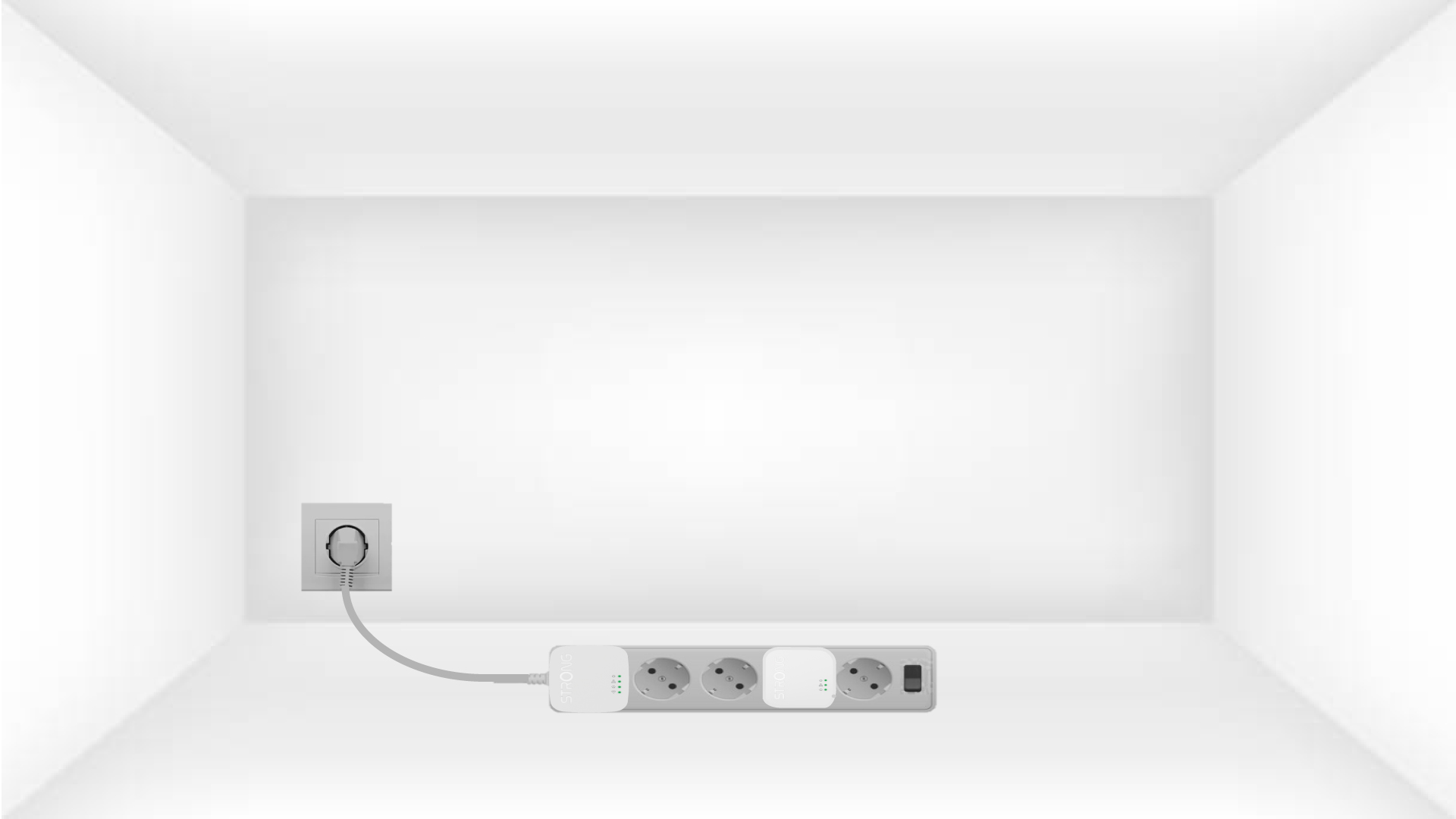
1. Ligueos adaptadores a uma extensão
Take a power strip and plug all the powerline adapters into it.
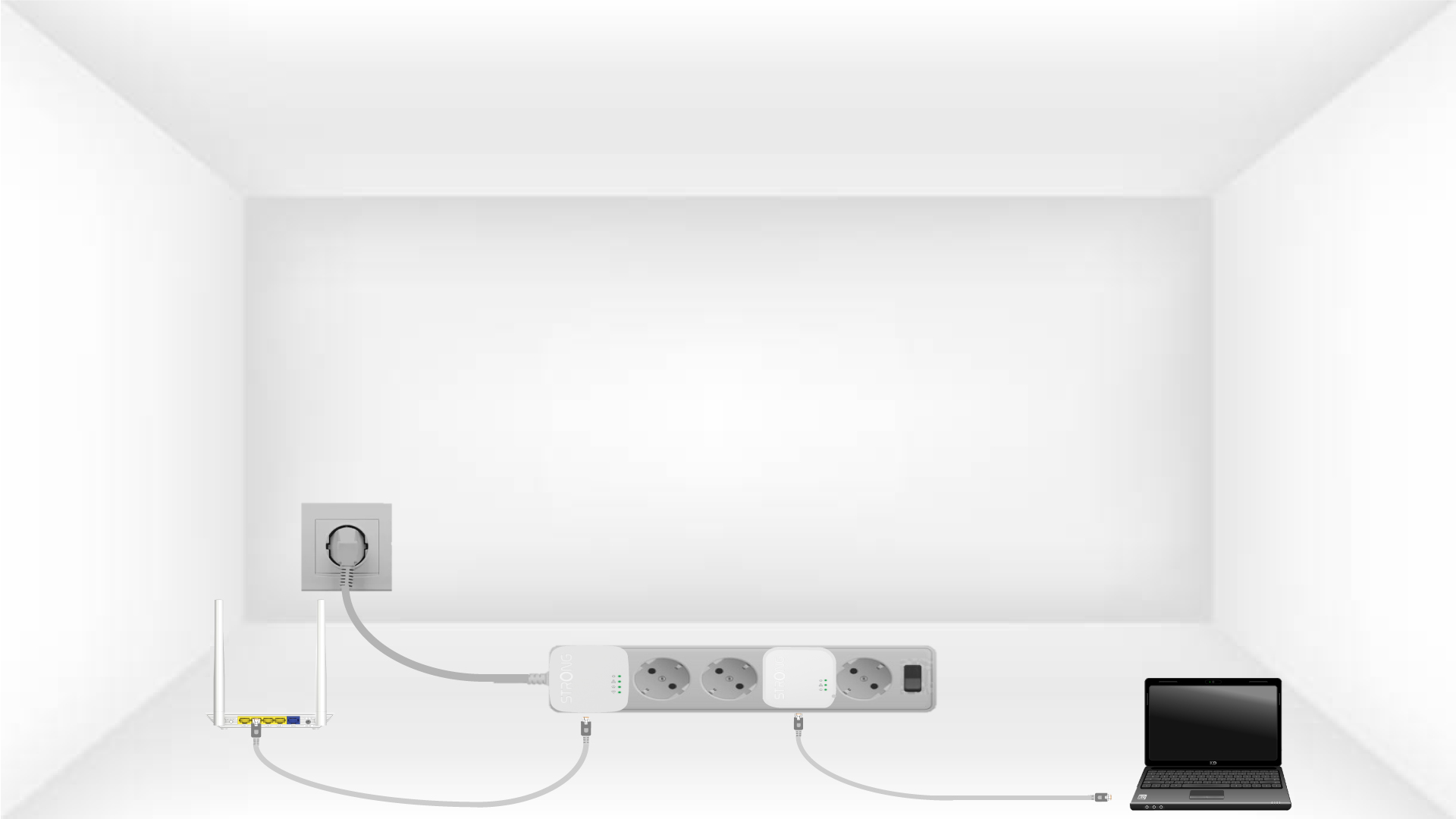
2Ligaros adaptadores à Internet
Connect one of the powerline adapters to the Internet gateway/router with an RJ45 cable.
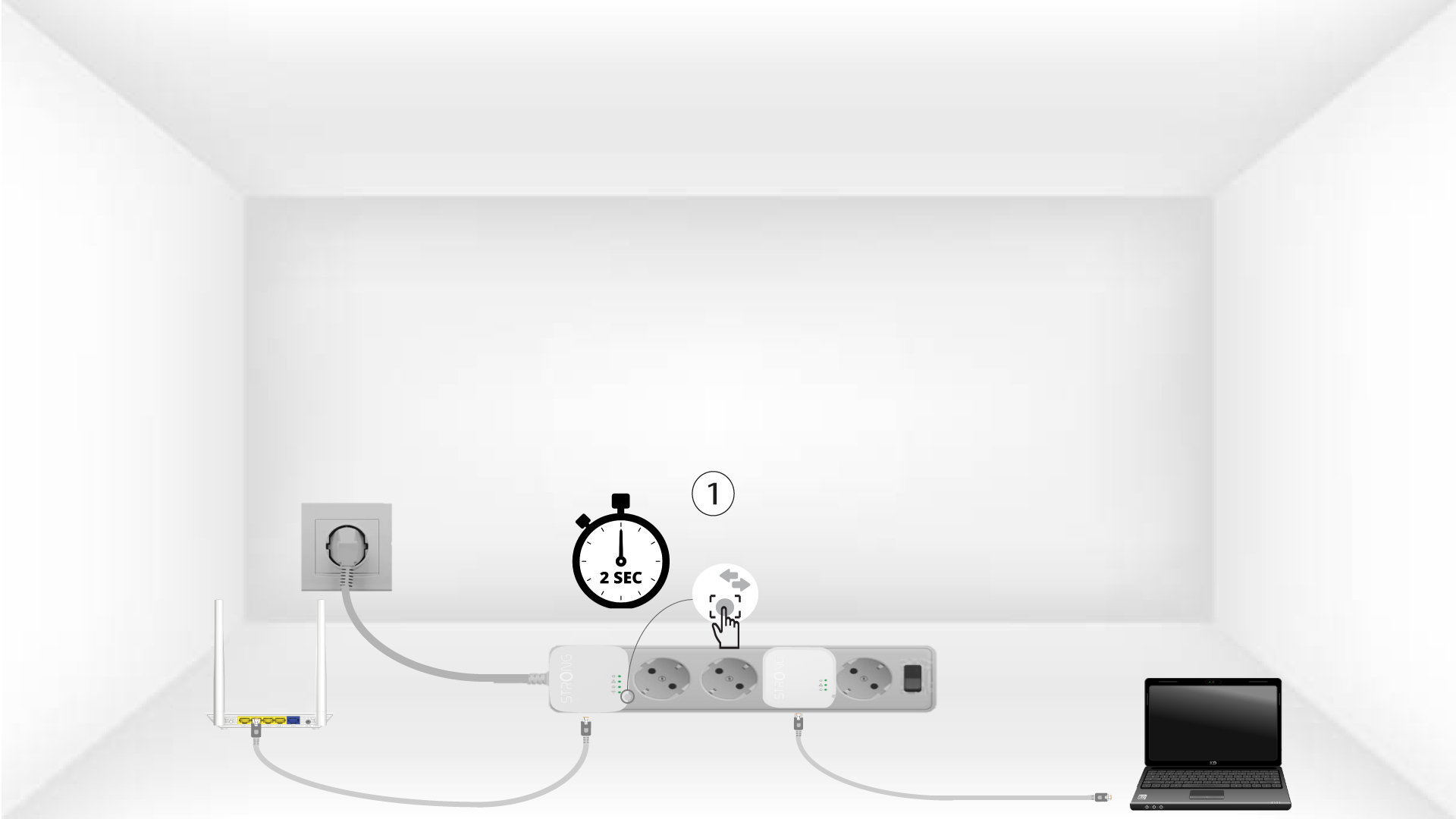
3Primao botão «Ligar e Proteger» (primeiro dispositivo)
Press the Connect & Secure button on the first device for 2 seconds.
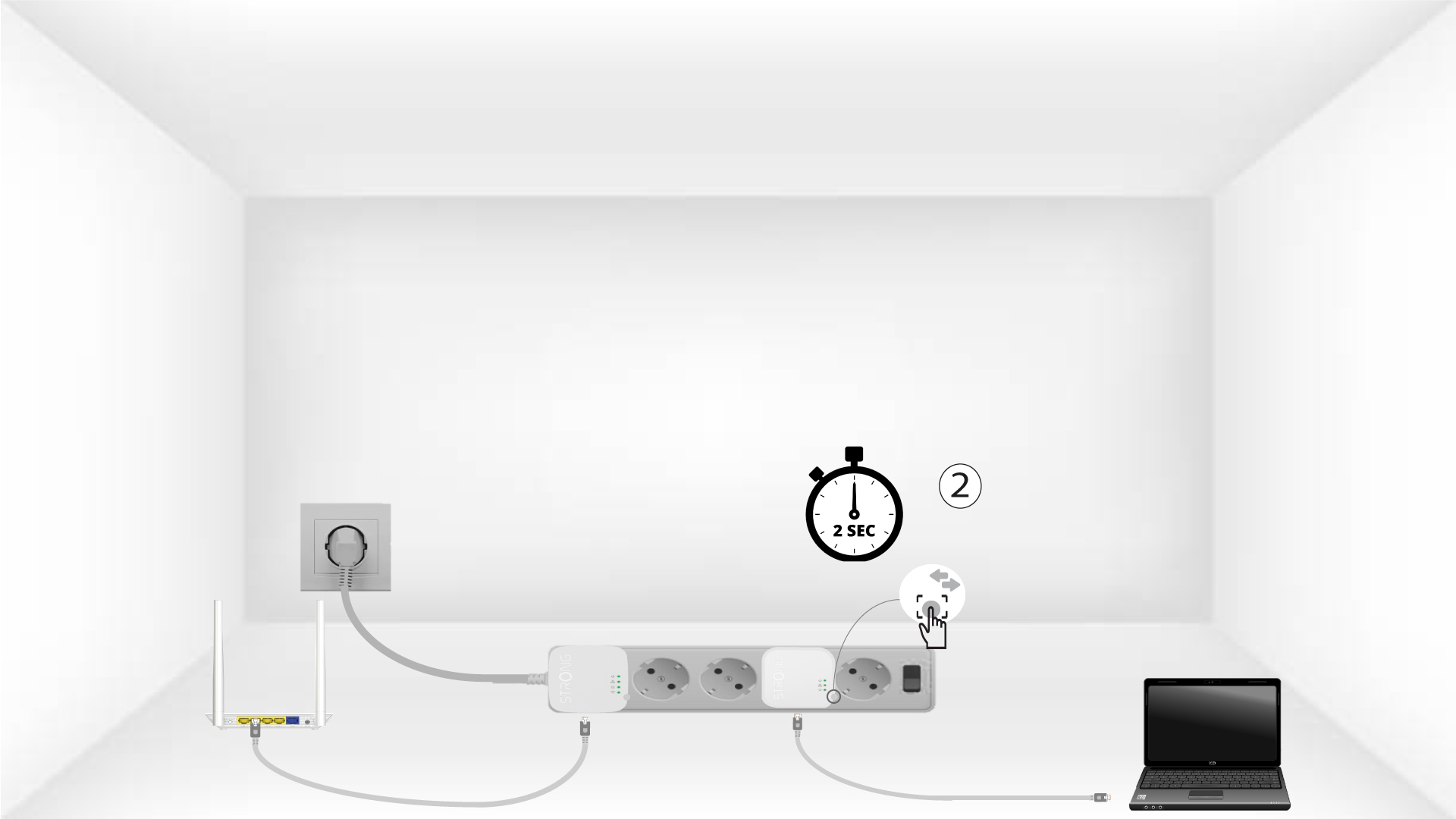
4Primao botão «Ligar e Proteger» (segundo dispositivo)
Press the Connect & Secure button on the second device for 2 seconds. You have up to two minutes to do it.
5The home LED blinks
The home LED should blink on both devices.
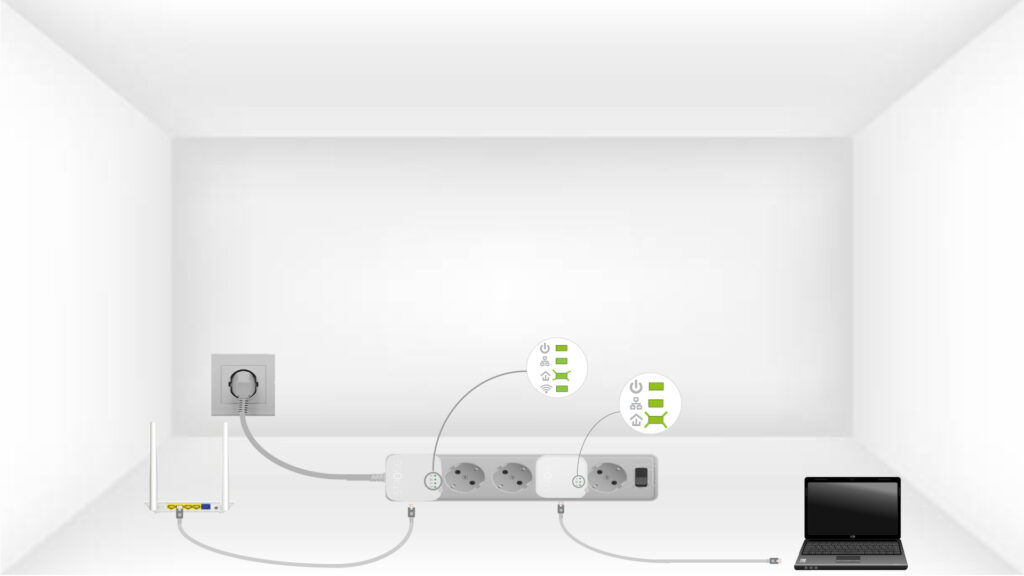
6Achave de encriptação está definida
A sua chave de encriptação exclusiva já está definida e todos os LEDs dos dispositivos devem estar verdes.
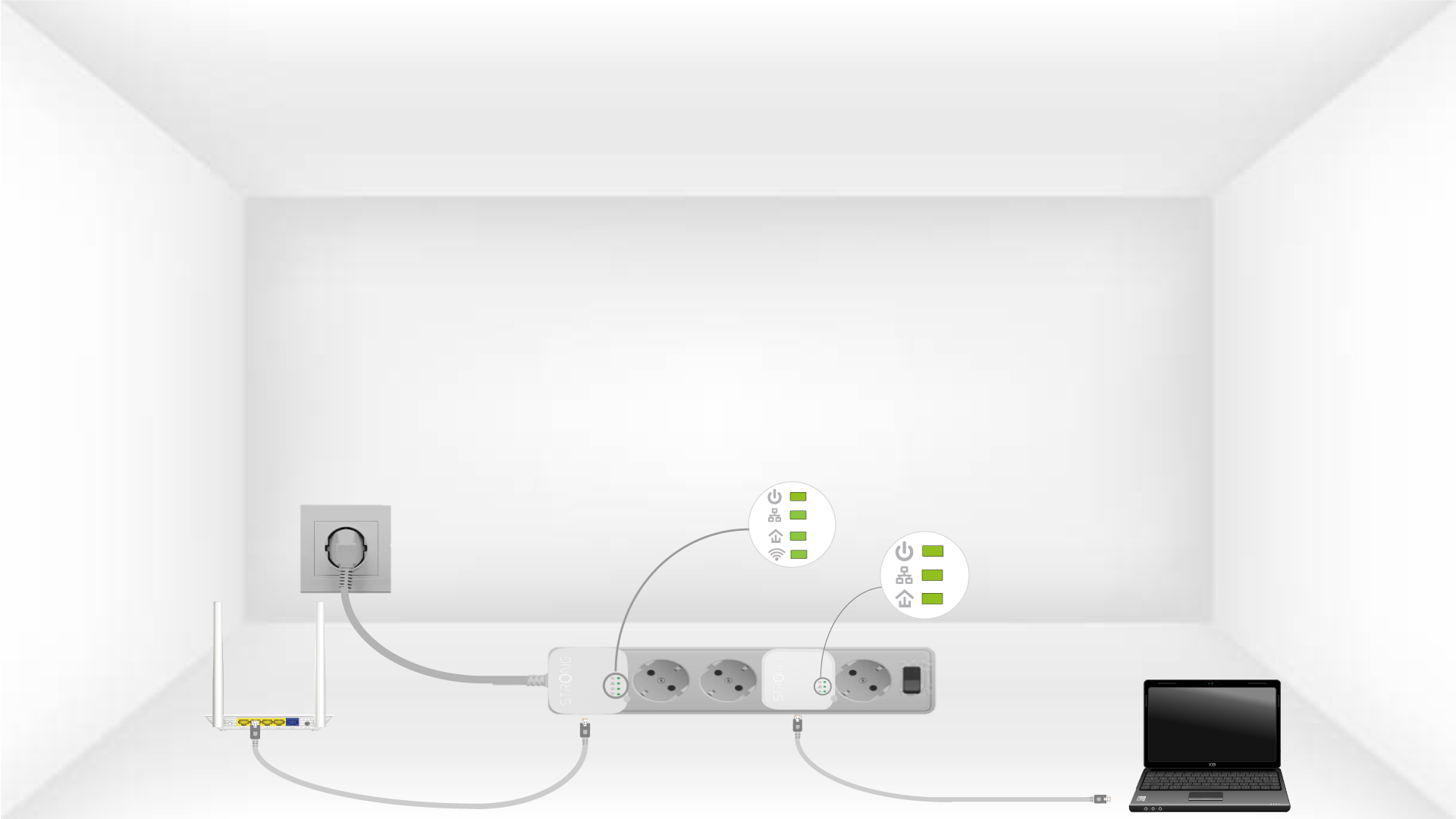
Now, install the adapters in the rooms where you need them. We strongly recommend not plugging the adapters into a power strip.