АТРИА Ви-Фи 6 Mesh Систем 3000 UK (паковање од 2 комада)
Нема пронађених ставки.
Нема пронађених ставки.
Сва питања
АТРИА Ви-Фи 6 Mesh Систем 3000 UK (паковање од 2 комада)
Нема пронађених ставки.
Нема пронађених ставки.
Како могу да идентификујем ИП адресе различитих Mesh јединице моје мреже?
Да бисте пронашли ИП адресе различитих Mesh јединице ваше мреже, прво морате да се повежете са веб интерфејсом или у апликацији док сте повезани са Mesh Мрежа.
1 Случај 1: Веб кориснички интерфејс
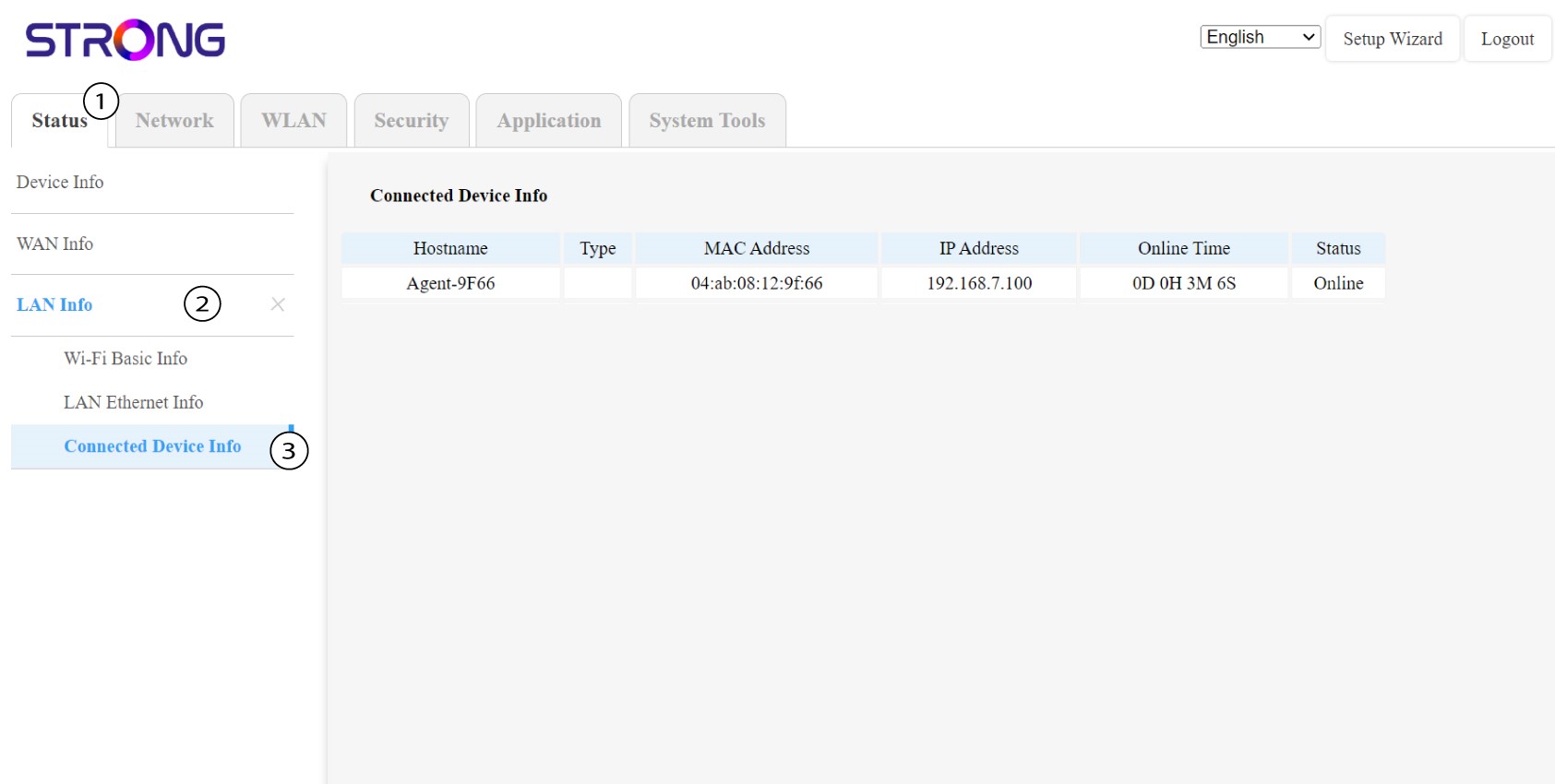
У веб корисничком интерфејсу, у Статусу , Информацијама о локалној мрежи и Информацијама о повезаности можете видети ИП адресу Mesh назван „ агент “ и запишите га.
1 Случај 2: Апликација
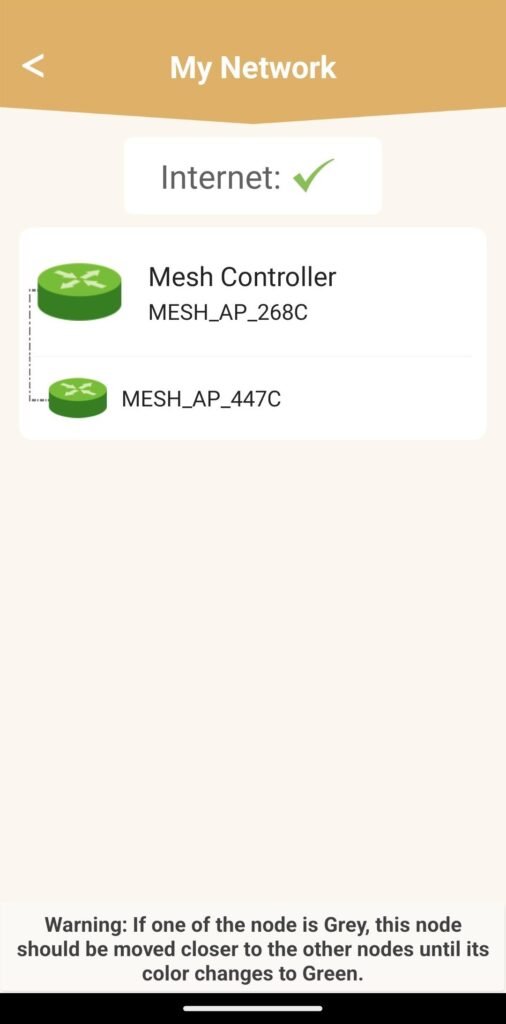
У апликацији Atria , идите на Моја мрежа , затим кликните на име уређаја који тражите и запишите његову IP адресу.