
Универзални репетитор 300 В2
Нема пронађених ставки.
Нема пронађених ставки.
Сва питања
Нема пронађених ставки.
Нема пронађених ставки.
Како да приступим веб интерфејсу након конфигурације?
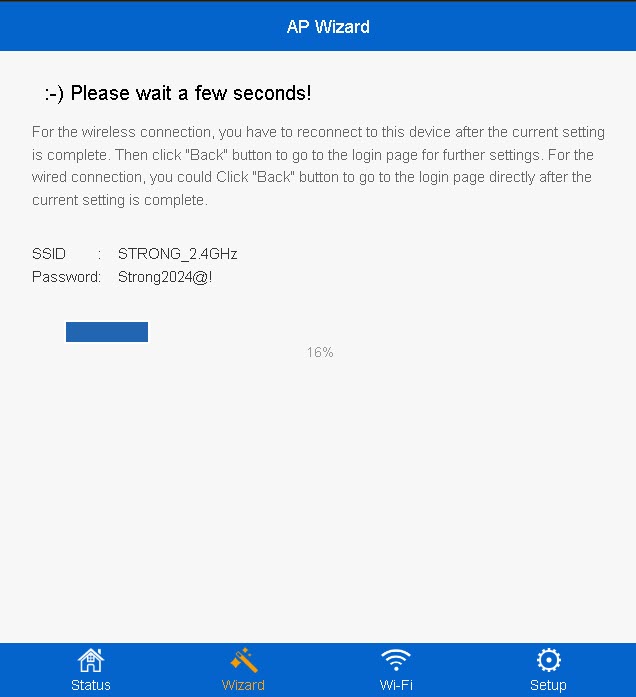
1 Повежите се са новом Wi-Fi мрежом репетитора
Повежите се са новом Ви-Фи мрежом вашег репетитора.
Информације о овој мрежи су записане у кораку резимеа чаробњака за конфигурацију.
2 Идите на веб кориснички интерфејс
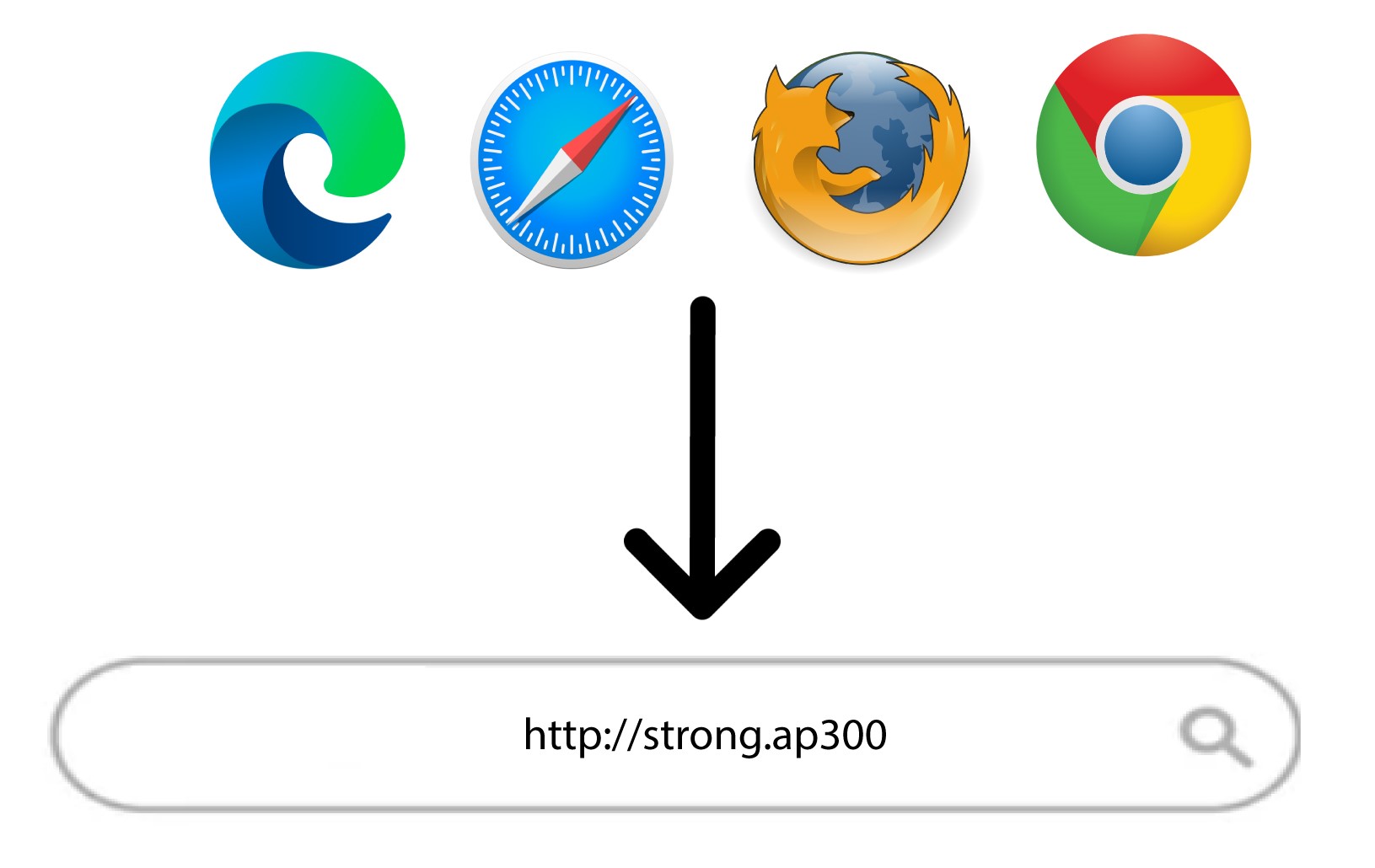
Прегледајте следећи URL: http://strong.ap300/
3 Унесите своје акредитиве
Унесите своју администраторску лозинку и кликните на Пријава .
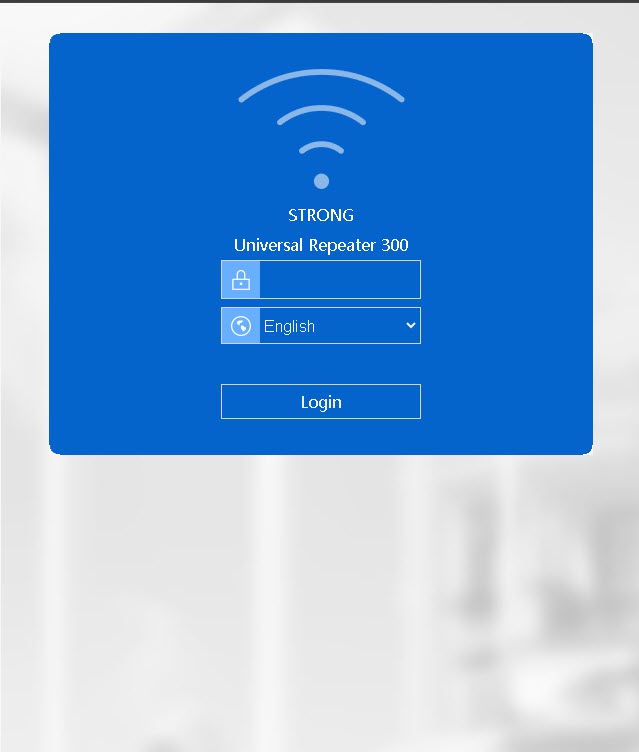

Упозорење: Имајте у виду да ако промените подразумевану администраторску лозинку, мораћете да унесете нову лозинку коју сте подесили. Ако сте изгубили ову лозинку, ресетујте уређај на фабричка подешавања.