Нема пронађених ставки.
LEAP S3 | 4K Google TV Dolby Vision
Нема пронађених ставки.
Сва питања
Нема пронађених ставки.
LEAP S3 | 4K Google TV Dolby Vision
Нема пронађених ставки.
Како да додам или променим редослед апликација на почетном екрану?
1 Случај 1: Додавање апликације
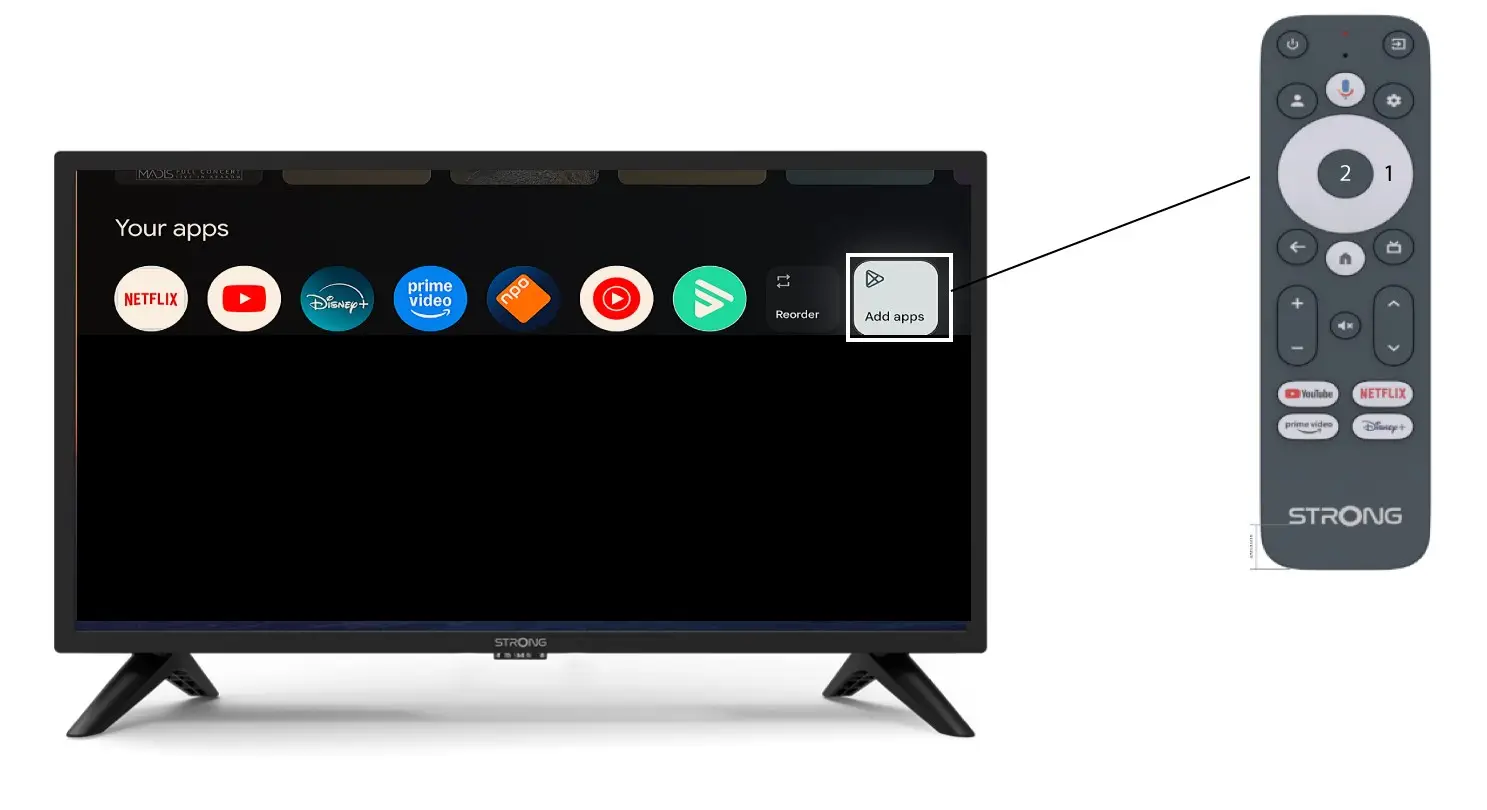
Да бисте додали апликацију на почетни екран, идите на дугме Додај апликације које се налази на крају листе апликација које се већ налазе на почетној страници и притисните „ОК“.
2 Листа апликација
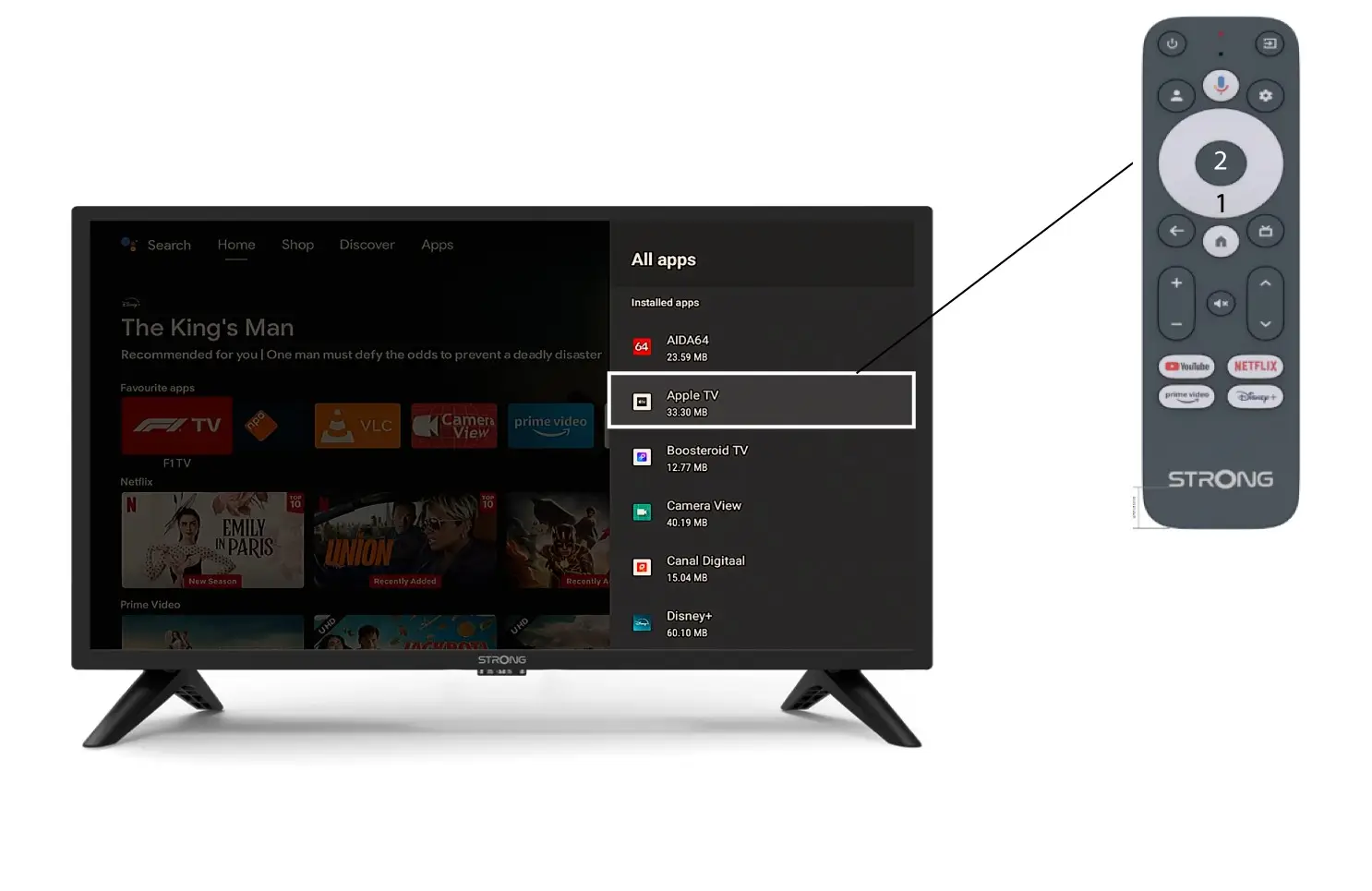
Затим се отвара листа апликација, изаберите жељену апликацију и притисните дугме OK на даљинском управљачу.
Имајте у виду да није могуће уклонити апликације из омиљених. Морате деинсталирати апликацију ако желите да нестане са ове странице.
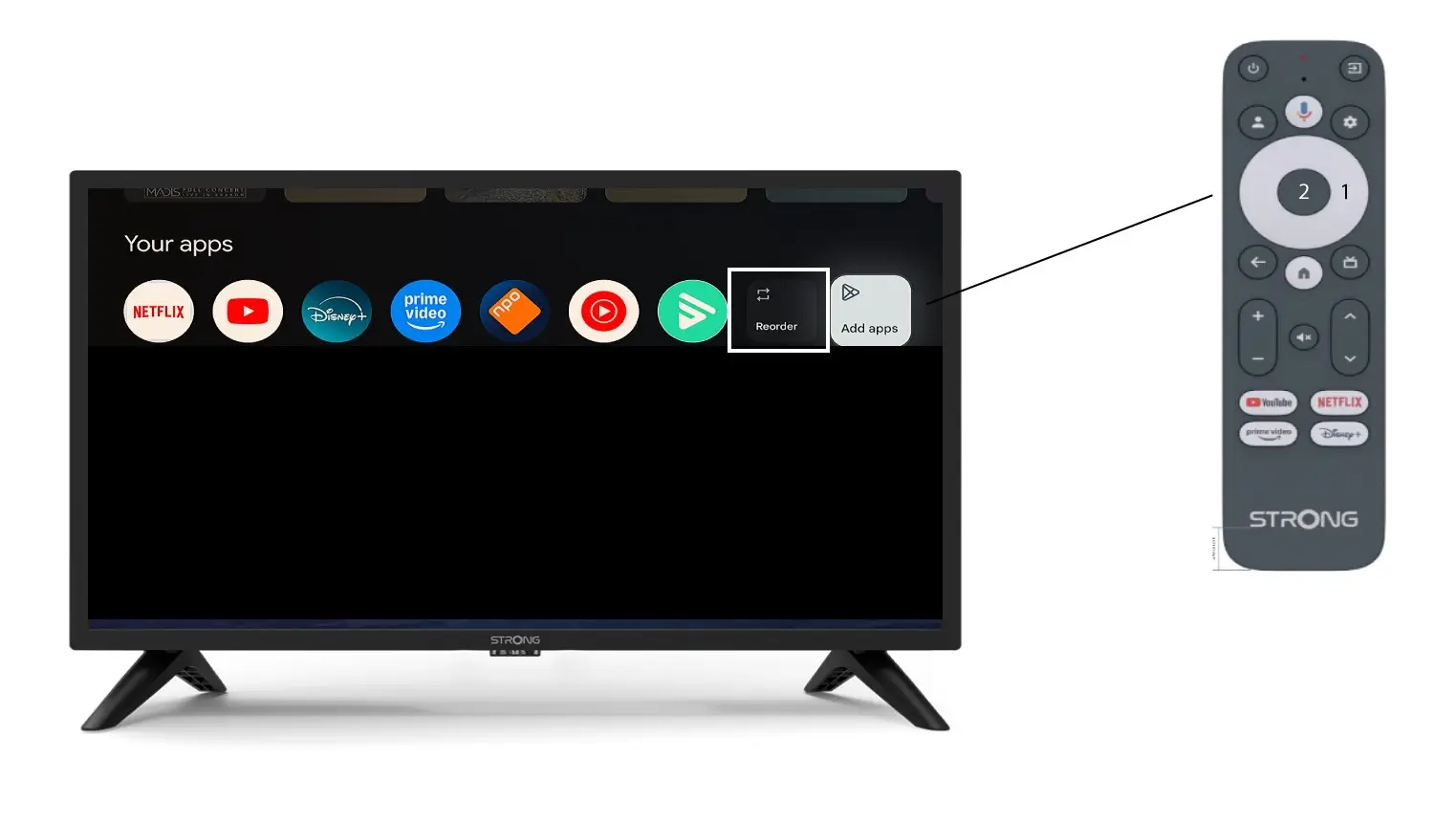
3 Случај 2: Промена редоследа апликација
Да бисте променили редослед апликација приказаних на почетној страници, кликните на дугме за промену редоследа.