4Г ЛТЕ рутер 300
Нема пронађених ставки.
Нема пронађених ставки.
Сва питања
4Г ЛТЕ рутер 300
Нема пронађених ставки.
Нема пронађених ставки.
Како да повежем своје уређаје са WPS-ом?

Можете користити WPS функцију да бисте подесили Wi-Fi везу између вашег рутера и ваших рачунара (Linux/Windows), на пример. Није могуће повезати мобилни телефон помоћу WPS-а. Да бисте лако повезали телефон на Wi-Fi мрежу, скенирајте QR код који се налази на задњој страни вашег рутера, аутоматски ће вас повезати на мрежу без уноса Wi-Fi лозинке.
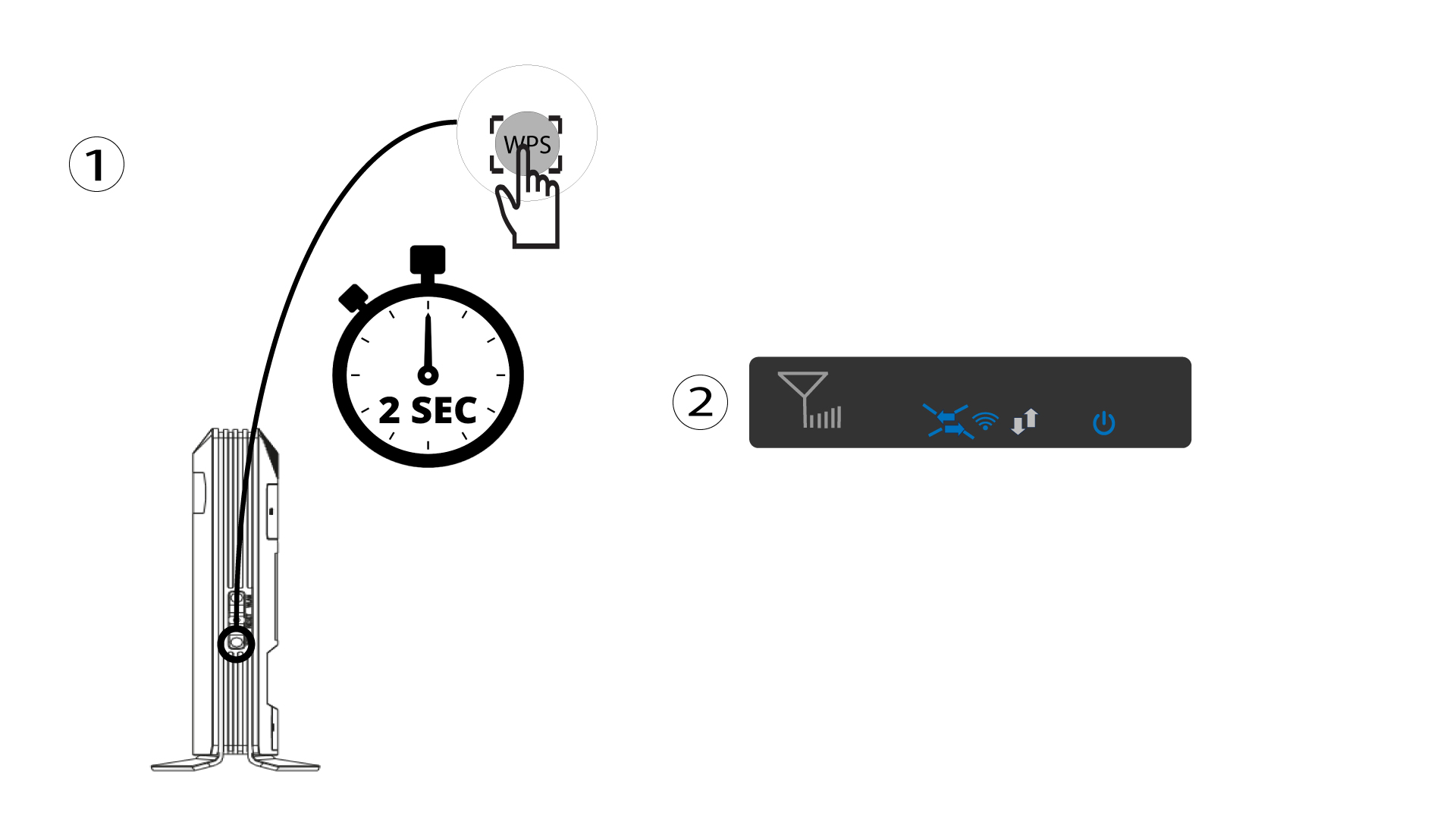
1 Притисните дугме WPS
Притисните WPS дугме 2 секунде да бисте омогућили било ком компатибилном уређају у вашем дому да се аутоматски повеже са Wi-Fi мрежом рутера. Када се активира, хоризонталне стрелице ће трептати плаво.
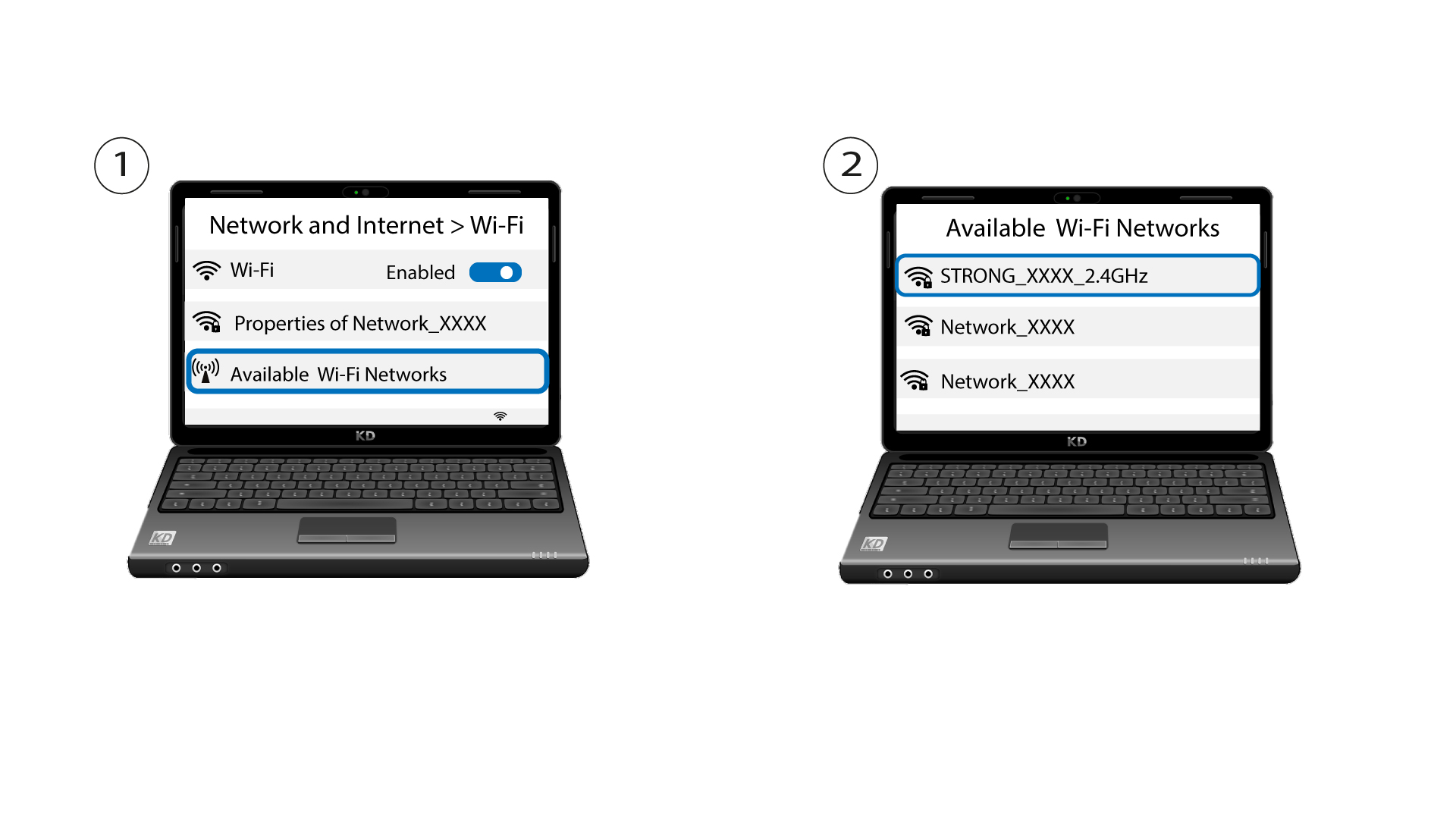
2 Изаберите Wi-Fi мрежу у доступним мрежама
Идите на подешавања Wi-Fi мреже на рачунару или телефону и кликните на назив рутера да бисте га изабрали.
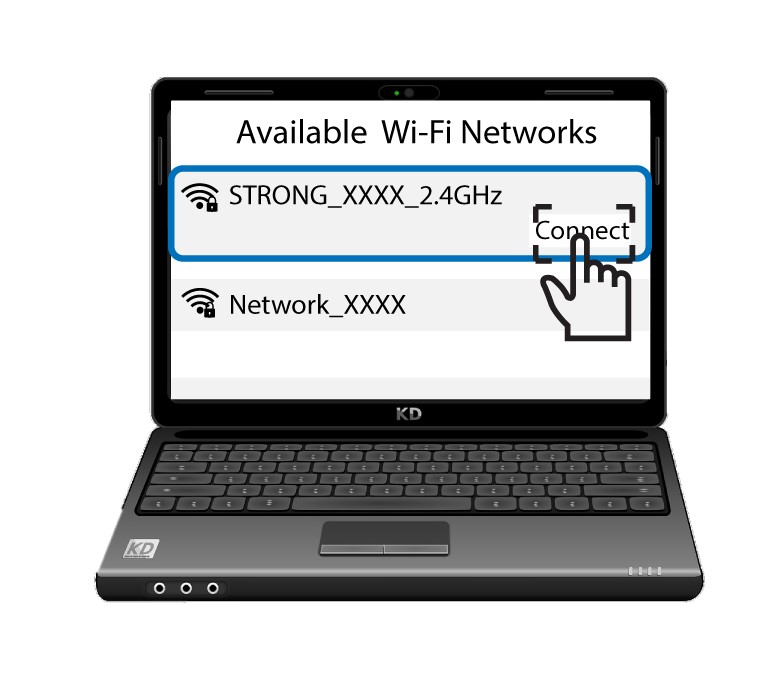
3 Повежите се на Wi-Fi
Затим кликните на дугме за повезивање .