PL600SDUOEU
Нема пронађених ставки.
Нема пронађених ставки.
Сва питања
PL600SDUOEU
Нема пронађених ставки.
Нема пронађених ставки.
Како додати нови јаки производ за далековод вашој постојећој далеководној мрежи са високим нивоом безбедности 1?
Пошто је ваша постојећа мрежа подешена са конфигурацијом високог нивоа безбедности 1, додавање производа је једноставно „укључи и користи“. Није потребна никаква акција на производу. Само прикључите нови производ са електричном мрежом и он ће бити аутоматски додат у мрежу.
Типично, адаптери за пренос енергије се упарују у сетовима од два или три, тако да ако треба да додате додатне производе за пренос енергије у мрежу која је конфигурисана са високим нивоом безбедности 1, морате да пратите кораке у наставку.
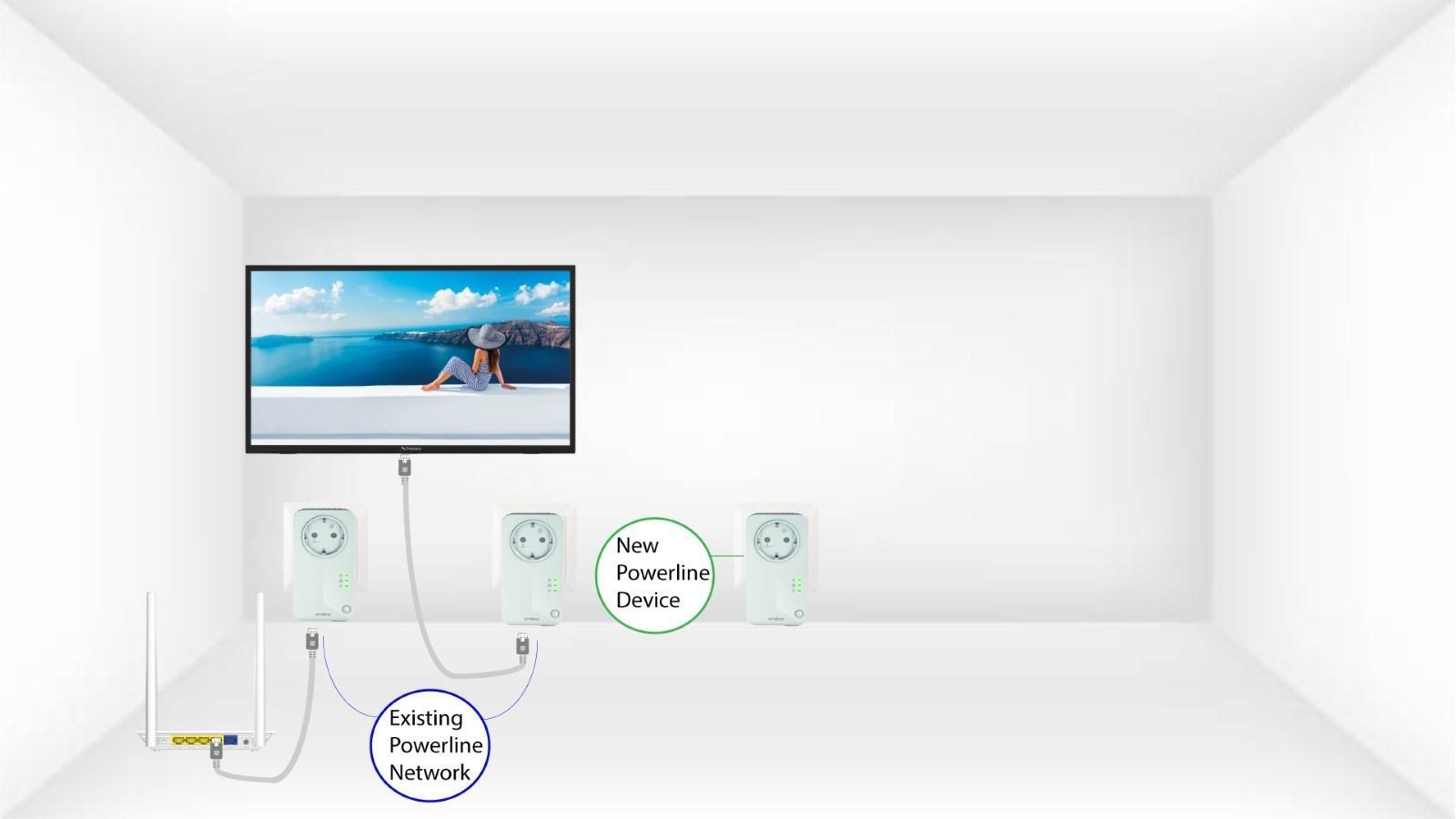
1 Укључите уређај у утичницу
Укључите додатне уређаје у утичницу.
2 Повежите адаптер на интернет
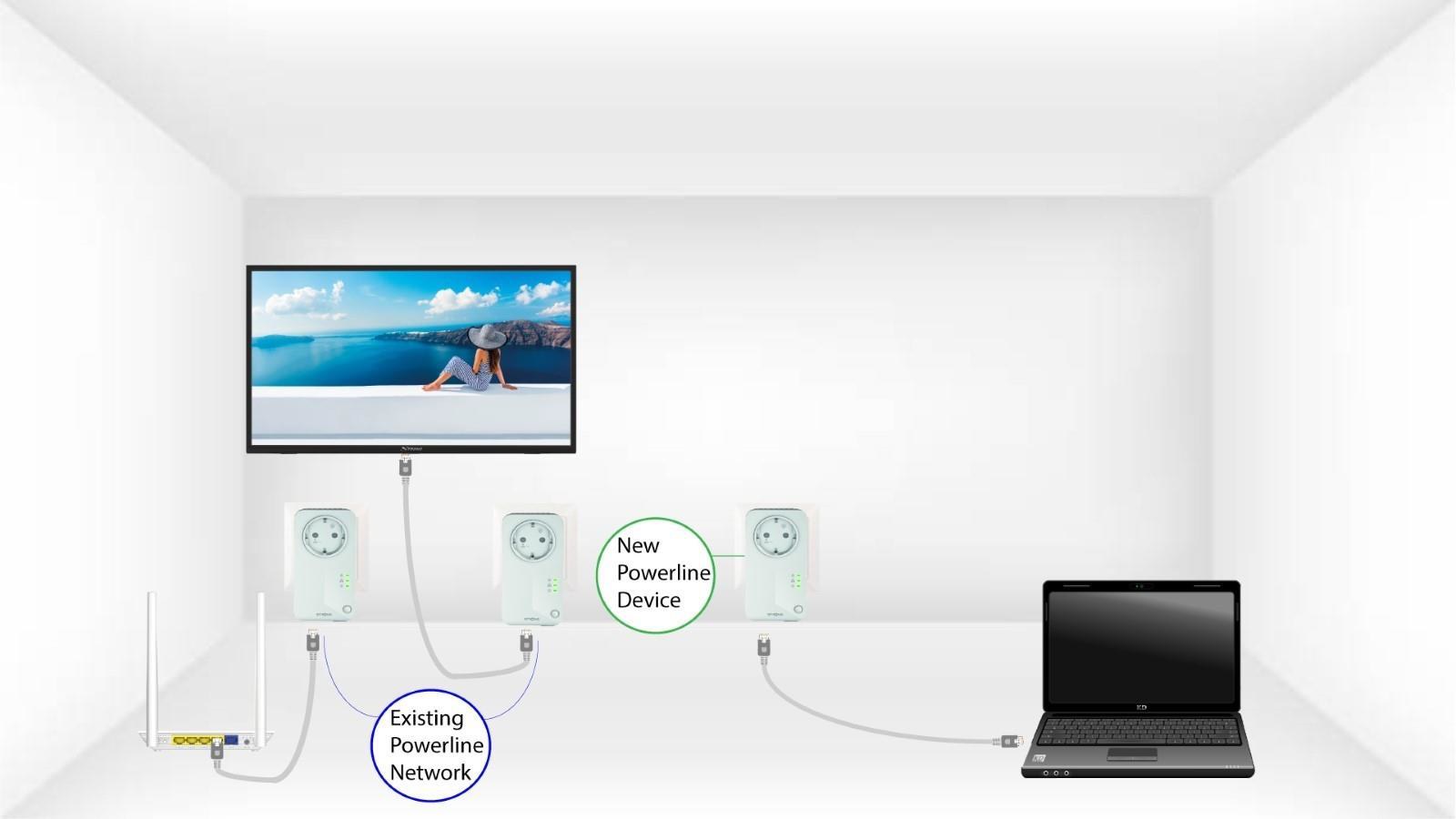
Повежите уређај са интернет рутером/гејтвејом помоћу RJ45 конектора.
3 Адаптер је подешен
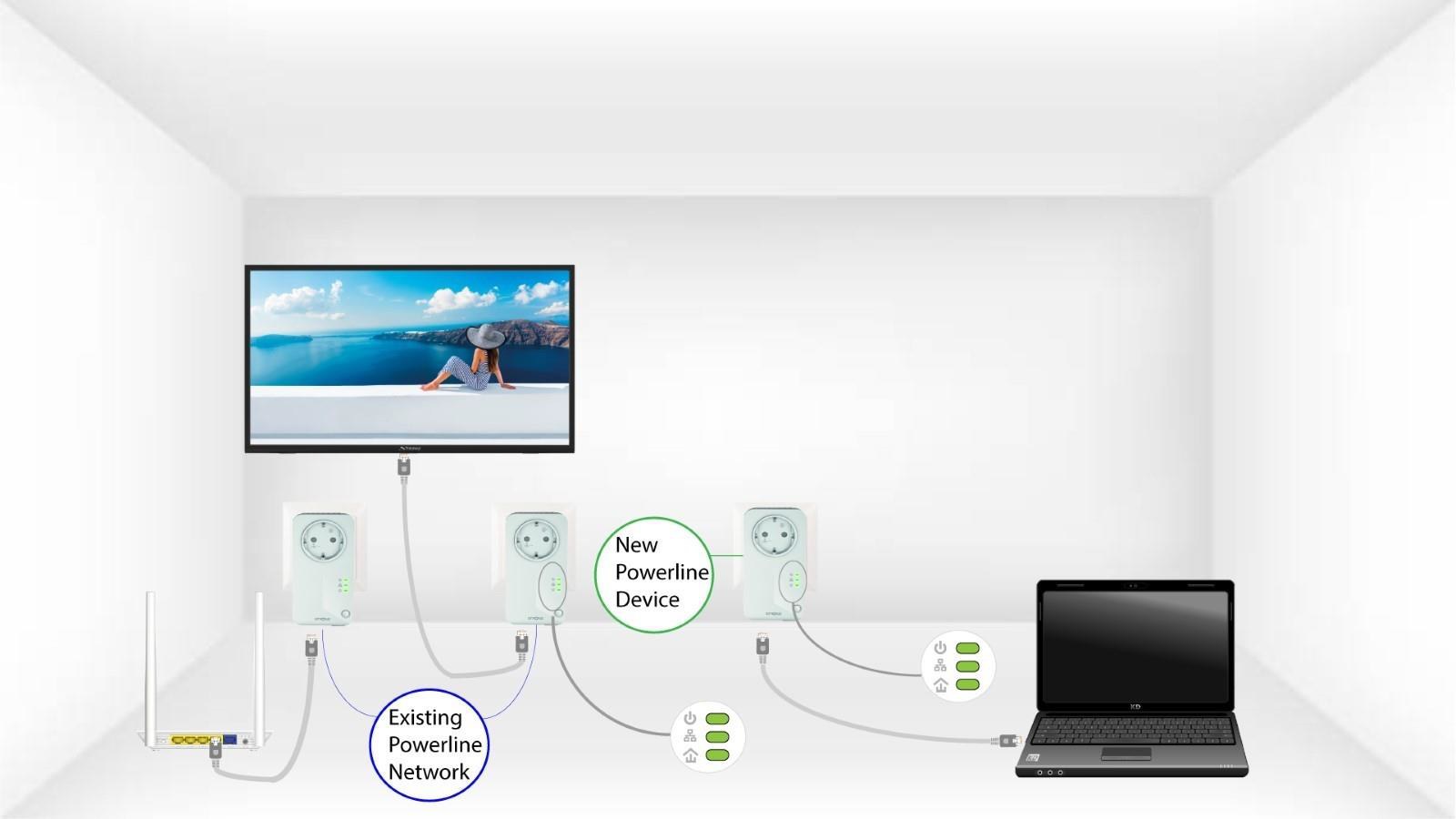
Након прикључивања новог уређаја, све ЛЕД диоде на свим уређајима светле зелено.