Поверлине 600 Дуо Ви-Фи UK В2
Нема пронађених ставки.
Нема пронађених ставки.
Сва питања
Поверлине 600 Дуо Ви-Фи UK В2
Нема пронађених ставки.
Нема пронађених ставки.
Како додати нови јаки Powerline производ вашој постојећој Powerline Wi-Fi мрежи са високим нивоом безбедности 1?
Пошто је ваша постојећа мрежа подешена са конфигурацијом високог нивоа безбедности 1, додавање производа је једноставно „укључи и користи“. Није потребна никаква акција на производу. Само прикључите нови производ са електричном мрежом и он ће бити аутоматски додат у мрежу.
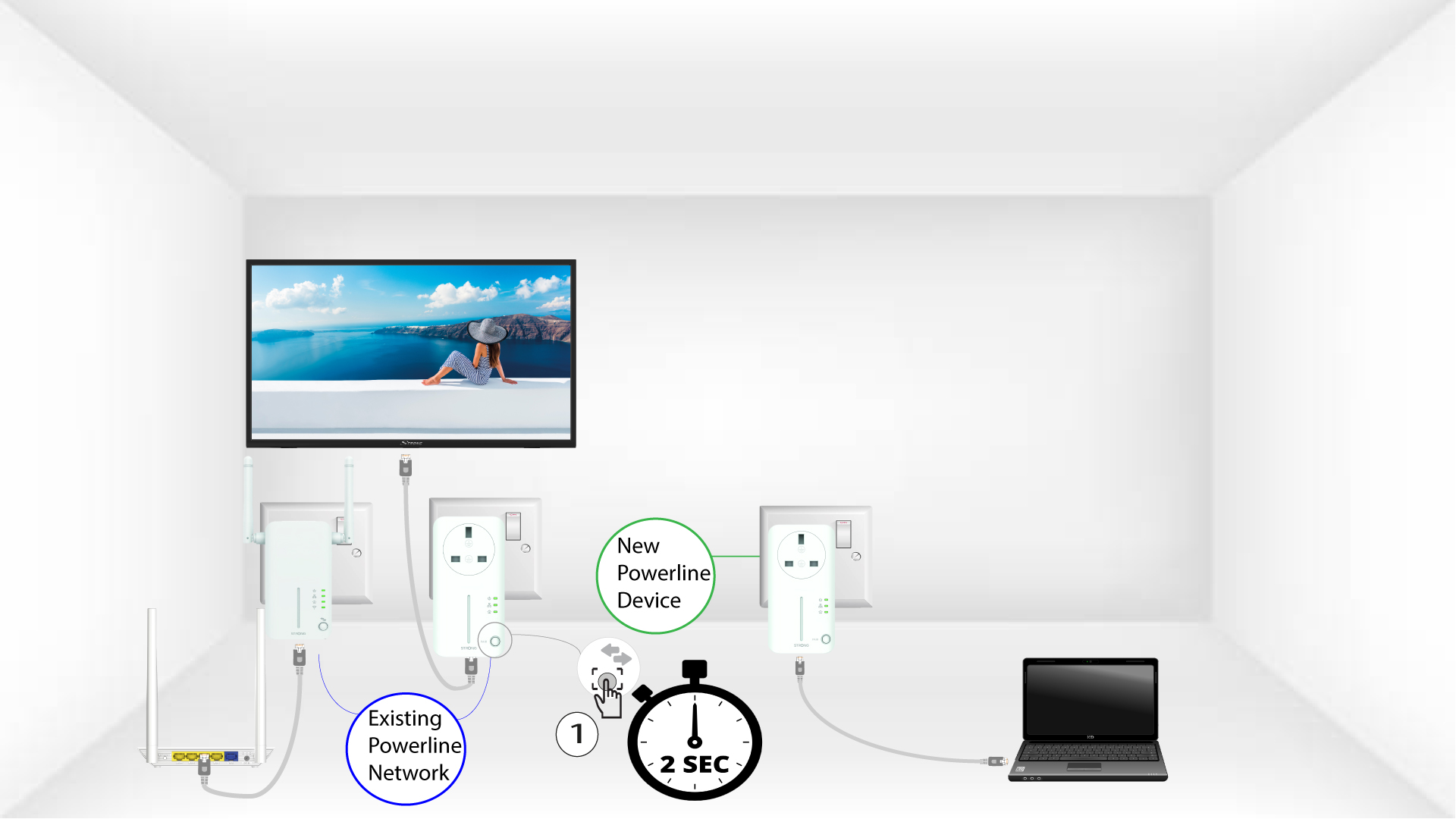
Типично, адаптери за пренос енергије се упарују у сетовима од два или три, тако да ако треба да додате додатне производе за пренос енергије у мрежу која је конфигурисана са високим нивоом безбедности 1, морате да пратите кораке у наставку.
1 Укључите адаптер у утичницу
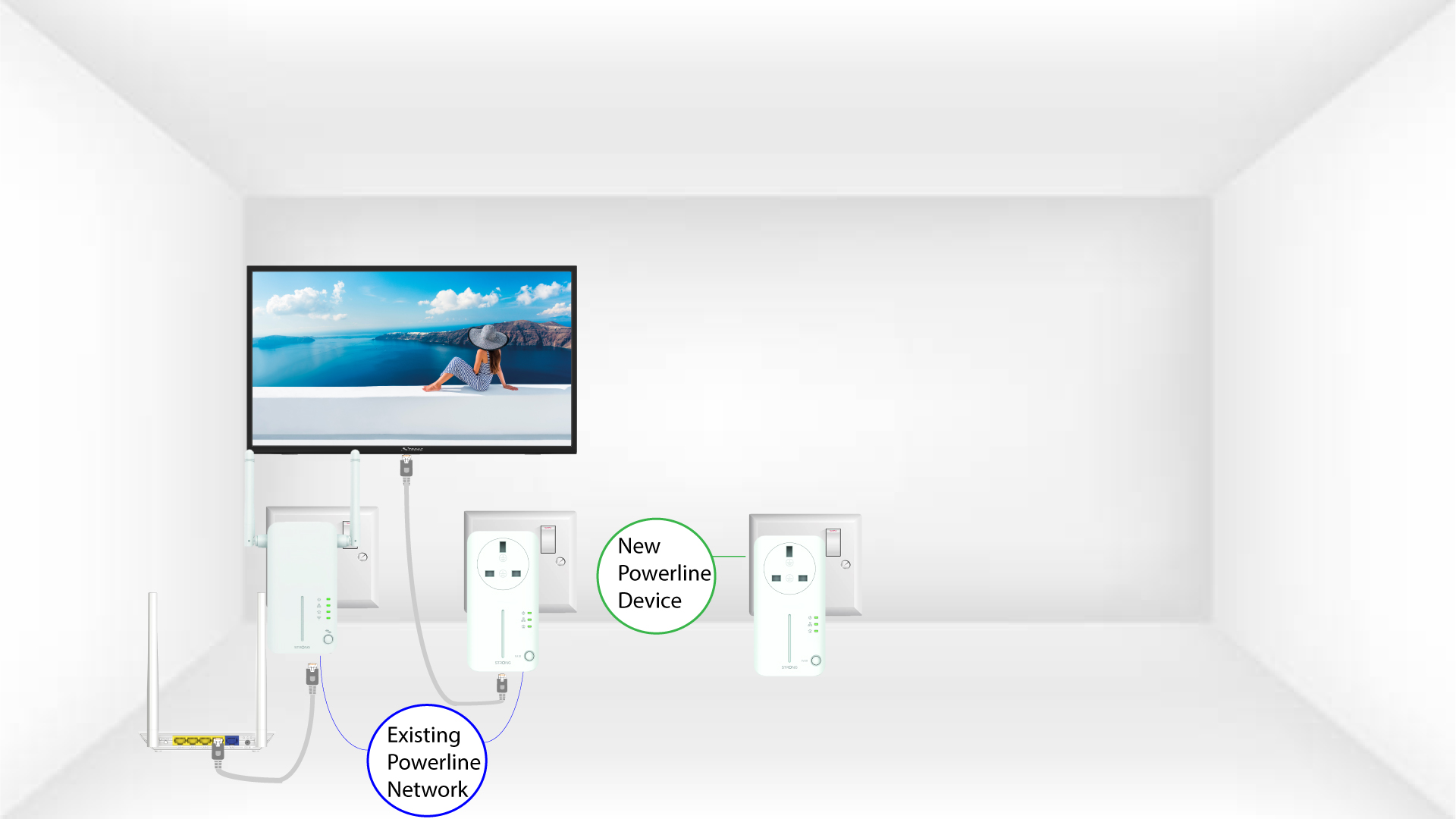
Укључите додатне уређаје у утичницу.
2 Повежите адаптер на интернет
Повежите уређај са интернет рутером/гејтвејом помоћу RJ45 конектора.
3 ЛЕД диоде су зелене
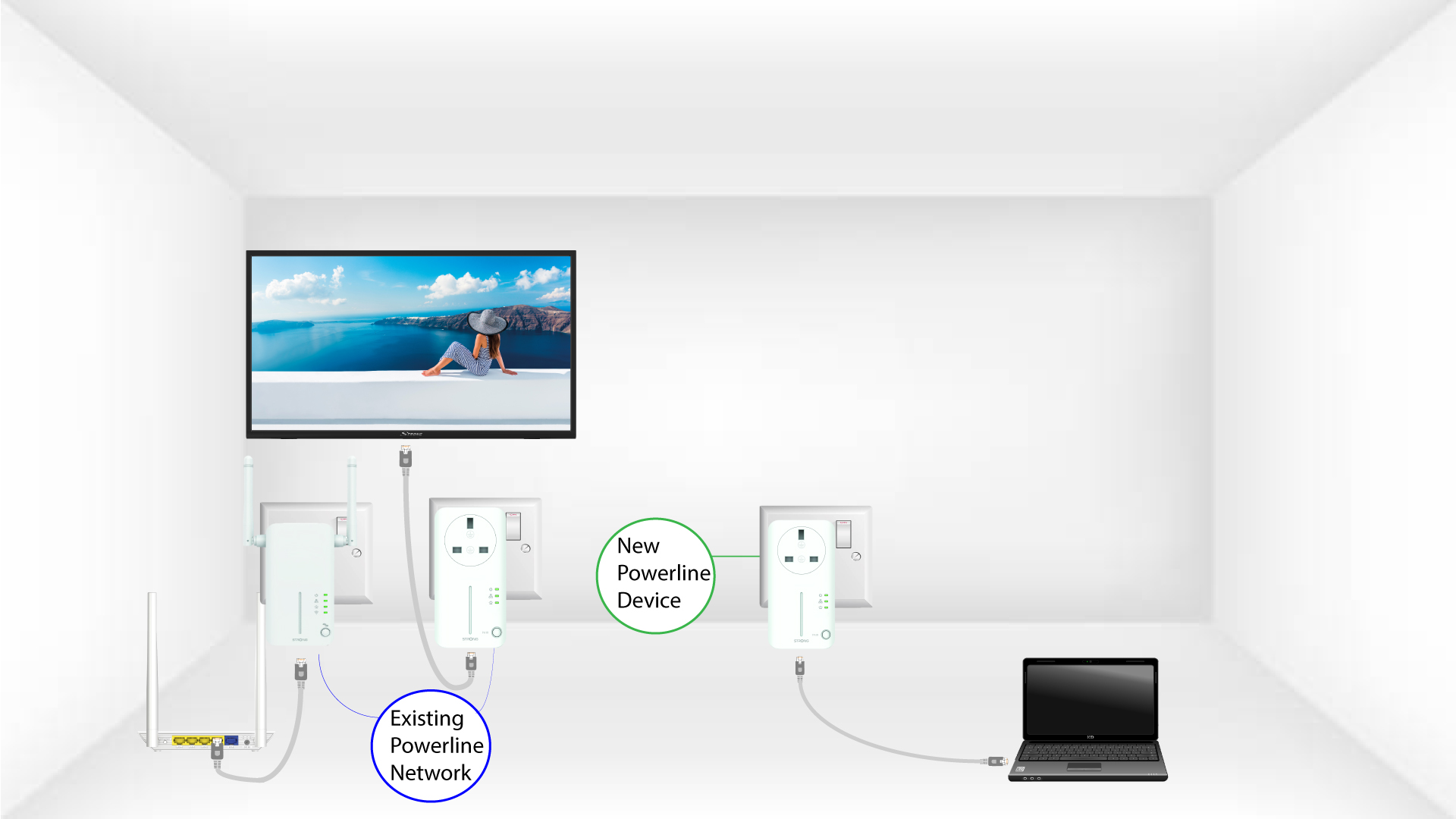
Након прикључивања новог уређаја, све ЛЕД диоде на свим уређајима светле зелено.