
Поверлине 600 Дуо UK В2
Сва питања
Поверлине 600 Дуо UK В2
Немам приступ интернету и/или ЛЕД лампица иконе „почетна“ не светли.
Морате ресетовати адаптере на фабричка подешавања. Да бисте ресетовали адаптере, пратите кораке у наставку.
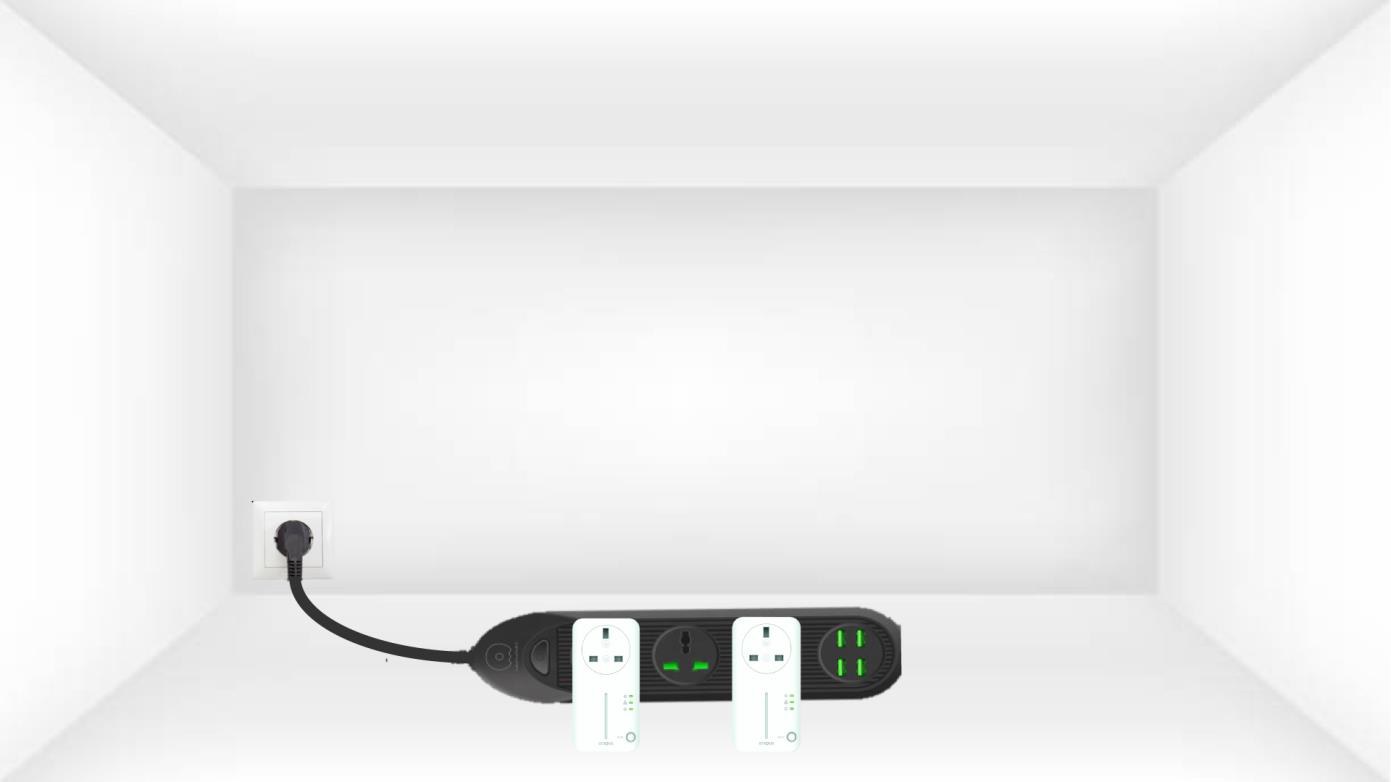
1 Повежите адаптере са продужним каблом
Повежите адаптере један за другим на продужну кабл.
2 Повежите адаптере на интернет
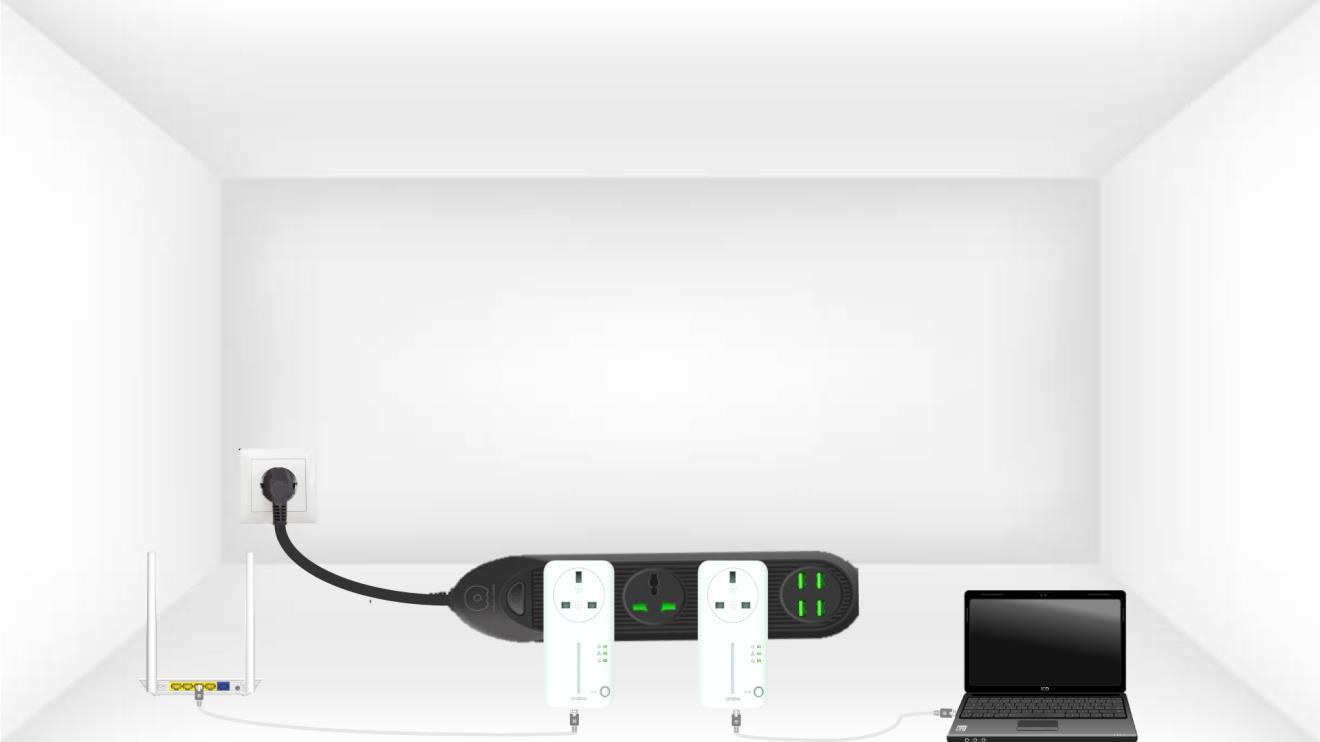
Повежите сваки адаптер са исправним уређајем (интернет рутер/гејтвеј, Андроид бокс, Смарт ТВ, рачунар итд.) помоћу Етернет кабла. Мора постојати комуникација између уређаја, у супротном ће адаптер аутоматски прећи у режим приправности.
3 Притисните дугме Повежи и обезбеди (први адаптер)
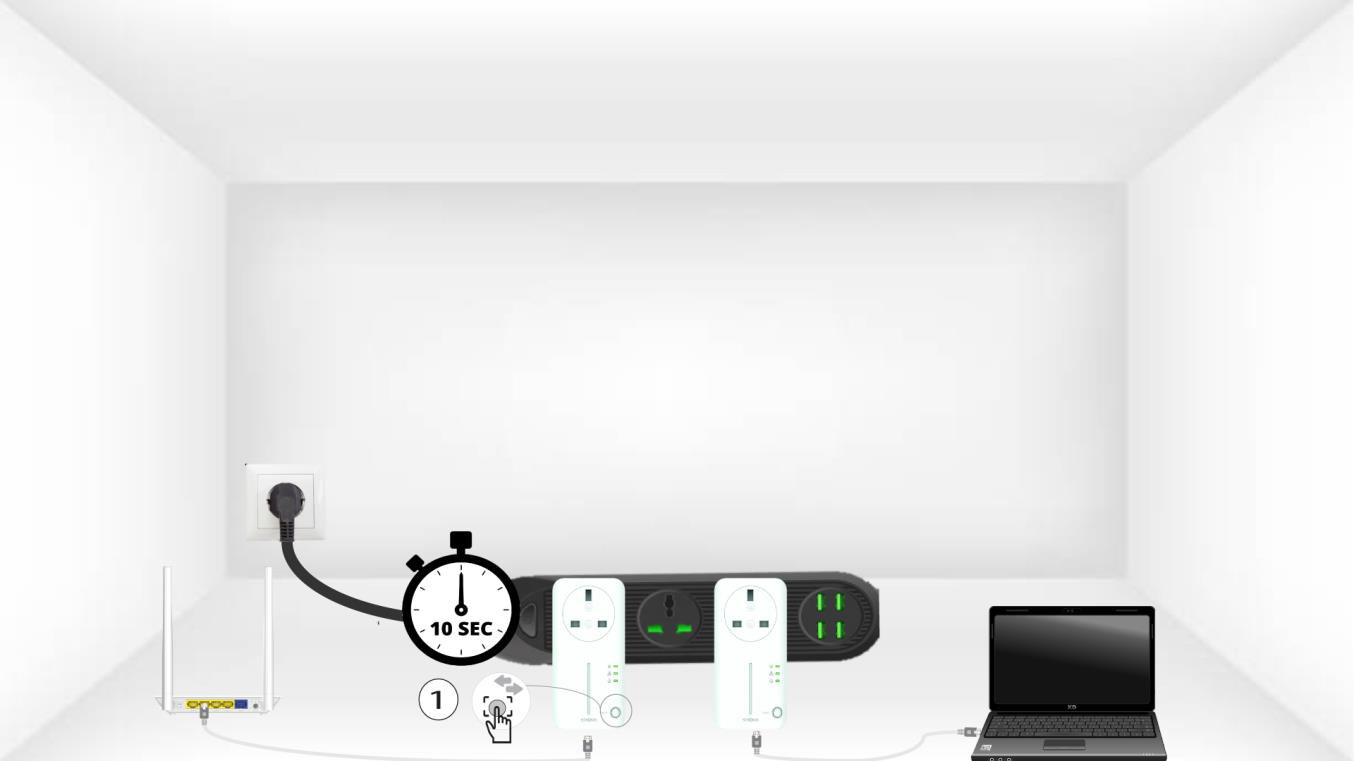
A) Када је адаптер прикључен и повезан са Етернетом, једноставно притисните дугме „Повежи се и обезбеди“ на предњој плочи 10 секунди.
4 Притисните дугме Повежи и обезбеди (други адаптер)
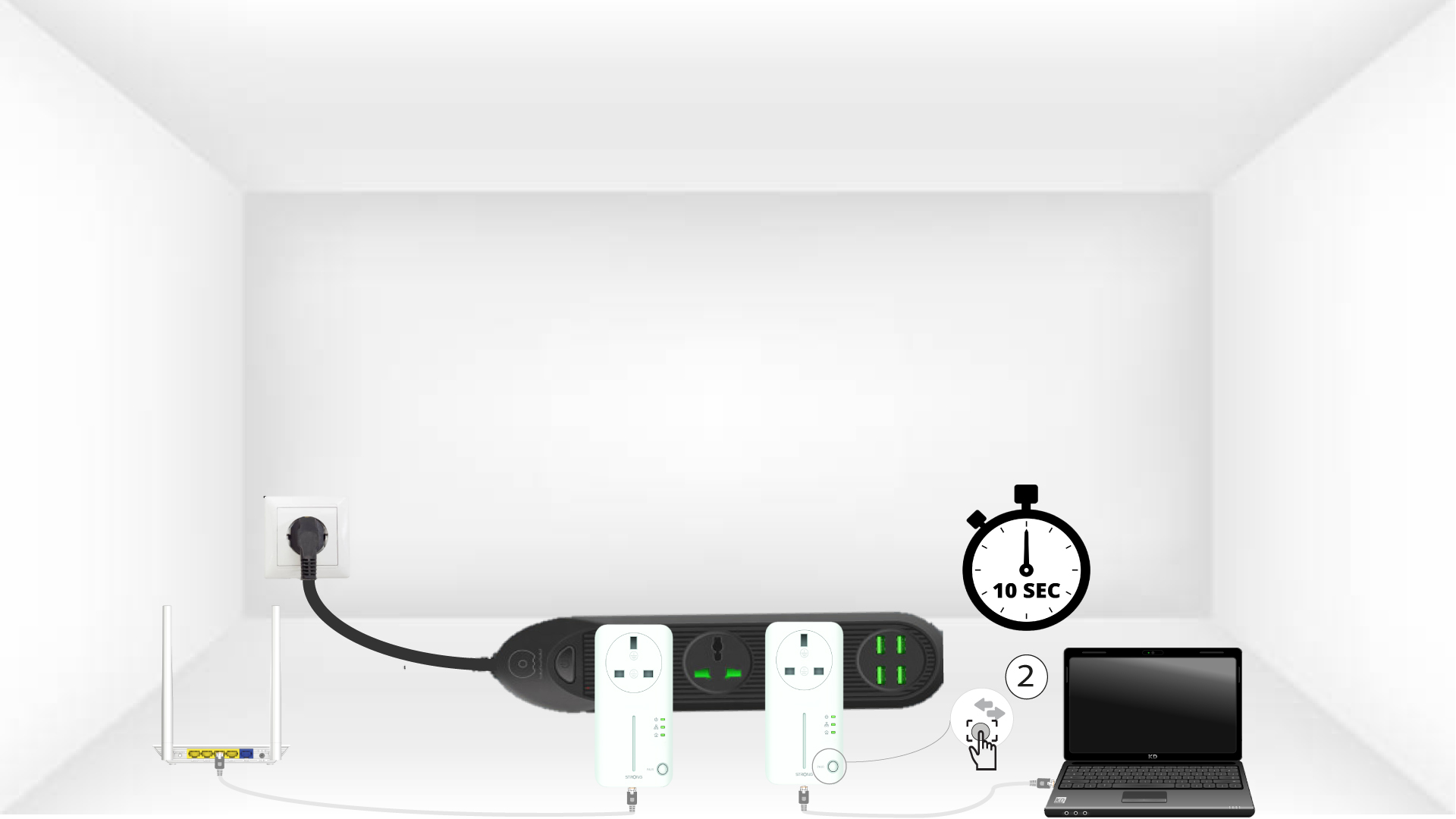
Притисните дугме „Повежи се и обезбеди“ на предњој плочи другог уређаја 10 секунди. Имате до два минута да га притиснете.
5 трептања кућне ЛЕД диоде
ЛЕД лампица иконе куће требало би да почне да трепери на уређајима.
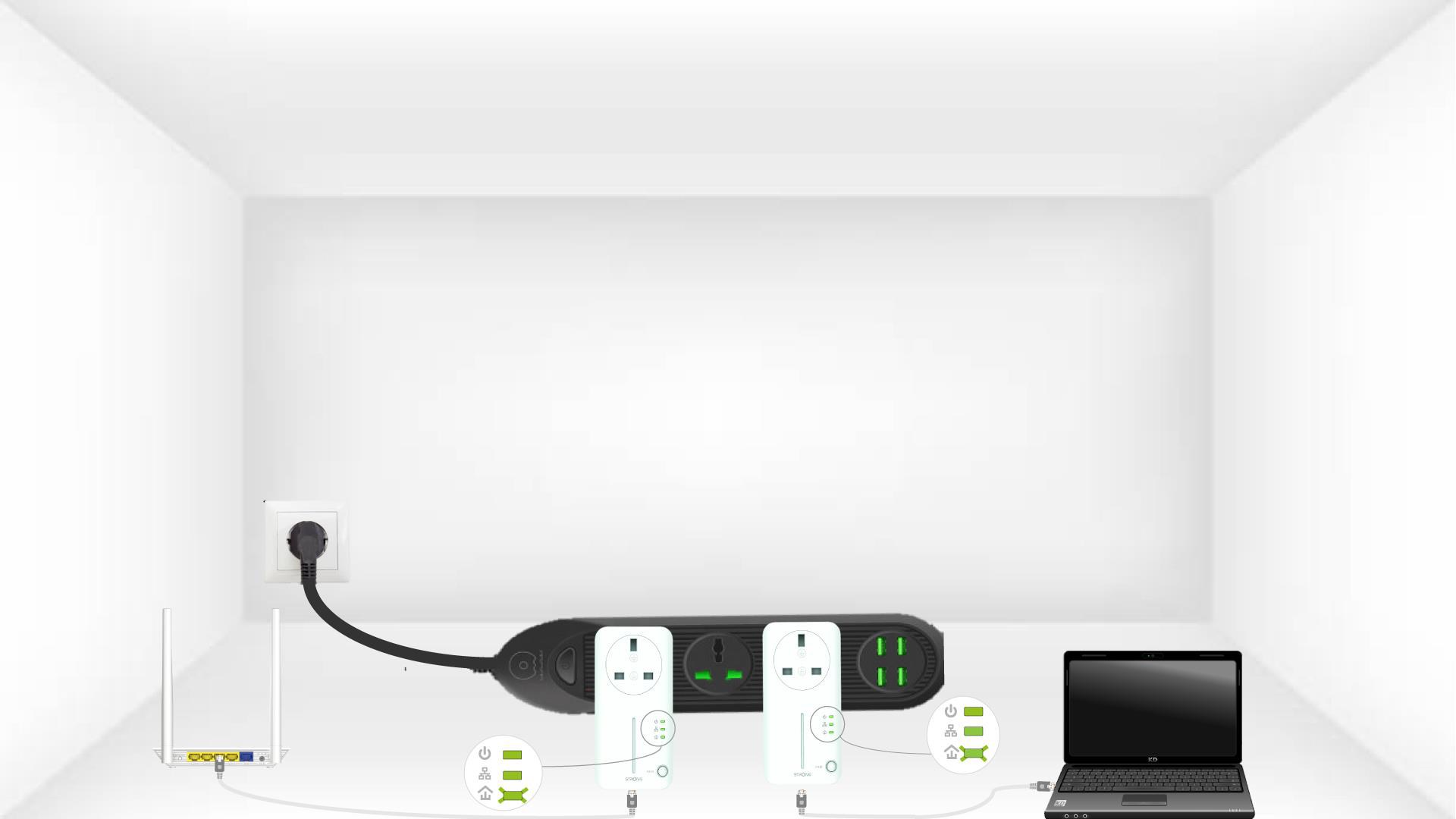
6 адаптера је ресетовано
Све ЛЕД диоде морају бити зелене на крају операција.
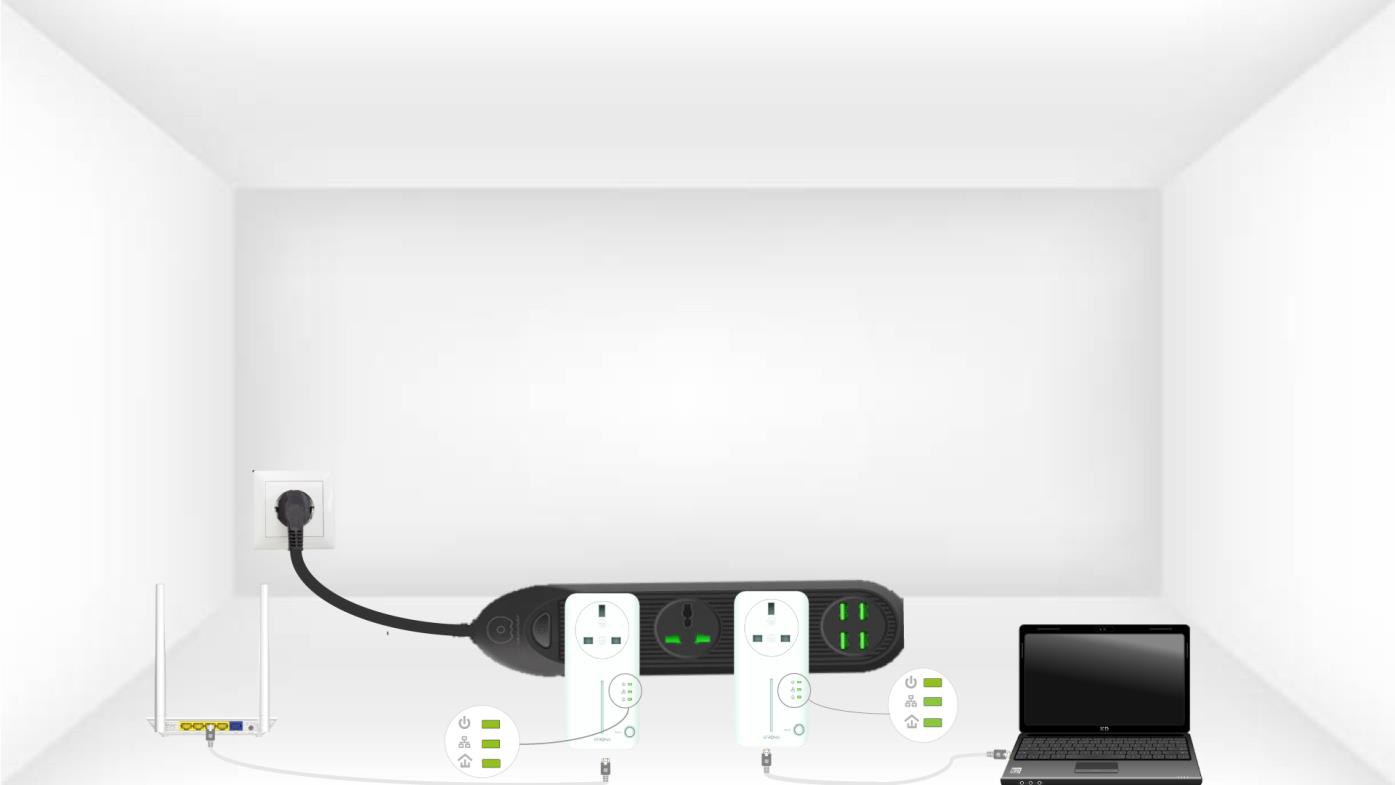
Поновите исту операцију за трећи далековод. Можете имати до 8 Powerline 600 на истој електричној инсталацији.
Након упаривања свих уређаја, можете их поставити у просторију где су вам потребни.